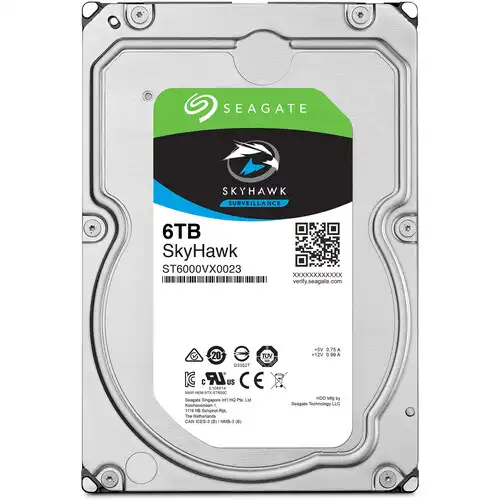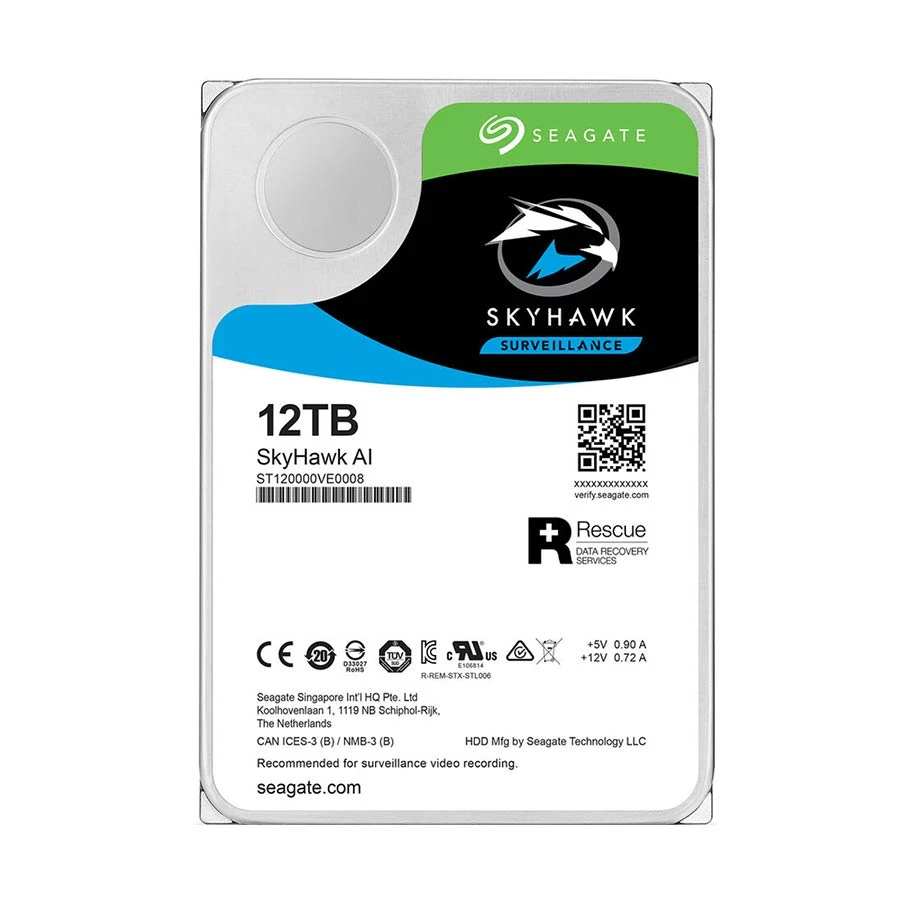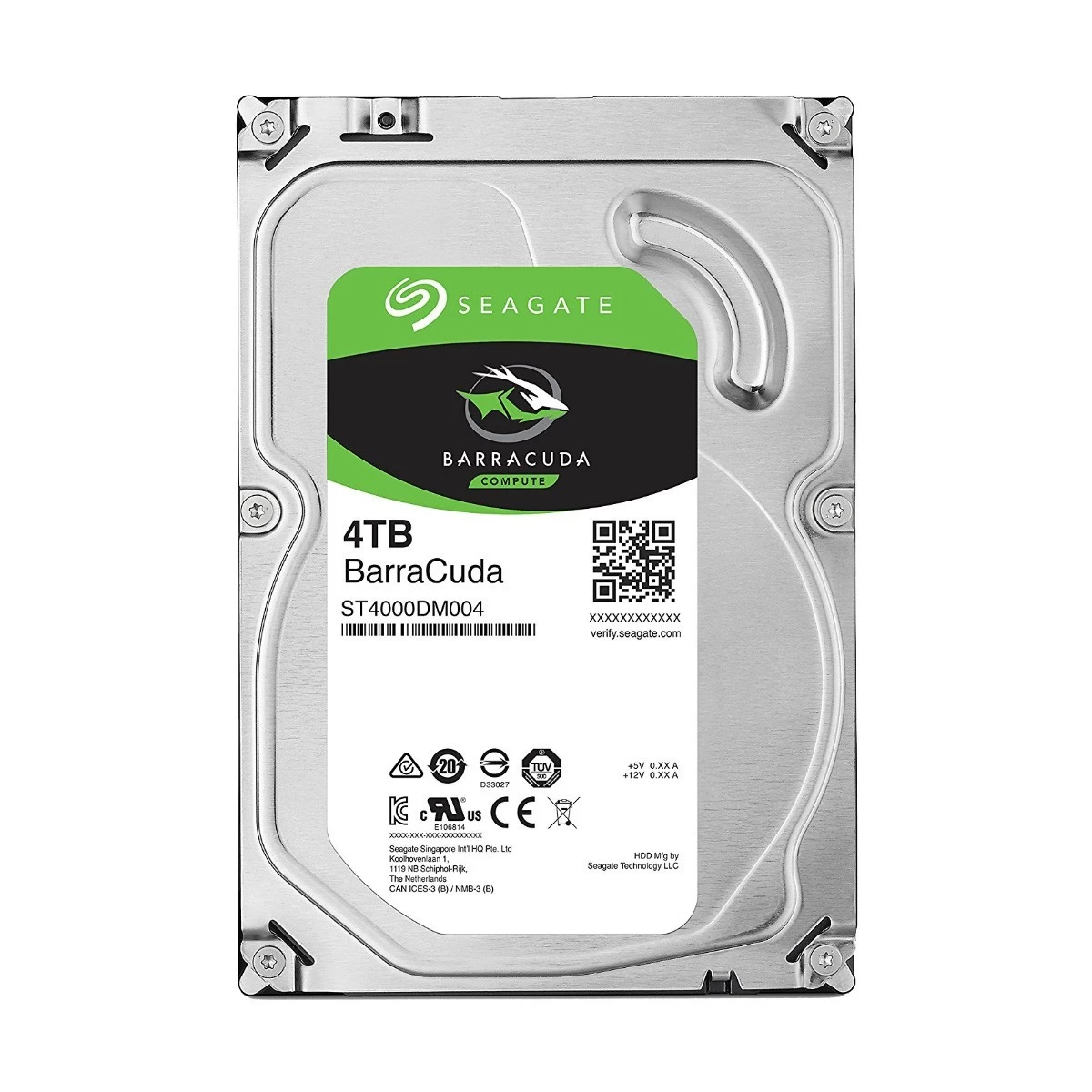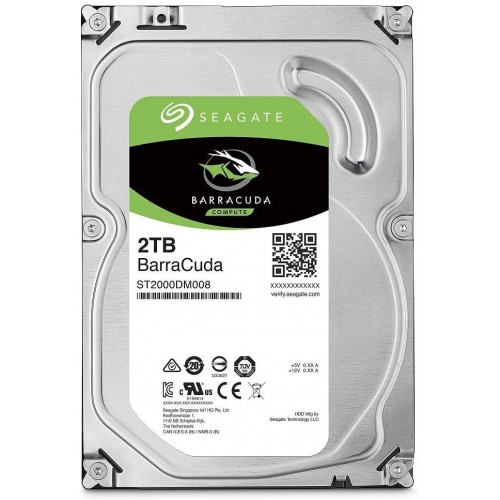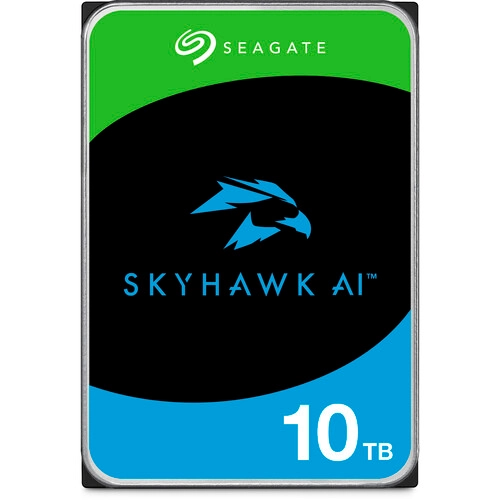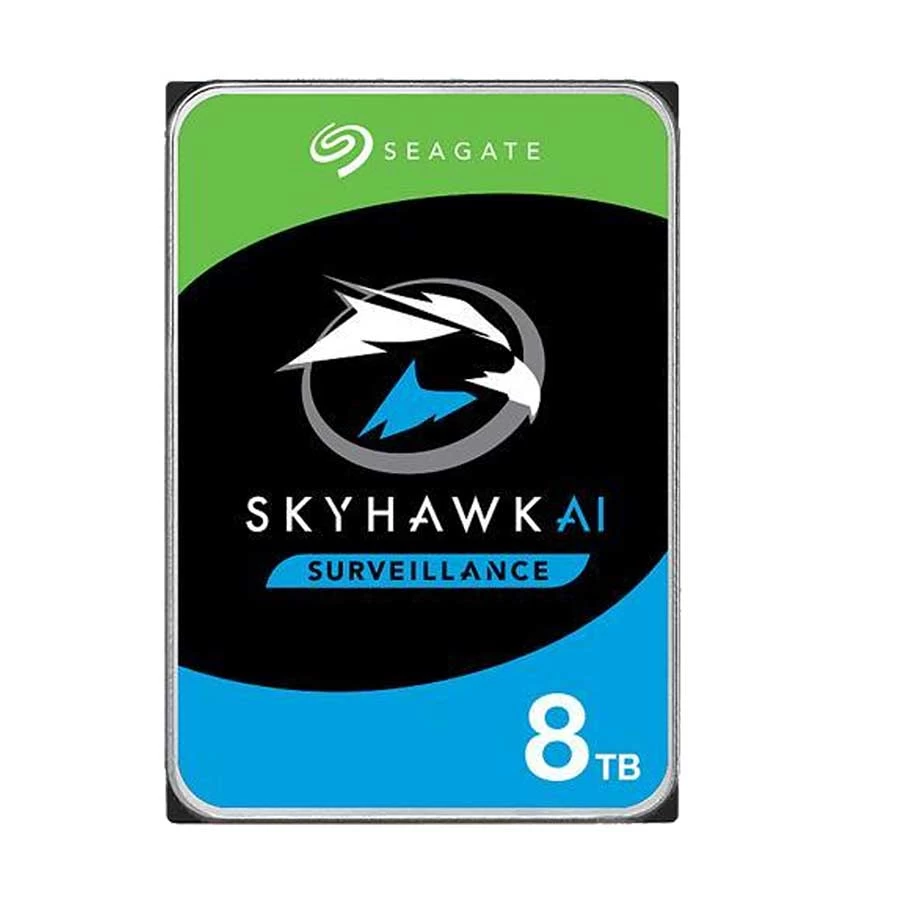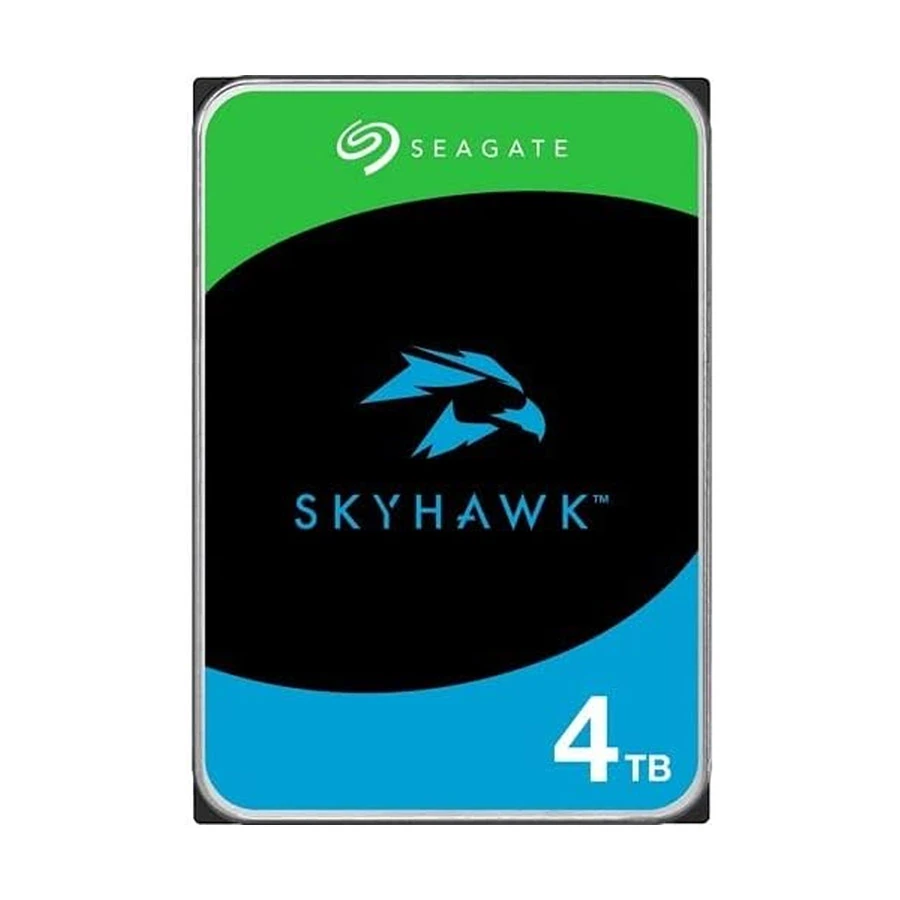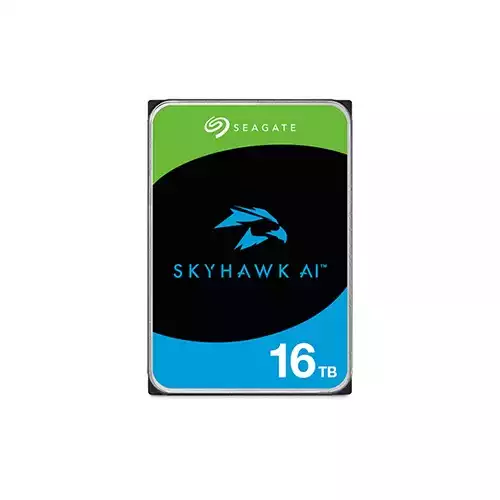



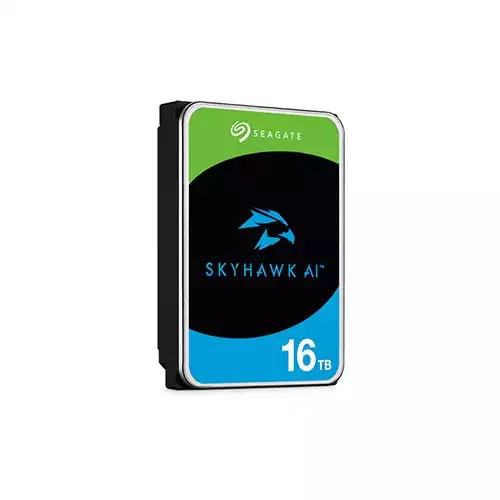
Seagate SkyHawk AI 16TB 3.5 Inch SATA Surveillance HDD
Contact us for pricing
Genuine Product
Fast Delivery
Easy Returns
Product Details
Key Features
Type: SATA Surveillance HDD
Storage: 16TB
RPM: 7200 RPM
Form Factor: 3.5 Inch
Description
Order
Info
Reviews
Questions
| Specification | |
|---|---|
| Brand | Seagate |
| Model | SkyHawk AI 16TB |
| Type | SATA Surveillance HDD |
| Capacity | 16TB |
| Form Factor | 3.5 Inch |
| Interface | SATA 6Gb/s |
| Data Buffer | 256MB |
| RPM | 7200 RPM |
| Dimensions | 146.99 x 101.6 x 26.1 mm |
| Weight | 670g |
| Rescue Services | 3 Years Data Recovery |
| Warranty | 5 Years |
Description
Seagate SkyHawk AI 16TB 3.5 Inch SATA Surveillance HDD
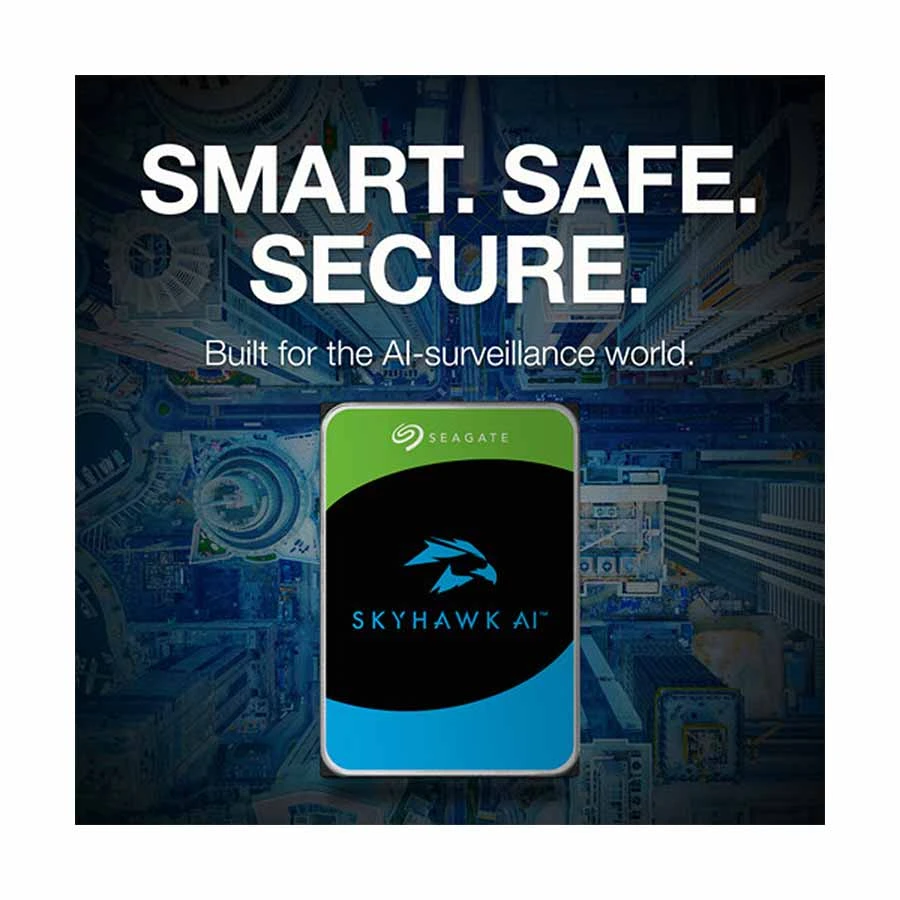
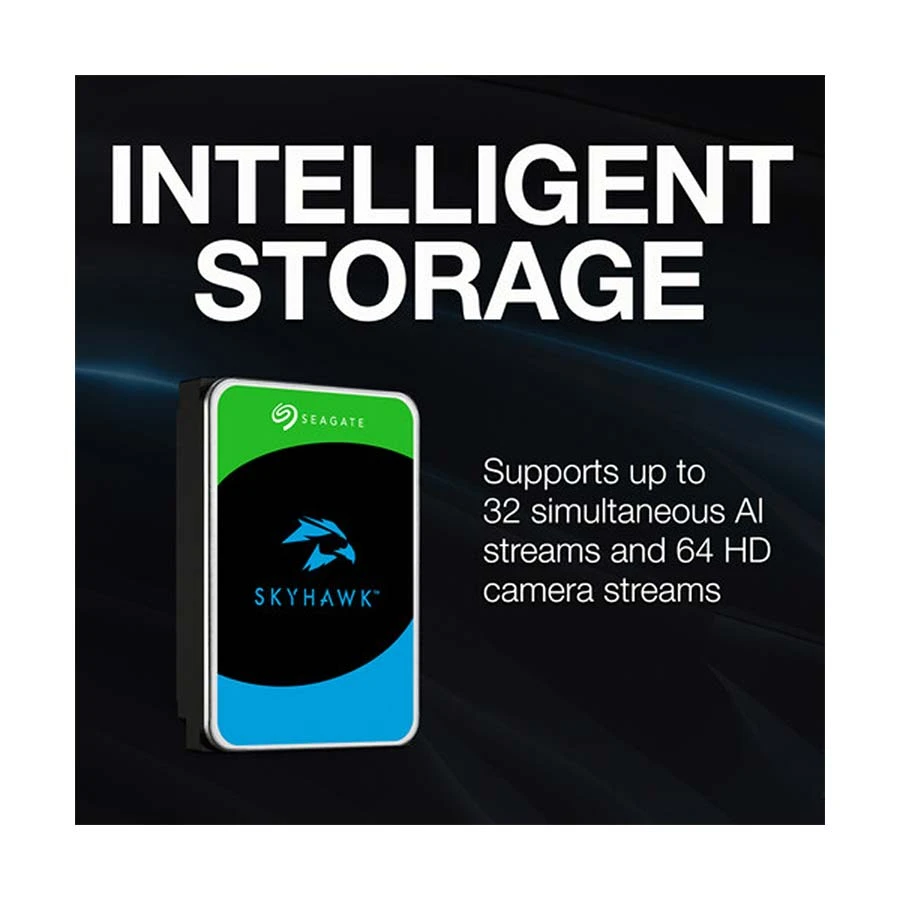
Seagate SkyHawk AI 16TB 3.5 Inch SATA Surveillance HDD is a high-capacity storage solution designed specifically for AI-enabled surveillance systems. Tailored for 24/7 operation, this drive handles massive video workloads in modern security setups. Equipped with a SATA 6Gb/s interface and spinning at 7200 RPM, it ensures fast data transfer and reliable performance. The drive’s massive 16TB capacity supports high-resolution video storage for extended periods, making it ideal for large-scale surveillance environments. A 256MB cache buffer provides smooth data access and minimizes latency, which is essential for real-time monitoring and playback. The Seagate SkyHawk AI series is optimized for NVR systems with AI analytics, supporting up to 64 HD video streams and 32 AI streams. Its robust design includes ImagePerfect™ AI firmware, which reduces dropped frames and downtime during heavy workloads. The 3.5-inch form factor and lightweight 670g build make it easy to integrate into existing setups. Moreover, it comes with 3 years of Rescue Data Recovery Services, providing peace of mind and added value. Whether you're upgrading your current system or building a new surveillance network, the SkyHawk AI 16TB drive offers unmatched reliability, durability, and AI-optimized performance.How to Order
Revolution Technology BD has made shopping easier for customers. Follow these steps:
- Click Register Button from home page
- Register with: Name + Email + Mobile + Password
- Click Create Account after entering information
- Login automatically or use Login button
- Provide mobile number and password, then Sign Up
- Choose desired product and click Buy Now
- View product details and click Add to Cart
- Click Item box (upper right corner)
- Go to Shopping Cart page
- Continue Shopping for more products or proceed
- Click "Click Here to Address" button
- Provide Full Name, Phone, Email & Delivery Address
- Click Order Submit button
- View Bill Invoice and receive email confirmation
- Print Invoice using Print button
- Wait for delivery - we'll keep you updated
- Thank you for shopping with us!