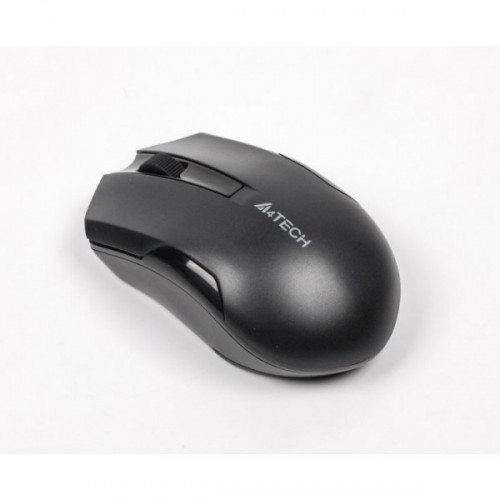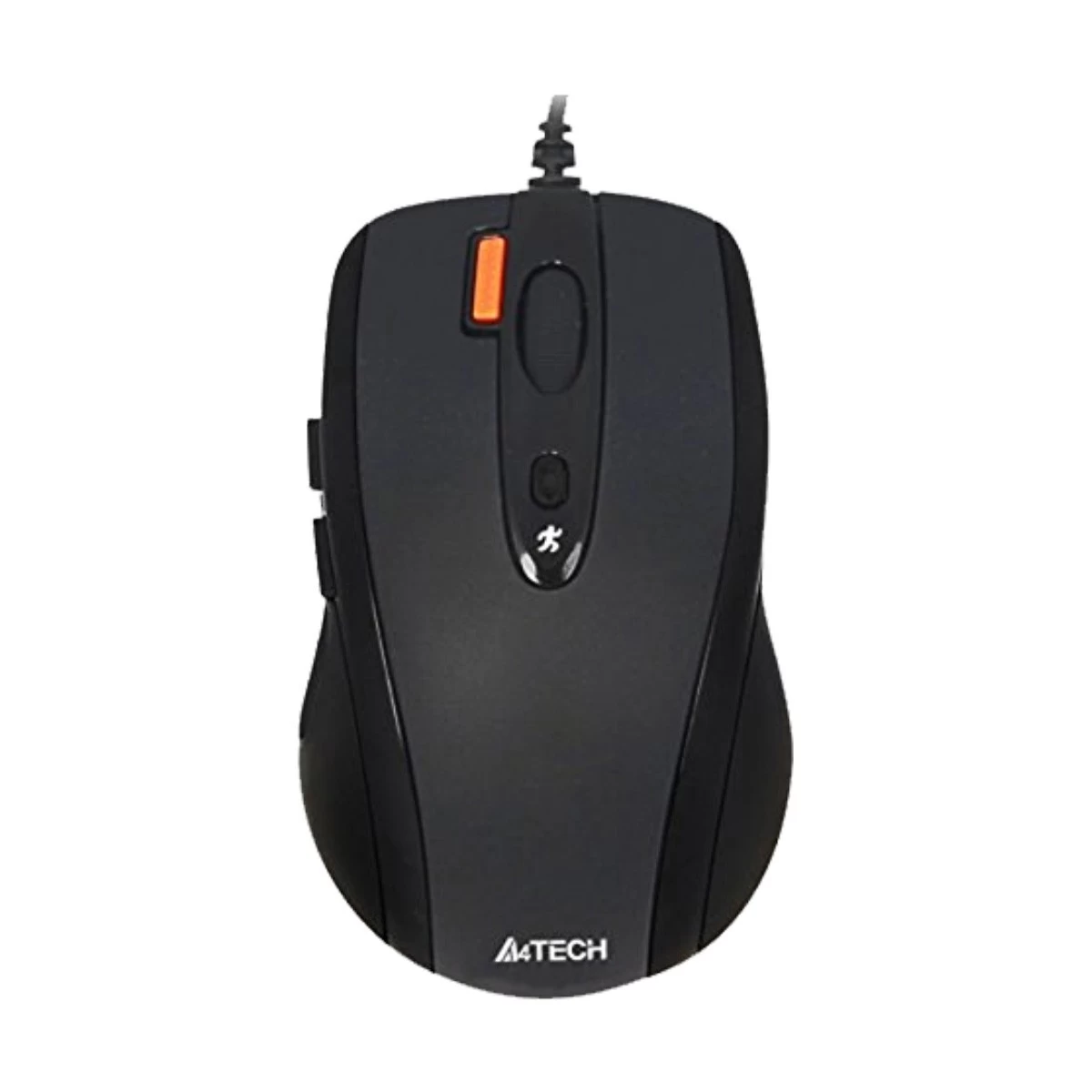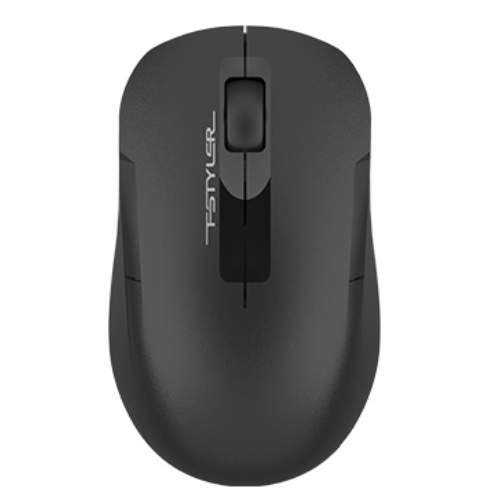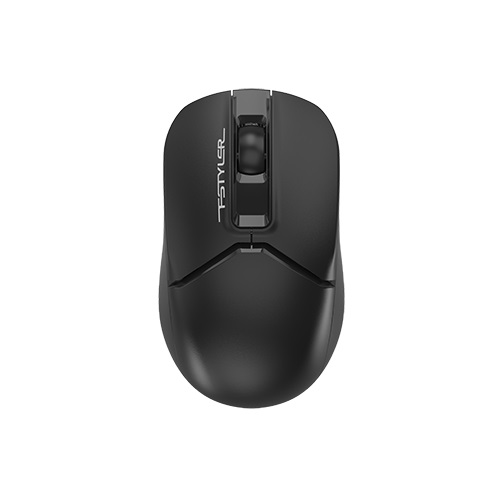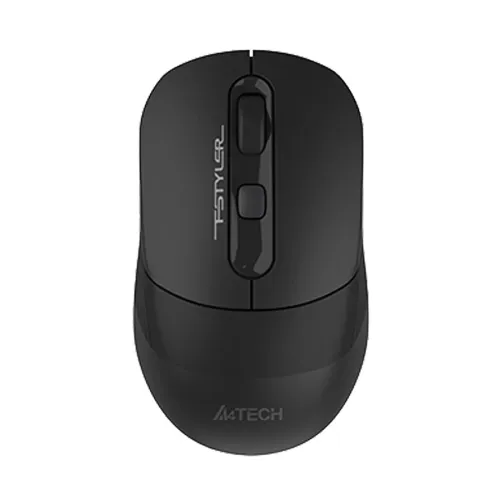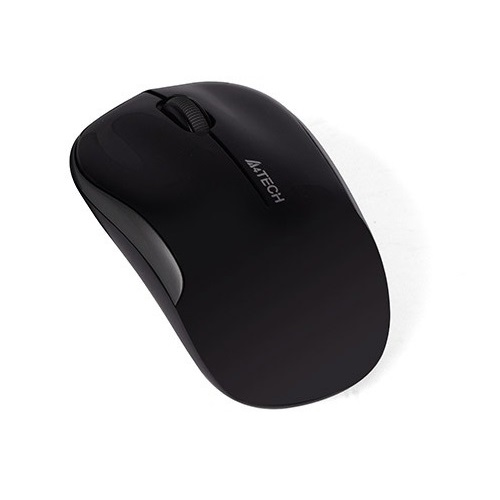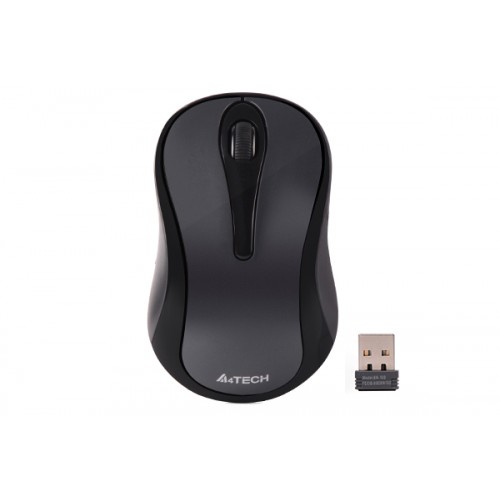
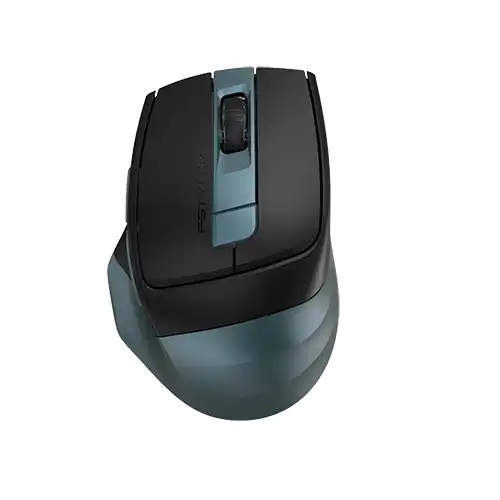
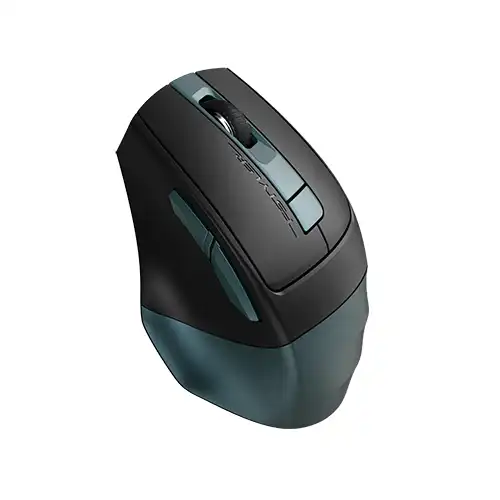
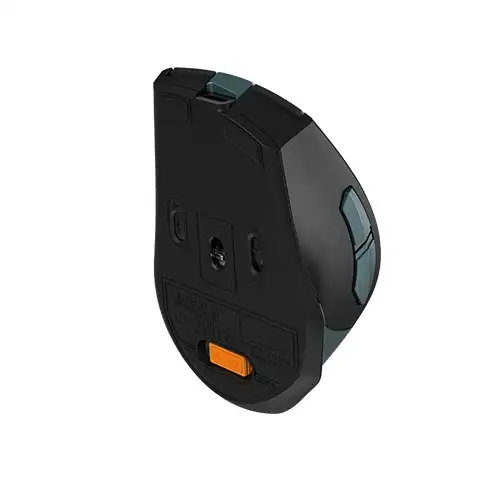
A4TecH FB35CS Fstyler Dual Mode Silent Click Rechargeable Bluetooth Wireless Mouse
Exclusive of all taxes
Product Details
Key Features
Model: FB35CS
Connection: Bluetooth / 2.4G Wireless
Multi-Device: 3 Devices (BT x2, 2.4G x1)
Buttons: 6, DPI: 1200-1600-2000
Report Rate: 125 Hz
Specification
|
Main Features |
|
|
Connection Type |
Bluetooth / 2.4G (Nano Receiver) |
|
Resolution |
DPI: 1200-1600-2000 |
|
Polling Rate |
125 Hz |
|
Gaming Features |
|
|
Button |
6 |
|
Physical
Specifications |
|
|
Color |
Midnight Green |
|
Dimension |
105 x 70 x 42 (L*W*Hmm) |
|
Weight |
89 g (w/ battery) |
|
Warranty
Information |
|
|
Warranty |
1 Year Warranty |
Description
A4TecH FB35CS Fstyler Dual Mode Silent Click Rechargeable
Bluetooth Wireless Mouse
The A4TECH FB35CS Fstyler
Bluetooth Wireless Mouse features Bluetooth and a 2.4 GHz wireless connection
with auto channel sort. It also provides faster response, more precise
movement, a more stable connection, and smoother tracking. It comes with a nano
receiver for connecting the mouse to your devices. The A4TECH FB35CS Fstyler
Dual Mode Silent Click Rechargeable Bluetooth Wireless Mouse connects with up
to three devices simultaneously. 1 with 2.4 GHz connectivity, and 2 with
Bluetooth capability. It offers a power switch.
Silent Clicks
The A4TECH FB35CS Fstyler Dual
Mode Bluetooth Wireless Mouse also features silent clicks. It keeps you focused
on the task at hand and reduces the fear of disturbing others.
DPI Adjustable Button
The A4TECH FB35CS Fstyler
features a 4-level DPI adjustable button. It has a DPI of 1200, 1600, 2000. It
also has two functional thumb-side buttons. The side buttons are preset with
backward and forward functions and can be customized with the software.
USB Type-C Rechargeable Design
The A4TECH FB35CS Fstyler
Bluetooth mouse comes with a USB Type-C rechargeable design. It's powered by a
built-in Li-ion battery. It takes about 2.5 hours to fully charge. And it has a
5-volt charging limit and is eco-friendly.
How to Order
Revolution Technology BD has made shopping easier for customers. Follow these steps:
- Click Register Button from home page
- Register with: Name + Email + Mobile + Password
- Click Create Account after entering information
- Login automatically or use Login button
- Provide mobile number and password, then Sign Up
- Choose desired product and click Buy Now
- View product details and click Add to Cart
- Click Item box (upper right corner)
- Go to Shopping Cart page
- Continue Shopping for more products or proceed
- Click "Click Here to Address" button
- Provide Full Name, Phone, Email & Delivery Address
- Click Order Submit button
- View Bill Invoice and receive email confirmation
- Print Invoice using Print button
- Wait for delivery - we'll keep you updated
- Thank you for shopping with us!