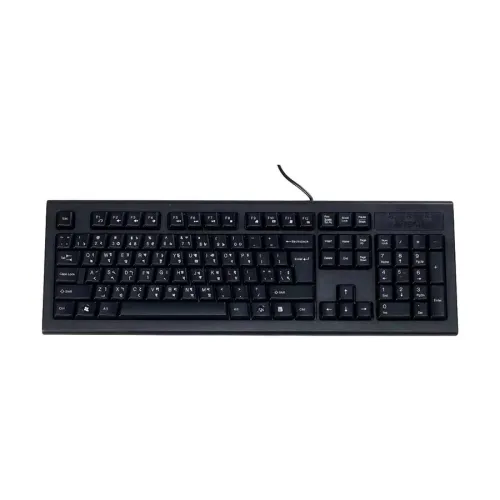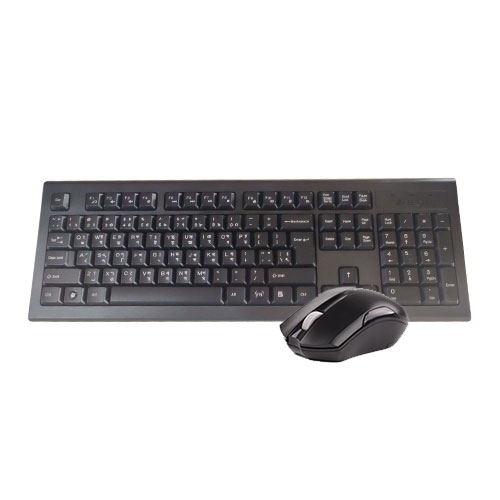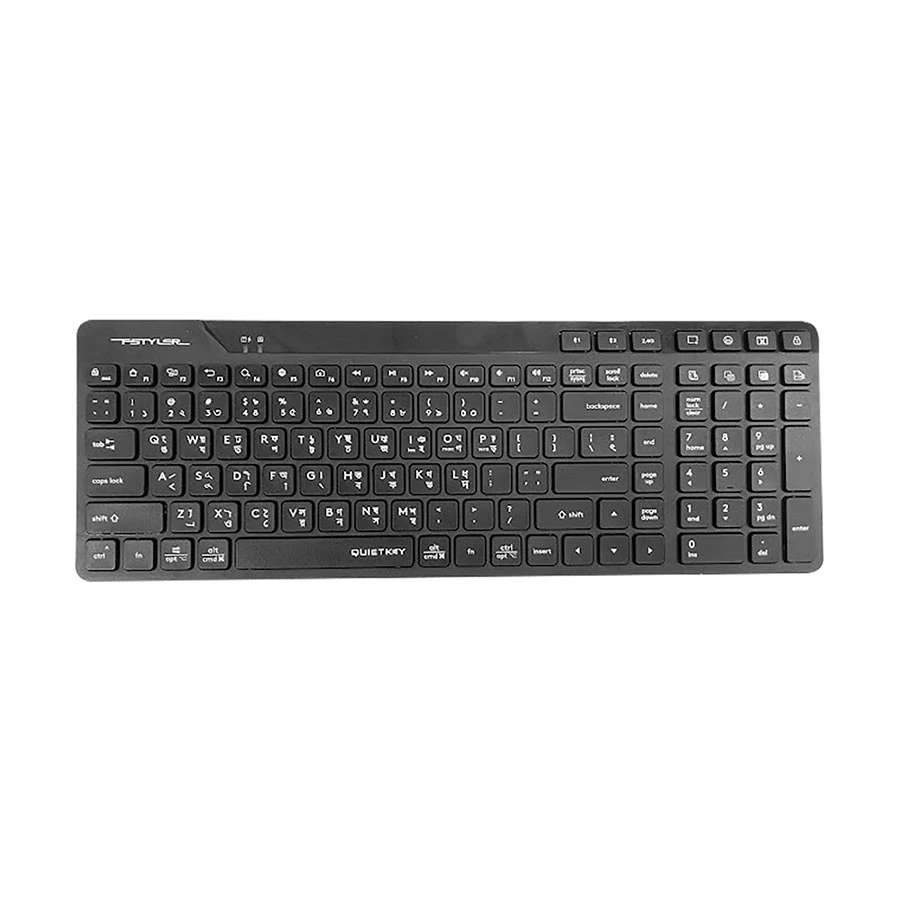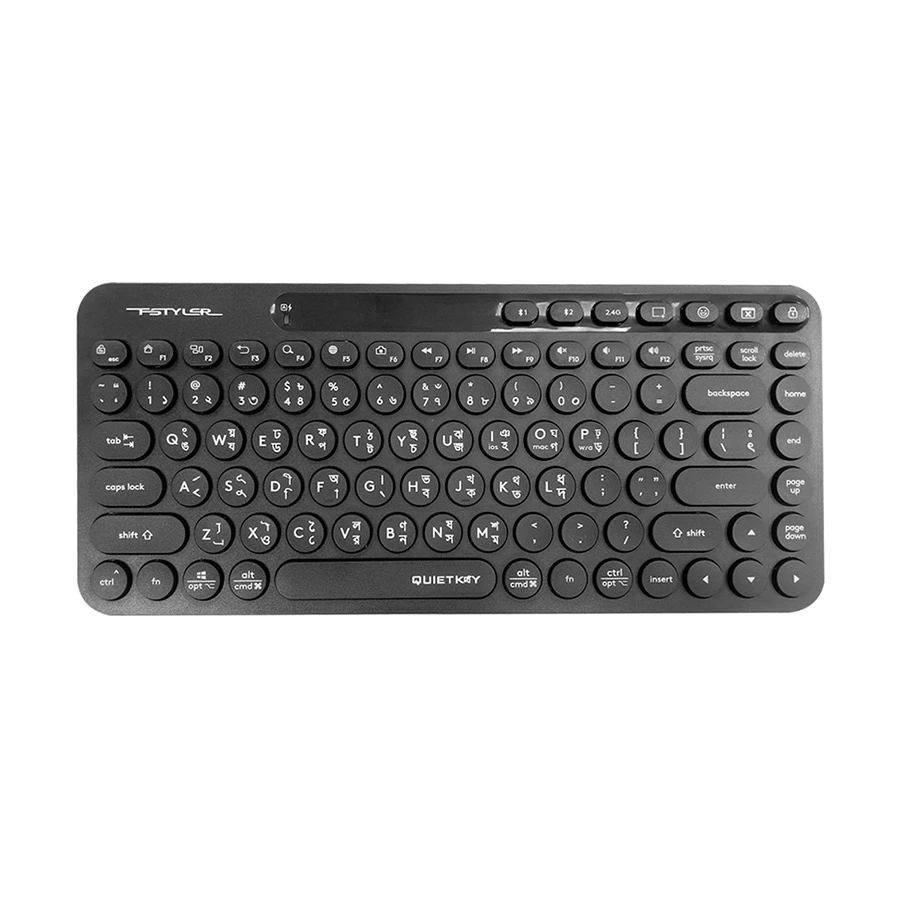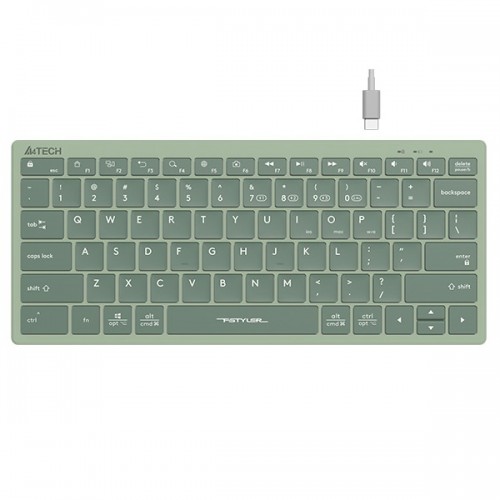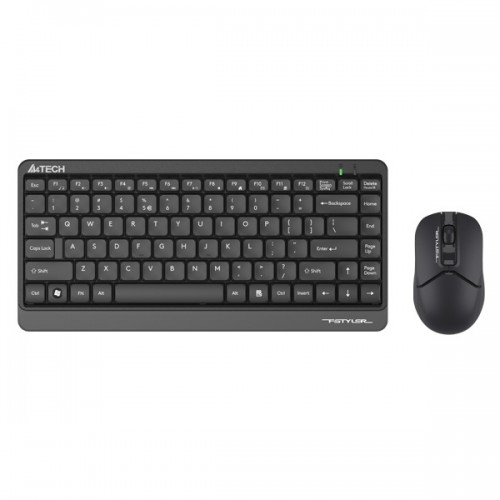
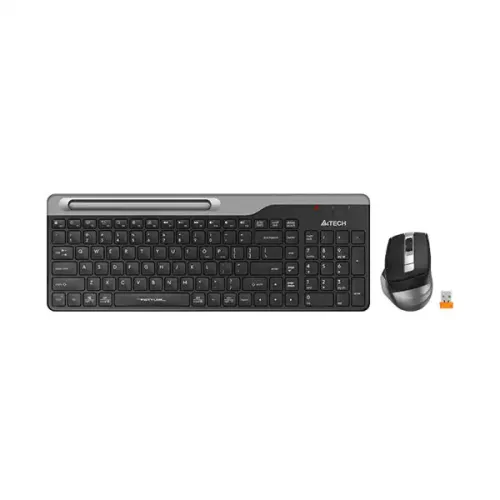
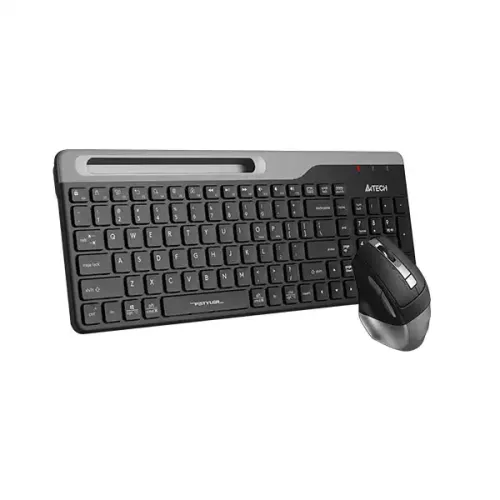
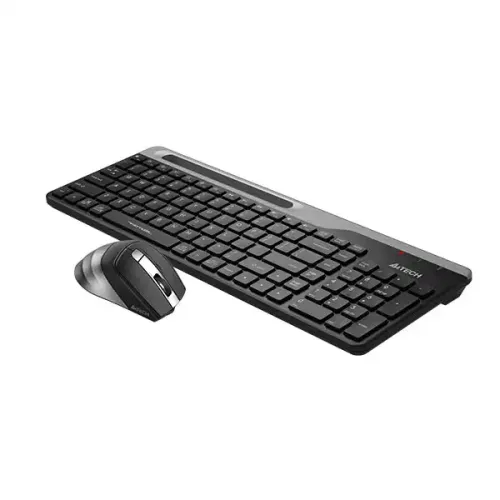
A4TECH Fstyler FB2535C Bluetooth & 2.4G Wireless Keyboard Mouse Combo
Exclusive of all taxes
Product Details
- Model: Fstyler FB2535C
- Type: Bluetooth / 2.4G
- Operating Range: 5~10 M
- DPI: 1200-1600-2000-2400
- Battery Life: about 650H
Specification
| Keyboard | ||
| Interface | Connection: Bluetooth / 2.4G | |
| Others | Operating Range: 5~10 M Multi-Device: 4 Devices( BT*3, 2.4G*1) Battery: 1 AA Alkaline Battery Battery Life: about 650H (12 Months) | |
| Mouse | ||
| Number of Buttons | 6 | |
| Sensor | Optical | |
| Resolution | DPI: 1200-1600-2000-2400 | |
| Polling Rate | 125Hz | |
| Others | Multi-Device: 3 Devices ( BT*2, 2.4G*1) Style: Right-Handed Fit | |
| Connector | Bluetooth / 2.4G Receiver: Nano USB Receiver | |
| Dimension(LxWxH) | 105 x 70 x 42 (L*W*Hmm) | |
| Weight | 91 g | |
| Warranty | ||
| Warranty | 01-Year Warranty | |
Description
A4TECH Fstyler FB2535C Bluetooth & 2.4G Wireless Keyboard Mouse Combo
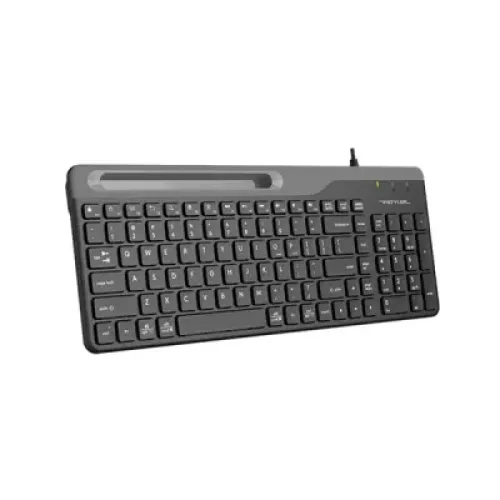
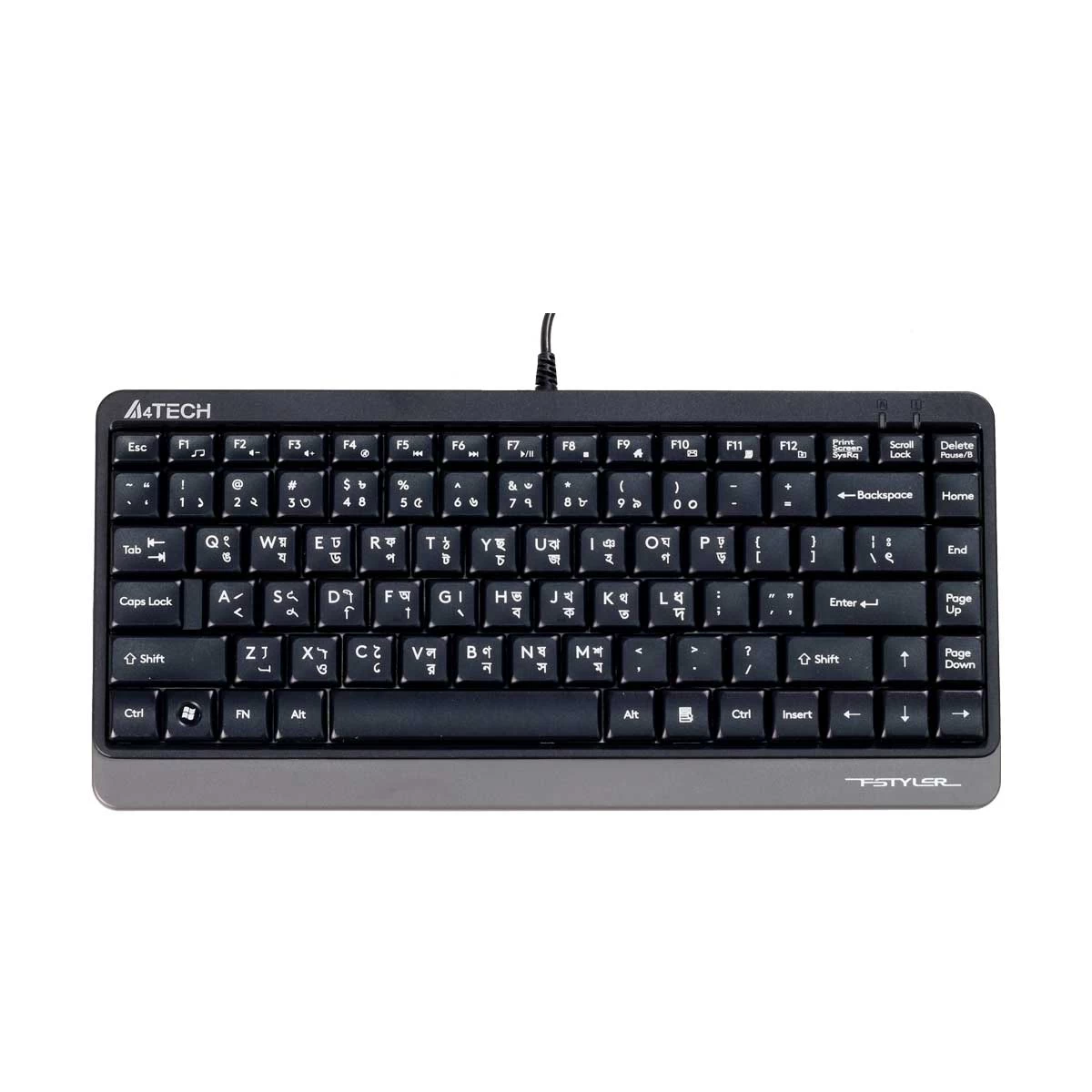
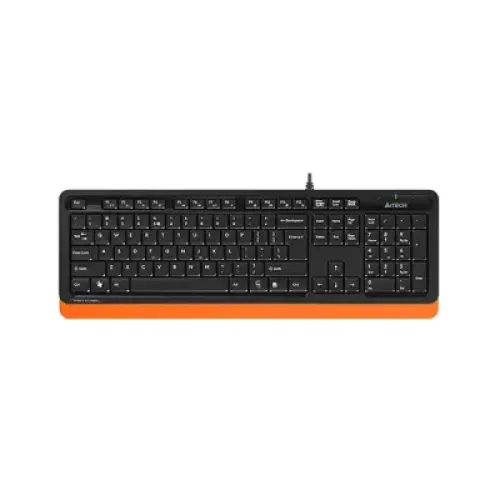
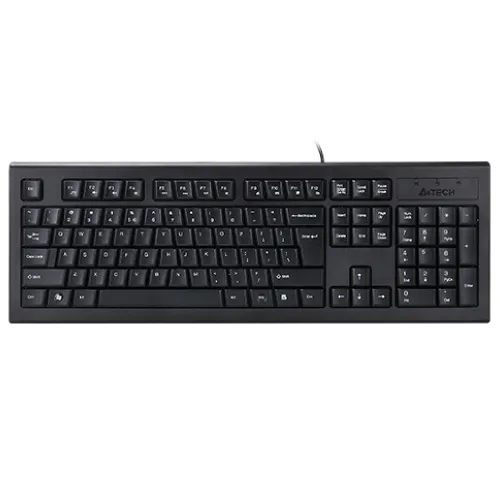
The A4TECH Fstyler FB2535C Bluetooth & 2.4G Wireless Keyboard Mouse Combo offers a variety of convenient features for an efficient and comfortable user experience. Connectivity options include a plug-and-play 2.4G Nano USB receiver or via Bluetooth, allowing for a strong and reliable connection. Up to 4 devices (3 Bluetooth and 1 2.4G) can be connected at the same time for easy switching. The keyboard features multimedia hotkeys for one-touch access to 12 functions, and its compact size saves space on your desktop. The FN mode can be locked and unlocked with a simple keystroke, and there is even an integrated smartphone cradle for hands-free device use. The keycaps are designed for comfortable typing, and the keyboard can switch between 3 connected devices with just one click. The mouse has 2 thumb side buttons that can be customized with software, and a Type-C rechargeable design with a long-lasting lithium battery. The DPI can be adjusted to 4 levels (1200/1600/2000/2400) and there are 16 selectable hotkey commands. An on/off power switch makes the mouse easy to take on the go.
How to Order
Revolution Technology BD has made shopping easier for customers. Follow these steps:
- Click Register Button from home page
- Register with: Name + Email + Mobile + Password
- Click Create Account after entering information
- Login automatically or use Login button
- Provide mobile number and password, then Sign Up
- Choose desired product and click Buy Now
- View product details and click Add to Cart
- Click Item box (upper right corner)
- Go to Shopping Cart page
- Continue Shopping for more products or proceed
- Click "Click Here to Address" button
- Provide Full Name, Phone, Email & Delivery Address
- Click Order Submit button
- View Bill Invoice and receive email confirmation
- Print Invoice using Print button
- Wait for delivery - we'll keep you updated
- Thank you for shopping with us!