

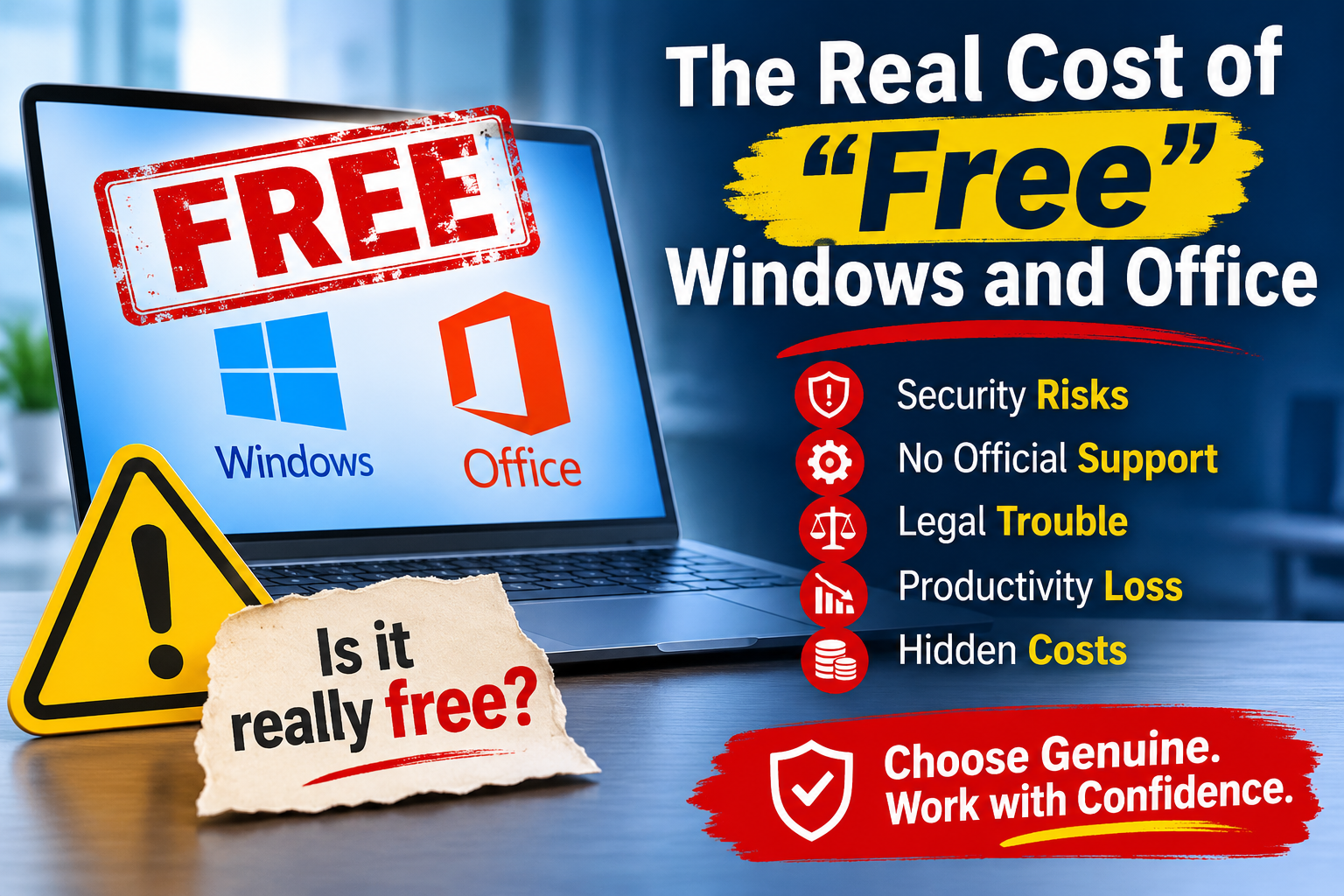
Nobody sends you an invoice for pirated software, and that is exactly the problem. The bill still arrives, just later, from somewhere else, and in a different currency: stolen passwords, lost working days, and uncomfortable questions from clients. Here is that invoice, line by line.
Many businesses do this to save money or because licensing felt confusing, not because they are careless. The aim is to show what “free” actually costs.
Line 1: An Installer That Asks You to Switch Off Your Antivirus
Cracked Windows and Office setups usually need someone to run an “activator” by hand. Security researchers note that these installs often tell the user to disable antivirus first, which lets a hidden payload run silently. pulse
Think about what that means. The one tool built to stop malware is switched off by the person who is trying to help the company. Because the infection starts from an employee’s own action, it can bypass the usual defenses and make the breach more severe. pulse
Cost on this line: your protection, removed on purpose.
Line 2: Passwords Leaving the Building
Illicit software carries a risk of malware, credential theft, cryptominers, session hijacking, and ransomware. The most common payload is an infostealer, which quietly collects saved browser passwords, session cookies, and wallet data. barracuda
The damage doesn’t stay on one PC. Stolen information can be traded on the dark web or reused for secondary attacks, and security reports specifically warn against cracked software and keygens. A password stolen today can turn up months later as the way into your email, cloud storage, or banking portal. ahnlab
Cost on this line: every account that was ever saved on that machine.
Line 3: Updates That Stop
A genuine copy of Windows or Office receives security fixes. Cracked software generally does not receive updates, so known vulnerabilities stay open and exploitable. quickheal
That matters more than it used to. In our earlier article on the 3-day patch window, we explained that attackers often begin exploiting a flaw within days of its disclosure. A PC that can’t be patched is a PC that is permanently behind that clock.
Cost on this line: a machine that gets more exposed every month.
Line 4: Questions From Auditors and Clients
Even if nothing is ever stolen, an unlicensed machine is a finding. Business use normally requires a paid license, and without one the company is exposed to legal risk. spamtitan
Larger customers, banks, and certification audits (ISO 27001 reviews, for example) increasingly ask how software is licensed and controlled. “We found it on the internet” is not an answer that wins contracts.
Cost on this line: credibility, and sometimes the deal.
Line 5: Downtime and Clean-up
When an infected PC is found, the fix isn’t deleting one file. Plan for:
- Taking the machine offline and investigating it
- Reinstalling the operating system and applications
- Changing every password that machine has touched
- Restoring files from a backup, if a clean one exists
- Staff time spent on all of it instead of on their work
Cost on this line: days of productivity, multiplied by the number of people affected.
The Total
| “Free” (cracked) | Genuine license | |
|---|---|---|
| Price today | Nothing | A known, budgetable cost |
| Security updates | Generally not received | Yes |
| Antivirus | Often switched off during install | Stays on |
| Malware risk | High, because the tool itself is the carrier | Low |
| Audit and client checks | A liability | Passes |
| Support when something breaks | None | Yes |
| Total cost over time | Unknown, and often the highest | Predictable |
The license is the only line item where you know the price in advance.
Why Helpful People Do This
Employees looking for free versions of paid software are often the unknowing delivery agents of malware. Most of them want to finish a task, and the approved software was too slow to get. securityweek
Blaming people doesn’t fix this. The recommended approach is to combine technical controls with a clear acceptable-use policy and user awareness training. In practice that means: barracuda
- Make the legitimate route fast. If getting a licensed tool takes three weeks, people will find another way.
- Remove local admin rights from everyday accounts, so a user can’t install an activator.
- Block piracy-heavy website categories at the DNS or web-filter level. Category-based web filtering can stop access to sites such as peer-to-peer file sharing where cracked software is distributed. spamtitan
- Keep an up-to-date software inventory, so an unfamiliar program stands out.
Check Your Own Business in 10 Minutes
On Windows: open Settings, then System, then Activation. It should say Windows is activated, with a digital license or product key. For more detail, run this in a Command Prompt:
slmgr /dliLook at the license channel it reports. Retail and OEM are normal for individually bought and pre-installed licenses.
A word of caution: KMS is a legitimate activation method for organizations with volume licensing, so a KMS result is a reason to check, not proof of piracy. Ask your IT team whether you hold a volume agreement.
On Office: open any Office app, choose File, then Account, and check the product information and the signed-in account. A Microsoft 365 subscription should be tied to a real organizational sign-in.
Red flags on any PC:
- Files named like “activator,” “crack,” or “keygen” in Downloads or on the desktop
- Antivirus switched off, or exclusion folders that nobody on your team created
- Scheduled tasks or services with generic names that nobody remembers adding
- A machine that has stopped updating
If You Find One: Do It in This Order
- Isolate the PC. Disconnect it from the network.
- Don’t just delete the crack. Assume the machine may be compromised, because removing the activator doesn’t remove what it may have installed.
- Change passwords from a different, clean device, and sign out all active sessions, especially for email and cloud accounts.
- Scan with a reputable endpoint security product and review recent activity.
- Reinstall the operating system from clean, genuine media on anything that held sensitive data.
- Replace it with a properly licensed setup, and check the other PCs bought or set up by the same person.
Genuine Licensing Without the Pain
You don’t need to buy the most expensive option. The right fit depends on how you work:
- OEM Windows: licensed with a new PC, and tied to that device. A good fit when you are buying new computers anyway.
- CSP licenses: bought through a Microsoft partner, suited to businesses that need several licenses and flexible management.
- Microsoft 365: a subscription that bundles the Office apps with email and cloud services, kept up to date automatically.
- Endpoint security: a second line of defense so that one bad download doesn’t become a company-wide incident.
Not sure which one matches your office? Tell us how many PCs you have and how they are used, and we’ll recommend the simplest legitimate setup.
The Bottom Line
“Free” software is never really free. You pay in security, in updates, in audits, and in the time it takes to recover. A genuine license is the one cost you can plan for, and it comes with protection, updates, and support. If your office still runs on activators, replacing them is cheaper than your first cleanup.
Talk to Revolution Technology BD
Not sure whether every PC in your office is genuine? Our team can help you check your licenses, choose the right option, and move to a properly supported setup without disrupting your work.
- Microsoft Operating System:
https://revolutiontech.com.bd/products/subCategory/39 - Microsoft Office Application:
https://revolutiontech.com.bd/products/subCategory/40 - Microsoft 365 & Cloud Solution:
https://revolutiontech.com.bd/products/subCategory/43 - Microsoft 365 Migrations:
https://revolutiontech.com.bd/products/thirdCategory/411 - Cyber Security:
https://revolutiontech.com.bd/products/subCategory/157