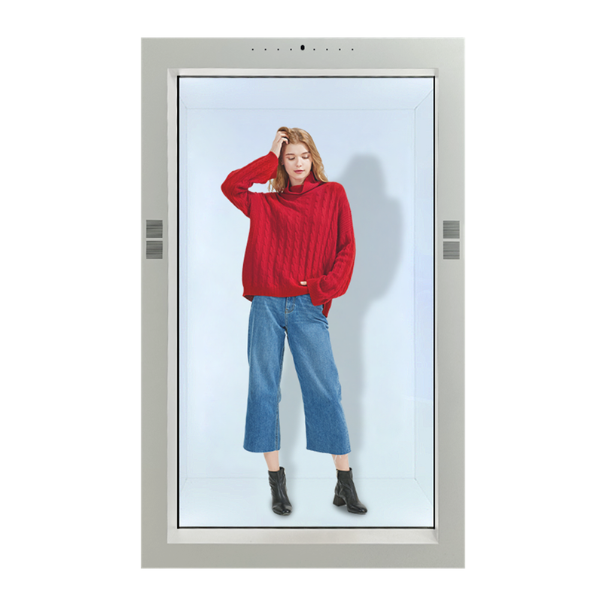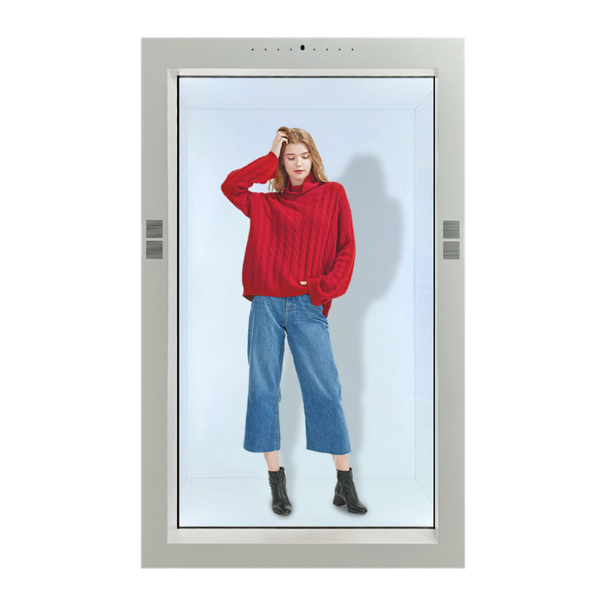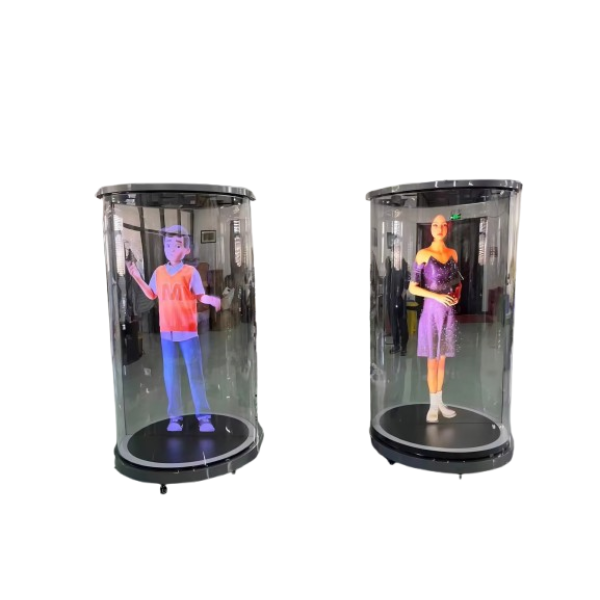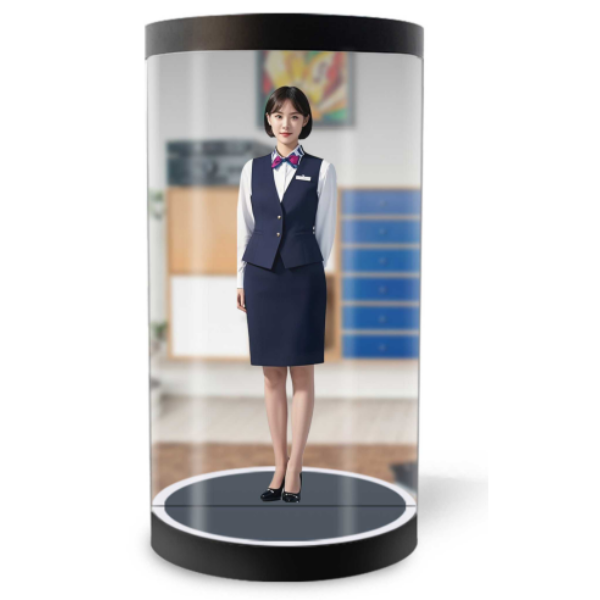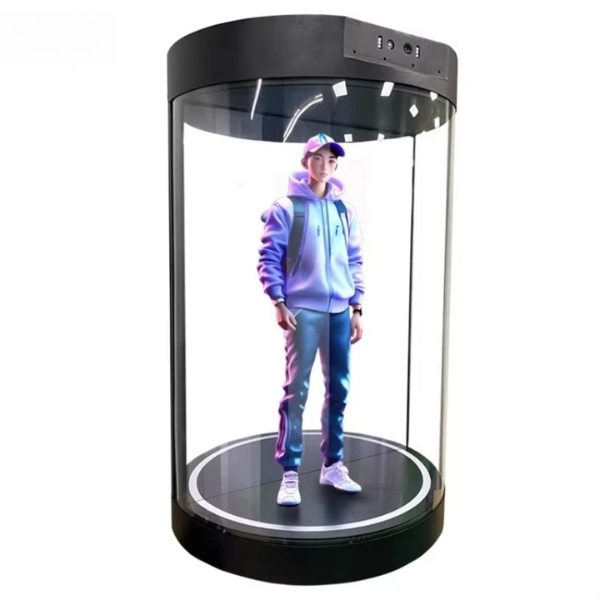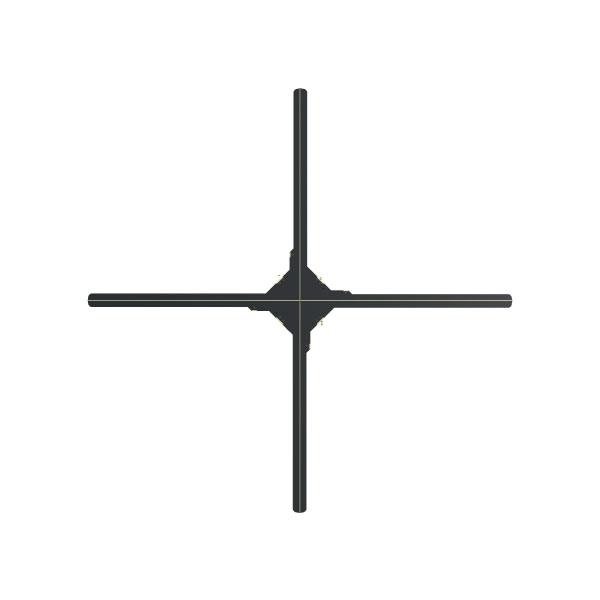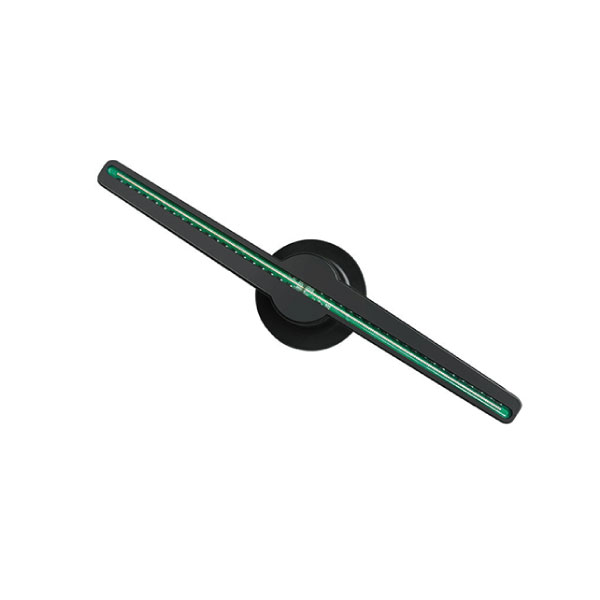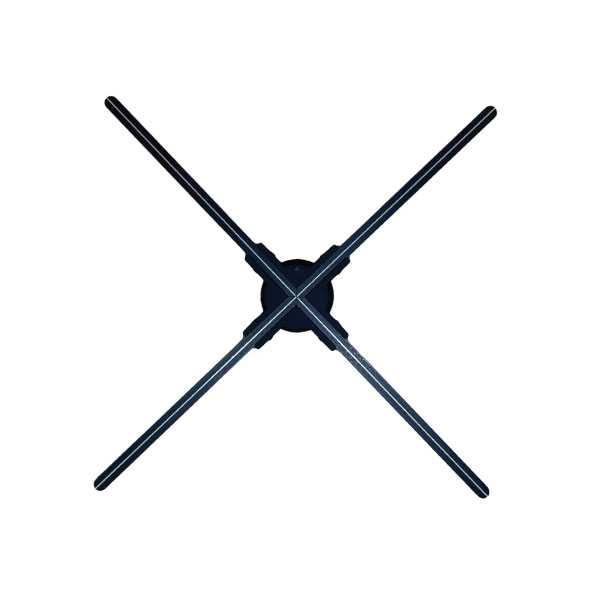
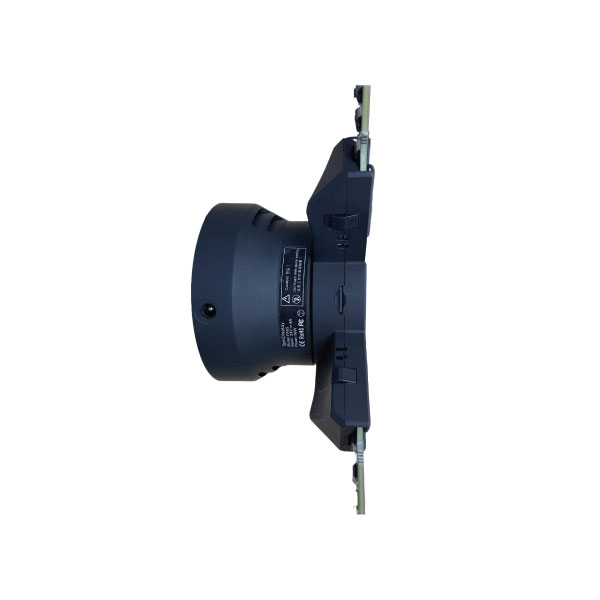
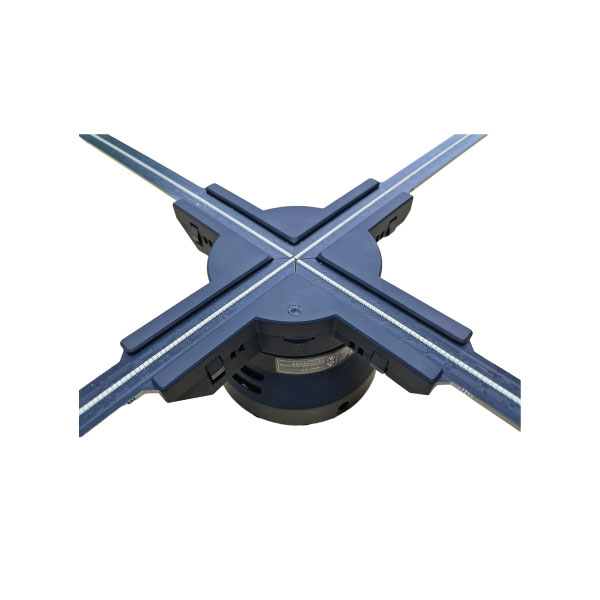
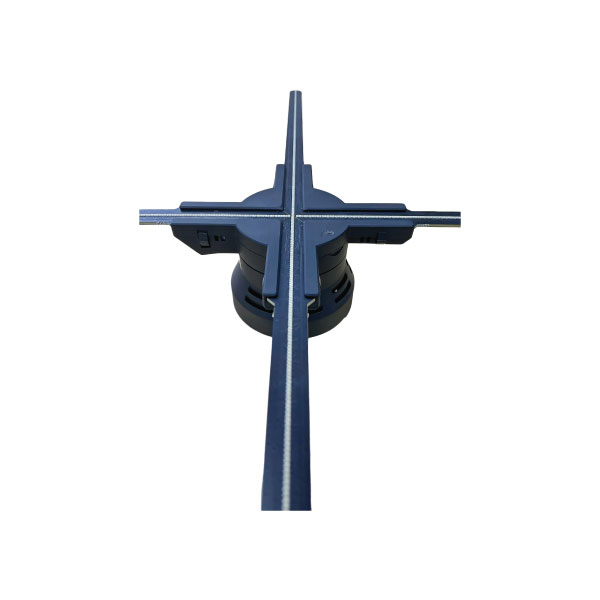
56 cm 3D Z6H Hologram Projector Display LED Fan
Contact us for pricing
Product Details
Key Features
Product: Z6H 3D
Hologram Display Fan
Size: 56 cm (560 x 560 mm display area)
Resolution: 1600 x 640 dpi
LEDs: 640 RGB LEDs (4 blades)
Brightness: 1200 cd/m²
Power: 36W, 12V
Rotating Speed: 700 r/min
Upload: TF Card (16GB included) / Mobile APP
Control: Multi-function Remote, APP On/Off
Features: Bluetooth, Timer On/Off, Brightness Adjust, Angle Adjust
Multi-Splicing: Yes (supports synchronization)
Viewing Angle: 170°
Weight: 1.2 kg
Specification
|
Product Name |
56 cm 3D Z6H Hologram Projector
Display LED Fan |
|
Size (L × W × H) |
560 × 560 × 55 mm |
|
Display Size |
560 × 560 mm |
|
Resolution |
1600 × 640 dpi |
|
LED Quantity |
4 × 160 RGB LEDs (Total 640 LEDs) |
|
Weight |
1.2 kg |
|
Brightness |
1200 cd/m² |
|
Rotating Speed |
700 r/min |
|
Viewing Angle |
170° |
|
Voltage |
12V |
|
Rated Power |
36W |
|
Multi-Splicing |
Yes (Supports multiple unit
synchronization) |
|
Bluetooth |
Yes |
|
Angle Adjust |
Yes |
|
Brightness Adjust |
Yes |
|
APP On/Off |
Yes |
|
TF Memory |
16 GB (Included) |
|
Timer On/Off |
Yes |
|
Content Format |
MP4, AVI, JPG, PNG |
|
Remote Control |
Multi-function Remote |
|
Upload Method |
TF Card / Mobile APP |
Description
56 cm 3D Z6H
Hologram Projector Display LED Fan
Benefits or advantages of 3D Hologram
Following are the benefits or advantages
of 3D Hologram:
➨It is a
very cost-effective solution to make and hire.
➨It has
a higher storage capacity compared to other methods.
➨It
delivers enhanced feasibility of objects including depth.
➨They
are complex patterns and hence offer security in wide applications as mentioned
above.
➨It
offers the creation of multiple images on a single plate including 3D images.
➨Holographic
technologies can be easily combined with other technologies.
➨It does
not require special glasses to view and can be viewed from any angle.
➨It does
not require any projection screen.
How to Order
Revolution Technology BD has made shopping easier for customers. Follow these steps:
- Click Register Button from home page
- Register with: Name + Email + Mobile + Password
- Click Create Account after entering information
- Login automatically or use Login button
- Provide mobile number and password, then Sign Up
- Choose desired product and click Buy Now
- View product details and click Add to Cart
- Click Item box (upper right corner)
- Go to Shopping Cart page
- Continue Shopping for more products or proceed
- Click "Click Here to Address" button
- Provide Full Name, Phone, Email & Delivery Address
- Click Order Submit button
- View Bill Invoice and receive email confirmation
- Print Invoice using Print button
- Wait for delivery - we'll keep you updated
- Thank you for shopping with us!