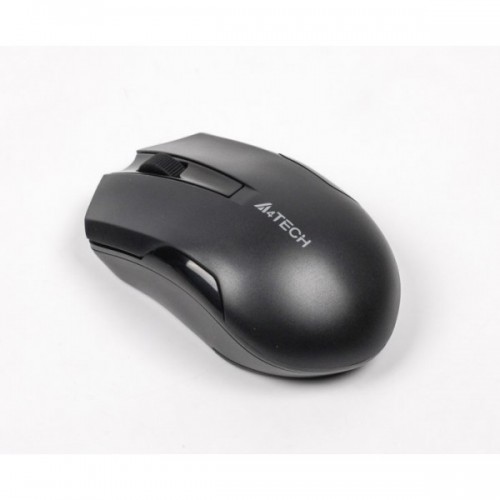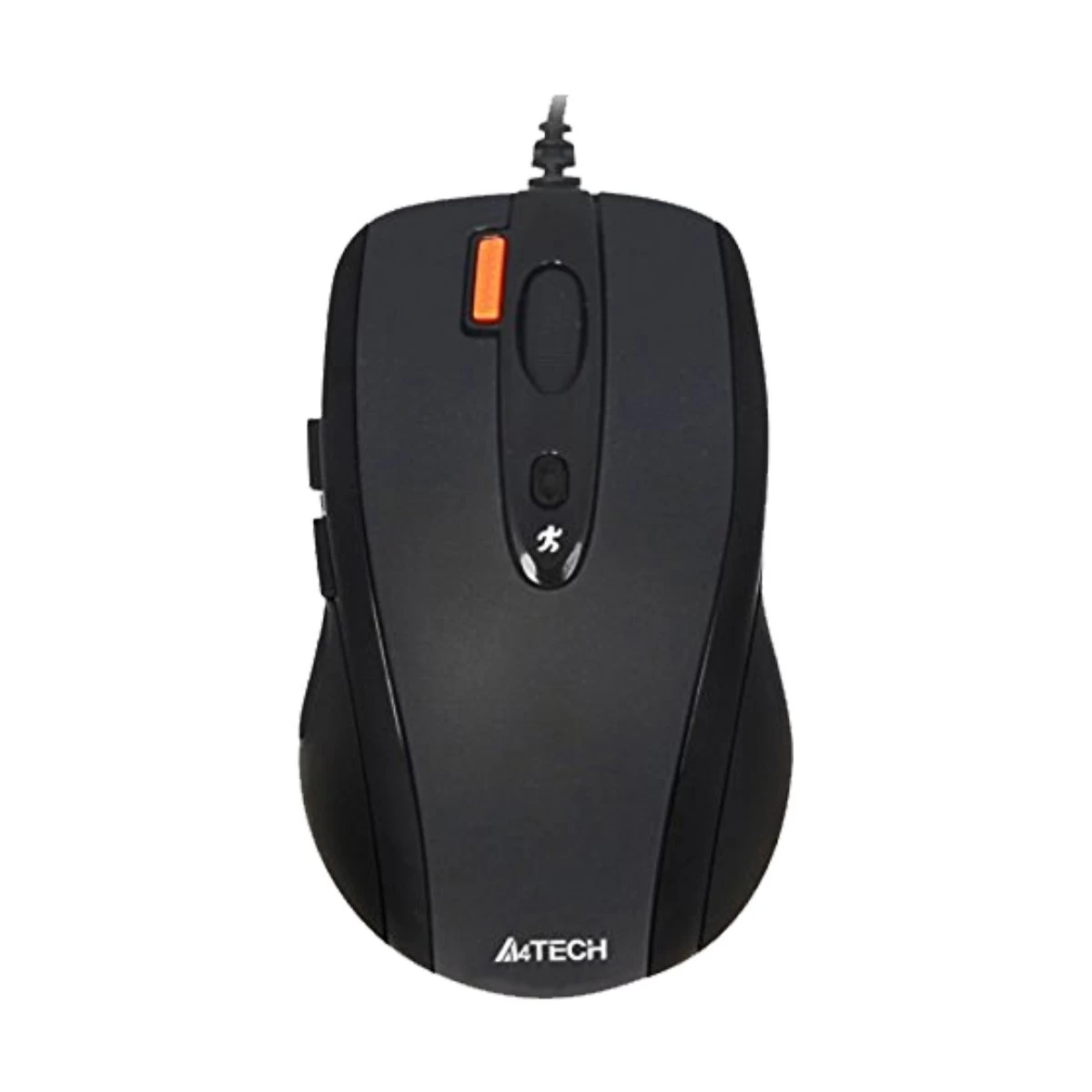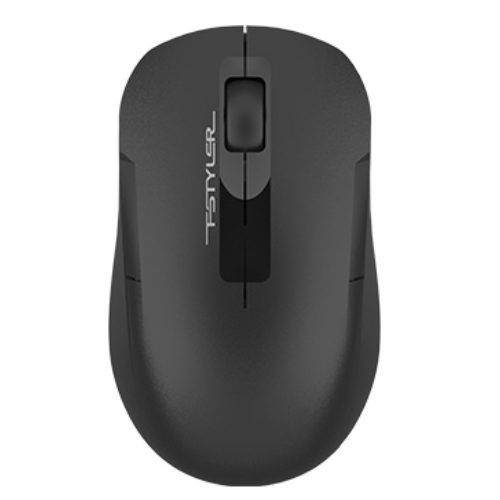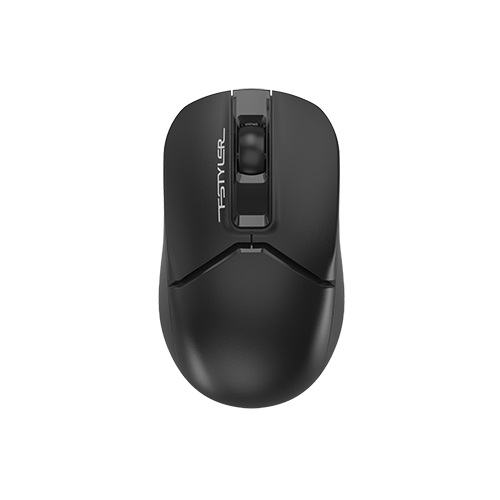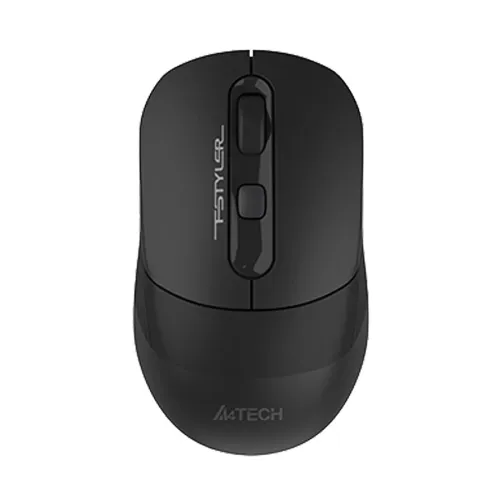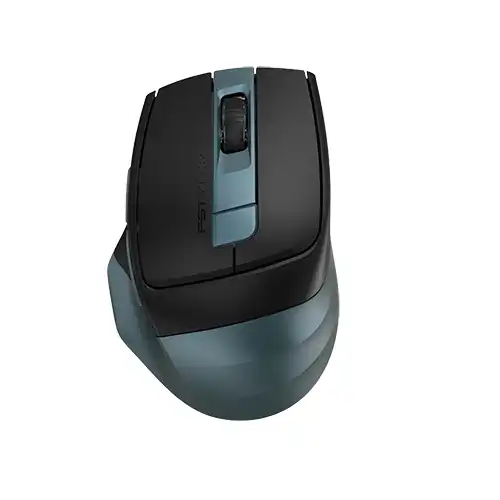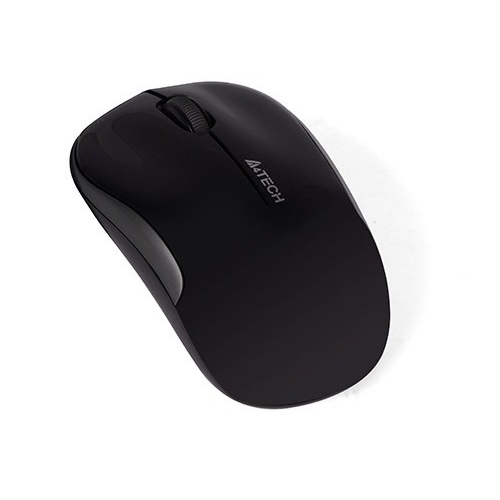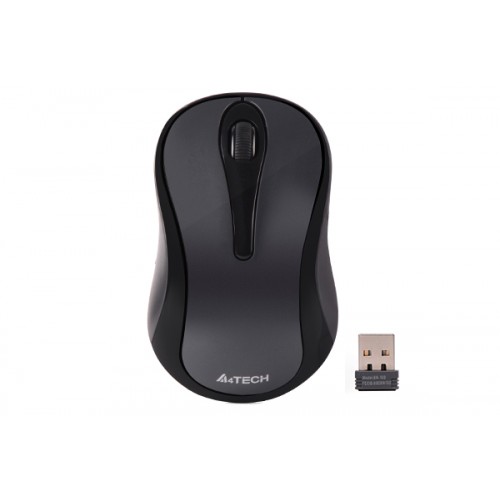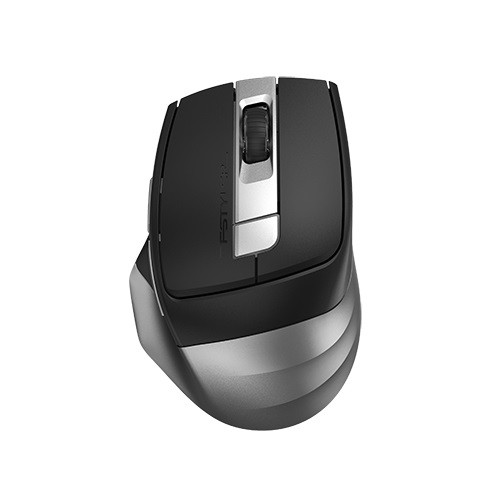
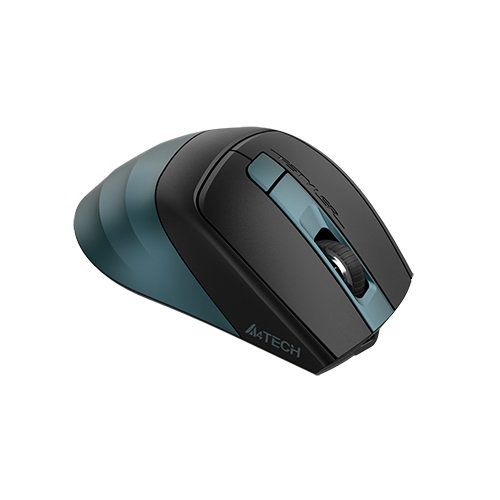
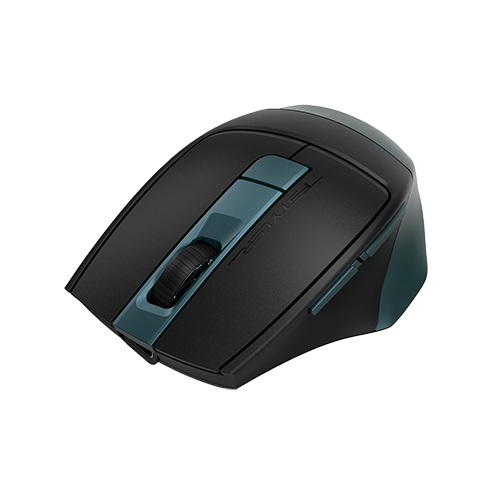
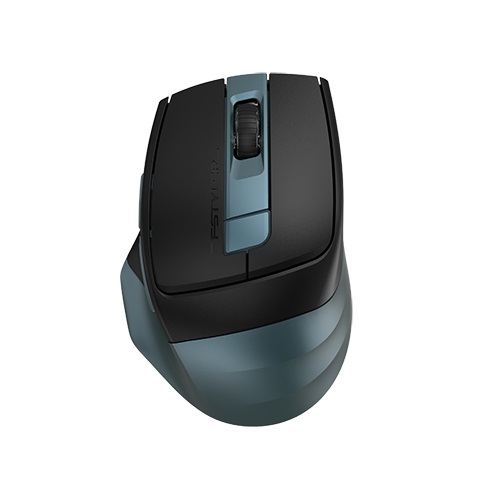
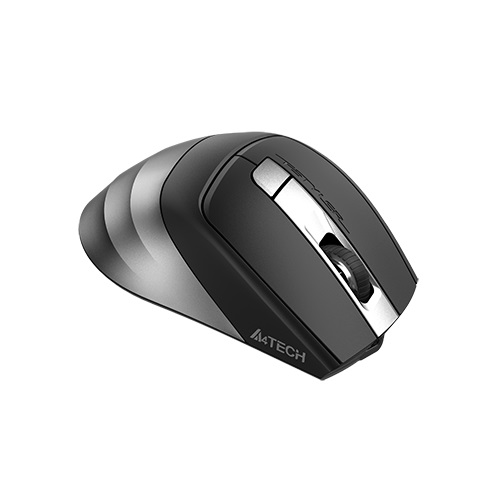
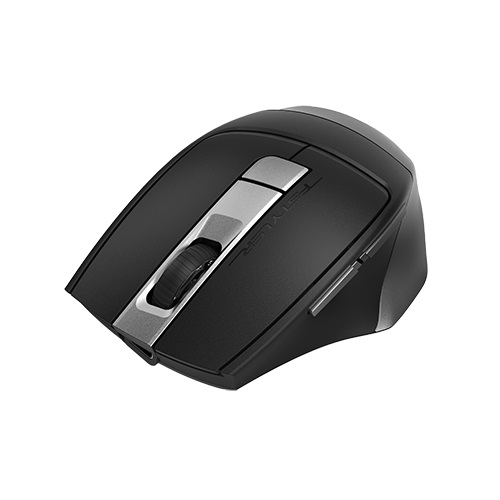
A4TECH FB35C Fstyler Dual Mode Recharegable Bluetooth & 2.4G Wireless Mouse
Exclusive of all taxes
Product Details
Key Features
Model: FB35C
Connection: Bluetooth / 2.4G
Multi-Device: 3 Devices (BT
x2, 2.4G x1)
Buttons: 6, DPI:
1200-1600-2000
Report Rate: 125 Hz
Specification
|
Main Features |
|
|
Connection Type |
Bluetooth / 2.4G (Nano Receiver) |
|
Resolution |
DPI: 1200-1600-2000 |
|
Polling Rate |
125 Hz |
|
Gaming Features |
|
|
Button |
6 Button |
|
Physical
Specifications |
|
|
Color |
Smoky Gray Midnight Green |
|
Dimension |
105 x 70 x 42 |
|
Weight |
91g |
|
Warranty
information |
|
|
Warranty |
1 Year |
Description
A4TECH FB35C Fstyler Dual Mode Recharegable Bluetooth &
2.4G Wireless Mouse
The A4TECH FB35C Fstyler Dual
Mode Recharegable Wireless Mouse offers quick response, precise movement,
stable connection & smoother tracking. It can be connected through
Bluetooth or 2.4GHhz wireless frequency. This mouse comes with 6 buttons
including 2 Thumb Side Buttons. The side buttons are preset as backward and
forward functions and can be customized using the software. It offers 4 levels
of adjustable DPI. It can deliver 1200/1600/2000 DPI.
Dual Modes - Bluetooth & 2.4G
The A4TECH FB35C offers
Bluetooth mode and 2.4GHz Wireless mode, which delivers quick response, precise
movement, stable connection & smoother tracking. It comes with a nano
receiver, through which the mouse can be connected to your devices.
Switch up to 3 Devices
A4TECH FB35C can be connected
to three devices at the same time. Two devices are connected by Bluetooth and
the other by the 2.4 GHz radio frequency. It realizes free switches between 3
devices only with one click.
Type-C Rechargeable Design
A built-in Li-Battery powers
the A4TECH FB35C. It comes with a Type-C Rechargeable Design. It has a charging
limit of 5V (Voltage) and is environmentally friendly. So you don't need to
worry about changing the battery very often.
The A4TECH FB35C comes with a
1-year warranty.
How to Order
Revolution Technology BD has made shopping easier for customers. Follow these steps:
- Click Register Button from home page
- Register with: Name + Email + Mobile + Password
- Click Create Account after entering information
- Login automatically or use Login button
- Provide mobile number and password, then Sign Up
- Choose desired product and click Buy Now
- View product details and click Add to Cart
- Click Item box (upper right corner)
- Go to Shopping Cart page
- Continue Shopping for more products or proceed
- Click "Click Here to Address" button
- Provide Full Name, Phone, Email & Delivery Address
- Click Order Submit button
- View Bill Invoice and receive email confirmation
- Print Invoice using Print button
- Wait for delivery - we'll keep you updated
- Thank you for shopping with us!