
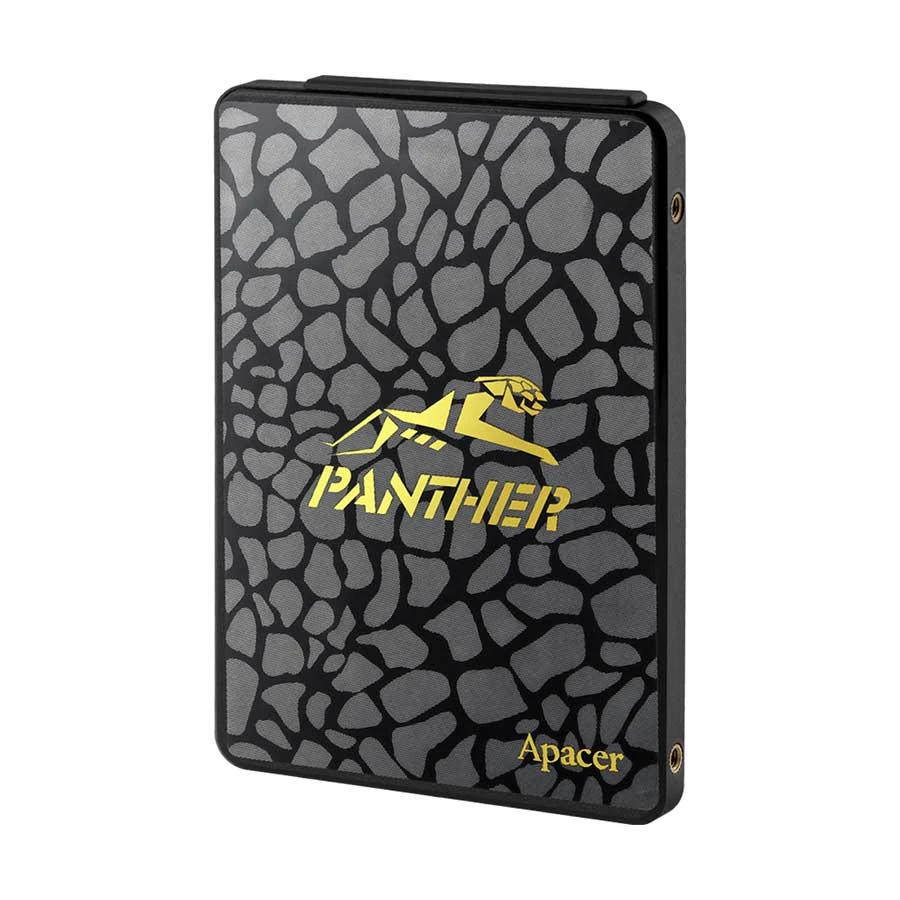
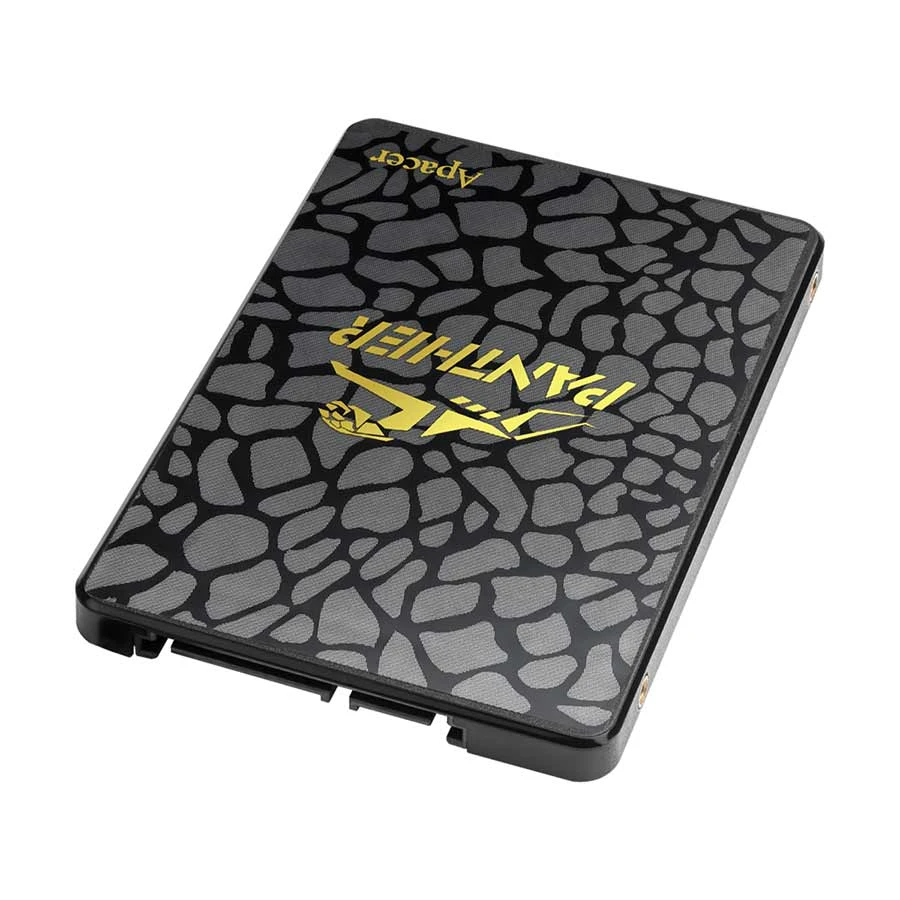
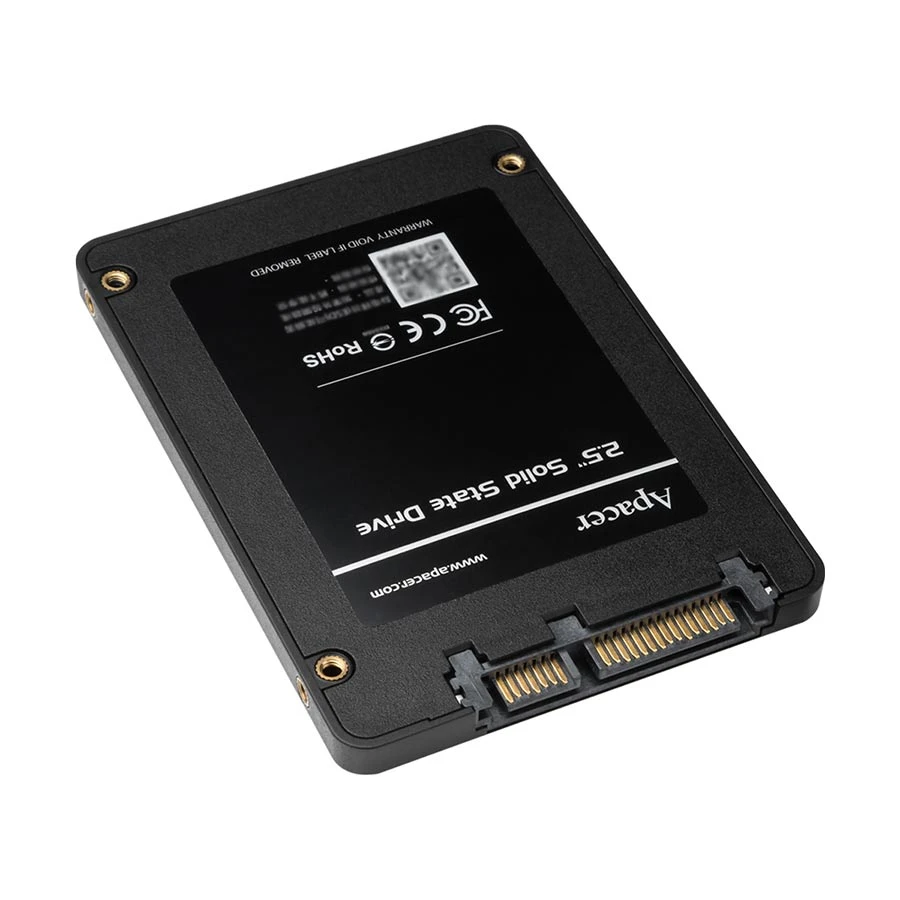
Apacer AS340 Panther 240GB 2.5" SATA III SSD
Contact us for pricing
Product Details
Key Features
Model:
Apacer AS340 Panther
Interface:
SATA Rev 3.0 (6Gb/s)
Vibration:
10~2000Hz/20G
Shock
Test: 1,500G/0.5msec
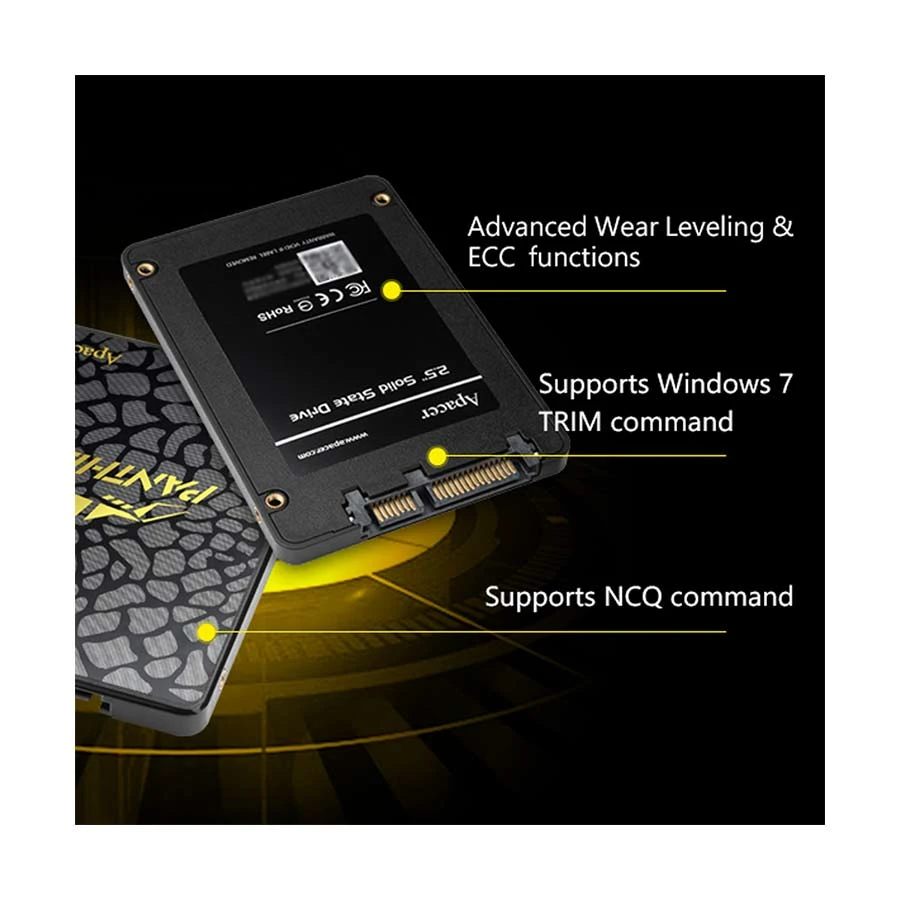
Supports
NCQ & Windows 7 trim Command
Specification
|
Capacity |
240GB |
|
Form Factor |
2.5" |
|
Flash Type |
NAND Flash (3D
TLC) |
|
Interface |
SATA-III 6Gb/s |
|
Sequential R/W |
Read: 550MB/s |
|
MTBF |
1,500,000 hours |
|
Dimension |
100 x 69.9 x 7
mm |
|
Operating
Temperature |
0℃ ~ 70℃ |
|
Storage
Temperature |
-40°C ~ +85°C |
|
Shock
resistance |
1,500G/0.5msec |
|
Manufacturing
Warranty |
03 Year
Warranty |
Description
Apacer AS340 Panther 240GB
2.5" SATA III SSD
Apacer
AS340 Panther SSD comes with SATA Rev 3.0 (6Gb/s) interface, 2.5" form
factor. The Apacer AS340 Panther SSD is using the new generation transferring
interface which has excellent transferring efficiency and compatibility to
satisfy requirements from any kind of motherboard, notebook and embedded
device. This will shock the industry and boost your computer to the next level
in storage performance. It is also is able to accelerate the processing speed
of consumers computer. This SSD also provides the best data reading 550MB/s and
writing speed 520MB/s with lowers power consumption. Its silent operation
brings users a higher working efficiency. Although most PCs have poor
performance, it is not caused by their CPU. It is because their hard disk
accessing speed is too slow. Therefore, upgrading to AS340 Panther SSD is not
only your smartest choice, but it also brings new speed to your PC by speeding
up its boot/shutdown time and enhancing multi-tasking performance. This SSD
also has 0℃ ~ 70℃ Operation Temperature, 0°C to 55°C / 5% ~ 95% RH,non-condensing Relative
Humidity, 1500G Shock test, 1,500,000 hours MTBF.
How to Order
Revolution Technology BD has made shopping easier for customers. Follow these steps:
- Click Register Button from home page
- Register with: Name + Email + Mobile + Password
- Click Create Account after entering information
- Login automatically or use Login button
- Provide mobile number and password, then Sign Up
- Choose desired product and click Buy Now
- View product details and click Add to Cart
- Click Item box (upper right corner)
- Go to Shopping Cart page
- Continue Shopping for more products or proceed
- Click "Click Here to Address" button
- Provide Full Name, Phone, Email & Delivery Address
- Click Order Submit button
- View Bill Invoice and receive email confirmation
- Print Invoice using Print button
- Wait for delivery - we'll keep you updated
- Thank you for shopping with us!