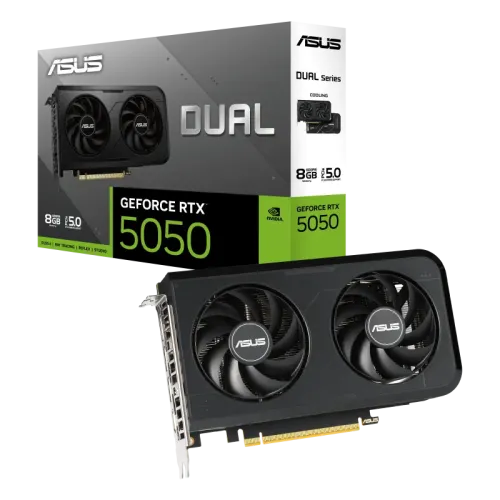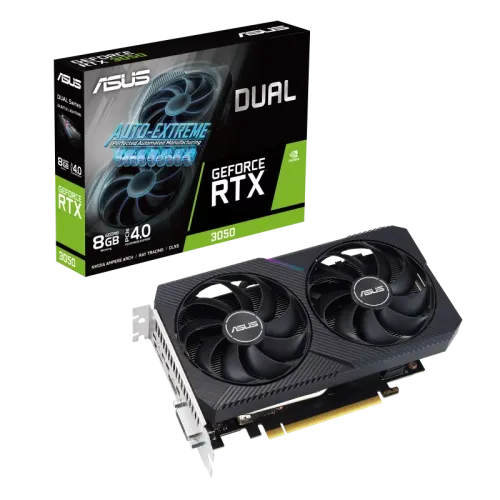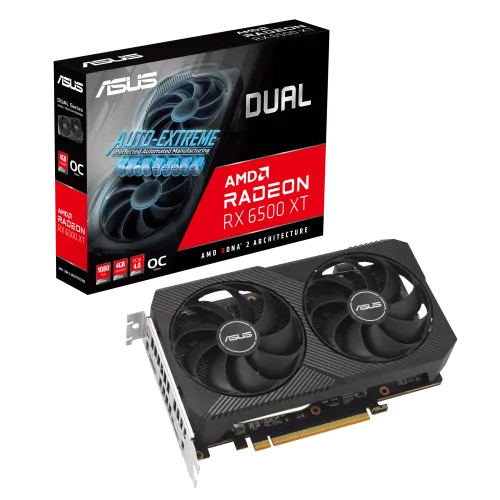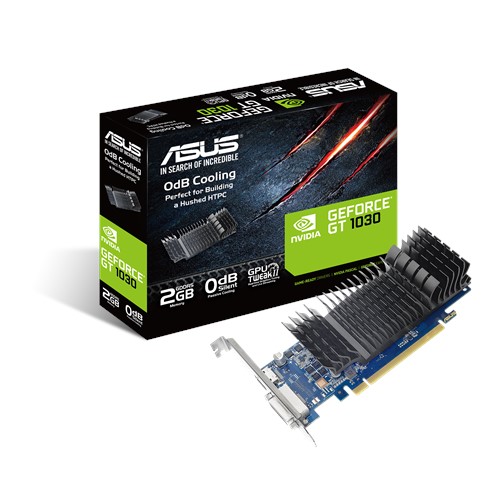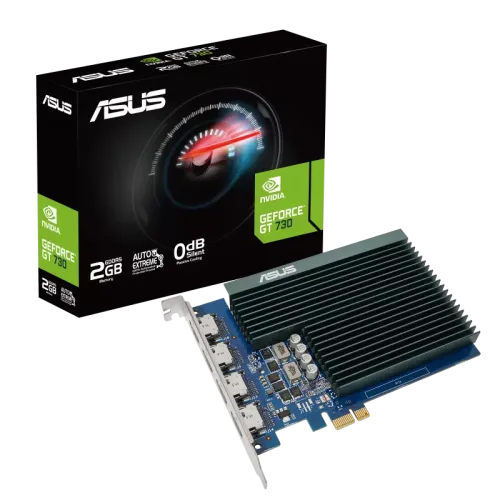
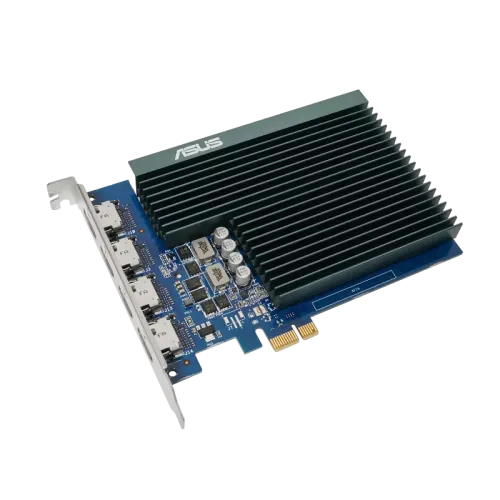
Asus Geforce GT 730 2GB GDDR5 Graphics Card with 4 HDMI Ports
Exclusive of all taxes
Product Details
Key feature
MPN:
GT730-4H-SL-2GD5
Model:
Geforce Gt 730
OC
mode: 927 MHz (Boost Clock)
Gaming
mode: 902 MHz (Boost Clock)
Memory
Type: GDDR5, Memory Bus: 64-bit
Output:
4 x HDMI 1.4b, HDCP Support
Specification
|
Video
Memory Type |
GDDR5 |
|
Memory
Size |
2GB |
|
Max
Resolution |
3840
× 2160 (Digital) |
|
Core
Clock |
902
MHz |
|
Memory
Clock |
5010
MHz |
|
Bus
Type |
PCI
Express 2.0 |
|
Memory
Interface |
64-bit |
|
CUDA
Cores |
384 |
|
HDMI
Ports |
4
× HDMI 1.4b (Native) |
|
HDCP
Support |
Yes,
HDCP 2.2 |
|
Recommended
PSU |
300W |
|
Multi-Display
Support |
Up
to 4 Displays |
|
API
Support |
OpenGL
4.6 |
|
Slot
Type |
Single
Slot |
|
Dimensions
(W × H × D) |
148
× 105 × 18 mm (5.8 × 4.1 × 0.7 in) |
|
Warranty |
2-Year
Manufacturing Warranty |
Description
Asus
Geforce GT 730 2GB GDDR5 Graphics Card with 4 HDMI Ports
The ASUS
GeForce GT 730 Graphics card features
four HDMI connectors as well as passive cooling for peaceful multi-monitor
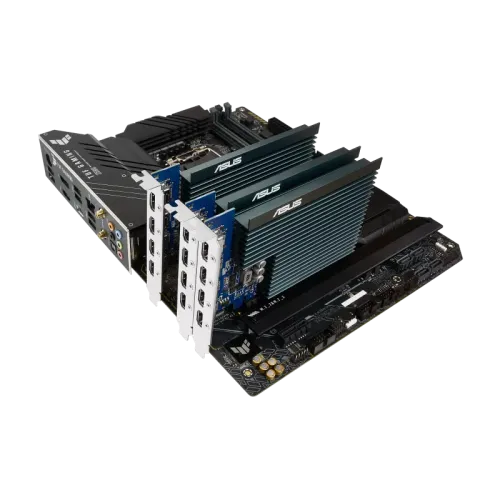
work. These four HDMI ports allow for multi-monitor productivity on up to four
screens. The single-slot design fits in tiny chassis while yet allowing for
extra PCIe devices. Its Auto-Extreme Technology boosts dependability through
automation. The ASUS GeForce GT 730 is a single-slot, passively cooled graphics
card that allows for silent multi-monitor work. The ASUS GPU Tweak II tool
elevates graphics card customization to new heights. It enables you to
fine-tune crucial factors such as GPU core clocks, memory frequency, and
voltage settings, as well as monitor everything in real-time via a configurable
on-screen interface. Advanced fan control, as well as many other capabilities,
are provided to help you get the most out of your graphics card.
How to Order
Revolution Technology BD has made shopping easier for customers. Follow these steps:
- Click Register Button from home page
- Register with: Name + Email + Mobile + Password
- Click Create Account after entering information
- Login automatically or use Login button
- Provide mobile number and password, then Sign Up
- Choose desired product and click Buy Now
- View product details and click Add to Cart
- Click Item box (upper right corner)
- Go to Shopping Cart page
- Continue Shopping for more products or proceed
- Click "Click Here to Address" button
- Provide Full Name, Phone, Email & Delivery Address
- Click Order Submit button
- View Bill Invoice and receive email confirmation
- Print Invoice using Print button
- Wait for delivery - we'll keep you updated
- Thank you for shopping with us!