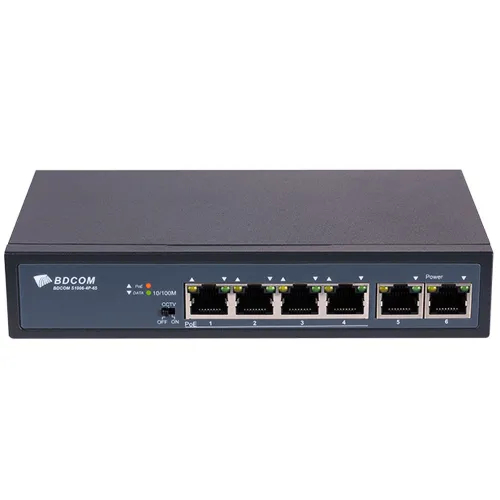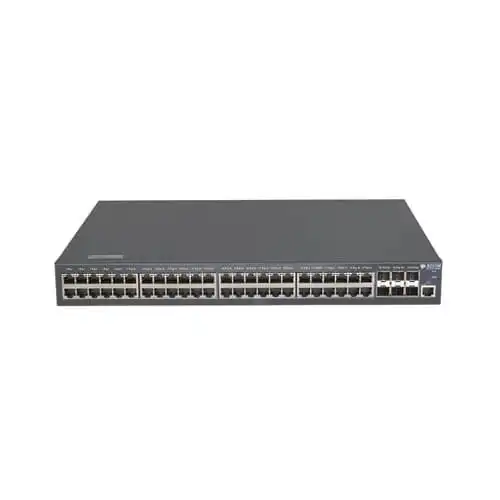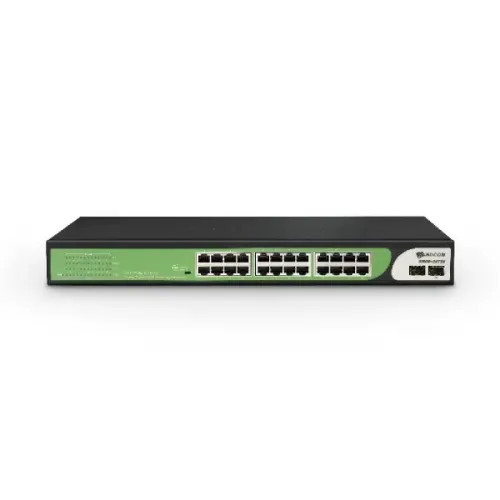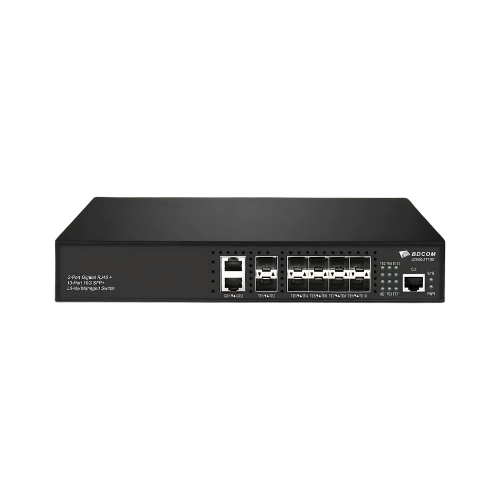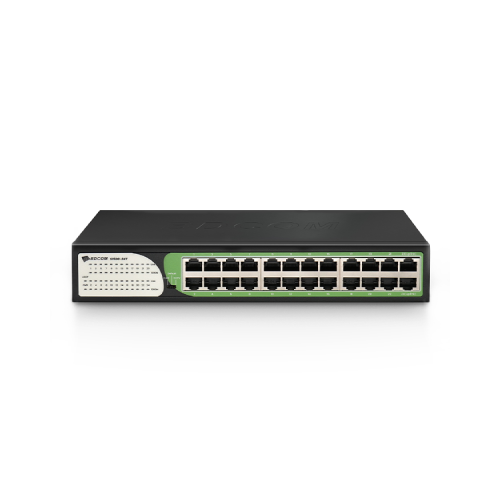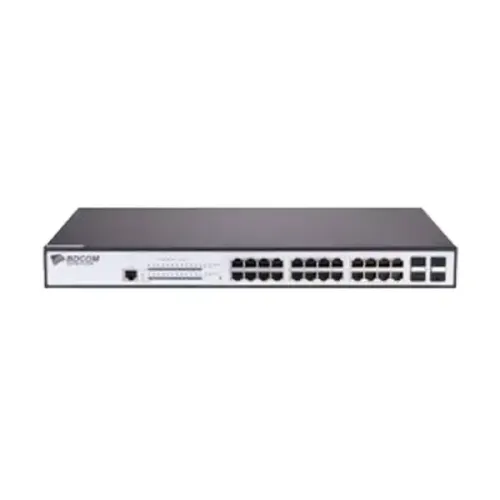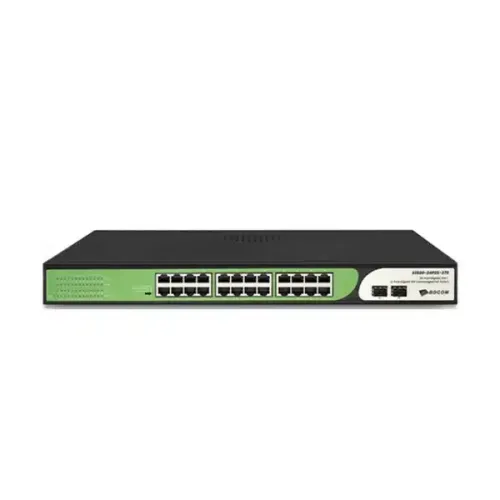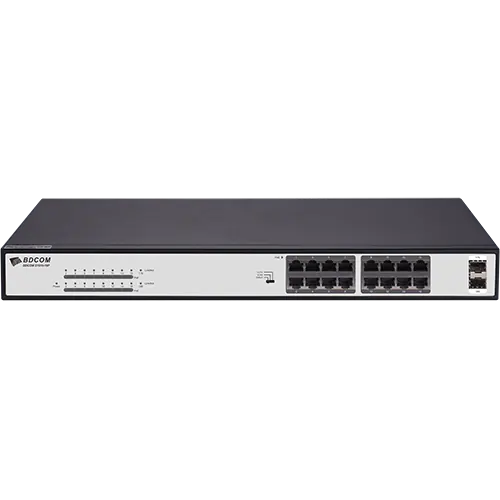
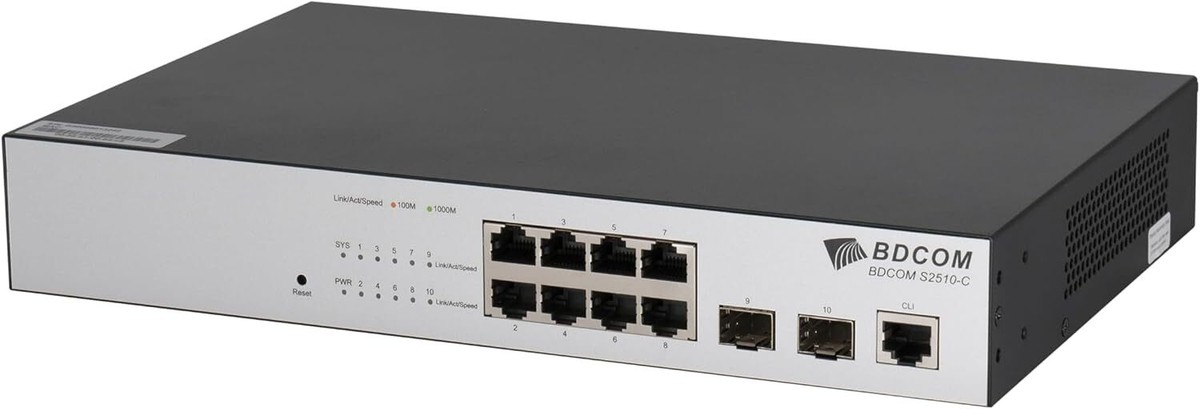
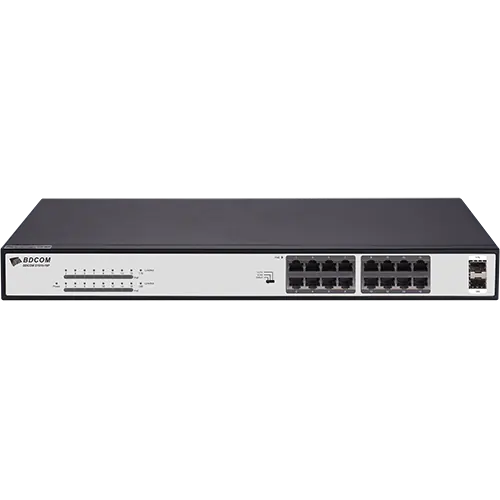
BDCOM S2500-16P4S 16-Port Managed PoE+ Switch
Contact us for pricing
Product Details
Key Features
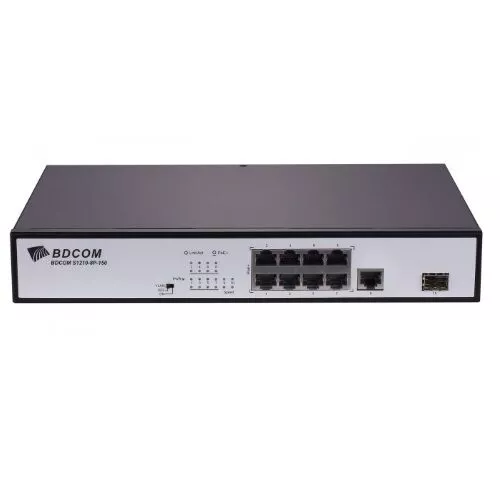
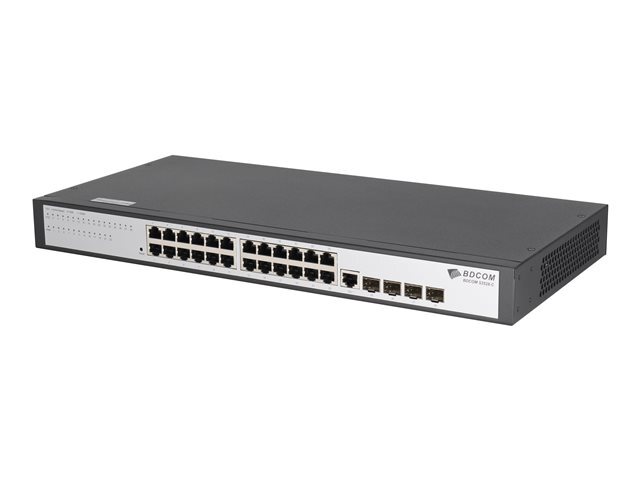
16× Gigabit PoE+ ports and 4× SFP uplink ports for flexible network deployment
370W PoE power budget to support IP cameras, VoIP phones, and wireless APs
Supports VLAN, QoS, IGMP Snooping, IPv6, and other Layer 2+ features
Rackmount-ready design with quiet fan operation, ideal for SMBs and enterprise use
Specification
|
Brand |
BDCOM |
|
Model |
S2500-16P4S |
|
Type |
Managed Network Switch |
|
Total Ports |
20 Ports |
|
PoE+ Ports |
16 × 10/100/1000Mbps PoE+ Ports |
|
SFP Uplink Ports |
4 × Gigabit SFP Ports |
|
PoE Standard |
IEEE 802.3af/at (PoE/PoE+) |
|
PoE Power Budget |
370W |
|
Data Transfer Rate |
10/100/1000 Mbps |
|
Transmission Method |
Store-and-Forward |
|
Switching Capacity |
56 Gbps |
|
Forwarding Rate |
42 Mpps |
|
MAC Address Table |
8K entries |
|
Buffer Size |
4.1 MB |
|
Jumbo Frame Support |
Up to 9K |
|
Form Factor |
Rackmount / Desktop |
|
Fan |
2 × Cooling Fans |
|
Power Supply |
AC 100–240V, 50/60Hz |
|
Power Consumption |
<15W (no-load), up to 390W (full-load) |
|
MTBF |
> 50,000 hours |
|
Noise Level |
~37 dBA @ 25°C |
|
Flash / DRAM |
16MB Flash / 128MB DRAM |
|
Management Features |
VLAN, QoS, IGMP Snooping, Link Aggregation, SNMP, IPv6 Support |
|
Console Port |
1 × RJ45 Console Port |
|
RST Button |
Yes |
|
Operating Temperature |
0°C to 45°C |
|
Dimensions |
440 × 210 × 44 mm |
|
Weight |
2.8 kg (approx.) |
|
Warranty |
1 Year (without adapter) |
How to Order
Revolution Technology BD has made shopping easier for customers. Follow these steps:
- Click Register Button from home page
- Register with: Name + Email + Mobile + Password
- Click Create Account after entering information
- Login automatically or use Login button
- Provide mobile number and password, then Sign Up
- Choose desired product and click Buy Now
- View product details and click Add to Cart
- Click Item box (upper right corner)
- Go to Shopping Cart page
- Continue Shopping for more products or proceed
- Click "Click Here to Address" button
- Provide Full Name, Phone, Email & Delivery Address
- Click Order Submit button
- View Bill Invoice and receive email confirmation
- Print Invoice using Print button
- Wait for delivery - we'll keep you updated
- Thank you for shopping with us!