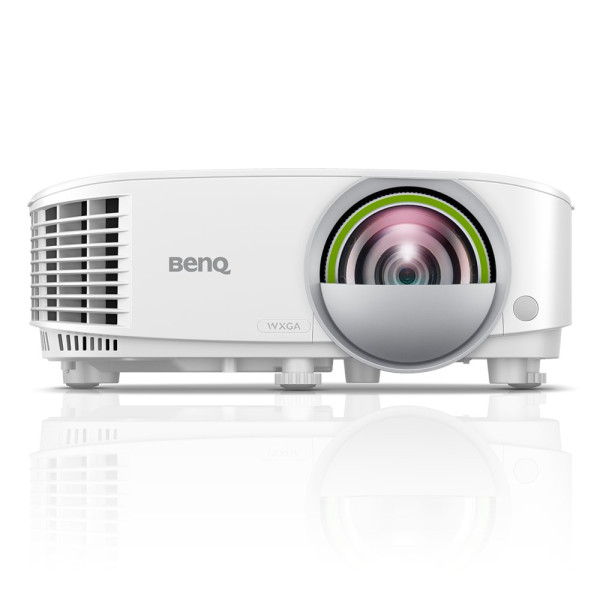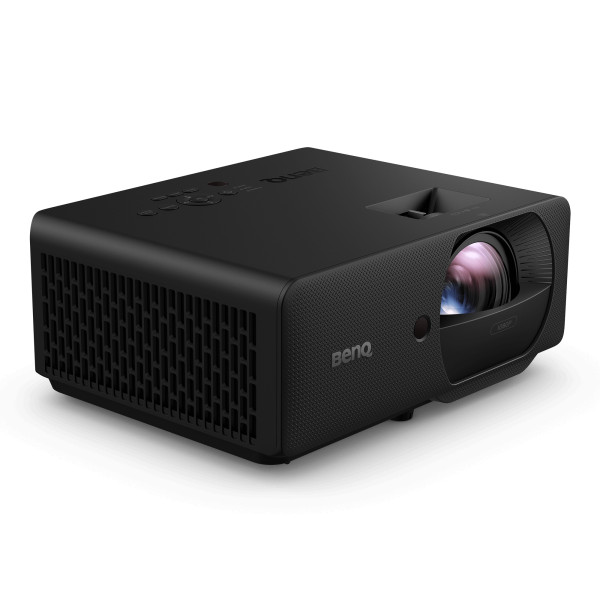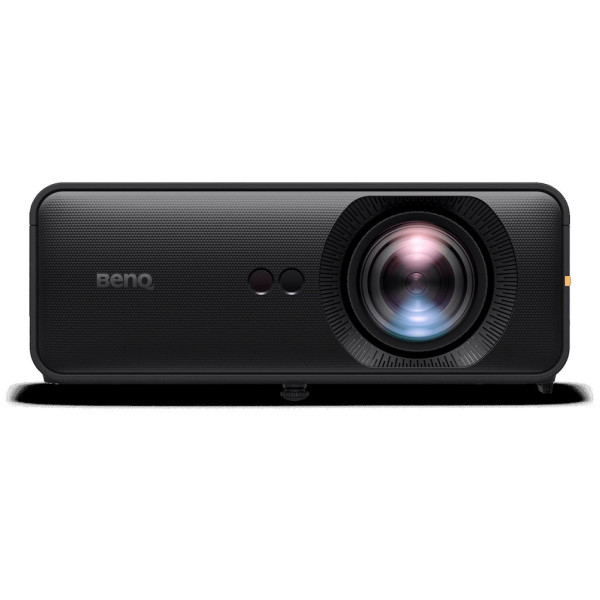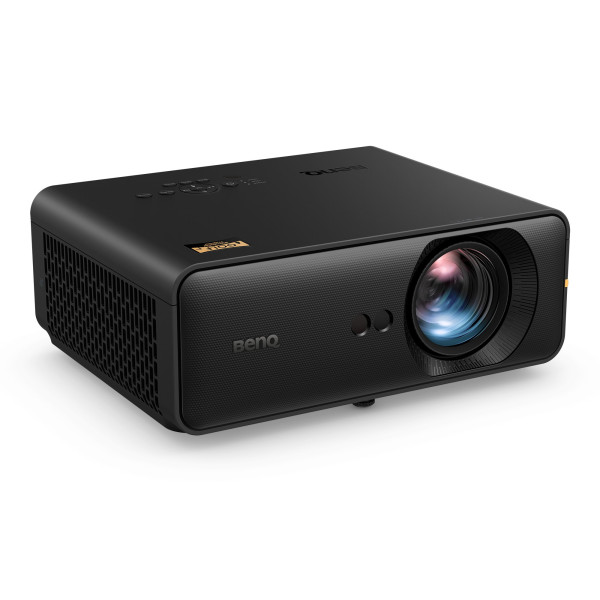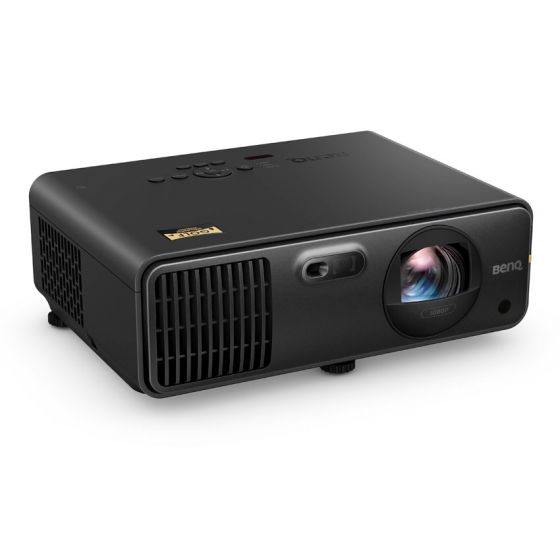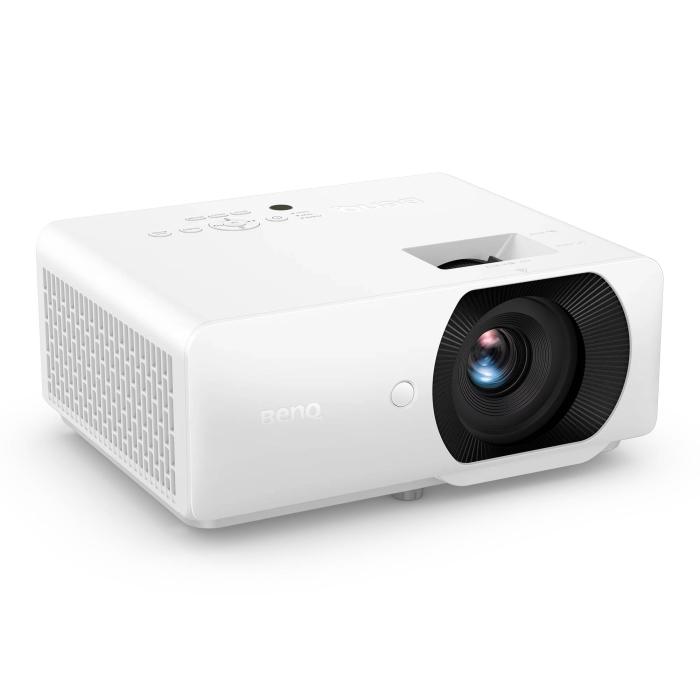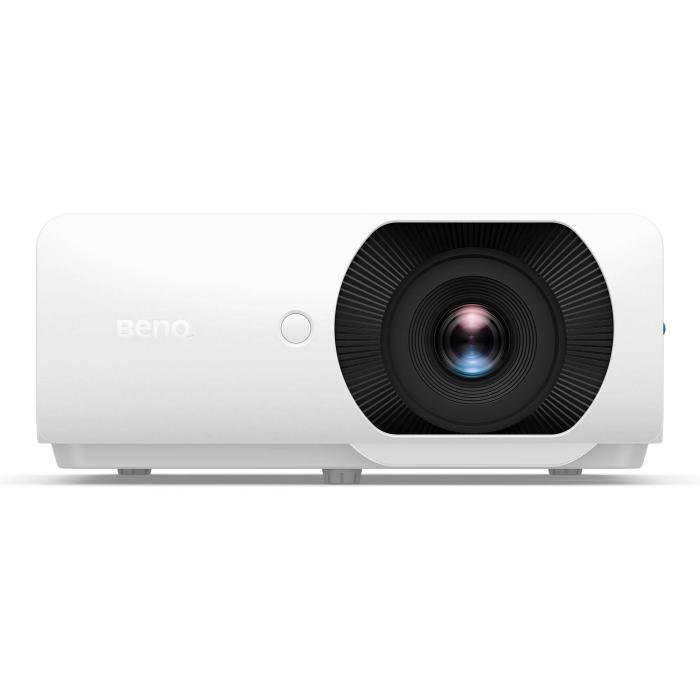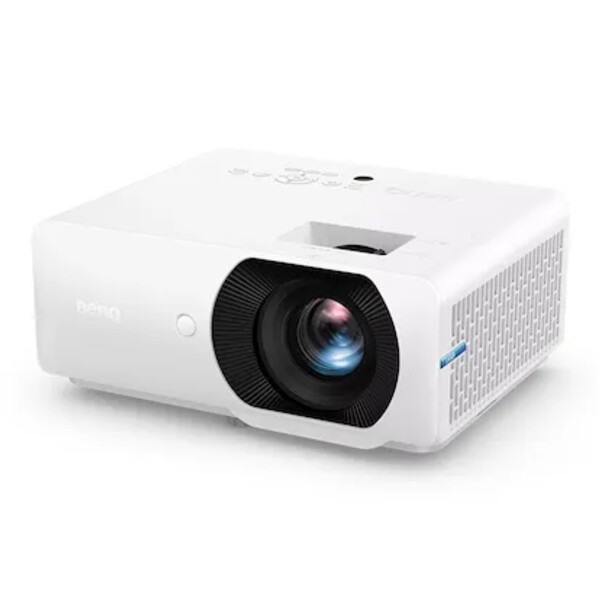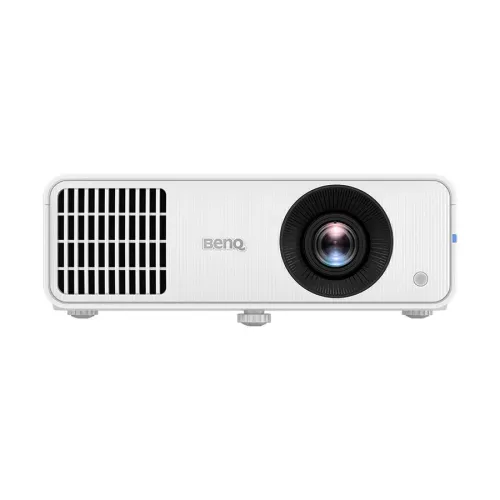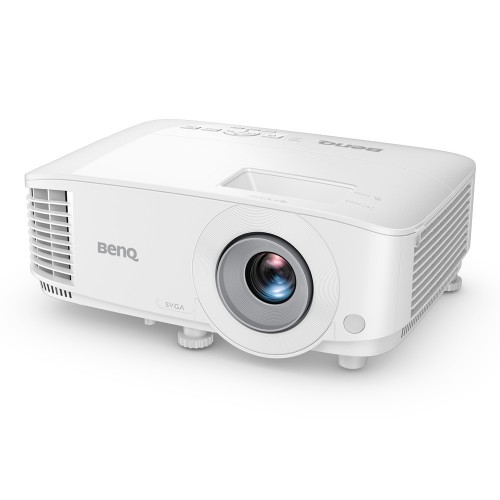
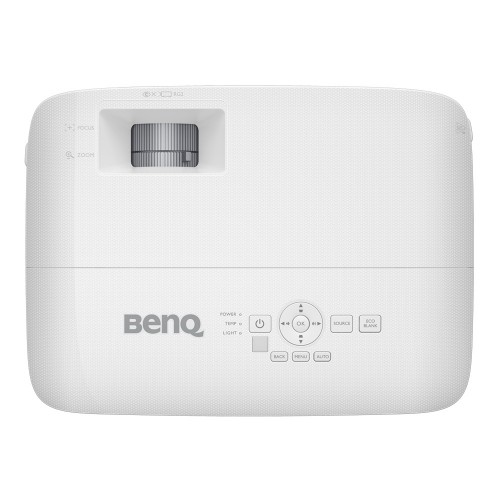
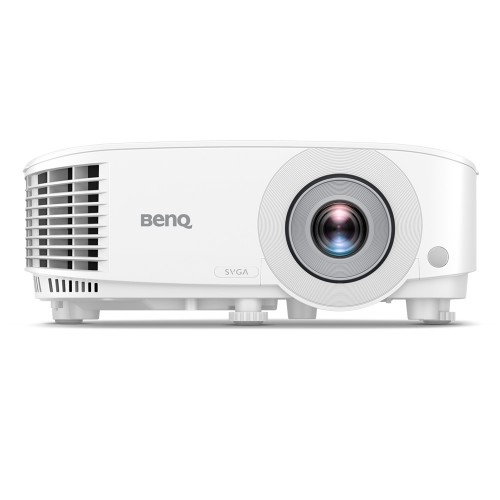
BenQ MX560 Lumens XGA Business Projector
Exclusive of all taxes
Product Details
Key
Features
Model: MX560
SmartEco Mode Saves Lamp Power Up To 70%
4000 ANSI Lumen High brightness
20,000:1 High Contrast
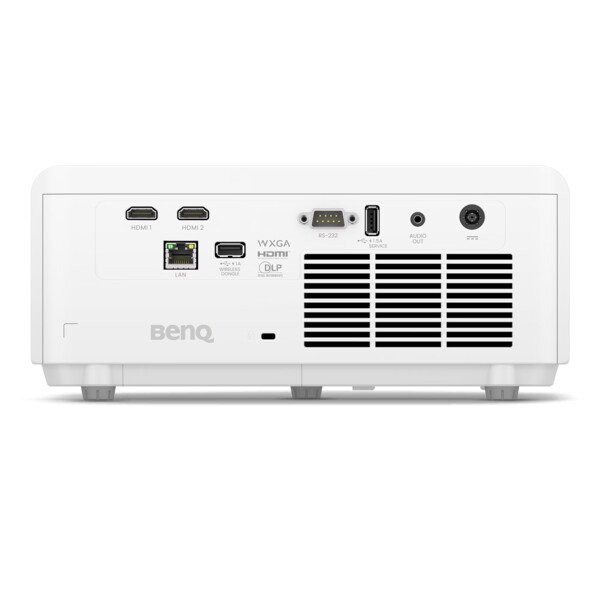
Connectivity: HDMI, USB, RS-232
Specification
|
Projection Features |
||
|
Display Type |
DLP Single 0.55" XGA |
|
|
Resolution |
Resolution: 1024 x 768 pixels |
|
|
Brightness |
4000 ANSI Lumens |
|
|
Projection Distance |
60"~150" |
|
|
Contrast Ratio |
20000:1 |
|
|
Video Formats |
NTSC, PAL, SECAM, SDTV (480i/576i), EDTV
(480p/576p), HDTV (720p, 1080i/p 60Hz) |
|
|
Lamp Details |
||
|
Lamp Power |
Up To 70% |
|
|
Lamp Life |
Normal 6000 hr |
|
|
Audio |
||
|
Built-in Speaker |
10W x 1 |
|
|
Connectivity |
||
|
Interface |
HDMI-1 x1 |
|
|
Power |
Power Consumption(Max/Normal/Eco): Max 280W,
Normal 260W, Eco 215W |
|
|
External Features |
||
|
Color |
White |
|
|
Weight |
2.3kg +/- 200g |
|
|
Dimension |
296 x 120 x 221 mm |
|
|
Warranty |
||
|
Parts Warranty |
02 Years Parts & Service Warranty /Lamp:
12 Months Or 1000hrs Warranty |
|
Description
BenQ MX560 4000 ANSI
Lumens XGA Business Projector
BenQ MX560 XGA Business
Projector comes with 4000 ANSI Lumen High brightness and 20,000:1 High Contrast
images even in well-lit meeting rooms, Exclusive Data Review Mode Showcases
Text and Charts in Detail and SmartEco Mode Saves Lamp Power Up To 70%. This
projector has HDMI x 2, USB Type-A, RS-232, USB Mini-B USB Mini-B connectivity.
Here, HDMI connectivity provides faster data transmission to digital devices,
Dual HDMI offers more flexible connectivity between devices and Automatically
turns on the projector once the HDMI input signal is detected.
How to Order
Revolution Technology BD has made shopping easier for customers. Follow these steps:
- Click Register Button from home page
- Register with: Name + Email + Mobile + Password
- Click Create Account after entering information
- Login automatically or use Login button
- Provide mobile number and password, then Sign Up
- Choose desired product and click Buy Now
- View product details and click Add to Cart
- Click Item box (upper right corner)
- Go to Shopping Cart page
- Continue Shopping for more products or proceed
- Click "Click Here to Address" button
- Provide Full Name, Phone, Email & Delivery Address
- Click Order Submit button
- View Bill Invoice and receive email confirmation
- Print Invoice using Print button
- Wait for delivery - we'll keep you updated
- Thank you for shopping with us!