
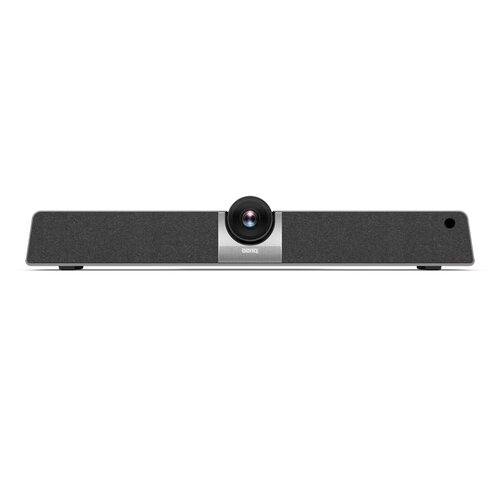
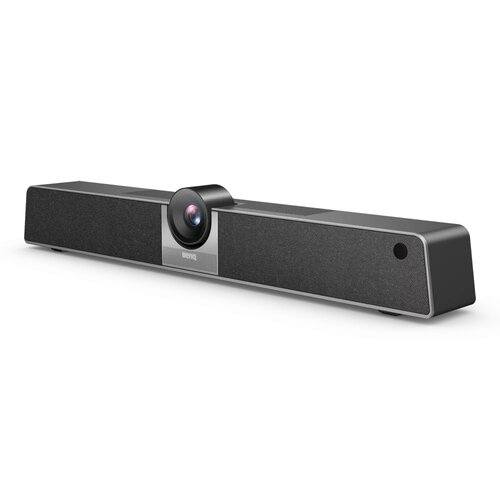
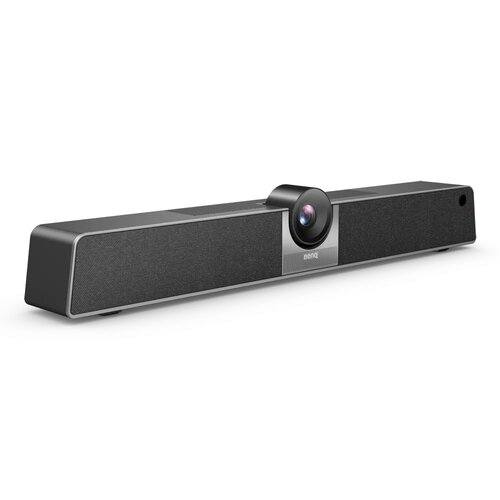
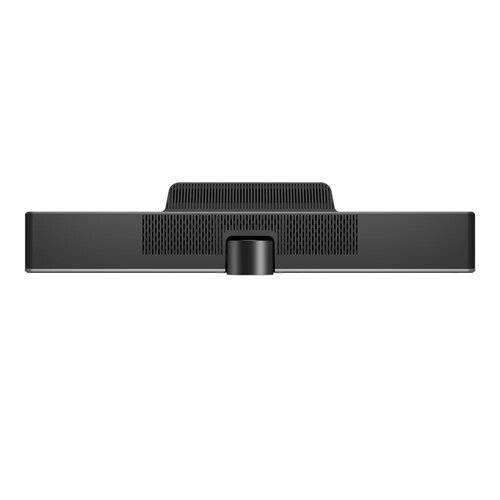
BenQ VC01A 4K UHD Smart Video Bar
Contact us for pricing
Product Details
Key Features
120° field of view with 5x
digital zoom
AI-powered auto framing with
fast focus
Beamforming mic array with
16ft/8m pickup
One-click wireless screen
sharing
Compatible with any display,
TV, or projector
Specification
|
Memory |
|
|
Memory |
4GB I
16GB |
|
Display |
|
|
Viewing
Angle |
DFOV:
120° |
|
Camera |
|
|
Camera |
12 MP |
|
Focus
Range |
Fixed /
0.5m |
|
Camera
Resolution |
H.264/MJPG:
3840×2160 / 2560×1440 / 1920×1080 / 1280×720 / 1024x576 / |
|
Networking & Connectivity |
|
|
Bandwidth |
10 /
100 Mbps (Android) |
|
Ethernet |
10 /
100 Mbps (Android) × 1 |
|
Audio & Microphone |
|
|
Built-in
Mic |
6 -
array |
|
Pick-up
Pattern |
8m |
|
Battery And Power |
|
|
Power
Consumption |
36W /
<0.5W |
|
Ports |
|
|
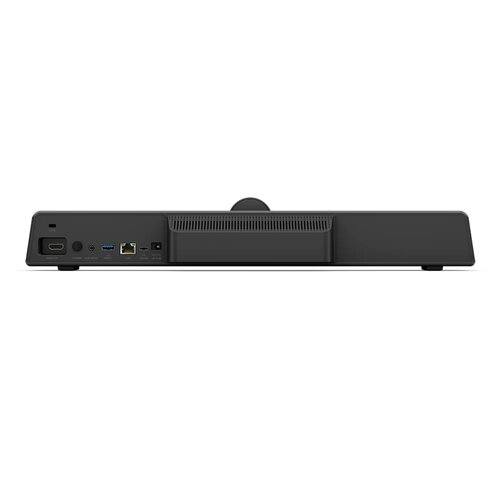
HDMI |
1 ×
HDMI |
|
Special Features |
|
|
Zoom |
x5 |
|
Software |
Wireless
screen sharing: InstaShare 2 |
|
Physical Specification |
|
|
Color |
Black |
|
Net
Weight |
1.0kg |
|
Operating
Humidity |
10% ~
90% RH non-condensing |
|
Storage
humidity |
10% ~
90% RH Non-Condensing |
|
Operating
Temperature |
0°C ~
40°C | 32°F ~ 104°F |
|
Dimension |
462.0 ×
76.0 × 93.0 mm |
|
Storage
Temperature |
-20°C ~
60°C | -4°F ~ 140°F |
|
Technical Info |
|
|
Brand |
BenQ |
|
OS |
Android
9.0 |
|
Warranty Information |
|
|
Warranty |
3 Years |
Description
BenQ VC01A 4K UHD Digital Zoom Conference VC Camera in
Bangladesh
Start video conferencing with one click
Get right into your online meetings with an all-in-one smart video bar that hooks up to your device, whether it’s a TV, monitor, or projector. The VC01A is designed to enable video conferencing in all meeting rooms and screen sharing from personal devices.

Share all your great ideas with remote team members
The VC01A is compatible with
all leading video conferencing software, making it a perfect fit for any
meeting style. With 4K UHD resolution, a 120° field of view, and auto framing,
the ePTZ camera delivers stable, high-quality images that keep everyone in
frame. The noise-cancelling mic array picks up voices within 8 meters and is
paired with a powerful 8-watt speaker for clear sound.
Meet your way
The VC01A is designed for
optimal video conferencing and is compatible with all leading video
conferencing apps, including TeamViewer Meeting.
Display your way
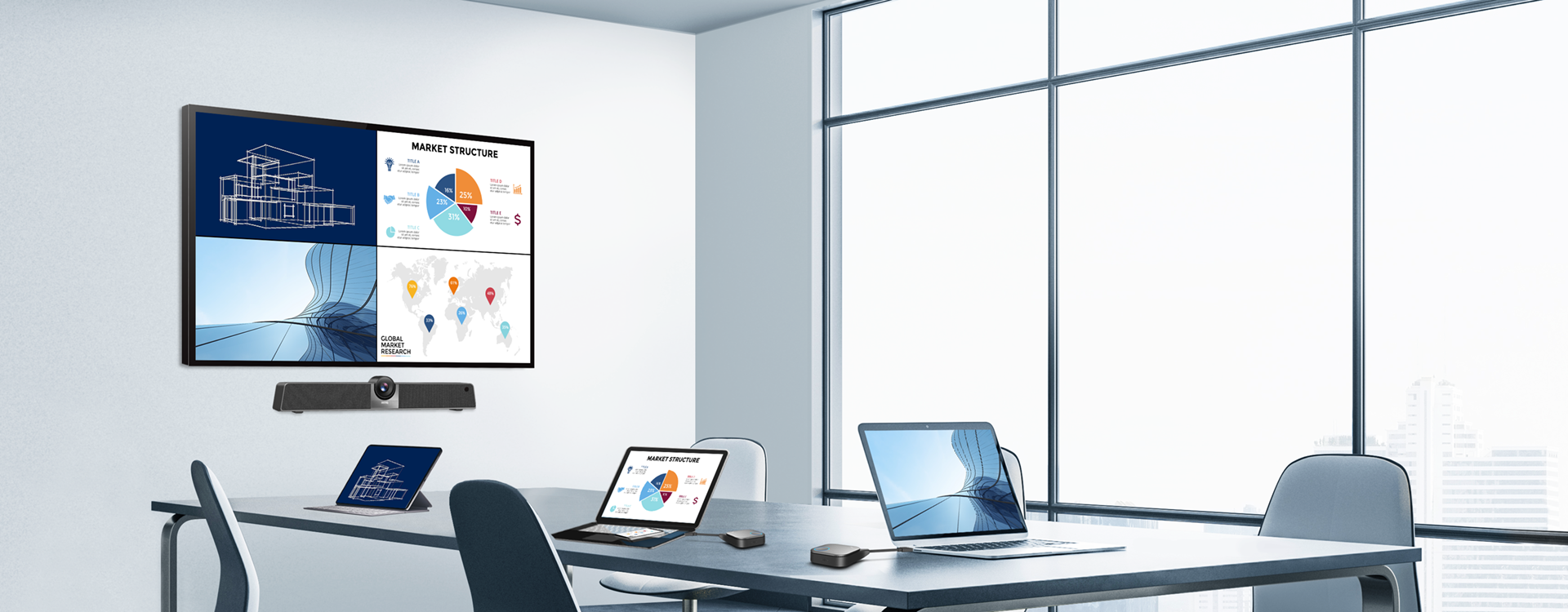
Get a professional video conferencing experience no matter how your meeting room is set up. The VC01A works with virtually all monitors, TVs, projectors, interactive displays and digital signage.

Just the right fit
Perfectly frame all attendees, whether it’s a couple people in a huddle area or a large group in a meeting room. The VC01A automatically zooms in or out to get everyone in the frame and comes with 3 customizable presets that can be adjusted to your liking.
Instant access every time
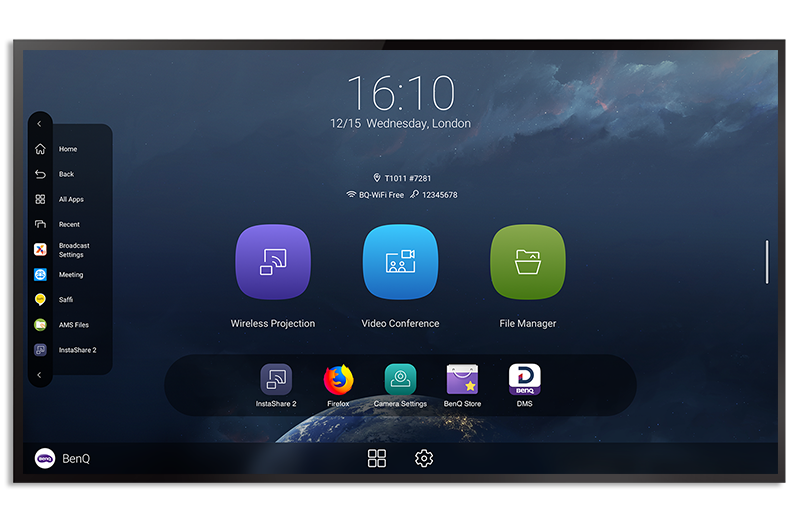
The VC01A comes with an
intuitive UI with quick shortcuts to essential video bar features such as video
conferencing and wireless screen sharing. You can even create your own
shortcuts for convenient access to your preferred apps and files.
Let everyone share their ideas
Turn any TV, monitor, or projector into a smart display and allow your teams to present wirelessly with ease. Connect wirelessly using InstaShare 2 or use the plug-and-play InstaShare Button to cast content and exchange ideas.
Hassle-free screen sharing
The VC01A comes equipped with InstaShare 2, a wireless screen-sharing software designed to enable more engaging discussions. InstaShare 2 works seamlessly with Windows, macOS, Android, iOS, and Chrome devices and fully supports AirPlay and Miracast protocols.
Cable-free communication
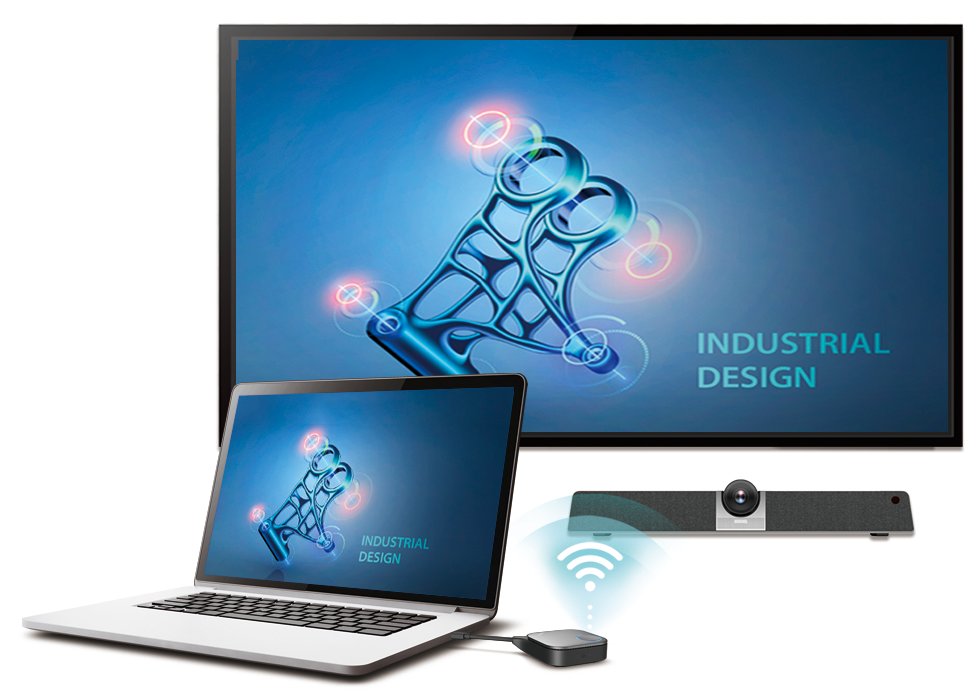
The VC01A works seamlessly
with the InstaShare Button, a lightweight USB plug-and-play device that lets
you share your laptop screen without using cables or installing additional
software. It also enhances your video calls by allowing you to use the VC01A’s
built-in camera, mic array, and speaker.
The VC01A works seamlessly
with the InstaShare Button, a lightweight USB plug-and-play device that lets
you share your laptop screen without using cables or installing additional
software. It also enhances your video calls by allowing you to use the VC01A’s
built-in camera, mic array, and speaker.
Designed for your company
Designed for corporate use, the VC01A is stacked with features that not only enhance your meeting experience but also streamline management. These include an account and device management console, a real-time announcement system, multiple customization options, and even a voice assistant.

Keep everyone informed
Keep your teams up to date.
Use X-Sign Broadcast with the VC01A to schedule messages or push important
real-time announcements so that meeting attendees are always in the loop.
Match your corporate image
Change up the UI and strengthen your brand identity. The VC01A has a customizable interface, allowing you to switch the default wallpaper with company content or create shortcuts to streamline your workflow.
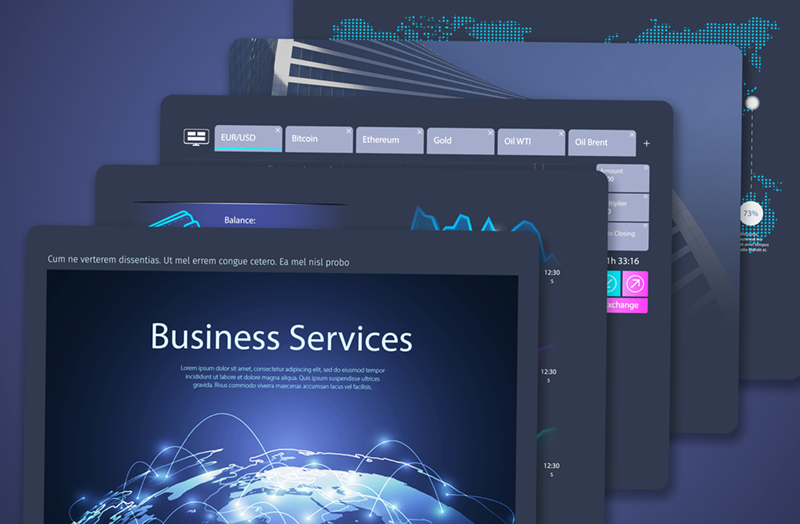
Securely access cloud storage
Load personal settings and securely access files on your cloud storage directly from the VC01A through BenQ’s Account Management System (AMS). With Identity and Access Management (IAM), the company’s AD server can also be synced for seamless user management.
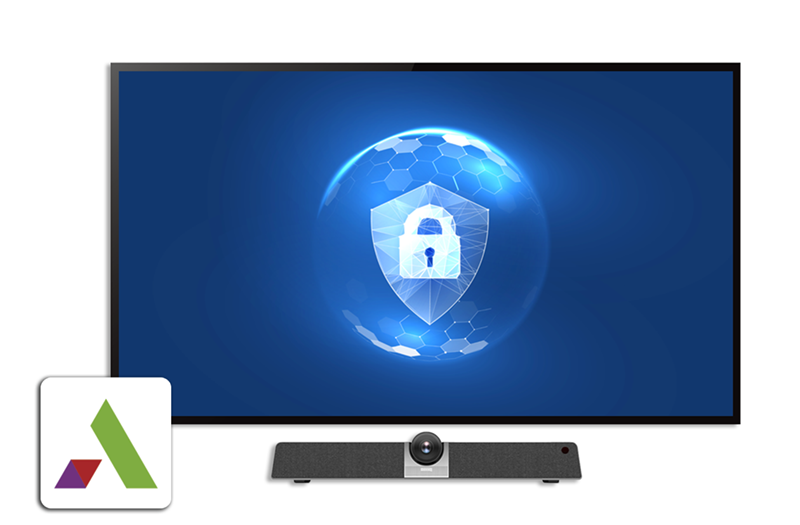
Centrally manage devices
Easily monitor and analyze the status of all your BenQ devices on a single dashboard. Manage displays, apps, and OTA updates remotely for maximum convenience.
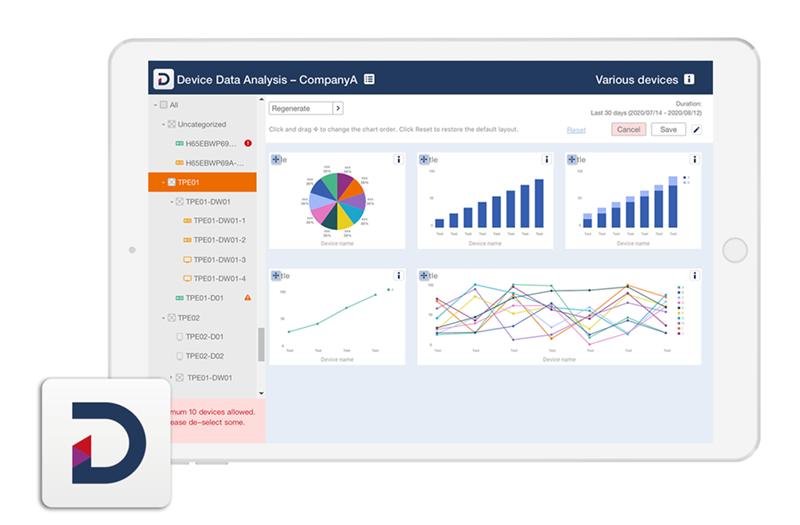
Convenient control
Lead discussions or give presentations on the VC01A from anywhere in the meeting room with the help of Saffi voice assistant and the remote control.

Virtual workspace access
With VMware Horizon Client, you can open virtual desktops on the VC01A to get instant access to hosted apps, files, and folders during a meeting.

Data and device protection
Protect your displays against malware while securing corporate data. BenQ offers data security and device protection with McAfee Mobile Security

How to Order
Revolution Technology BD has made shopping easier for customers. Follow these steps:
- Click Register Button from home page
- Register with: Name + Email + Mobile + Password
- Click Create Account after entering information
- Login automatically or use Login button
- Provide mobile number and password, then Sign Up
- Choose desired product and click Buy Now
- View product details and click Add to Cart
- Click Item box (upper right corner)
- Go to Shopping Cart page
- Continue Shopping for more products or proceed
- Click "Click Here to Address" button
- Provide Full Name, Phone, Email & Delivery Address
- Click Order Submit button
- View Bill Invoice and receive email confirmation
- Print Invoice using Print button
- Wait for delivery - we'll keep you updated
- Thank you for shopping with us!



