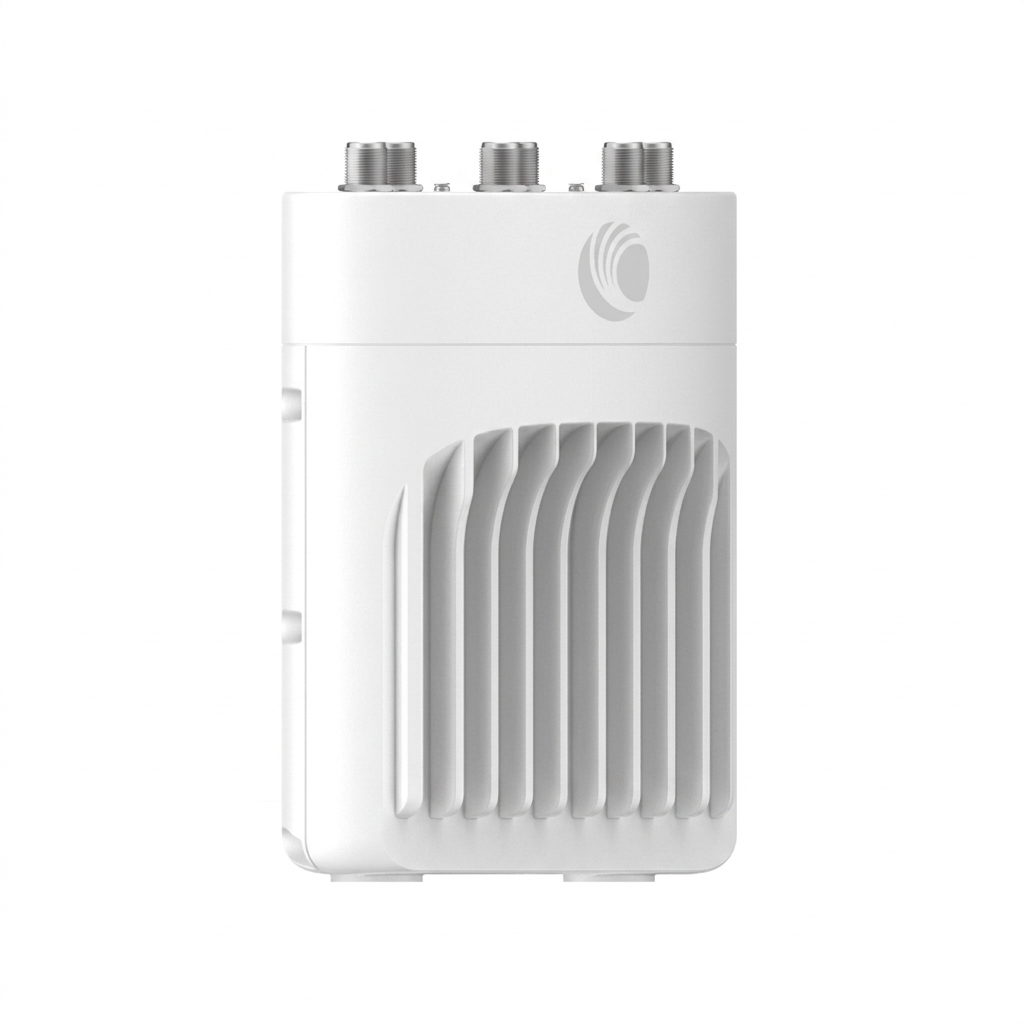
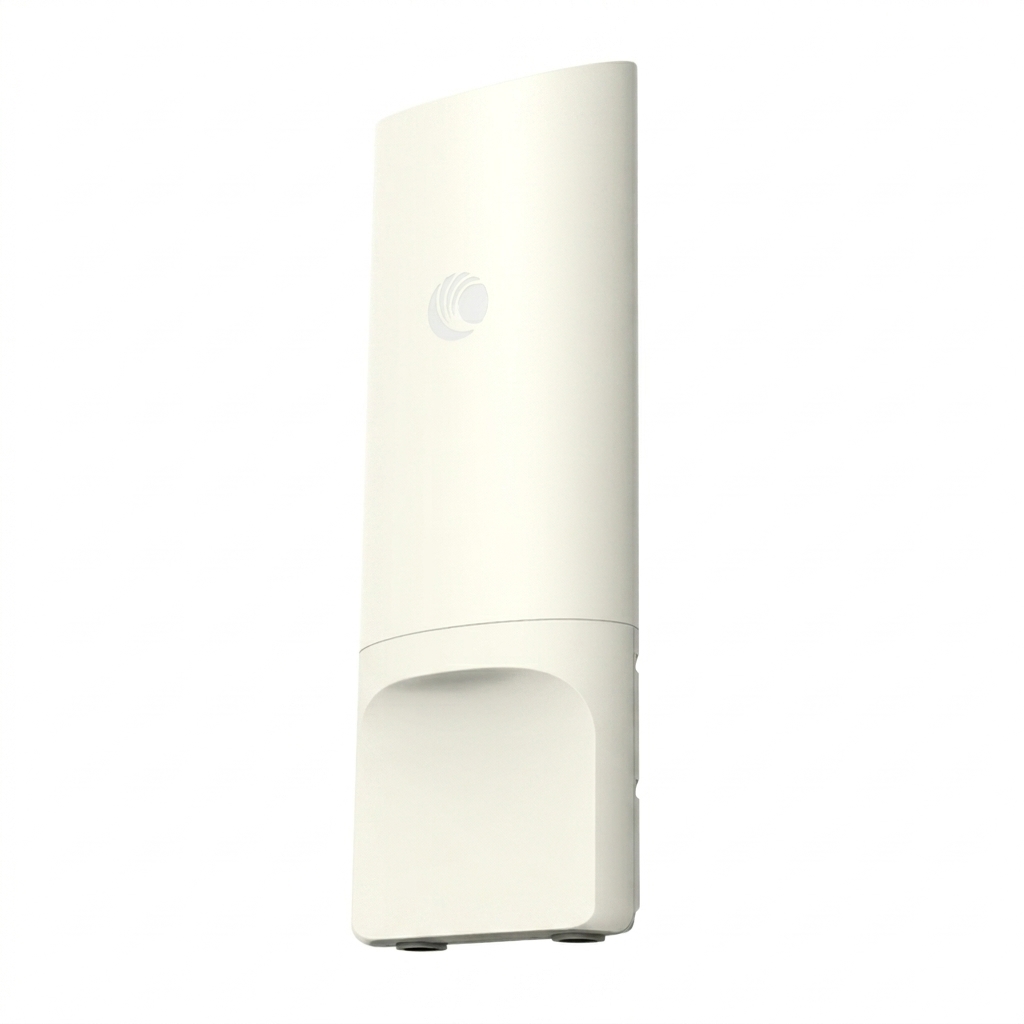
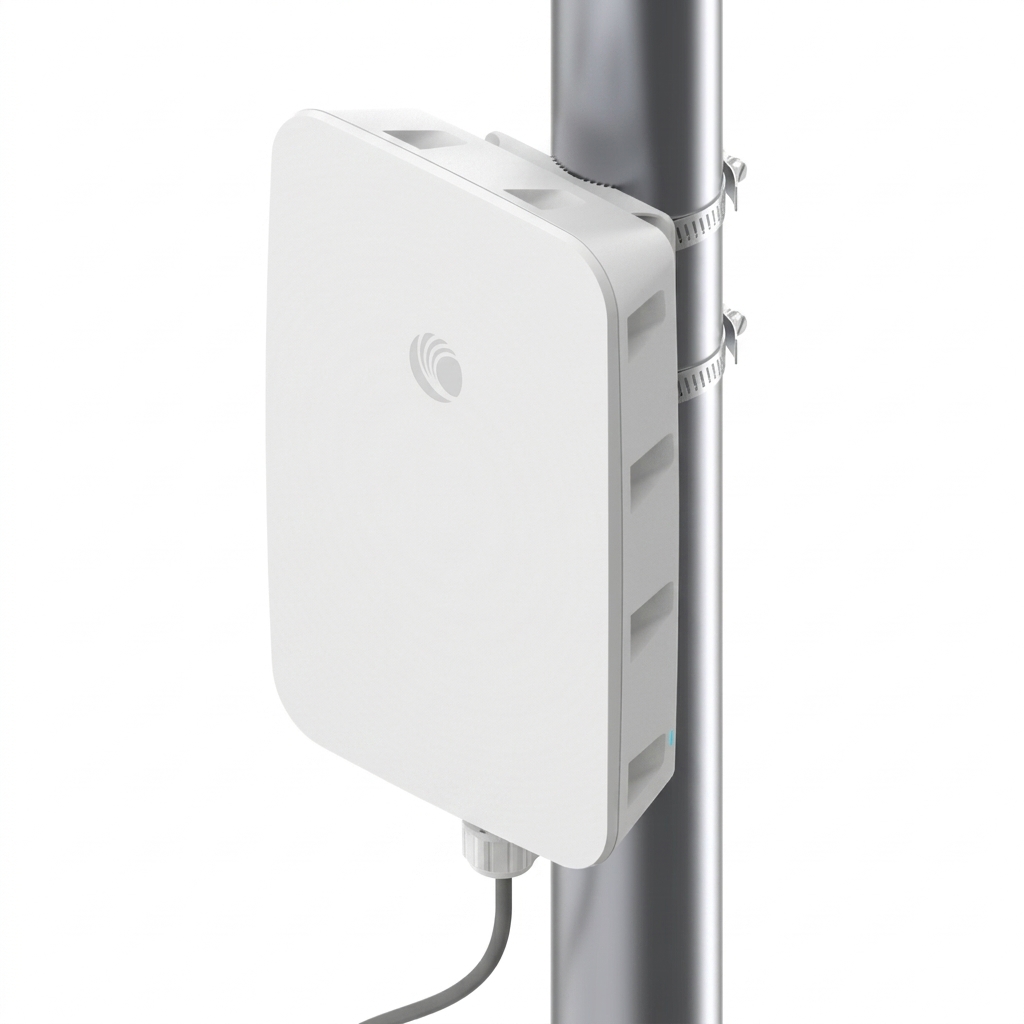
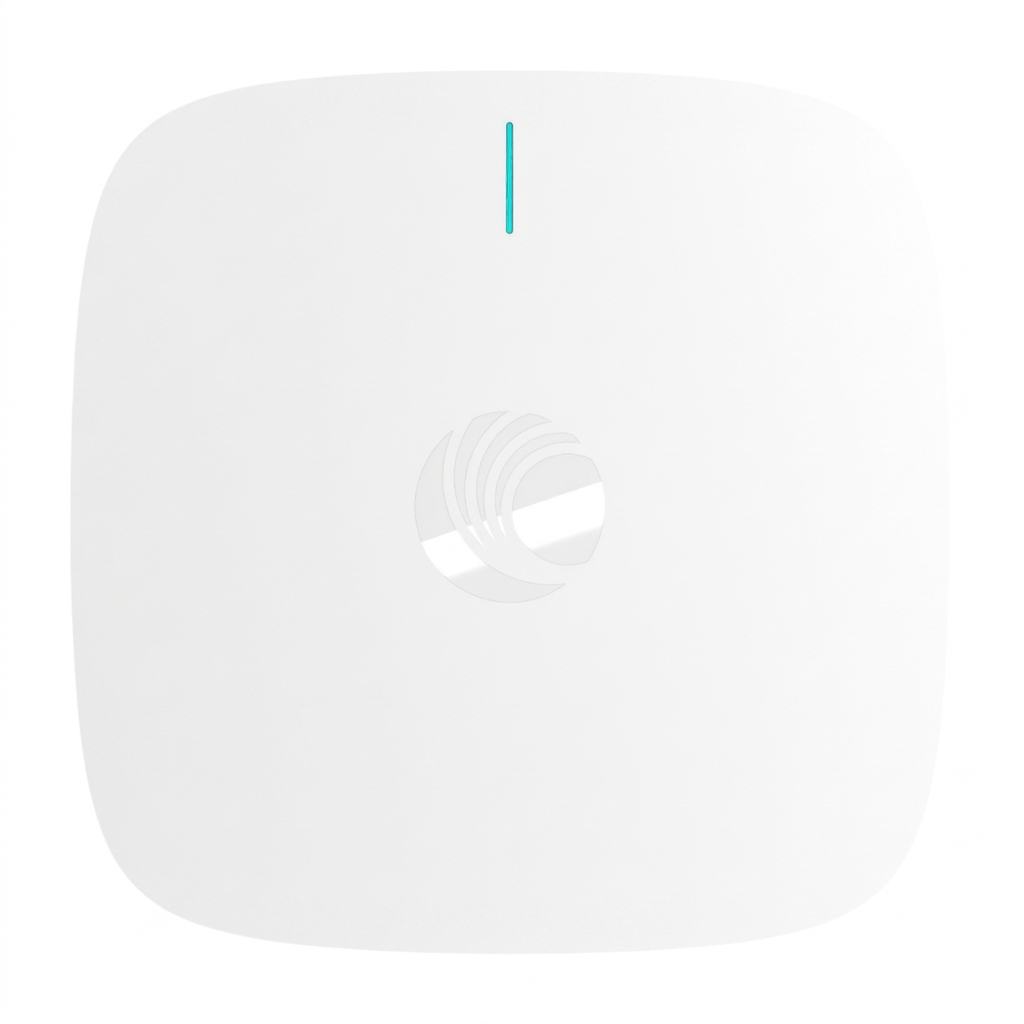
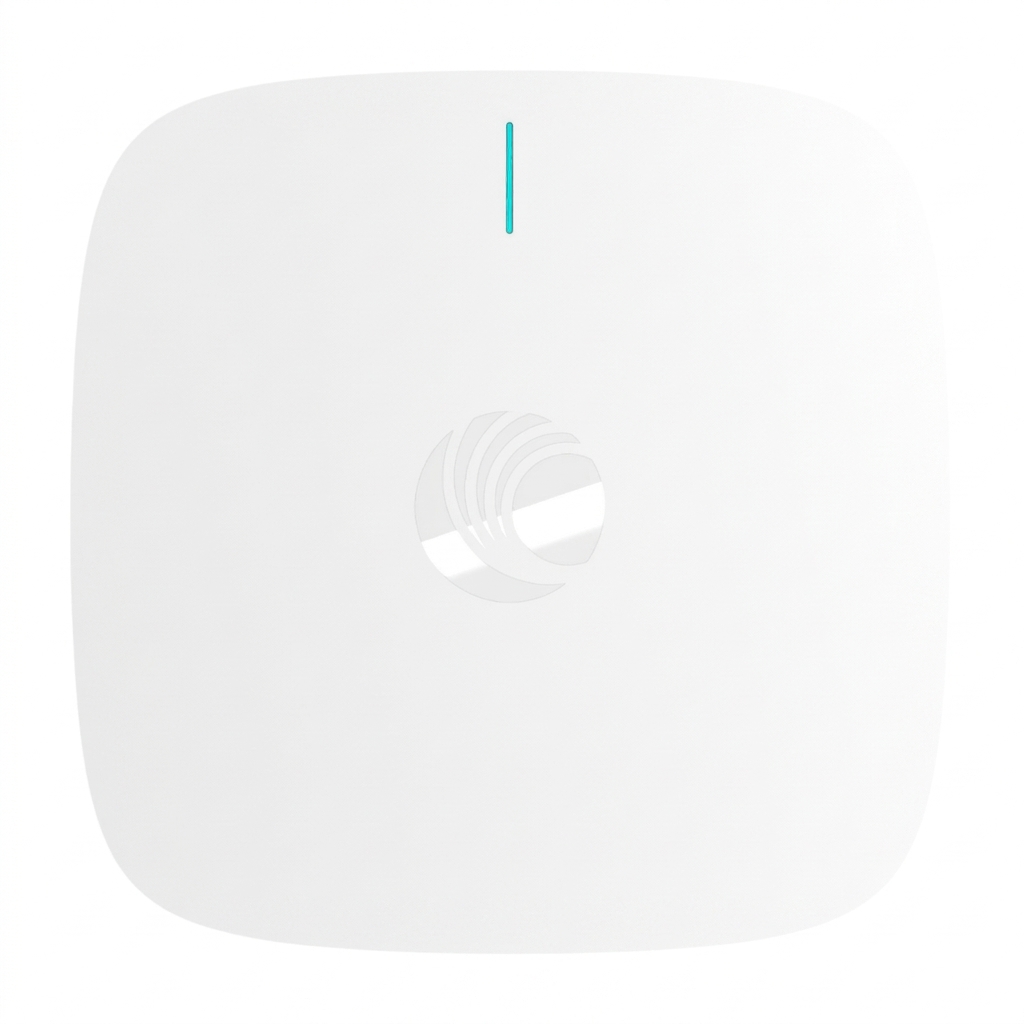
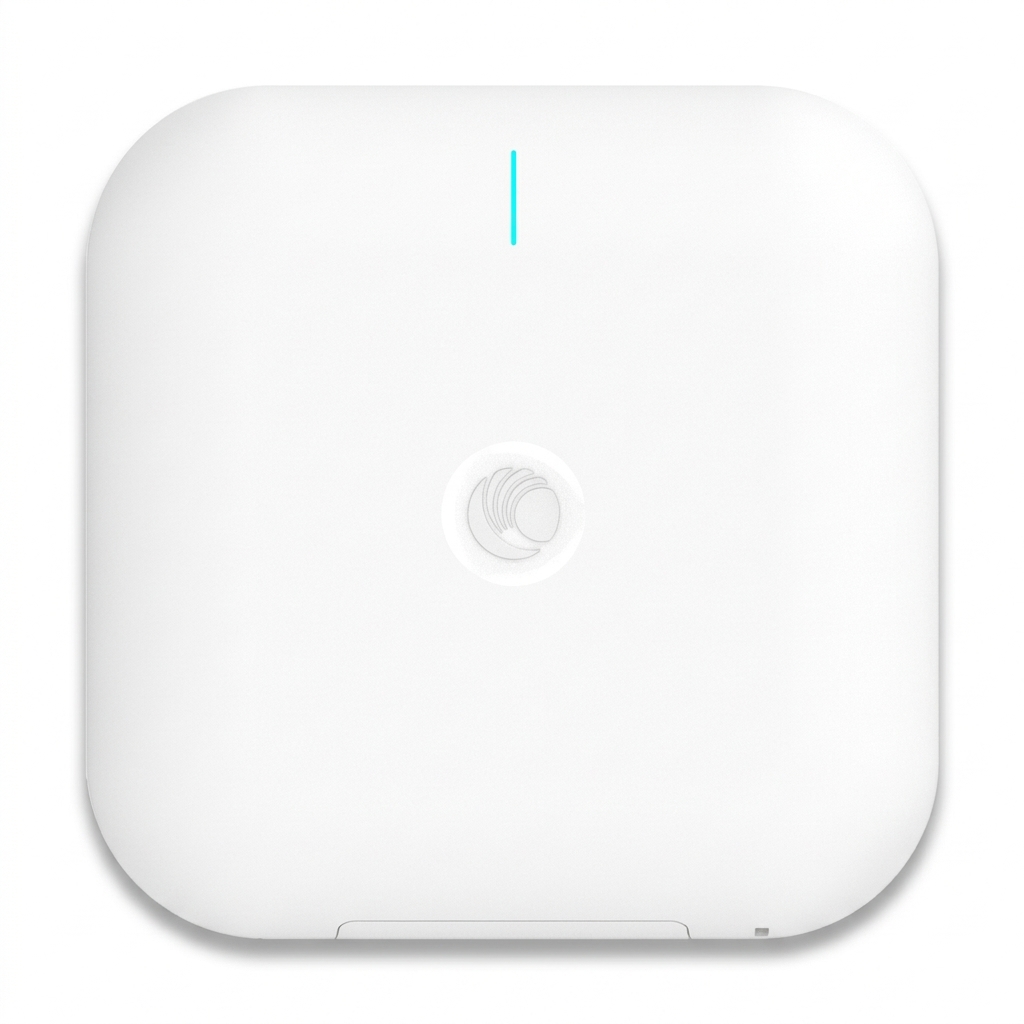
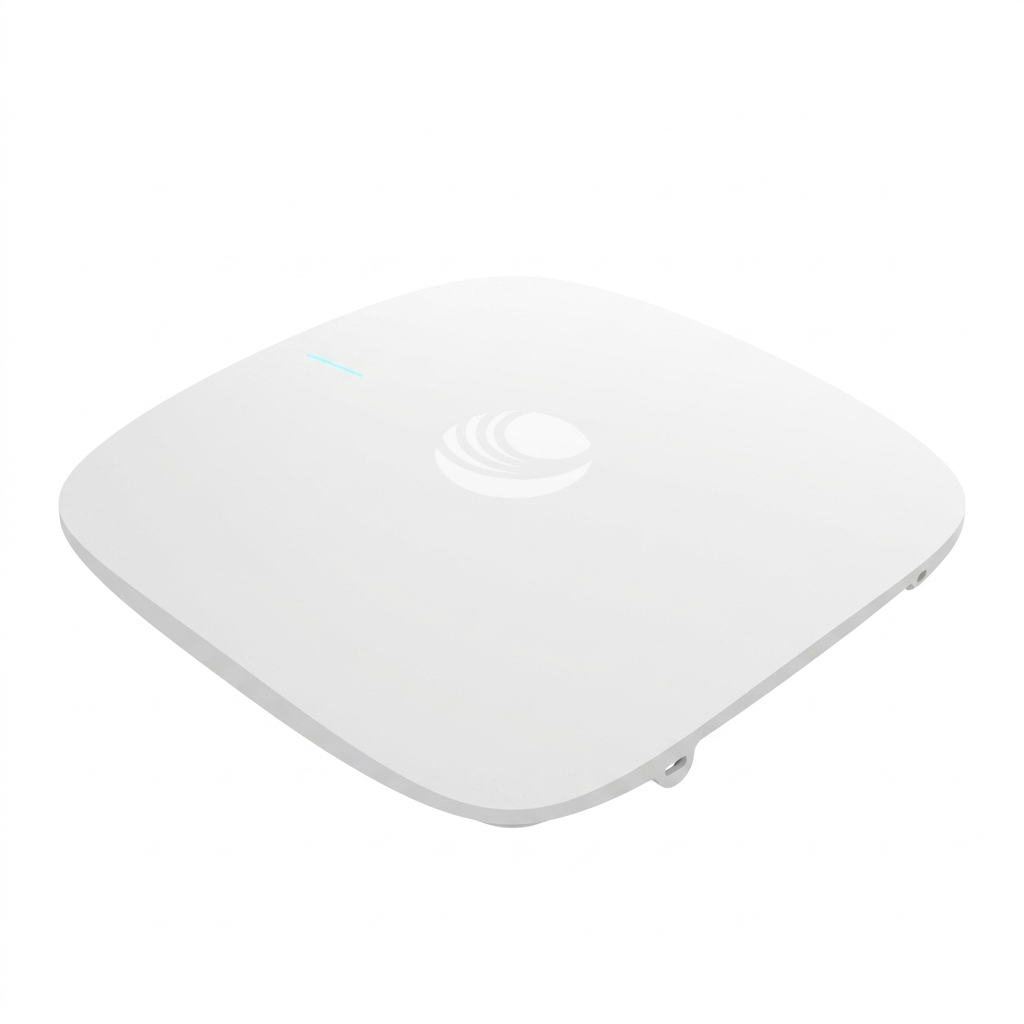
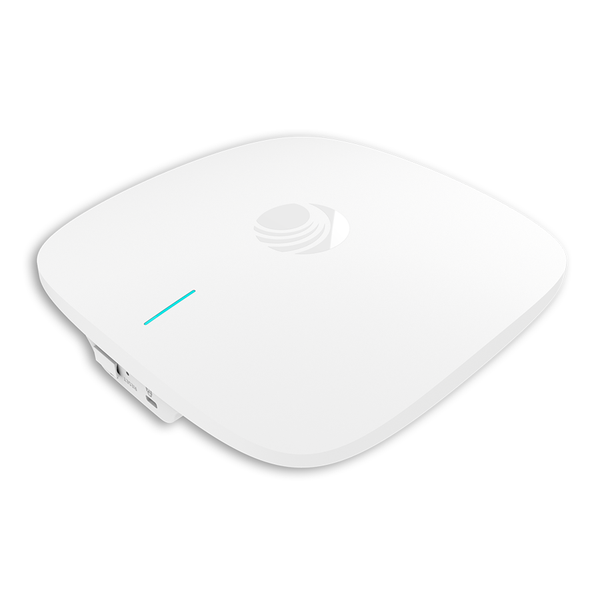
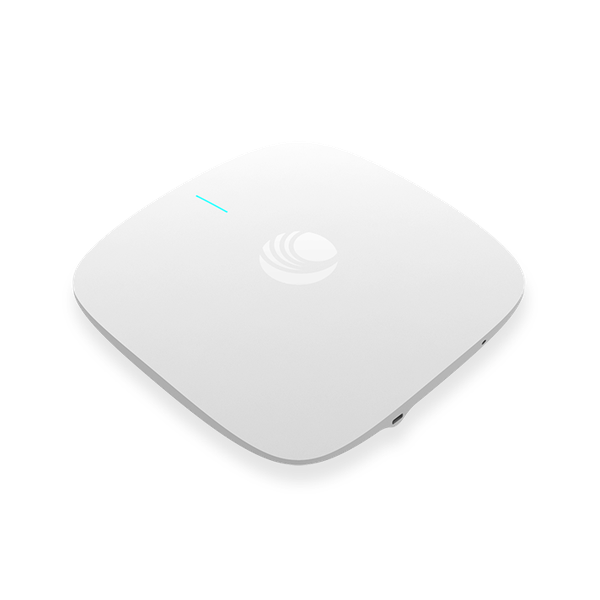
Cambium CnPilot e410 Wi-Fi Access Point (With Out Gigabit POE Adapter)
Exclusive of all taxes
Product Details
Key
Features
MPN: PL-E410X00B
Model: cnPilot e410
Frequency bands: 2.4GHz: 2400-2484 MHz &
5GHz: 5150-5850 MHz
SSID: 16 SSIDs across 2 radios
Range: 180 m (650 Ft)
Supports WPA2 Enterprise and WPA2 PSK
Specification
| Antenna | Internal omni-directional 2.4 GHz: 5.24 dBi 5 GHz: 5.47 dBi |
| Temperature | 0ºC to 50ºC (32ºF to 122ºF) |
| Dimensions | 180 mm x 180 mm x 42mm (7.09 in x 7.09 in x 1.65 in) |
| Weight | 384 g (0.85 lb) |
| Power consumption | 802.3af powered device Typical load: 9 W, Max: 11.5 W |
| Wireless frequency | 1 x 5 GHz radio (802.11 a/n/ac Wave 2), 2x2 1 x 2.4 GHz (802.11 b/g/n), 2X2 SU-MIMO / MU-MIMO: 2 streams |
| Ethernet | One IEEE Gigabit Ethernet auto sensing |
| Wireless Security | WPA2 (802.11i), WPA2 Enterprise (802.1x/EAP), WPA PSK, Open |
| Warranty | 1 year |
Description
Cambium
CnPilot e410 Wi-Fi Access Point (With Out Gigabit POE Adapter)
The Cambium cnPilot e410 Wi-Fi Access Point
comes with 2×2 MU-MIMO which packs a max transmit power of 25 dBm and channels
up to 80MHz wide on 5 GHz. It offers more flexibility than ever for both coverage
and capacity. The e410 is intended to expand from small businesses to K12
schools, with an easy-to-install integrated bracket and enterprise standard
802.11ac Wave 2. The industrial design of the Cambium cnPilot e410 Wi-Fi Access
Point allows for consistent and predictable installation in any industry or
corporation. cnMaestro cloud, on-premises cnMaestro, a private data center, or
as a standalone AP can manage both access points (AP).
Advanced
Simplicity Without a Controller
The cnPilot e410 includes controller-less
distributed intelligence for seamless roaming and enhanced roaming for up to
1,000 devices. cnMaestro management enables end-to-end visibility and
zero-touch provisioning across thousands of sites.
High
Capacity and Reliability
Airtime fairness, standardized beamsteering,
and MU-MIMO boost network capacity, while autonomous RF management monitors
performance and adjusts the network to avoid interference. Detailed network
data, utilization graphs, and integrated troubleshooting ensure that service is
always available.
How to Order
Revolution Technology BD has made shopping easier for customers. Follow these steps:
- Click Register Button from home page
- Register with: Name + Email + Mobile + Password
- Click Create Account after entering information
- Login automatically or use Login button
- Provide mobile number and password, then Sign Up
- Choose desired product and click Buy Now
- View product details and click Add to Cart
- Click Item box (upper right corner)
- Go to Shopping Cart page
- Continue Shopping for more products or proceed
- Click "Click Here to Address" button
- Provide Full Name, Phone, Email & Delivery Address
- Click Order Submit button
- View Bill Invoice and receive email confirmation
- Print Invoice using Print button
- Wait for delivery - we'll keep you updated
- Thank you for shopping with us!