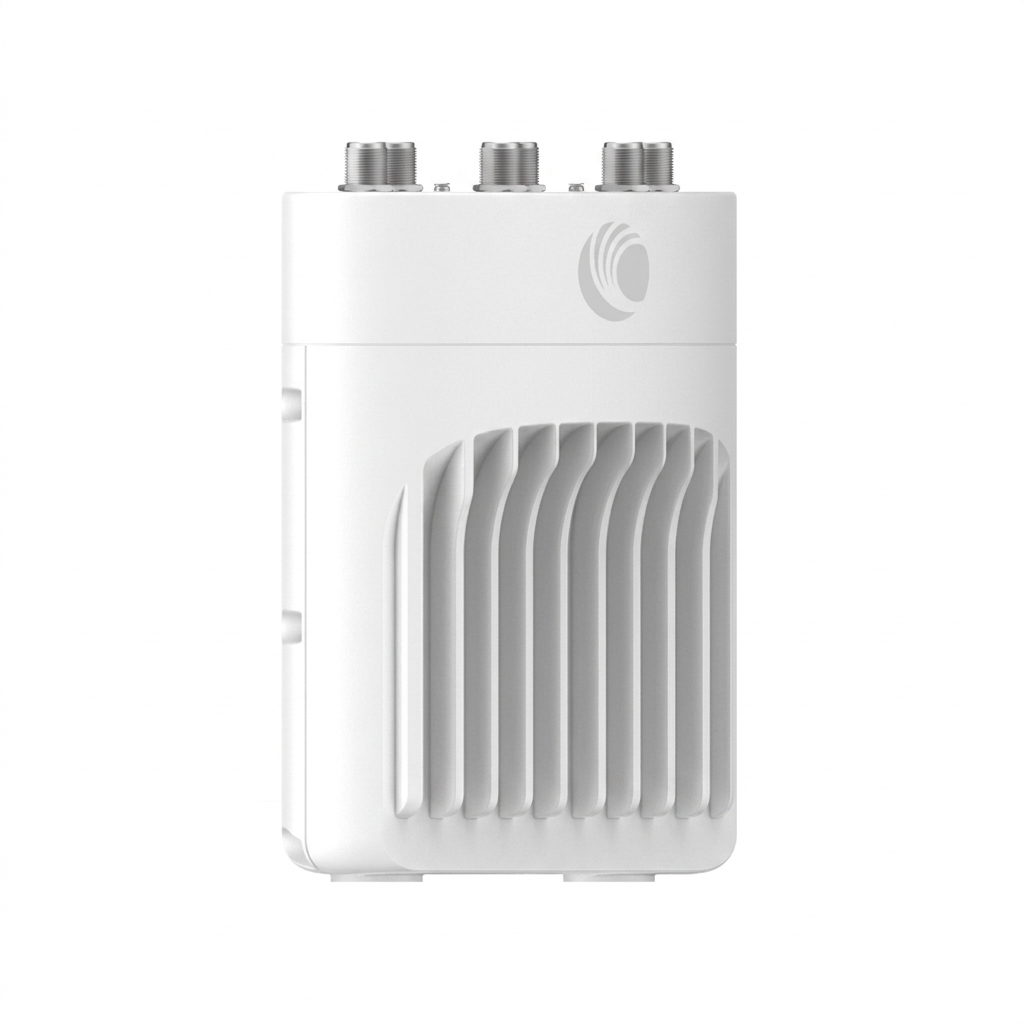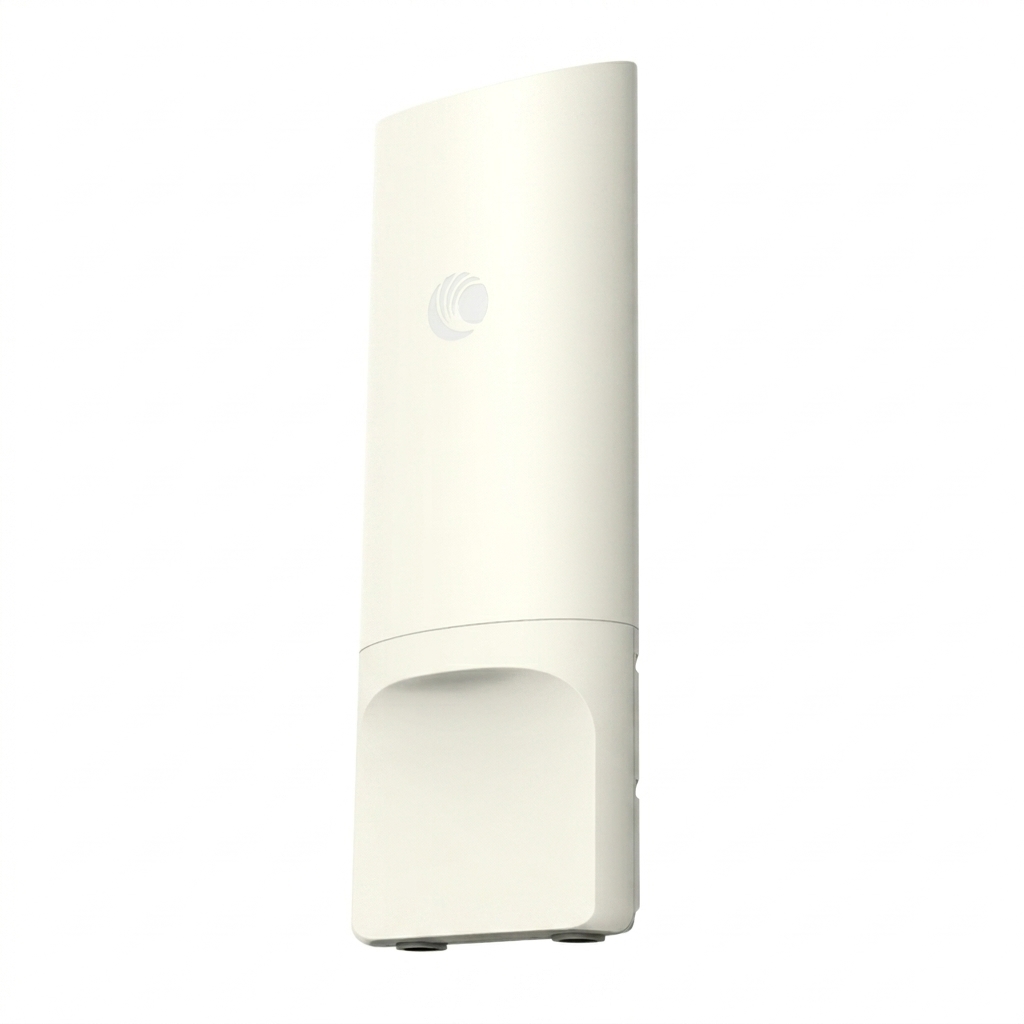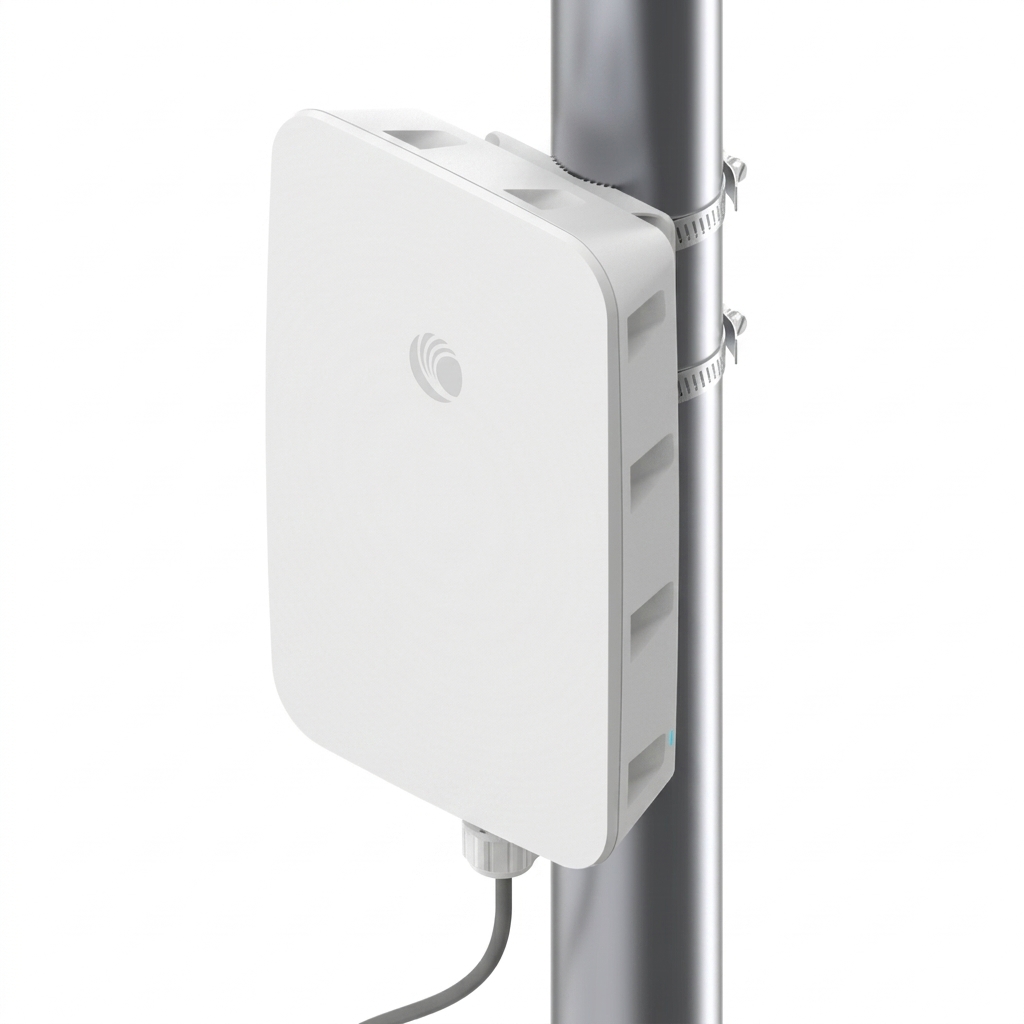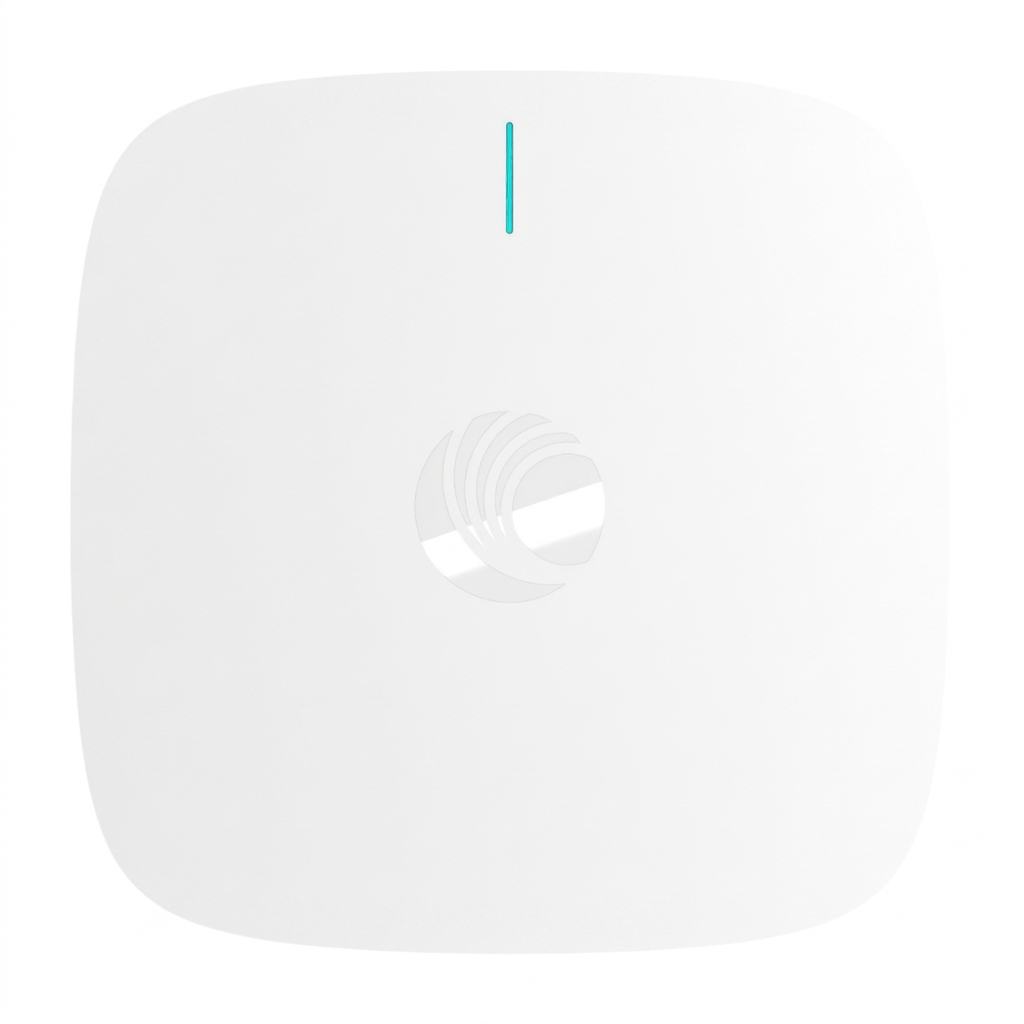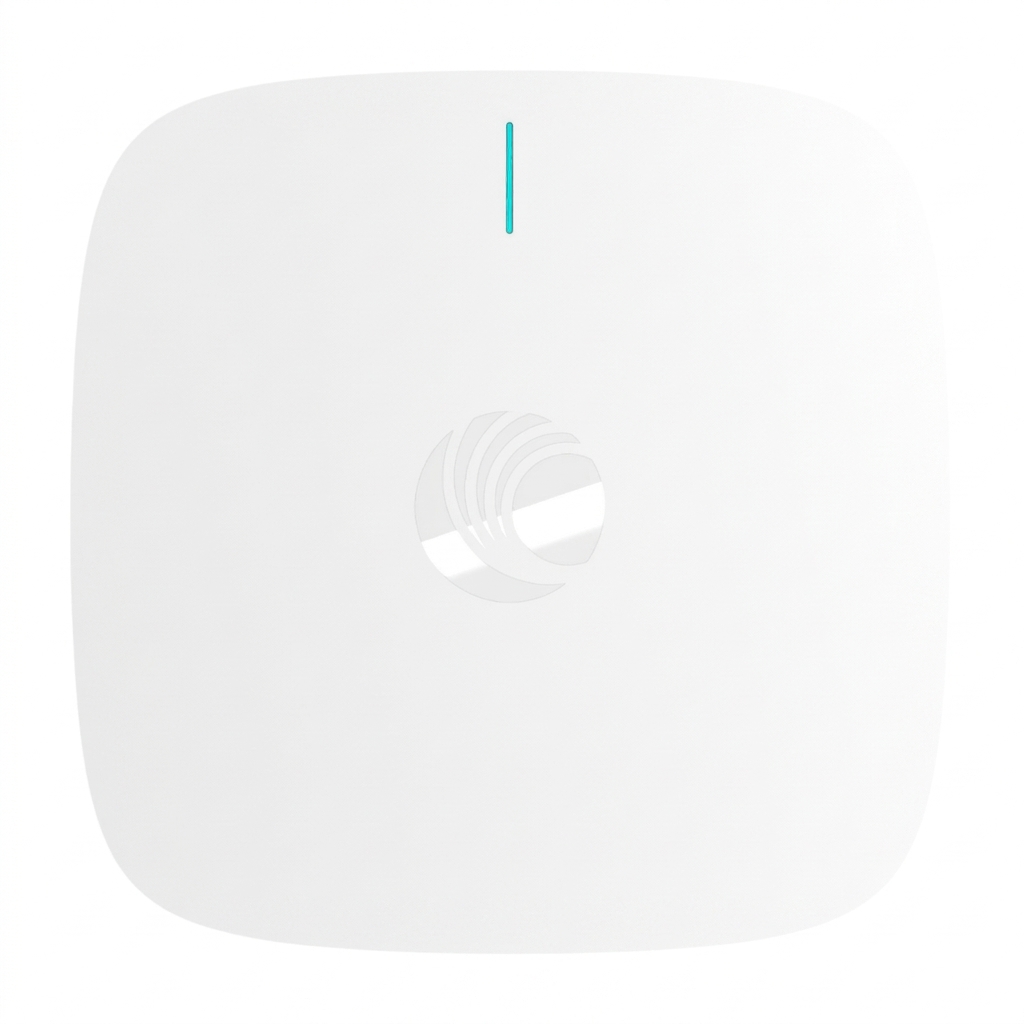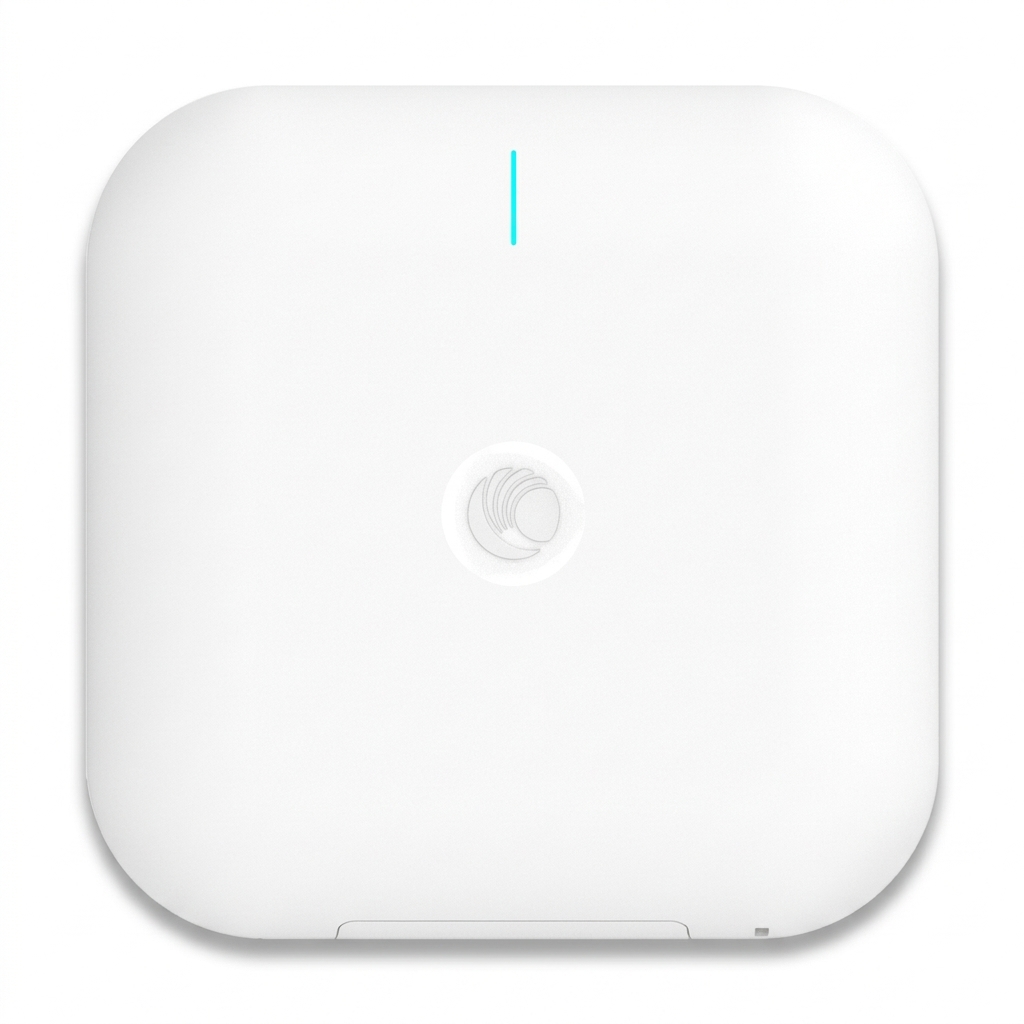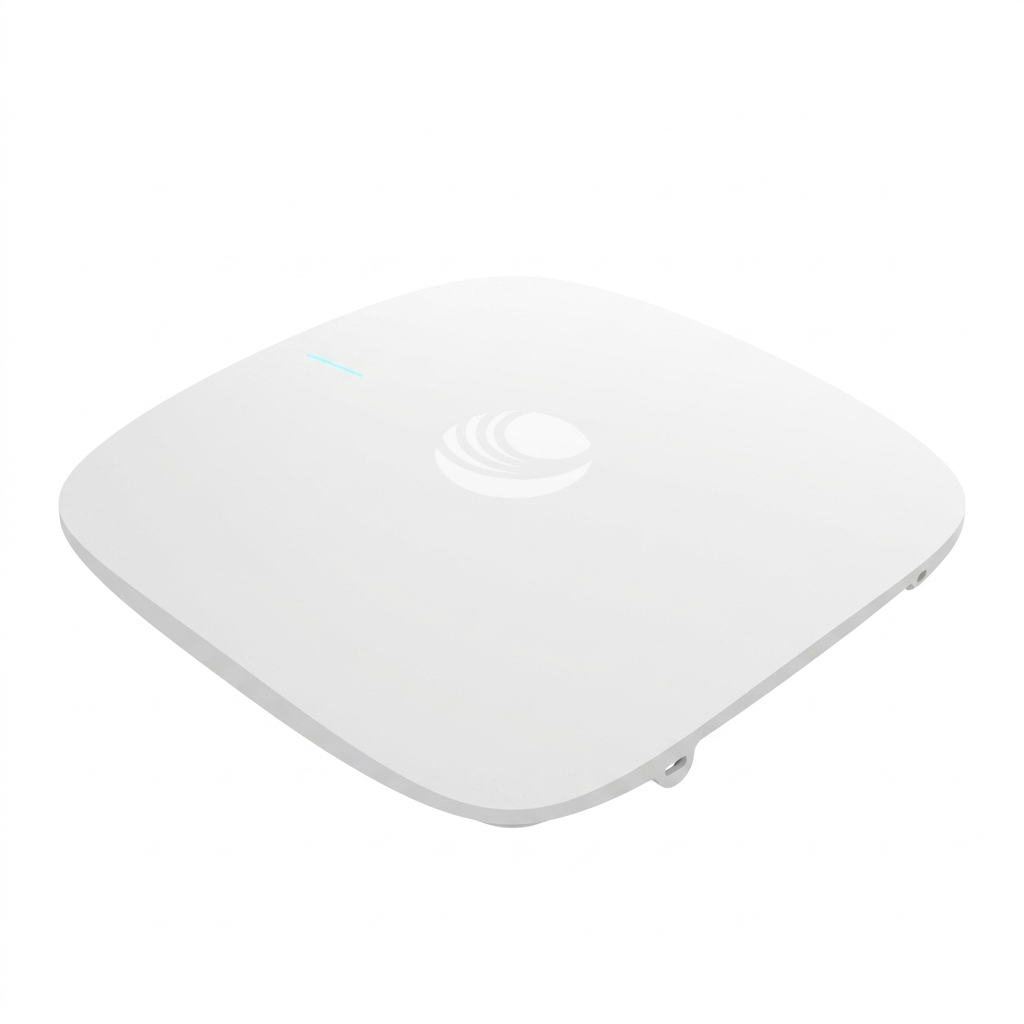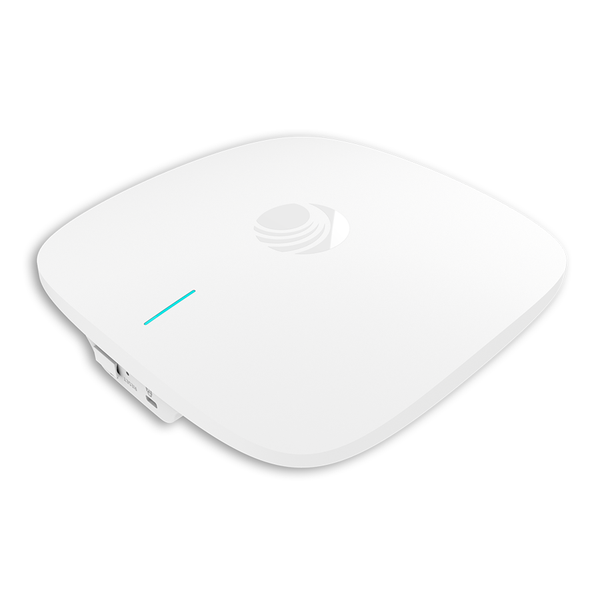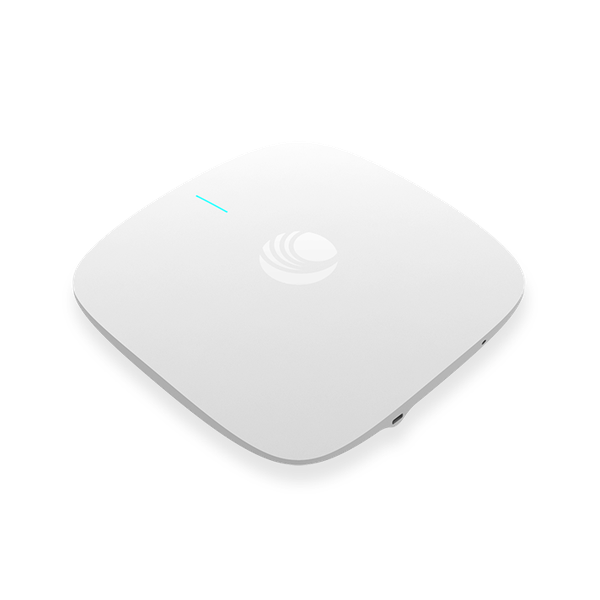
Cambium XV2-21X Indoor Wi-Fi 6 Access Point (With Out Adapter)
Exclusive of all taxes
Product Details
Key
Features
Model: XV2-21X
Dual-Radio Wi-Fi 6
5 GHz (2×2), 2.4 GHz (2×2)
1 GbE RJ45 interface
Managed by cnMaestro and/or Swift
Specification
| Antenna | 5 GHz 6 dBi 2.4 GHz 5 dBi |
| Dimensions | 155 mm x 155 mm x 37 mm (6.1 in x 6.1 in x 1.46 in) With Bracket: 155 x 155 x 46 mm (6.1 x 6.1 x 1.81 in) |
| Weight | 800 g (1.76 lbs) |
| Wireless frequency | 5 GHz 802.11 a/n/ac Wave 2/ax, 2x2:2 2.4 GHz 802.11 b/g/n/ax, 2x2:2 |
| Wireless standards | 802.11 a/b/g/n/ac Wave 2/ax |
| Ethernet | 1 x IEEE 10/100/1000 Mbps |
| Wireless Security | WPA3-SAE, WPA3-Enterprise, WPA2 (CCMP, AES, 802.11i), WPA2 Enterprise (802.1x/EAP), WEP, Open |
| Others | Multi-color status LEDs, dimmable, on/of |
| Warranty | 1 year |
Description
Cambium
XV2-21X Indoor Wi-Fi 6 Access Point
The Cambium XV2-21X Wi-Fi 6 Access Point
features an exceptional combination of performance and affordability. This 2×2
Wi-Fi 6 AP offers 2.97 total Gbps of bandwidth. This access point is ideal for
hospitality, MDU and small and medium business applications. An advantage lies
in its adaptability to different management systems, including cnMaestro Cloud,
cnMaestro X, cnMaestro on-premises, and Swift app-based management. This
flexibility empowers users to select and modify the management approach as
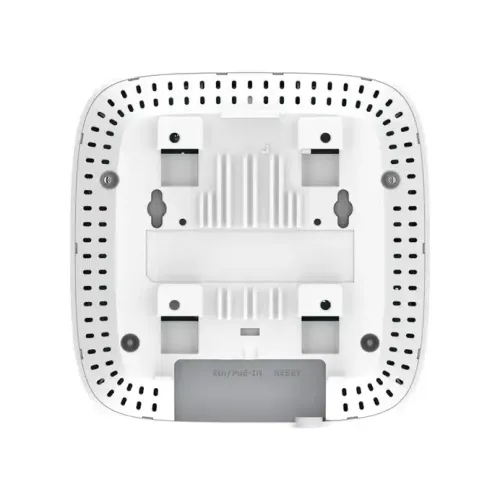
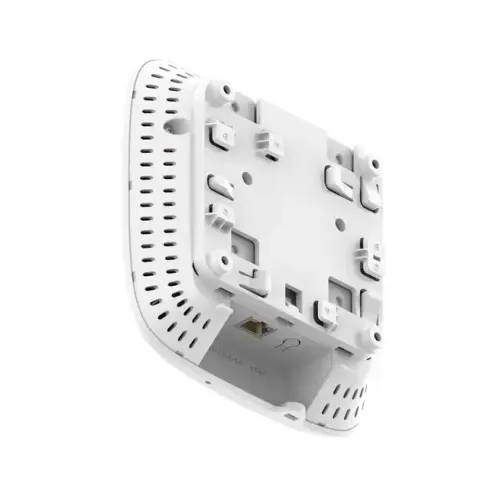
needed, setting it apart from other access points in its class. Installation of
Cambium XV2-21X Wi-Fi 6 Access Point is made swift and efficient, offering
multiple methods such as ceiling tile mounting with the provided steel plate,
attachment to existing junction boxes, T-bar twist locking for various bar
sizes, and direct wall mounting using the supplied wall anchors.
How to Order
Revolution Technology BD has made shopping easier for customers. Follow these steps:
- Click Register Button from home page
- Register with: Name + Email + Mobile + Password
- Click Create Account after entering information
- Login automatically or use Login button
- Provide mobile number and password, then Sign Up
- Choose desired product and click Buy Now
- View product details and click Add to Cart
- Click Item box (upper right corner)
- Go to Shopping Cart page
- Continue Shopping for more products or proceed
- Click "Click Here to Address" button
- Provide Full Name, Phone, Email & Delivery Address
- Click Order Submit button
- View Bill Invoice and receive email confirmation
- Print Invoice using Print button
- Wait for delivery - we'll keep you updated
- Thank you for shopping with us!