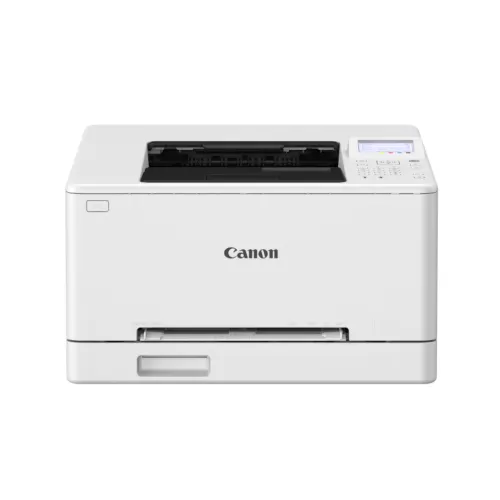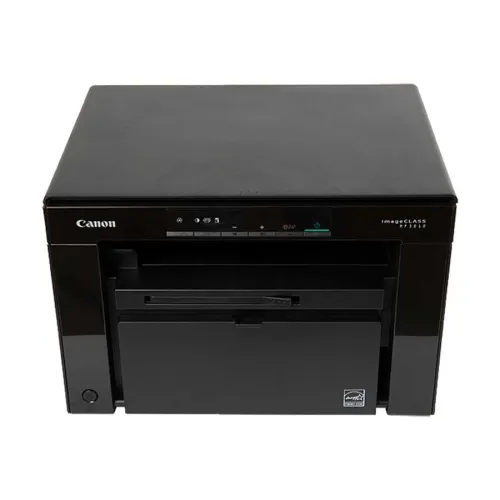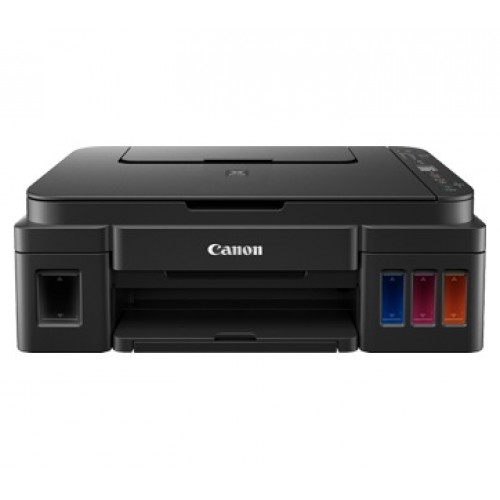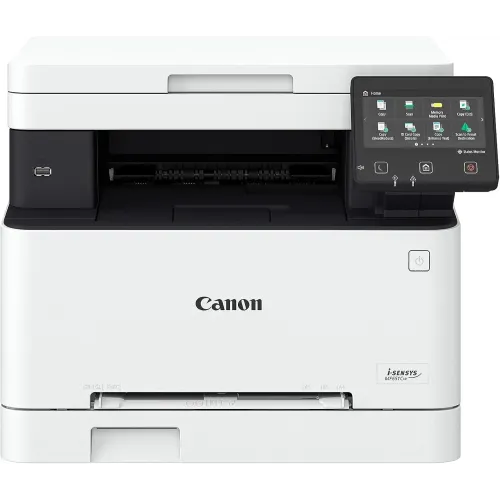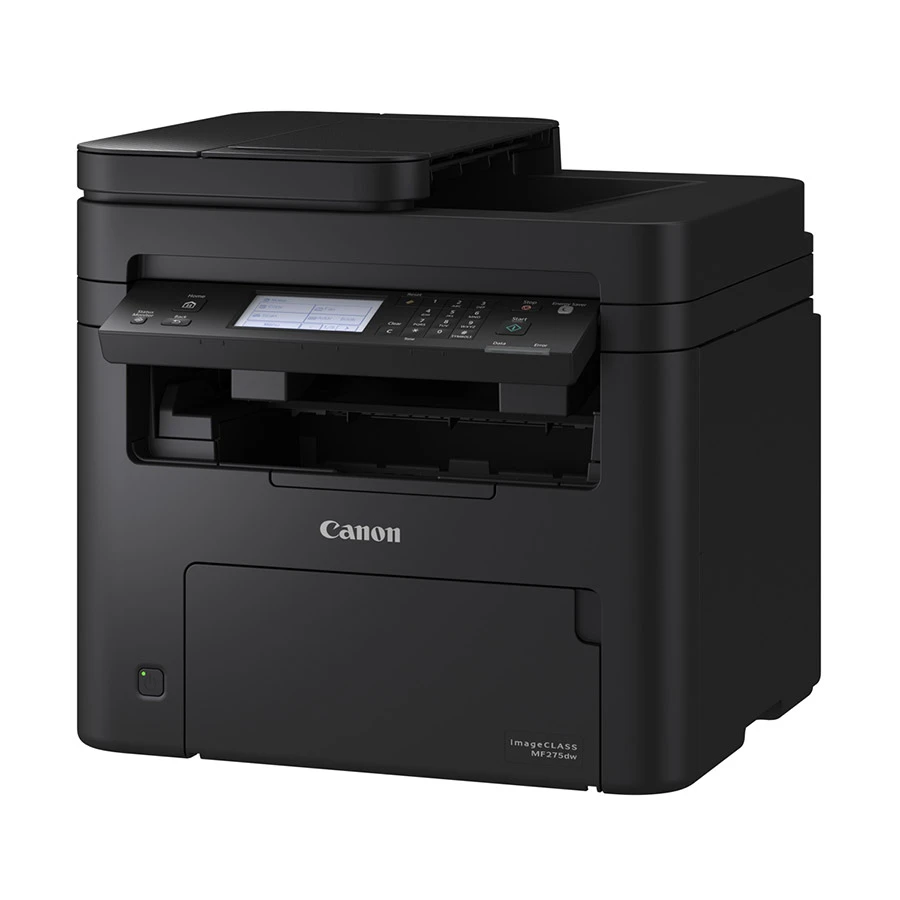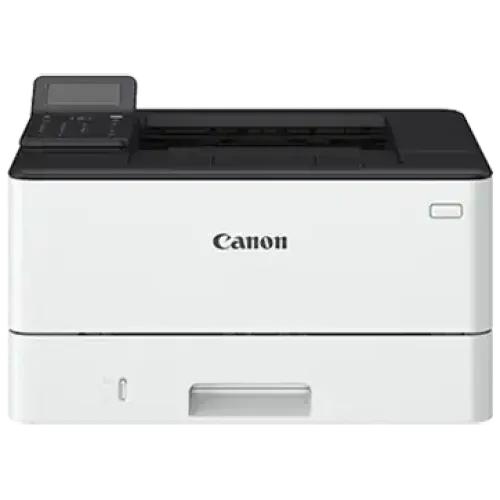
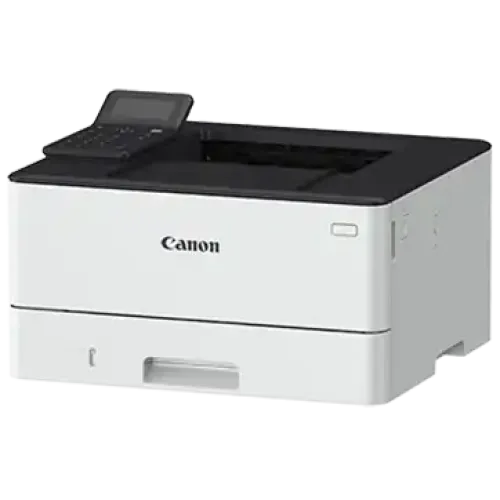
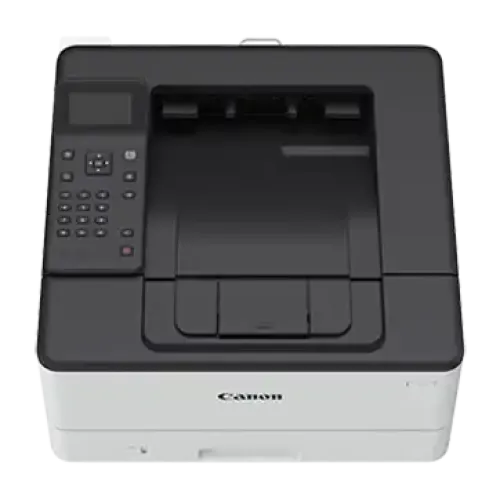
Canon imageCLASS LBP246dw Wi-Fi Mono Laser Printer
Exclusive of all taxes
Product Details
Key Features
Model:
imageCLASS LBP246dw
Print Speed: Up
to 40 ppm
Resolution: 600
x 600 dpi
Connectivity:
USB, LAN, WiFi
Duty Cycle: Up
to 80,000 pages/month
Specification
|
Print
Speed |
A4: 40
ppm; Letter: 42 ppm; 2-Sided: 33 ipm (A4) / 35 ipm (Letter) |
|
Warm-Up
Time |
14 sec |
|
First
Printout Time |
A4: 5 sec;
Recovery Time (From Sleep Mode): 4 sec or less |
|
Resolution |
600 x 600
dpi |
|
Print
Technology |
Laser |
|
Interface |
USB, LAN,
WiFi |
|
Other
Features |
Duplex
Printing, High Duty Cycle |
|
Supported
Paper Sizes |
A4, A5,
A6, B5, Legal, Letter, Executive, Statement, Foolscap, Government Letter,
Government Legal, Indian Legal, Custom (min. 105 x 148 mm to max. 216 x 355.6
mm) |
|
Supported
Paper Types |
Plain
Paper, Recycled Paper, Label, Postcard, Envelope |
|
Supported
Paper Weight |
60 - 120
g/m² |
|
Input
Capacity |
250 Sheets |
|
Output
Capacity |
150 Sheets |
|
Copy Speed |
approx. 40
ppm (A4). |
|
First Copy
Out Time |
approx.
5-7 seconds.* |
|
Scan
Connectivity |
USB and
Network (LAN/Wi-Fi). |
|
Scan Speed |
Approx.
20-30 ipm (monochrome).* |
|
Max
Document Size |
A4/Letter
(216 x 297 mm).* |
|
Color |
White |
|
Dimensions
(W x D x H) |
399 mm x
373 mm x 249 mm |
|
Weight |
8.7 kg |
|
Warranty |
1-year
Limited warranty (Adapter/Power Cable and Box have specific terms) |
Description
Canon imageCLASS LBP246dw Wi-Fi Mono Laser
Printer
The Canon imageCLASS LBP246dw Laser Printer is a
high-quality printing solution designed to meet the demands of modern
enterprises and workplaces. With a print speed of up to 40 pages per minute,
this printer excels at printing papers quickly, keeping your team's
productivity high. Whether you're printing long reports, business letters, or
marketing materials, the LBP246dw performs quickly and efficiently without
sacrificing print quality. In terms of quality, the printer has a crisp print
resolution of 600 x 600 dpi. This high resolution makes text sharp and legible,
while pictures and graphics seem colorful and lifelike. The Canon imageCLASS
LBP246dw's precise print output making it a perfect choice for creating
everything from text-heavy documents to detailed graphics and images with
professional-grade clarity. Connectivity choices are both diverse and
adaptable. The printer has USB and Wi-Fi connection, so you can easily print
from a number of devices. The USB connector provides a reliable and direct connection,
making it perfect for dedicated office workstations, but Wi-Fi connectivity
allows for wireless printing from smartphones, tablets, and laptops, adding
ease and adaptability to modern work spaces. The Canon imageCLASS LBP246dw's
robustness extends to both durability and capacity. With a monthly duty cycle
of up to 80,000 pages, this printer is designed to handle high-volume printing
duties without difficulty. This means that even in busy office environments
with high printing demands, the LBP246dw can deliver continuous performance
without requiring regular maintenance or downtime. The printer has
user-friendly features to improve simplicity of use and productivity. It
includes a simple control panel that allows for intuitive navigation and
operation, making it suitable even for individuals with less technical
knowledge. The printer's tiny form also means it doesn't take up much space,
making it ideal for offices with limited space. The Canon imageCLASS LBP246dw
LaserJet Printer combines quick print rates, high-resolution printing, flexible
connection choices, a high monthly duty cycle, and user-friendly features. Its
strong performance and dependability make it an excellent choice for businesses
and offices looking for a trustworthy printing solution that can handle a wide
range of printing requirements efficiently and professionally.
How to Order
Revolution Technology BD has made shopping easier for customers. Follow these steps:
- Click Register Button from home page
- Register with: Name + Email + Mobile + Password
- Click Create Account after entering information
- Login automatically or use Login button
- Provide mobile number and password, then Sign Up
- Choose desired product and click Buy Now
- View product details and click Add to Cart
- Click Item box (upper right corner)
- Go to Shopping Cart page
- Continue Shopping for more products or proceed
- Click "Click Here to Address" button
- Provide Full Name, Phone, Email & Delivery Address
- Click Order Submit button
- View Bill Invoice and receive email confirmation
- Print Invoice using Print button
- Wait for delivery - we'll keep you updated
- Thank you for shopping with us!