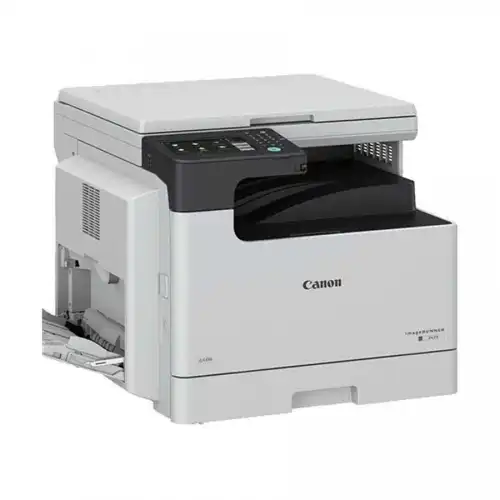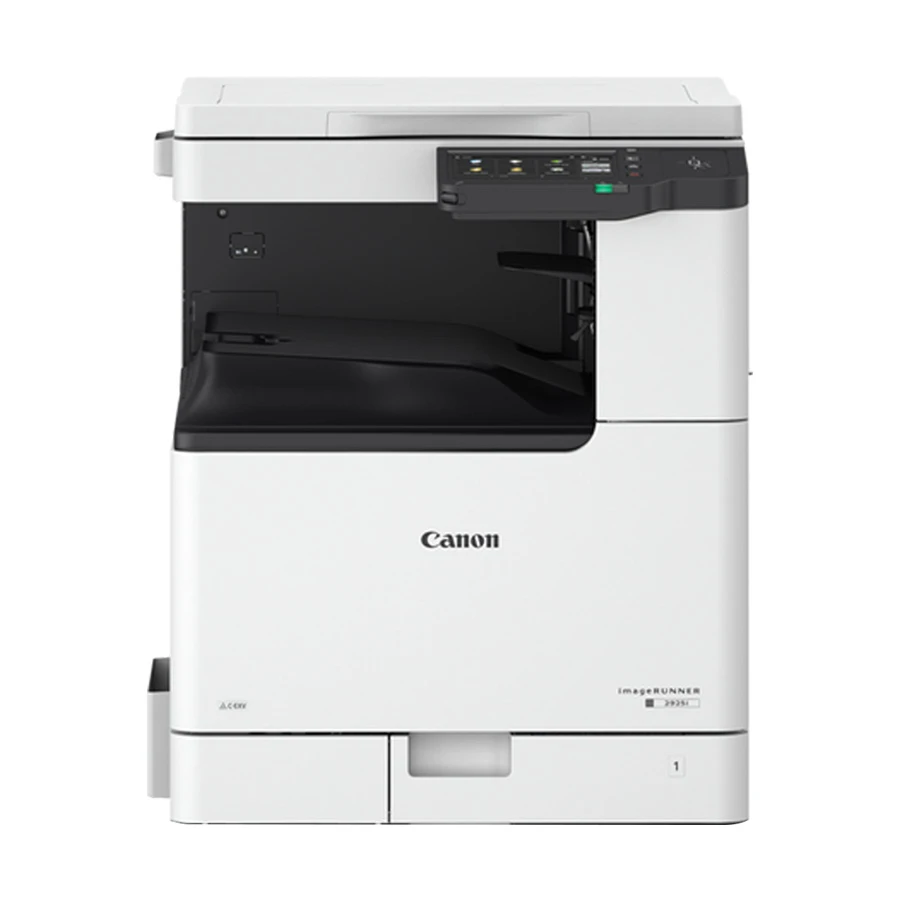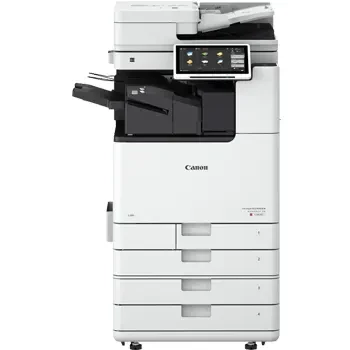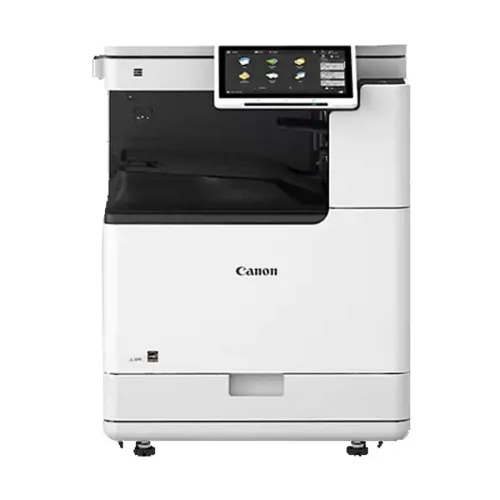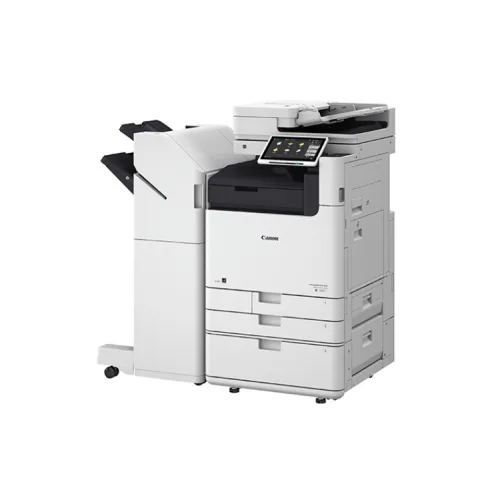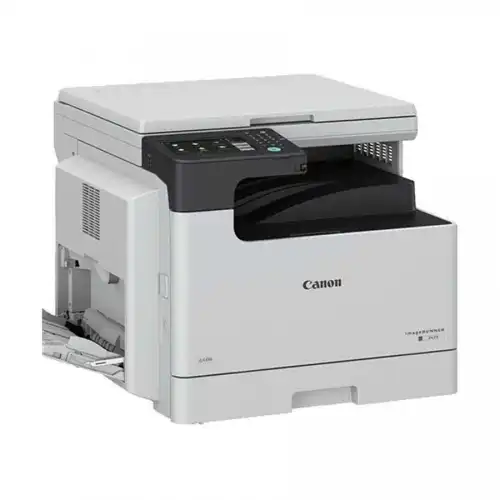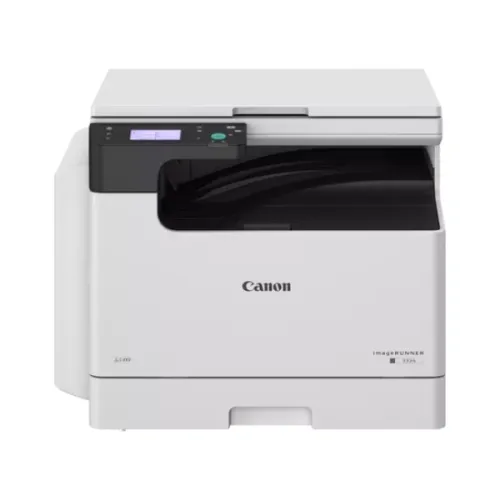
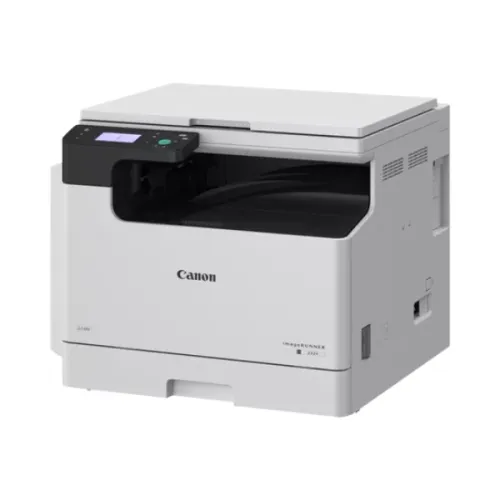
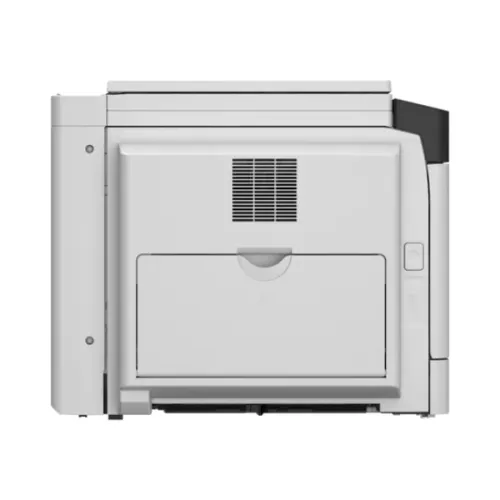
Canon ImageRUNNER 2224N A3 Monochrome Laser Multifunctional Photocopier
Exclusive of all taxes
Product Details
Key
Features
Model: imageRUNNER 2224N
Functions: Print, Copy, Scan, Send
Control Panel: 8.9 cm or 3.5-inch Monochrome Touch panel
Copy Speed: Up to 24 ppm (A4), Up to 12 ppm (A3)
Copy Resolution: 600x 600 DPI Connectivity: 1x USB 2.0
Specification
|
Display |
8.9 cm / 3.5 inch monochrome Touch
panel |
|
Power |
220-240V 50/60Hz, 2.8A |
|
Power
Consumption |
Maximum: 1,500 W, Standby: 15.5 W,
Sleep Mode: 0.9 W |
|
Dimensions
(W x D x H) |
627 x 589 x 502 mm |
|
Weight |
Approx. 32.3 kg including toner |
|
Color |
White |
|
Print
Speed |
1-sided: Up to 24 ppm (A4), 12 ppm
(A3), 11 ppm (A4R) |
|
Print
Resolution |
Up to 1,200 x 1,200 dpi |
|
Copy
Speed |
1-sided: Up to 24 ppm (A4), 12 ppm
(A3), 11 ppm (A4R) |
|
First
Copy Out Time |
Platen: Approx. 7.4 seconds or
less |
|
Copy
Resolution |
600 x 600 dpi |
|
Scan
Technology |
Standard Platen Cover |
|
Scan
Resolution / Max Size |
Platen max. scanning size: 297 x
432 mm |
|
Paper
Size (Multi-purpose Tray) |
A3, A4, A4R, A5, A5R, B4, B5, B5R,
Envelopes (COM10, Monarch, DL, ISO-C5); Custom: 95 x 148 mm up to 297 x 431.8
mm |
|
Paper
Size (Cassette) |
Standard: A3, A4, A4R, A5R, B4,
B5, B5R |
|
Paper
Weight (Tray) |
Multi-purpose tray: 60–157 gsm,
Paper Cassettes: 64–90 gsm |
|
Input
Capacity |
Standard: 350 sheets, Maximum: 600
sheets (with Cassette Feeding Module-AK1) |
|
Output
Capacity |
Standard / Maximum: 250 sheets |
|
Monthly
Print Volume |
Up to 9,999 copies |
|
Connectivity |
LAN, USB 2.0 (Device) x1 |
|
Toner |
NPG-59 Toner |
|
Warranty |
1 Year Service Warranty |
Description
Canon
ImageRUNNER 2224N A3 Monochrome Laser Multifunctional Photocopier
The Canon ImageRUNNER 2224N is
a powerful A3 monochrome laser multipurpose photocopier with basic features
including printing, copying, scanning, transmitting, can be used for a variety
of office tasks. It enables quick and effective activities because to its
1.6GHz dual core processor, 1GB of RAM, and 2GB of eMMC storage. A 3.5-inch
monochrome touchscreen on the control panel makes navigation simple. It can
hold a variety of paper kinds, such as plain, recycled, thick, colored, and
transparent, and has a standard paper supply capacity of 350 sheets, which may
be increased to 600 sheets with the Casassette Feeding Module-AK1. Multiple
media sizes (A3, A4, A5, B4, and custom sizes) and weights (up to 157 gsm for
multipurpose tray and 90 gsm for paper cassettes) are supported by the Canon
ImageRUNNER 2224N Multifunctional Photocopier. With a maximum print resolution
of 1200 x 1200 dpi, printing and copying speeds can reach up to 24 ppm for A4
and 12 ppm for A3. A number of changes are available with the Canon ImageRUNNER
2224N Laser Multifunctional Photocopier, including density control,
magnification (25%–400%), and multiple copy options up to 999 copies. Print
features that support Windows OS include header/footer options, poster
printing, and watermarking. Although double-sided scanning is not possible,
scanning features include push and pull scan methods with ScanGear MF software
for Windows and macOS compatibility. In addition to further device and document
protection measures, supports secure print choices with department ID and PIN
login for increased security. The compact Canon ImageRUNNER 2224N Laser
Multifunctional Photocopier, measuring 627 x 589 x 502 mm and weighing about
32.3 kg (including toner), is suitable for a variety of office settings. In active
mode, it uses up to 1500 W and runs in temperatures between 10°C and 30°C.
Being energy-efficient, with a standby power consumption of 15.5 W and a low
0.9 W in sleep mode, it is a safe and sustainable option for companies seeking
a multipurpose, high-performing device.
How to Order
Revolution Technology BD has made shopping easier for customers. Follow these steps:
- Click Register Button from home page
- Register with: Name + Email + Mobile + Password
- Click Create Account after entering information
- Login automatically or use Login button
- Provide mobile number and password, then Sign Up
- Choose desired product and click Buy Now
- View product details and click Add to Cart
- Click Item box (upper right corner)
- Go to Shopping Cart page
- Continue Shopping for more products or proceed
- Click "Click Here to Address" button
- Provide Full Name, Phone, Email & Delivery Address
- Click Order Submit button
- View Bill Invoice and receive email confirmation
- Print Invoice using Print button
- Wait for delivery - we'll keep you updated
- Thank you for shopping with us!