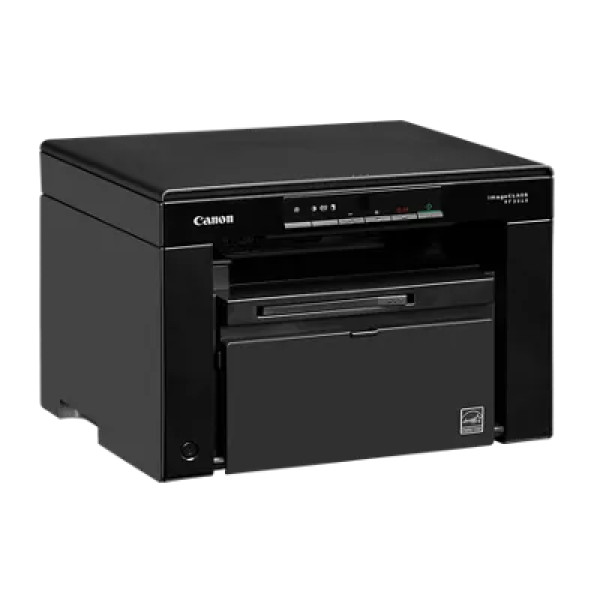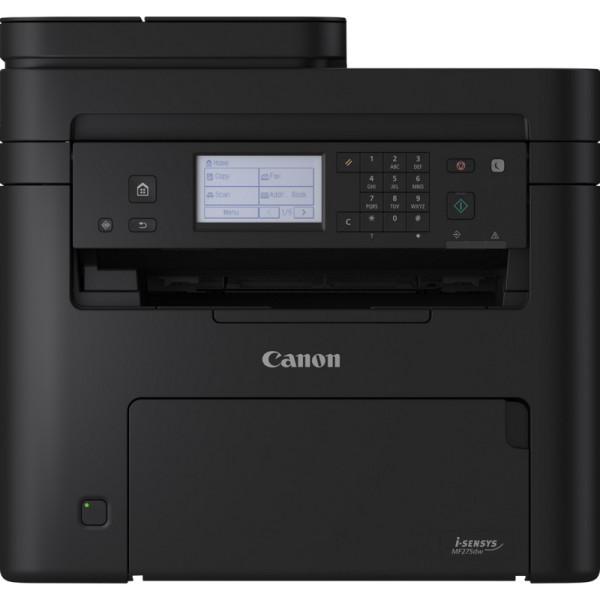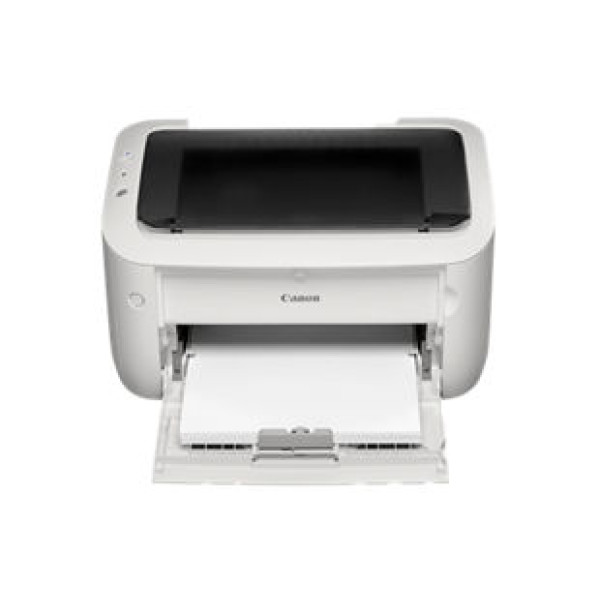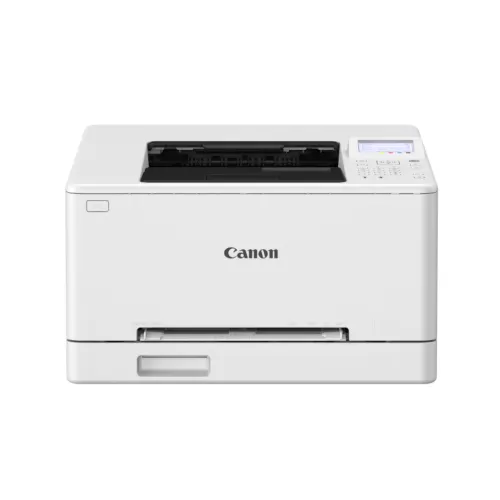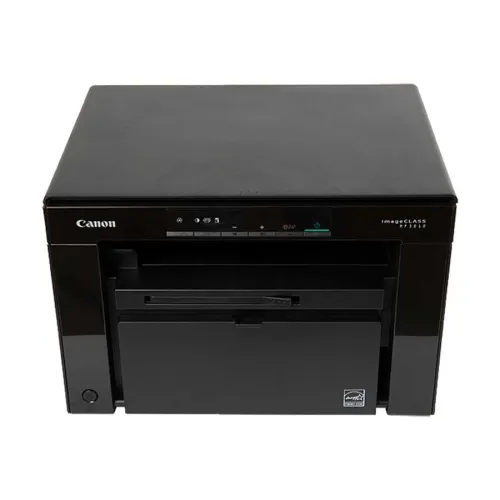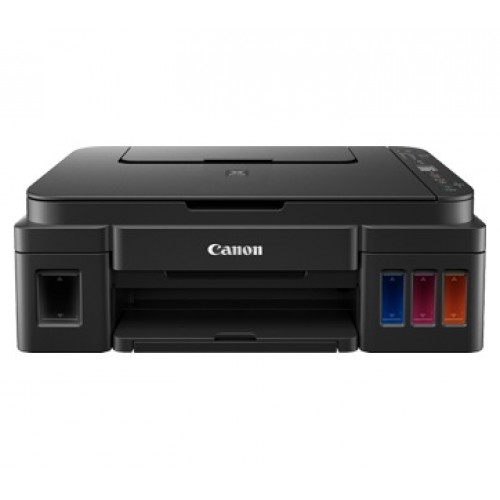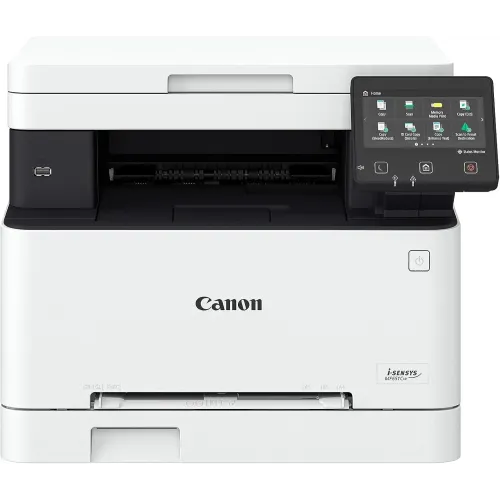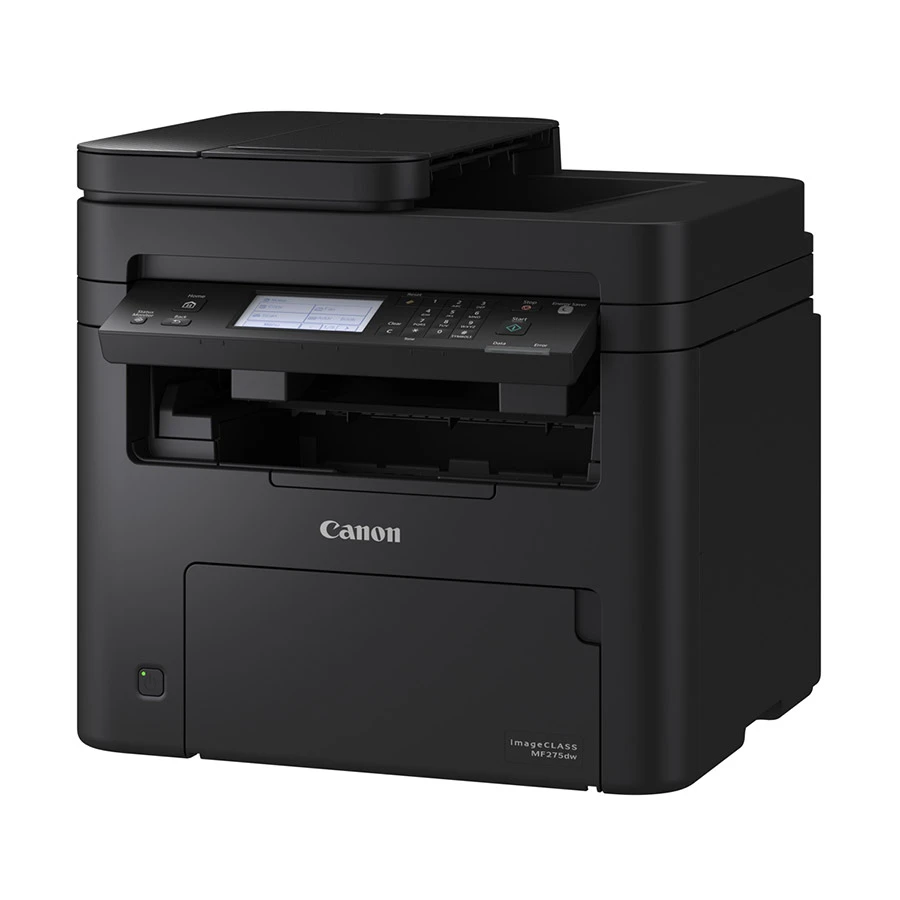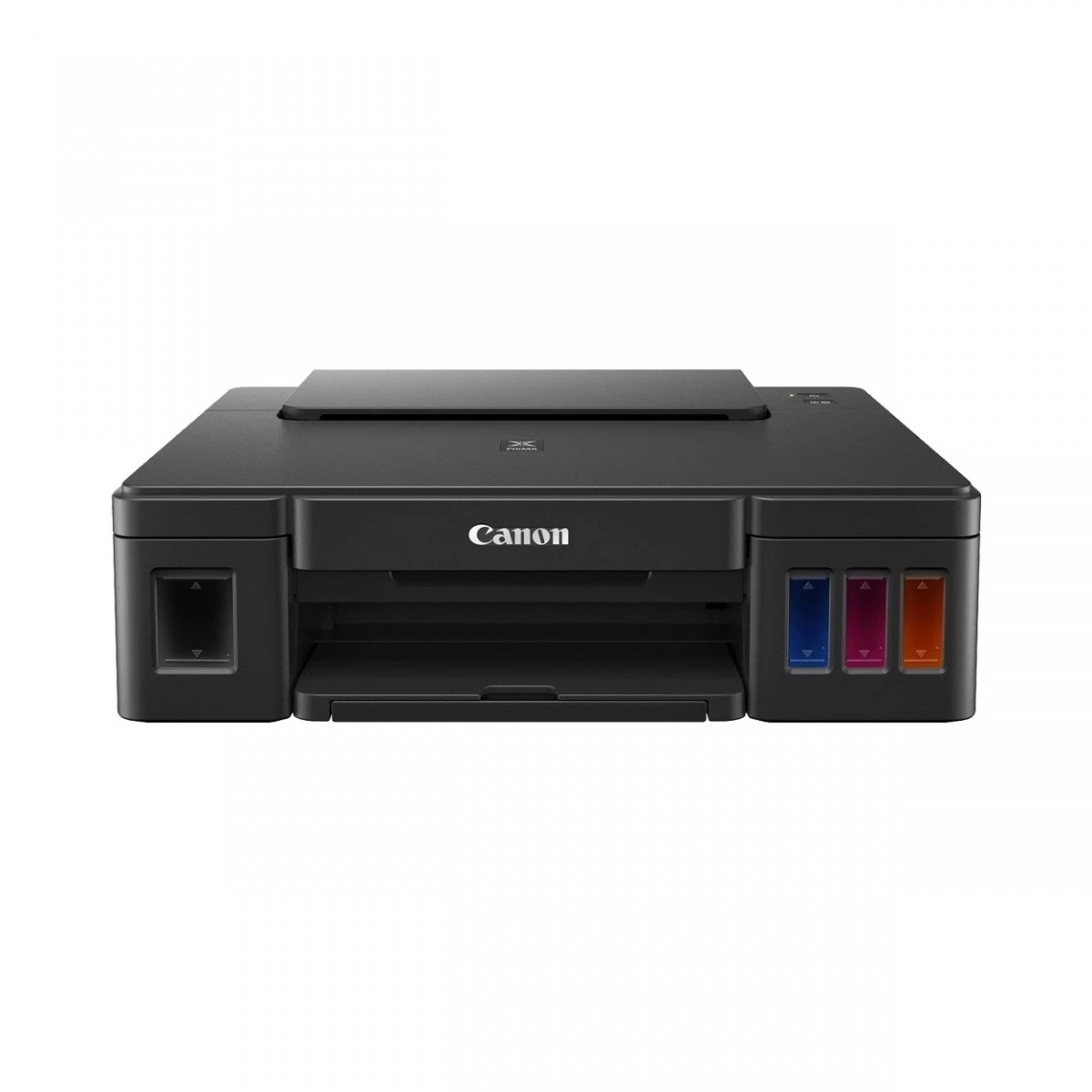
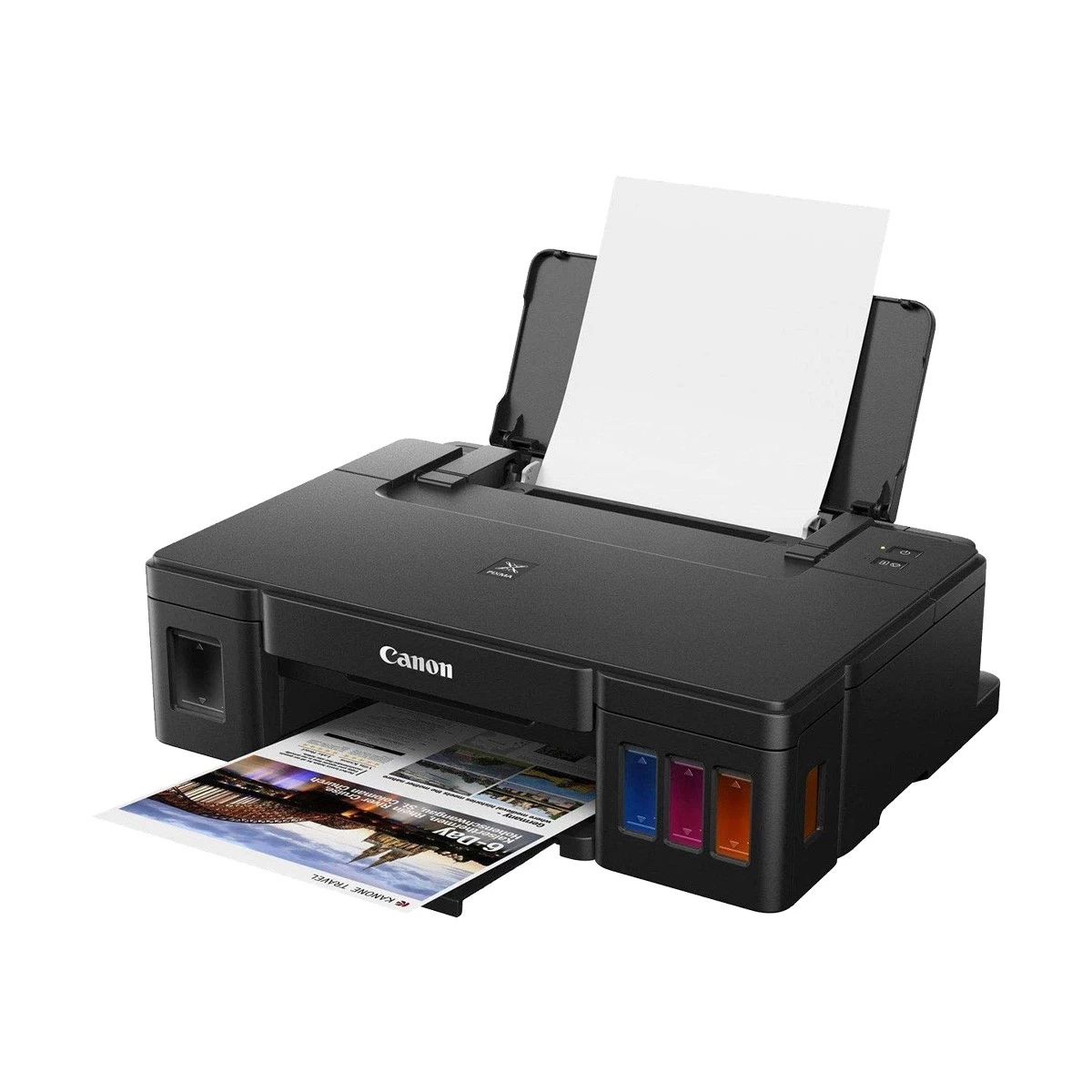
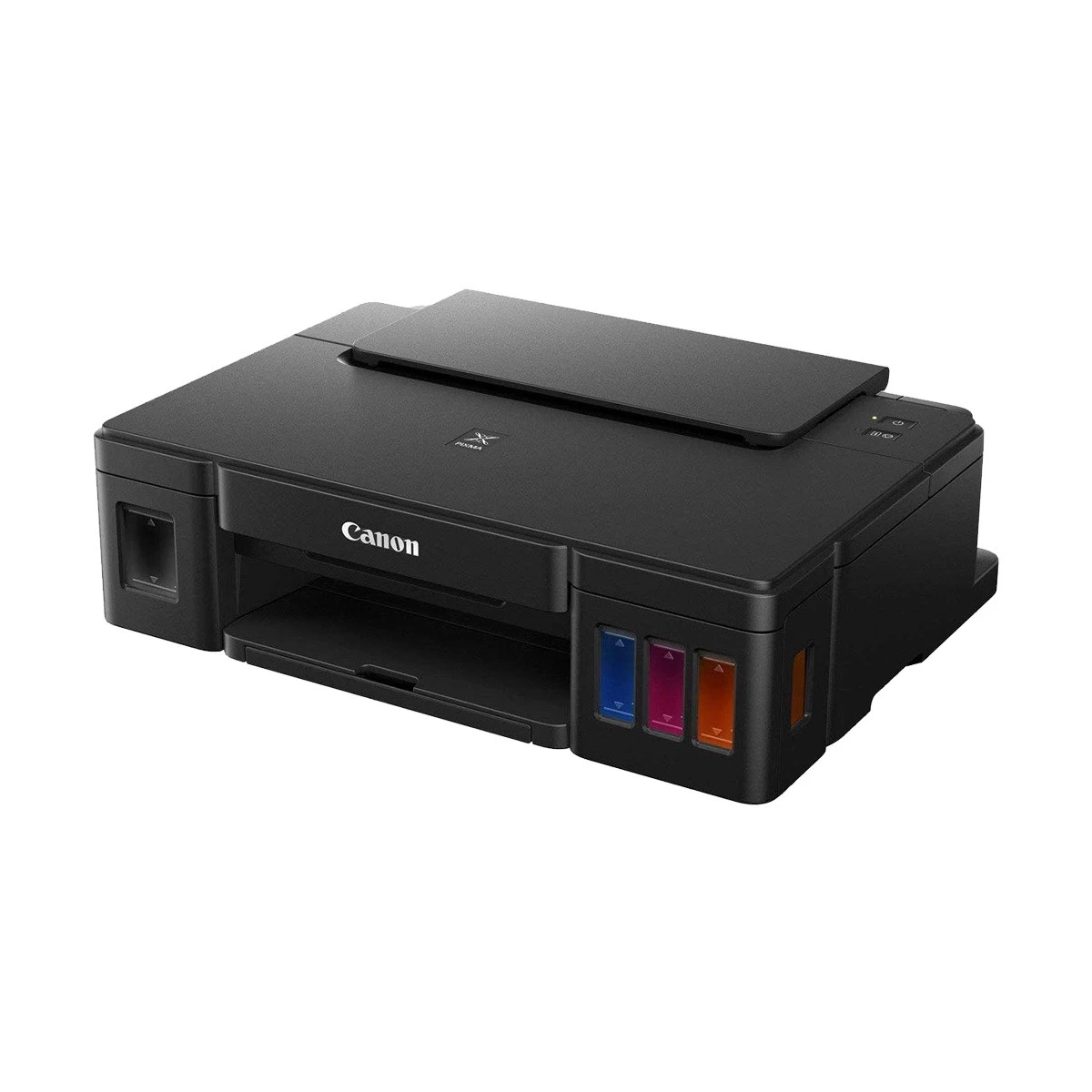
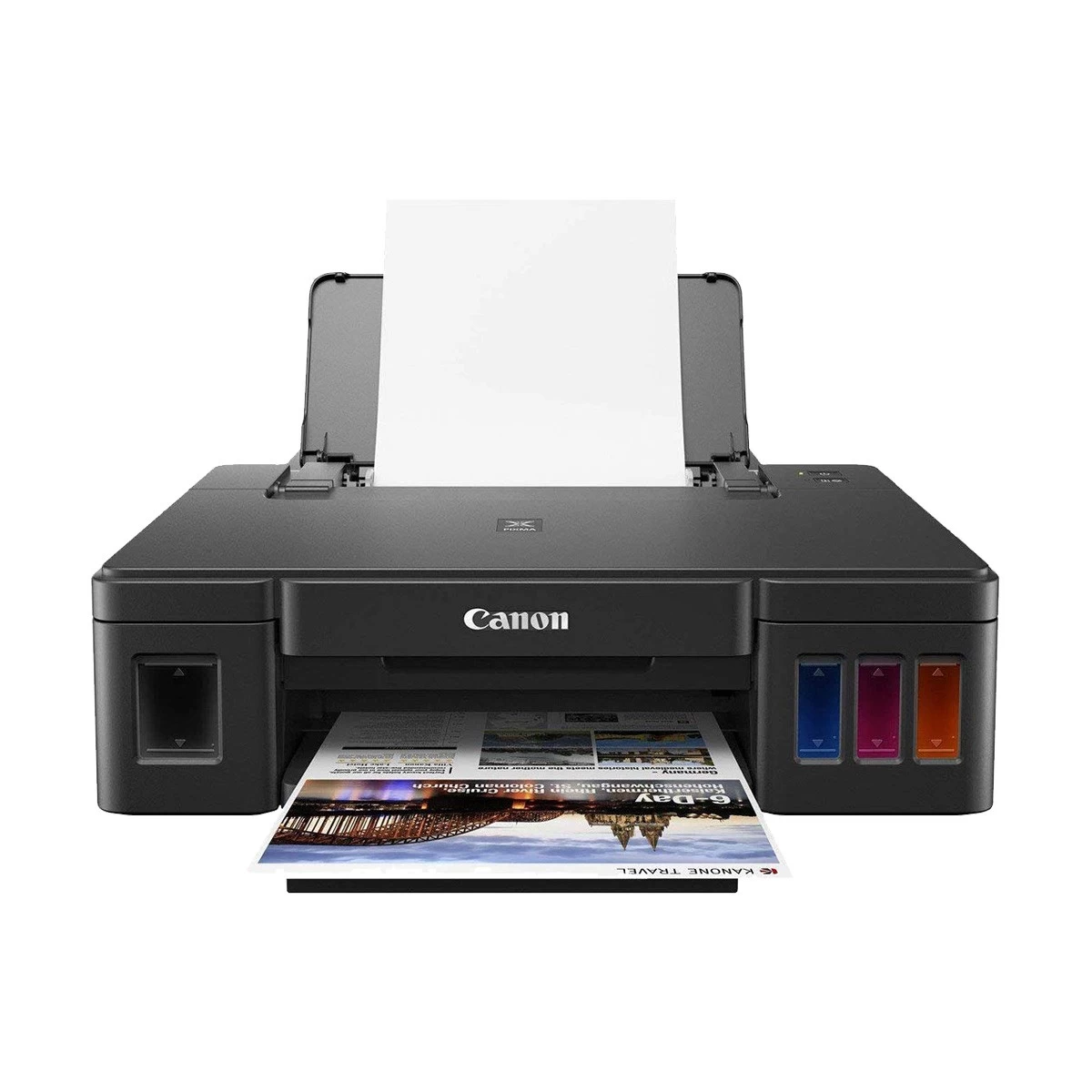
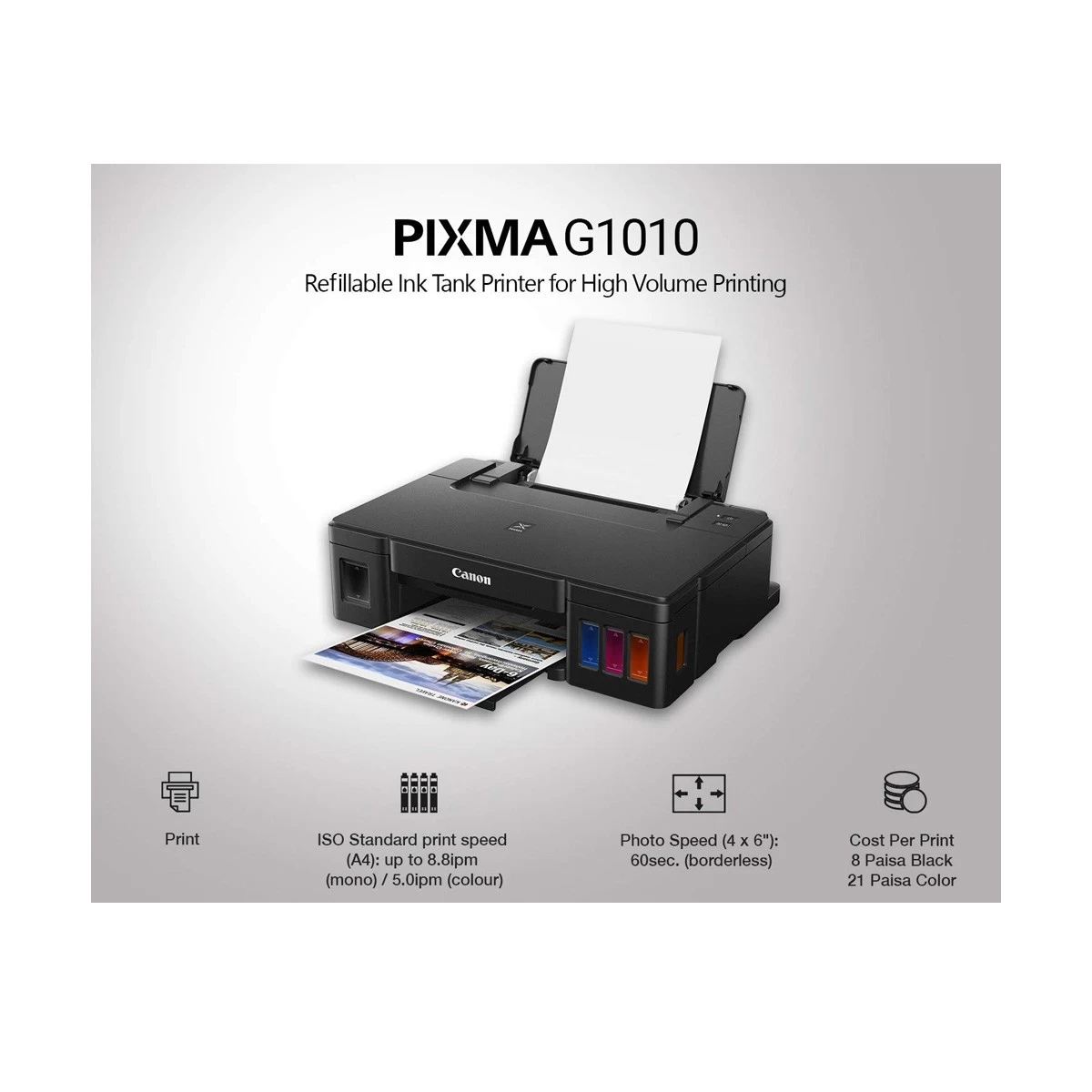
Canon Pixma G1010 Refillable Ink Tank Printer
Exclusive of all taxes
Product Details
Key Features
Model:
Canon G1010
Print
speed (black & color): 5.0 ipm - 8.8 ipm
Resolution:
4800X1200dpi
Connectivity:
USB 2.0 Hi-Speed
Specification
|
Functions |
Print Only |
|
Printer Type |
Single Function Color INK Printer |
|
Output Color |
Color |
|
Technology |
Inkjet |
|
Print Speed |
Print Speed (Black)- 8.8ppm |
|
Print Resolution |
4800 x 1200dpi |
|
Paper Size |
A4, A5, B5, Letter, Legal, 4 x 6
Inch, 5 x 7 Inch, 8x 10 Inch, Envelopes (DL, COM10), Square (5 x 5 Inch),
Business Card |
|
Paper Type |
Plain Paper, High-Resolution
Paper, Photo Paper Plus Glossy II, Photo Paper Plus Semi-Gloss, Matte Photo
Paper, Envelope, Glossy Photo Paper, Photo Sticker |
|
Paper Weight |
Plain Paper: 64 - 105g/m2, Canon
specialty paper 275g/m2 Photo Paper Plus Glossy II (PP-201) |
|
Input Capacity |
100Sheets |
|
Output Capacity |
50Sheets |
|
Connectivity |
USB |
|
Power Consumption |
AC 100 - 240V; 50 / 60Hz, Approx.
11W (Printing), Approx. 0.6W (Standby) |
|
Color |
Black |
|
Dimension |
445 x 135 x 330mm |
|
Weight |
4.8Kg |
|
Toner/ Cartridge/ Refill |
GI-790 Black (6000 Pages), GI-790
Cyan, Magenta, Yellow (7000 Pages) |
|
Software |
Windows 7, 8.1, 10 |
|
Warranty |
1-year Limited warranty, an
Adapter/Power Cable with no warranty, and also a Box Mandatory While
Claiming. |
Description
Canon Pixma G1010 Refillable
Ink Tank Printer
Canon
Pixma G1010 Refillable Ink Tank Printer is very useful for any office or
organisation.This printer has 4800X1200dpi resolution capability with approx.
5.0ipmr printing speed.Document print speeds are the averages of ESAT in Office
Category Test for the default simplex mode, ISO / IEC 24734.Photo print speed
is based on the default setting using ISO / JIS-SCID N2 on Photo Paper Plus
Glossy II and does not take into account data processing time on host
computer.Print speed may vary depending on system configuration, interface,
software, document .The performance of the printer may be reduced under certain
temperature and humidity conditions.For the temperature and humidity conditions
of papers such as photo paper, refer to the paper's packaging or the supplied
instructions.In this printer acoustic noise is measured based on ISO 7779
standard. For this printer A4, A5, B5, Letter, Legal, 4 x 6", 5 x 7",
8x 10", Envelopes (DL, COM10), Square (5 x 5"), Business Card, Custom
size (width 55 - 215.9mm, length 89 - 676mm) papers are available.TEC value was
calculated assuming the unit will be constantly switched among operational
mode, sleep mode, and power-off mode for 5 days, and that it will be either in
sleep or power-off mode for the remaining 2 days within the same week. The TEC
value of this product is calculated by Canon on their own accord.Depending on
your terminal, such as a computer or a smartphone, or the operating system of
your terminal, such as your computer or smartphone, the estimated ink level information
or message displayed on the screen of your terminal may be different from the
information or message displayed on the operation panel of the printer. Also, a
part of the estimated ink level message displayed on the operation panel of the
printer may not be displayed and / or may be displayed at a different point in
time. Canon recommends that you use the information and message displayed on
the operation panel of the printer as your reference. Note, however, that such
information and messages are displayed items serve only as a guideline
information. It has 1-year Limited warranty, an Adapter/Power Cable
with no warranty, and also a Box Mandatory While Claiming.
How to Order
Revolution Technology BD has made shopping easier for customers. Follow these steps:
- Click Register Button from home page
- Register with: Name + Email + Mobile + Password
- Click Create Account after entering information
- Login automatically or use Login button
- Provide mobile number and password, then Sign Up
- Choose desired product and click Buy Now
- View product details and click Add to Cart
- Click Item box (upper right corner)
- Go to Shopping Cart page
- Continue Shopping for more products or proceed
- Click "Click Here to Address" button
- Provide Full Name, Phone, Email & Delivery Address
- Click Order Submit button
- View Bill Invoice and receive email confirmation
- Print Invoice using Print button
- Wait for delivery - we'll keep you updated
- Thank you for shopping with us!