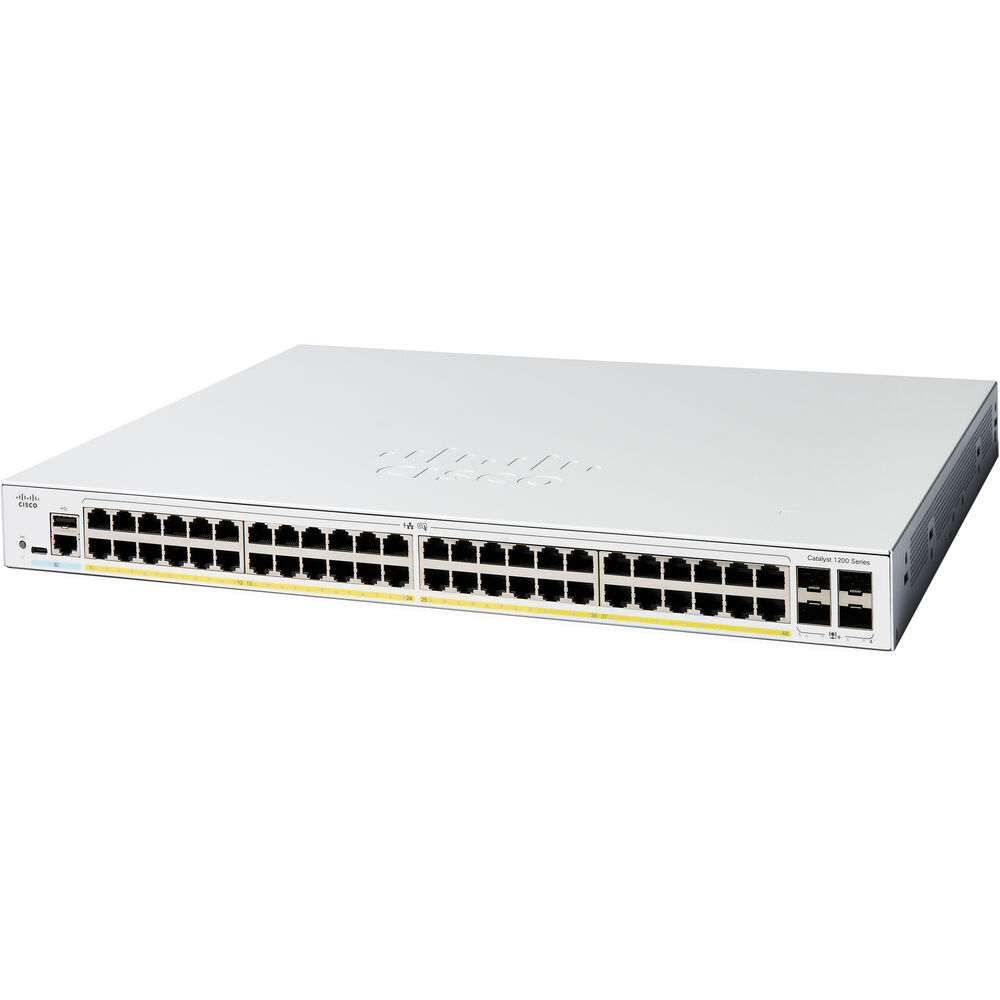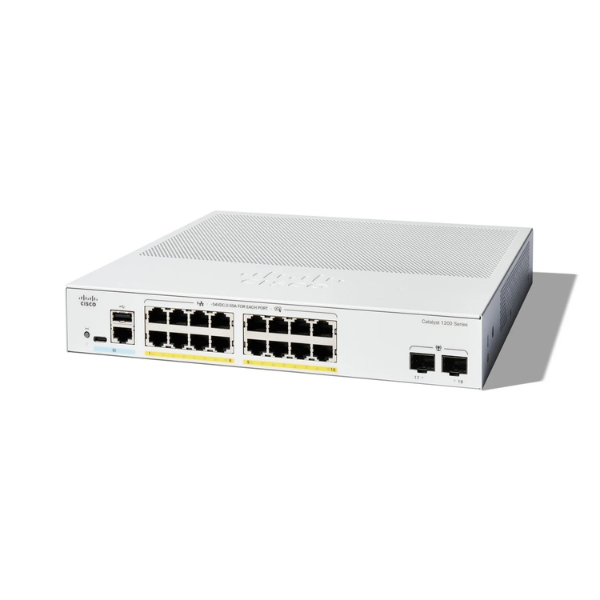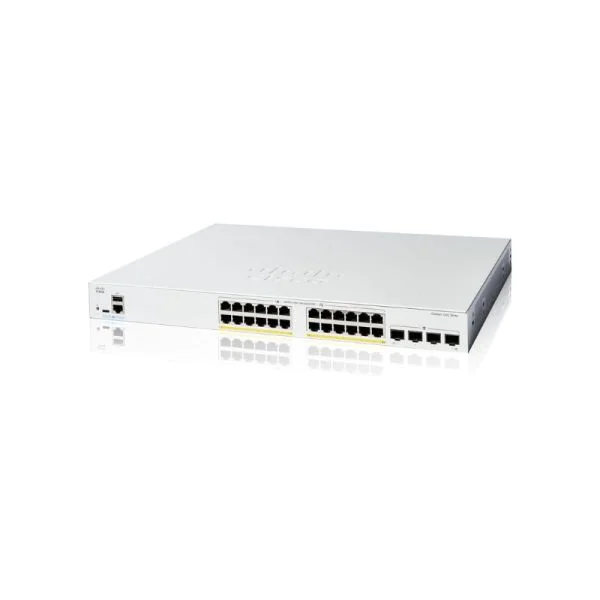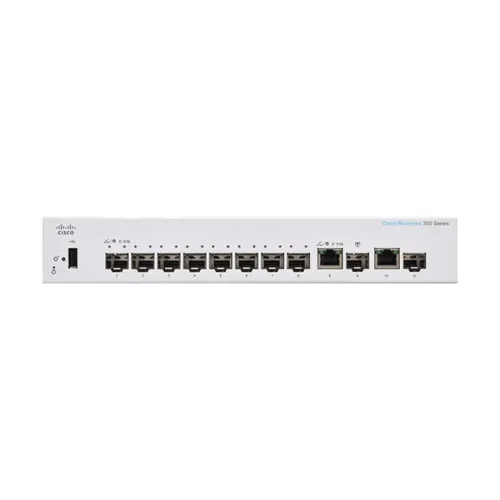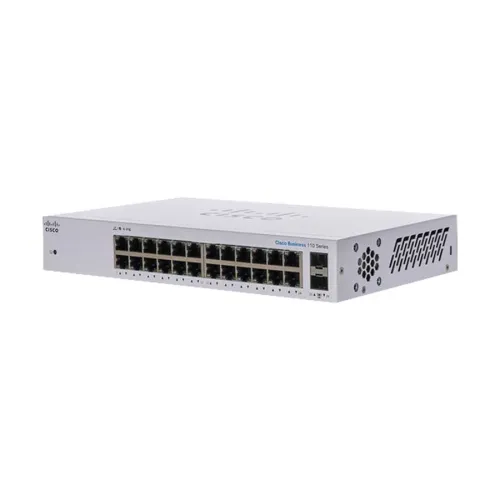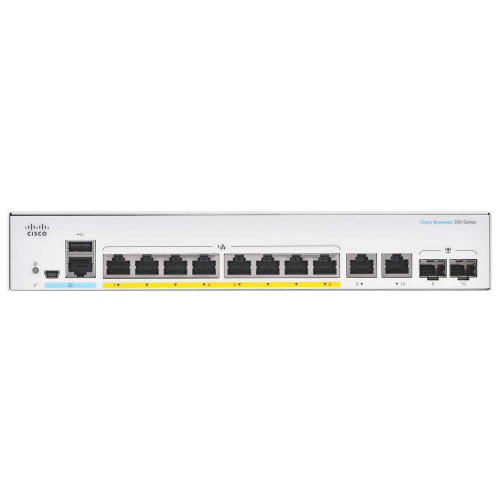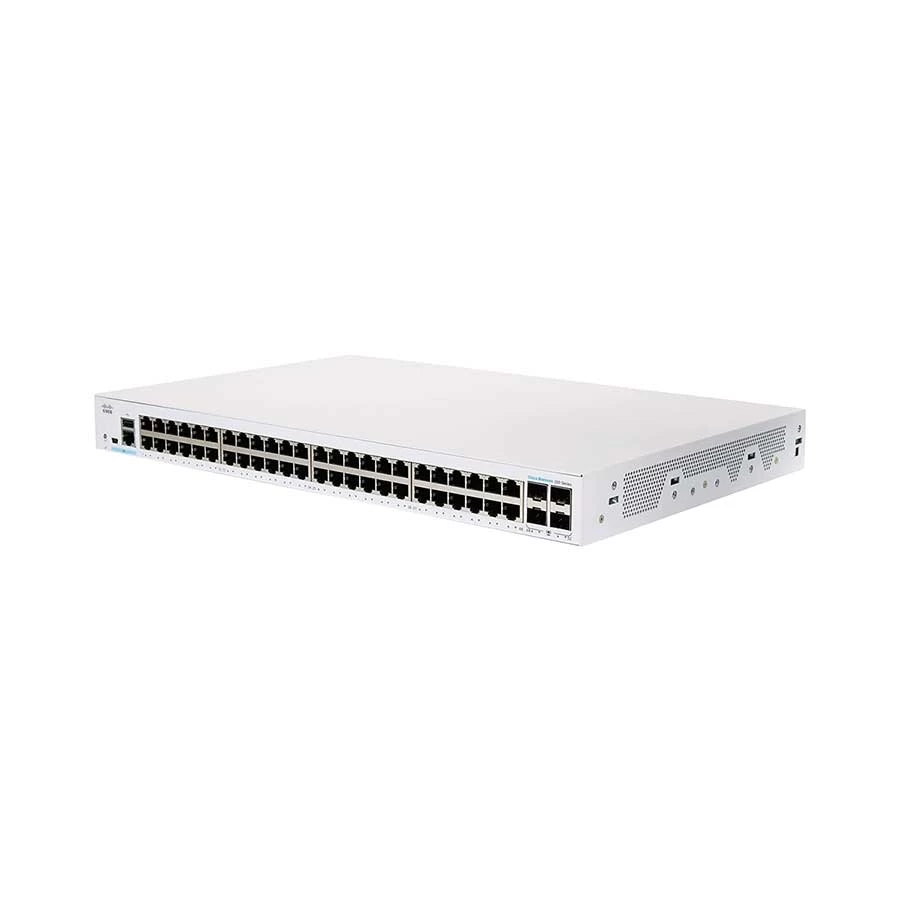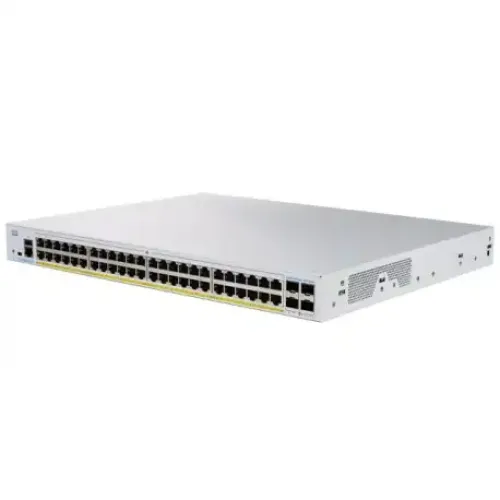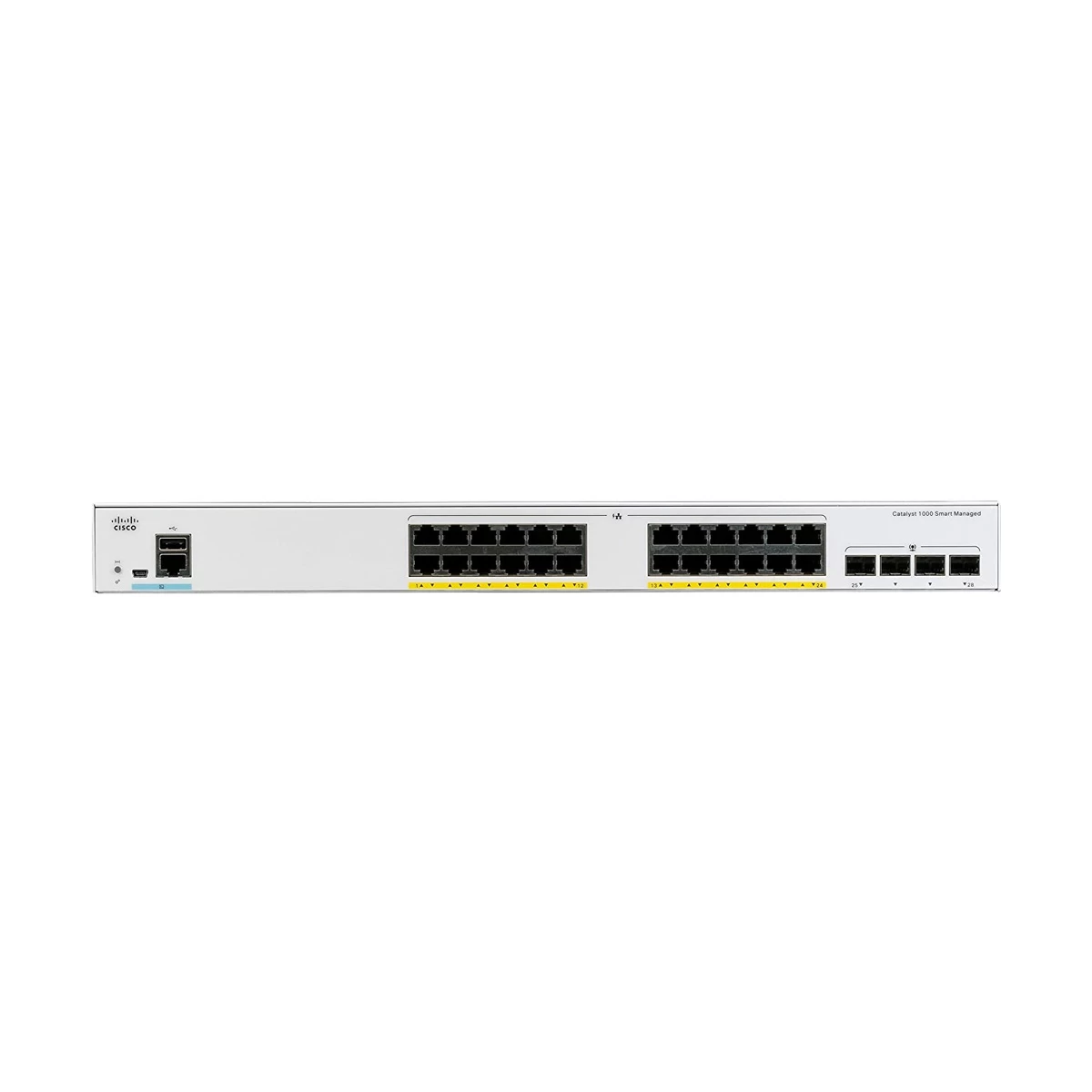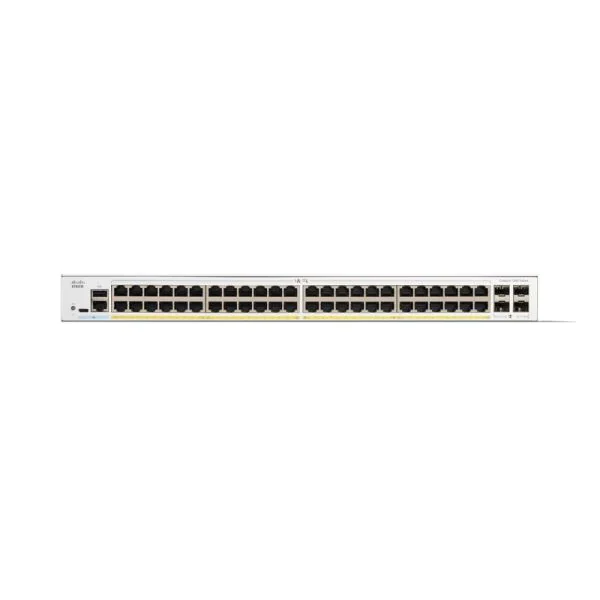

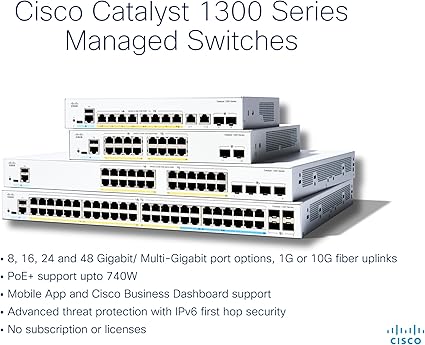
Cisco Catalyst 1300 48-port GE PoE 4x1G SFP
Contact us for pricing
Product Details
Key Features
48 x Gigabit Ethernet & 4 x SFP
375W Power Supply
Specification
| Model | C1300-48P-4G |
| Brand | Cisco |
| Type | Switch |
| Layer | Layer 2 |
| Ports | 48 + 4 Gigabit Ethernet Uplinks |
| PoE Budget | 370W |
| Switching Capacity | 56 Gbps |
| Forwarding Rate | 41.66 Mpps |
| Memory | 128 MB Flash, 256 MB DRAM |
| Power Supply | Integrated |
| Management | Web-based GUI |
| VLAN Support | Yes |
| Stacking | No |
| Dimensions | 44.5 x 27.9 x 4.4 cm |
Description
Cisco Catalyst C1300-48P-4G 48-Port Gigabit
Managed Network Switch
The Cisco Catalyst 1300-48P-4G is a managed switch designed
for small to medium-sized businesses and branch offices. It features 48 Gigabit
Ethernet PoE+ ports, each capable of providing up to 30W of power to compatible
devices, with a total power budget of 740W. Additionally, it includes 4 SFP
slots for 1 Gb/s fiber uplinks. This switch offers a 104 Gb/s switching
capacity and a 77.38 Mpps forwarding rate, ensuring reliable and
high-performance connectivity for your network. The Catalyst 1300 Series
switches are managed through the Cisco Business Dashboard and Cisco Business
mobile app, providing a simple and reliable experience. These switches support
advanced Layer 3 features and strong security measures, including IEEE 802.1X,
port security, dynamic ARP inspection, IP Source Guard, and DHCP snooping.The
Cisco Catalyst 1300-48P-4G is ideal for secure office connectivity, unified
communications, and advanced traffic management, making it a versatile and efficient
solution for growing businesses.
How to Order
Revolution Technology BD has made shopping easier for customers. Follow these steps:
- Click Register Button from home page
- Register with: Name + Email + Mobile + Password
- Click Create Account after entering information
- Login automatically or use Login button
- Provide mobile number and password, then Sign Up
- Choose desired product and click Buy Now
- View product details and click Add to Cart
- Click Item box (upper right corner)
- Go to Shopping Cart page
- Continue Shopping for more products or proceed
- Click "Click Here to Address" button
- Provide Full Name, Phone, Email & Delivery Address
- Click Order Submit button
- View Bill Invoice and receive email confirmation
- Print Invoice using Print button
- Wait for delivery - we'll keep you updated
- Thank you for shopping with us!