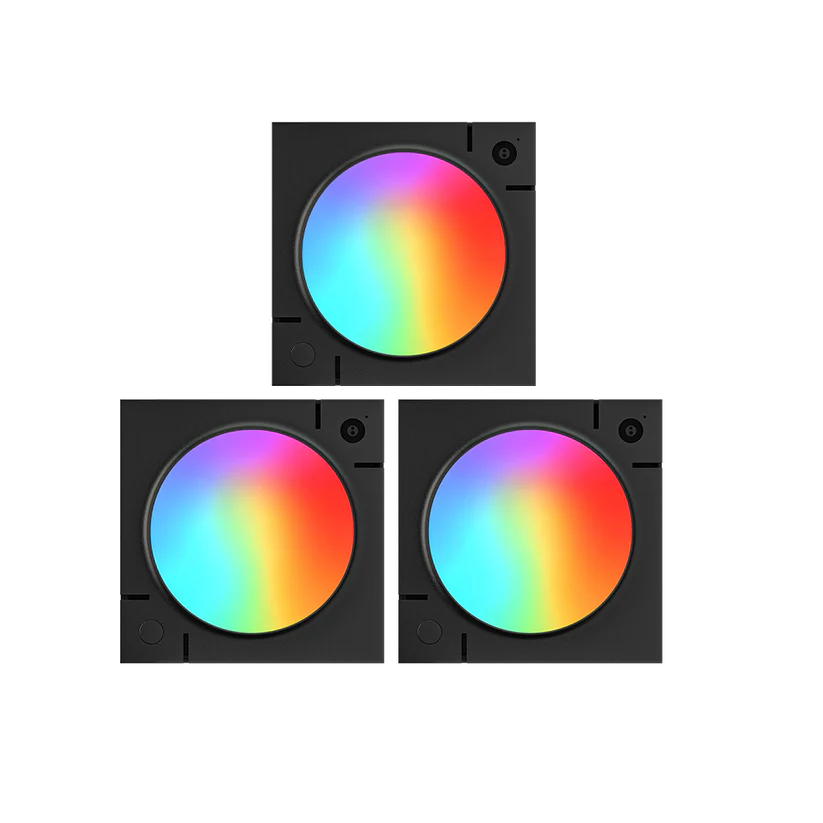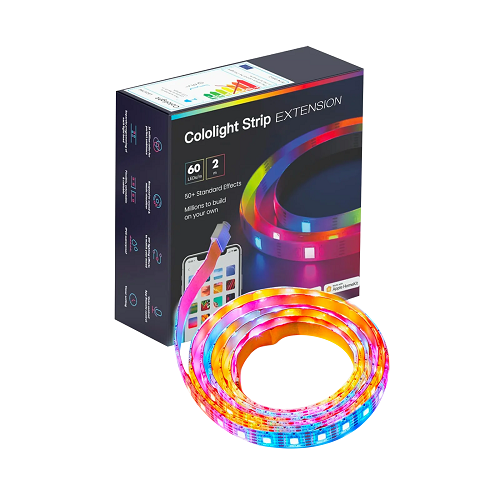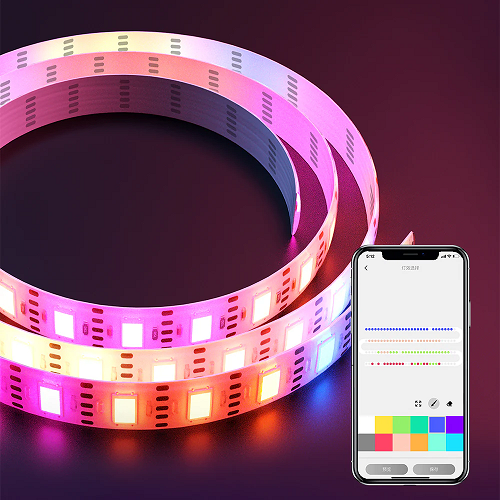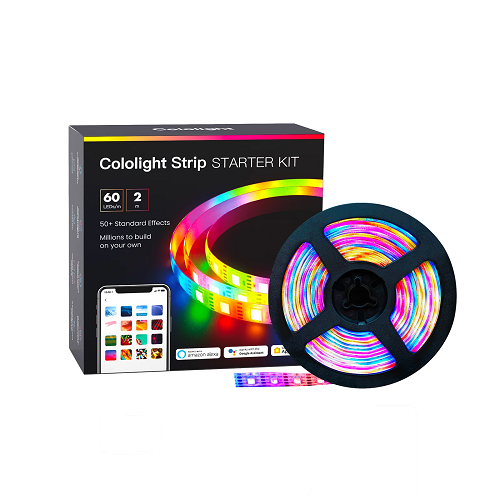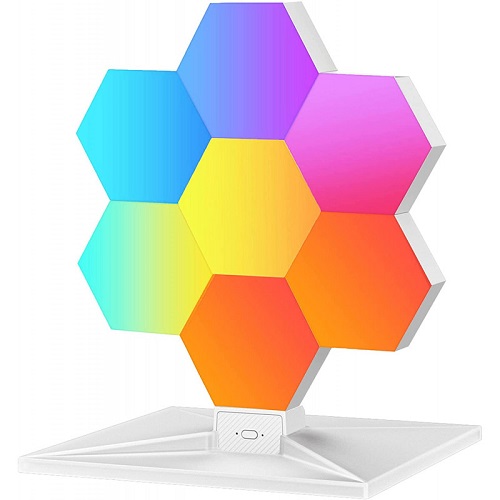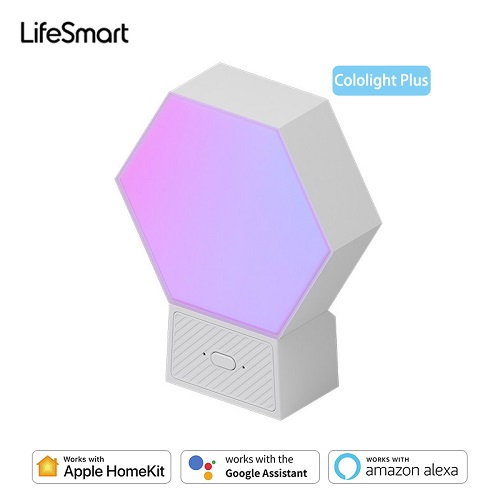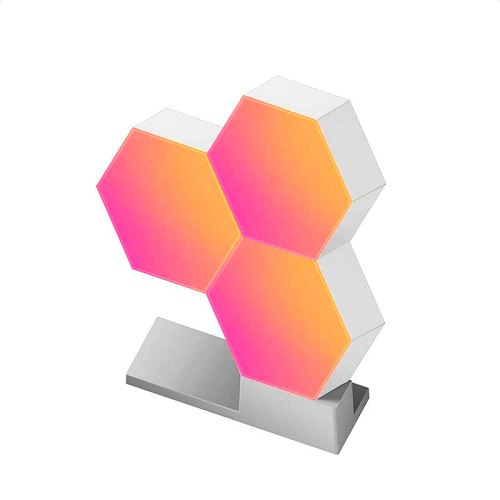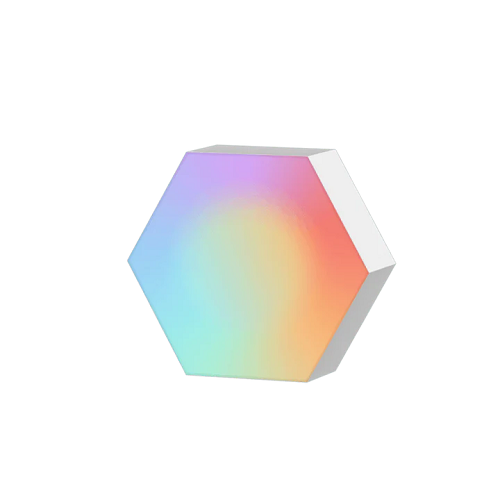

Cololight RGB Hexagon Light Extension Kit
Contact us for pricing
Product Details
Cololight RGB Hexagon Light Extension
Kit
Brand: Cololight
Model: LS161
Compatibility: Cololight Pro & Plus
Model
Does not contain a Controller and cannot
be used directly
Product Description
·
To
make your own creative space with lights, we break the rule, to bring you a
more attractive smart lighting experience. Cololight Decorate gaming room,
daily desktops, parties, and more. You can edit the color of each light bead
through the Cololight app.
·
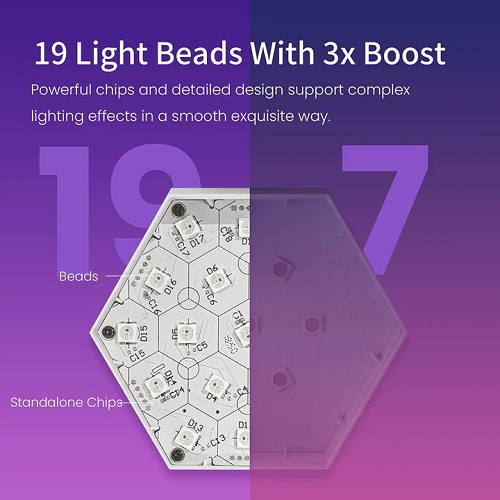
The
dual core processor gives a 3x boost in performance Powerful chips and detailed
design support complex lighting effects in a smooth & exquisite way.
·
Cololight
Light Module Has As Many As 19 Independent Light Beads Each Light Bead Is
Customizable And Controlled By A Standalone Chip For Maximum Lighting Effect
Optioins.
·
Use
Group Control Via Cololight App To Present Fabulous Color Rendering And
Lighting Effects.
·
Each
Of Module Has 16Million Color Options And Is Fully Color And Lighting Effect
Customizable.
·
Enjoy
The Uniform, Flawless And Pleasing Color Rendering And Lighting Effects
Broought By Cololight'S Innovative Abs+Pc Technology.
·
Cololight
Dances To Your Music With The Built In Acoustic Pick-Up.
·
Dynamic
Lighting Brings Great Ambience And You Can Always Match The Music &
Lighting To Your Mood.
Specification
|
Model Number |
LS161 |
|
Control Mode |
Button/ App/
Voice/ Stream Deck/ Razer |
|
Power Supply |
DC 5V 2A |
|
Power
Consumption |
0.3W at
lowest, Max<5W |
|
Interface |
USB Type-A |
|
Casing |
ABS+PC |
|
Extension
Ability |
Each
Controller can support up to 255 |
|
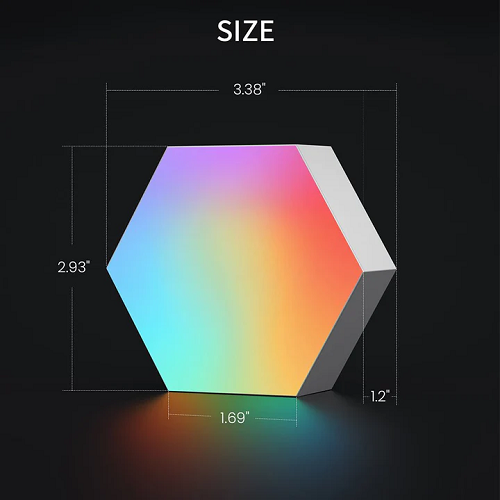
Dimension |
Light Panel
8.6*7.4*3.05CM |
|
Operating Temperature
|
-5~45°C |
|
LED Quantity |
Each panel
has 19 LEDs |
|
Color |
16 million
color |
|
Color
Rendering Index |
≥80 |
|
Luminous Flux
Per Panel |
8.5 lumens |
|
Life Time |
30,000 hours |


How to Order
Revolution Technology BD has made shopping easier for customers. Follow these steps:
- Click Register Button from home page
- Register with: Name + Email + Mobile + Password
- Click Create Account after entering information
- Login automatically or use Login button
- Provide mobile number and password, then Sign Up
- Choose desired product and click Buy Now
- View product details and click Add to Cart
- Click Item box (upper right corner)
- Go to Shopping Cart page
- Continue Shopping for more products or proceed
- Click "Click Here to Address" button
- Provide Full Name, Phone, Email & Delivery Address
- Click Order Submit button
- View Bill Invoice and receive email confirmation
- Print Invoice using Print button
- Wait for delivery - we'll keep you updated
- Thank you for shopping with us!