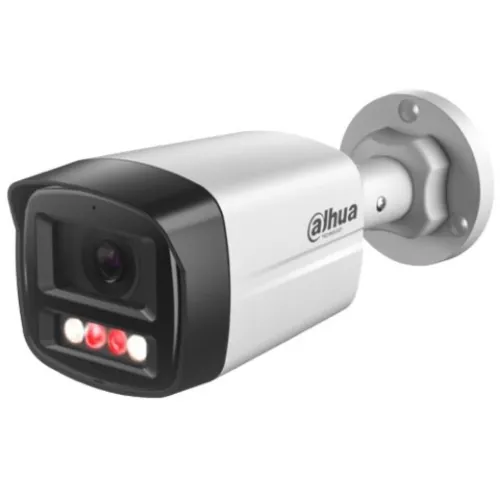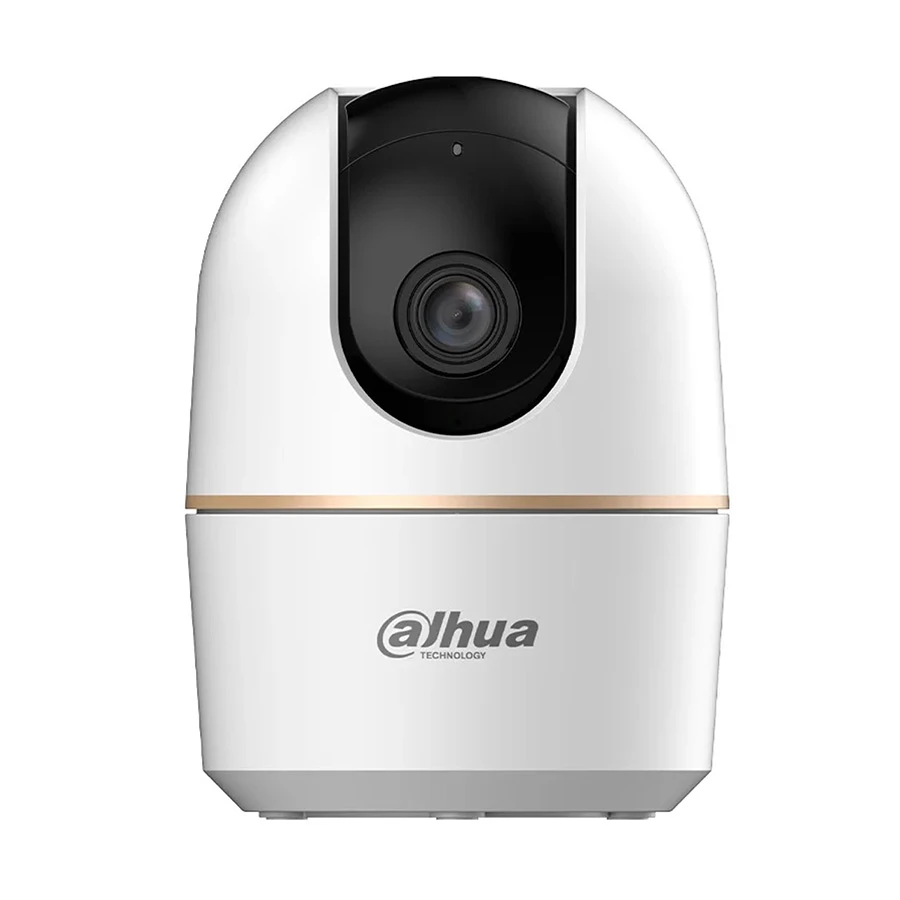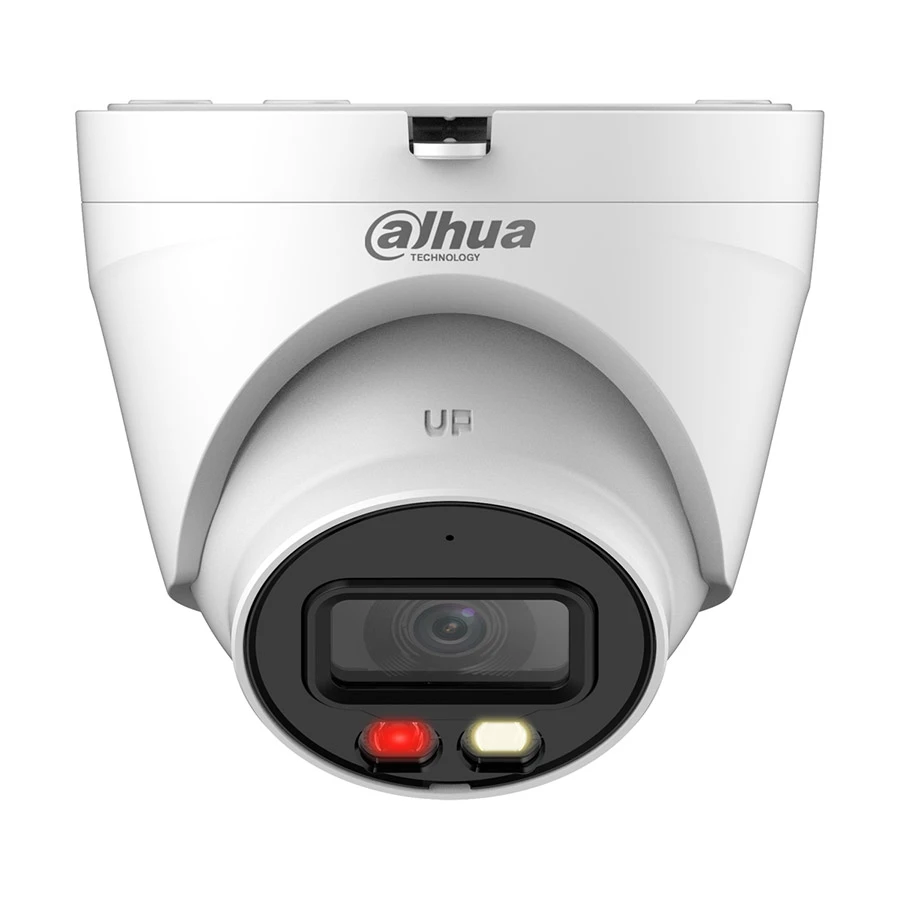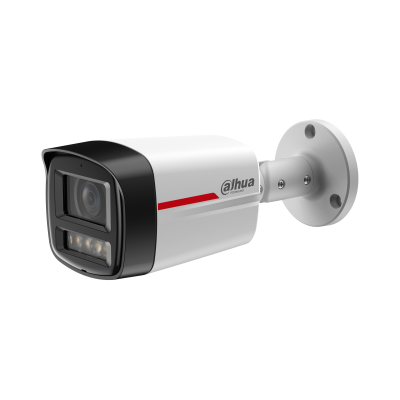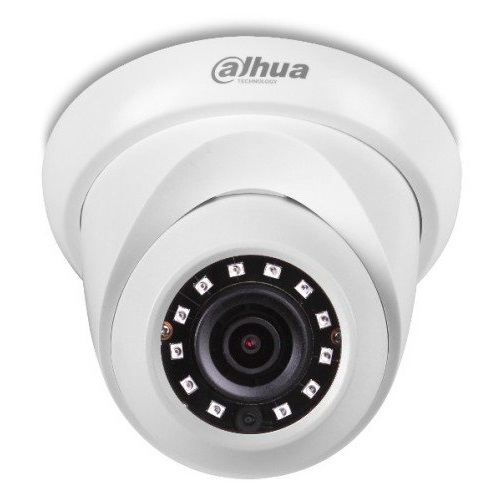
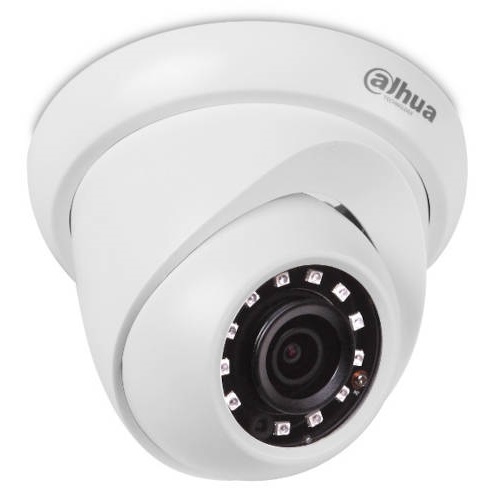
Dahua DH-IPC-HDW1230S-S5 2MP IR Dome Network Camera
Exclusive of all taxes
Product Details
Key Features
Model: IPC-HDW1230SP 2MP
Image Sensor: 1/2.7”
Progressive CMOS
Resolution: Max. 2MP (1920 ×
1080) at 25/30 fps.
Lens: 2.8mm, Aperture: F2.0,
IR Distance: 30 meters
Features: PoE, DWDR, 3D DNR,
Smart Detection, IP67
Specification
|
Image Sensor |
1/2.7” 2Megapixel
progressive CMOS |
|
Effective Pixels |
2MP |
|
IR Distance |
Up to 30m |
|
Lens Type |
Fixed-focal |
|
Focal Length |
2.8 mm |
|
Aperture |
F2.0 |
|
Angle of View Pan |
0° ~360° |
|
Angle of View Tilt |
0° ~90° |
|
Angle of View
Rotation |
0° ~360° |
|
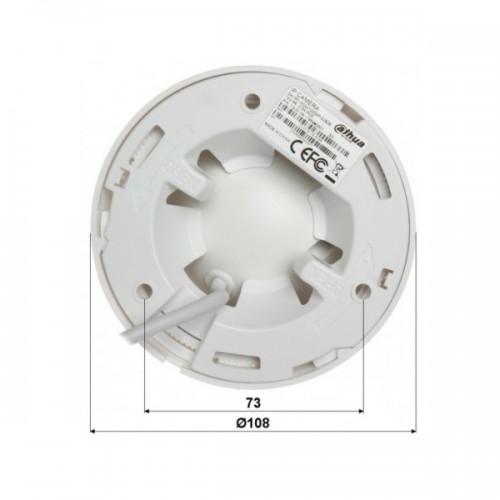
Dimension |
Φ108mm×84.9mm |
|
Weight |
230 g |
|
Power |
DC12V, PoE
(802.3af)(Class 0) |
|
Interface |
1 RJ-45
(10/100Base-T) |
|
Coaxial Power Plug |
Ø5.5 mm |
Description
Dahua DH-IPC-HDW1230S-S5 2MP IR Dome Network Camera
Dahua IPC-HDW1230SP 2MP IR
Dome Network Camera comes with 2MP camera, Strong night performance, and
capturing images in ultra-low light down to 0.08 lux, Clear imaging even
against strong back lighting due to 120 dB true WDR technology, 3D DNR
technology delivers clean and sharp images, EXIR 2.0: advanced infrared
technology with 30m IR distance and Water and dust resistant (IP67). This Dahua
IPC-HDW1230SP 2MP Camera featured with 2.0 megapixel progressive scan CMOS
Image Sensor, 1920 × 1080 Max Resolution. It is also has 1/3 s to 1/100, 000 s
Shutter Time function, Day & Night IR cut filter.
How to Order
Revolution Technology BD has made shopping easier for customers. Follow these steps:
- Click Register Button from home page
- Register with: Name + Email + Mobile + Password
- Click Create Account after entering information
- Login automatically or use Login button
- Provide mobile number and password, then Sign Up
- Choose desired product and click Buy Now
- View product details and click Add to Cart
- Click Item box (upper right corner)
- Go to Shopping Cart page
- Continue Shopping for more products or proceed
- Click "Click Here to Address" button
- Provide Full Name, Phone, Email & Delivery Address
- Click Order Submit button
- View Bill Invoice and receive email confirmation
- Print Invoice using Print button
- Wait for delivery - we'll keep you updated
- Thank you for shopping with us!