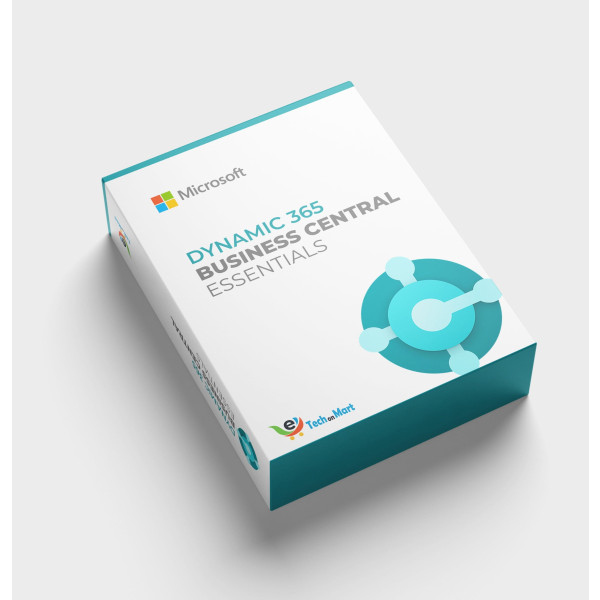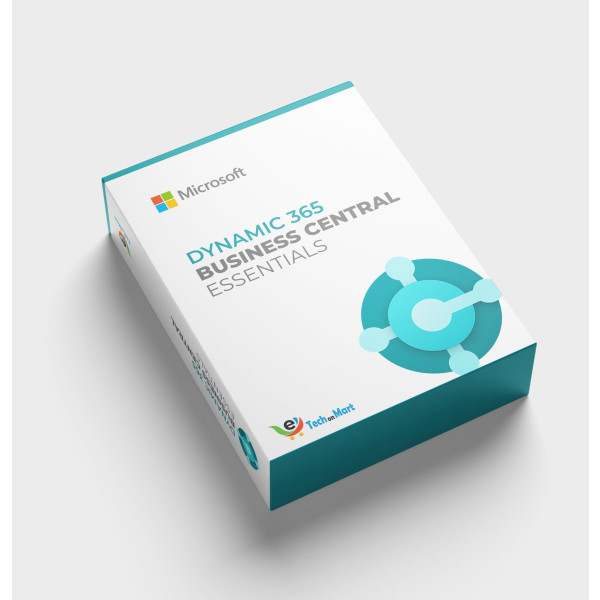
Dynamics 365 Business Central Essentials | Annual Term Monthly Billing
Contact us for pricing
Product Details
Key Features
Business Intelligence: Get insights into your business with advanced reporting and data analytics features.
Financial Management: Manage your finances with ease using our accounting, budgeting, and forecasting tools.
Inventory Management: Track your inventory in real-time and receive automated reports to stay on top of your stock.
Customer Relationship: Build strong relationships with your customers using our sales, marketing, and customer service tools.
Supply Chain Management: Streamline your supply chain with our procurement, logistics, and shipping tools.
Manufacturing Management: Optimize your manufacturing process with our production planning and quality control tools.
Project Management: Manage your projects with ease using our task management and resource allocation tools.
Human Capital Management: Manage your human resources with our payroll, benefits, and performance management tools.
Compliance Management: Stay compliant with regulatory requirements using our reporting and auditing tools.
Data Security: Protect your data with our multi-factor authentication and data encryption features.
Integration and Interoperability: Integrate with other tools and apps using our Microsoft Office and third-party integrations.
User Experience: Access Dynamics 365 Business Central from anywhere using our web, mobile, and desktop interfaces.
Specifications
| Dynamics 365 Business Central | Essentials | Annual Term Monthly Billing |
| Product Category | ERP | Accounting | Finance |
| User Interface | Web | Mobile | Desktop |
| Scalability | Cloud | On-Premises | Hybrid |
| Security | Multi-Factor Authentication | Data Encryption |
| Integration | Microsoft Office | Other Third-Party Apps |
| Support | 24/7 Phone | Email | Online Chat |
| Pricing Model | Annual Term | Monthly Billing |
About Dynamics 365 Business Central Essentials | Annual Term Monthly Billing
Key Features & Benefits
- Business Intelligence: Get insights into your business with advanced reporting and data analytics features.
- Financial Management: Manage your finances with ease using our accounting, budgeting, and forecasting tools.
- Inventory Management: Track your inventory in real-time and receive automated reports to stay on top of your stock.
- Customer Relationship: Build strong relationships with your customers using our sales, marketing, and customer service tools.
- Supply Chain Management: Streamline your supply chain with our procurement, logistics, and shipping tools.
- Manufacturing Management: Optimize your manufacturing process with our production planning and quality control tools.
- Project Management: Manage your projects with ease using our task management and resource allocation tools.
- Human Capital Management: Manage your human resources with our payroll, benefits, and performance management tools.
- Compliance Management: Stay compliant with regulatory requirements using our reporting and auditing tools.
- Data Security: Protect your data with our multi-factor authentication and data encryption features.
- Integration and Interoperability: Integrate with other tools and apps using our Microsoft Office and third-party integrations.
- User Experience: Access Dynamics 365 Business Central from anywhere using our web, mobile, and desktop interfaces.
Ideal For
- Small to medium-sized businesses
- Enterprise organizations
- Manufacturing companies
- Retail businesses
- Wholesale distributors
- Service-based companies
- Non-profit organizations
Summary
Dynamics 365 Business Central Essentials is a comprehensive business management solution that helps you manage your finances, inventory, customers, and operations in one place. It's designed for small to medium-sized businesses and enterprise organizations. With our solution, you can streamline your processes, improve your productivity, and make data-driven decisions. Our solution is available on a monthly billing plan, making it easy to budget and manage your expenses.
How to Order
Revolution Technology BD has made shopping easier for customers. Follow these steps:
- Click Register Button from home page
- Register with: Name + Email + Mobile + Password
- Click Create Account after entering information
- Login automatically or use Login button
- Provide mobile number and password, then Sign Up
- Choose desired product and click Buy Now
- View product details and click Add to Cart
- Click Item box (upper right corner)
- Go to Shopping Cart page
- Continue Shopping for more products or proceed
- Click "Click Here to Address" button
- Provide Full Name, Phone, Email & Delivery Address
- Click Order Submit button
- View Bill Invoice and receive email confirmation
- Print Invoice using Print button
- Wait for delivery - we'll keep you updated
- Thank you for shopping with us!