


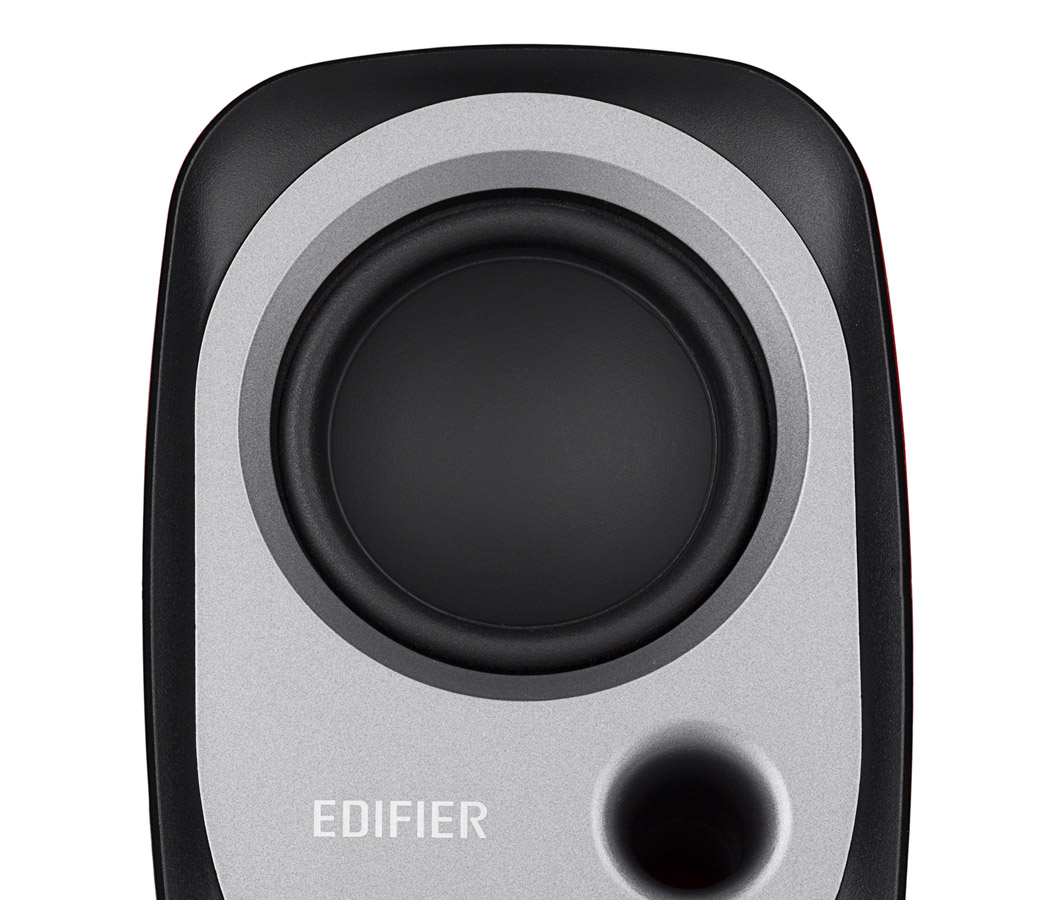
Edifier R12U USB powered Multimedia speaker
Exclusive of all taxes
Product Details
Key Features
Model: Edifier R12U
Drivers: 21/4 inch (60mmm)
Input Sensitivity: 700mV ±
50mV
Frequency Response: 180Hz ~
20KHz(±5d
Interface: Connect a variety devices with 3.5 mm AUX
Specification
|
Main Features |
|||
|
Signal / noise ratio |
≧85dBA |
||
|
Input Sensitivity |
700mV ± 50mV |
||
|
Frequency response |
180Hz ~ 20KHz (±5d |
||
|
Drivers |
21/4 inch (60mmm) |
||
|
Jack |
Connect a variety device with 3.5 mm AUX |
||
|
Physical Spec |
|||
|
Wired |
No |
||
|
USB |
Yes |
||
|
Power Source |
|||
|
Power |
RMS 2W x 2(THD+N=10%, F0=1KHz) |
||
|
Warranty |
|||
|
Manufacturing Warranty |
|
||
Description
Stronger and richer
Browsing
the web for an up-and-coming star can be frustrating when your computer
speakers loud enough. Edifiers R12U USB 2.0 bookshelf speakers are here to make
your browsing more enjoyable. The USB-powered speaker is small enough to travel
with you and boisterous enough to hear your videos louder and clearer. The
Edifier R12U compact bookshelf speakers are small but powerful speakers useful
for anyone with a small desk space or needs speakers on the go. These active
speakers are powered by USB. These 2.0 speakers are the ideal companion for any
computer, notebook, or laptop.
Balanced sound
As
small as they may be, the R19U USB speakers produce a sound twice its size.
Designed with a bass reflex port, anything you play through the Edifier speaker
is clear and rich delivering a superior bass. The R12U USB bookshelf speakers
are designed to fit a small space for those with limited desk space offering
great audio performance at an affordable price.
Effortlessly control it
With
a simple knob, turn your R19U USB computer speakers on or off and adjust the
volume. All the adjustments you need in a single dial. With the 3.5 mm
auxiliary input you can plug in your iPod, tablet, laptop or phone directly to
the speaker to play your favorite music. The auxiliary input also means that
you can connect with portable audio devices such as MP3 players.
How to Order
Revolution Technology BD has made shopping easier for customers. Follow these steps:
- Click Register Button from home page
- Register with: Name + Email + Mobile + Password
- Click Create Account after entering information
- Login automatically or use Login button
- Provide mobile number and password, then Sign Up
- Choose desired product and click Buy Now
- View product details and click Add to Cart
- Click Item box (upper right corner)
- Go to Shopping Cart page
- Continue Shopping for more products or proceed
- Click "Click Here to Address" button
- Provide Full Name, Phone, Email & Delivery Address
- Click Order Submit button
- View Bill Invoice and receive email confirmation
- Print Invoice using Print button
- Wait for delivery - we'll keep you updated
- Thank you for shopping with us!



