
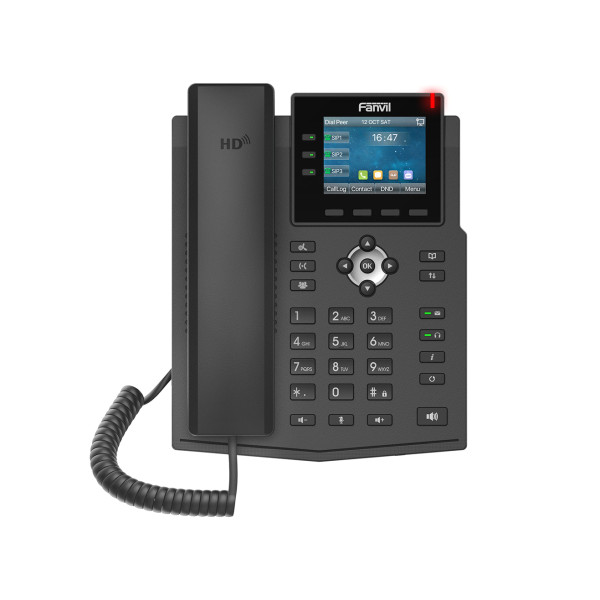
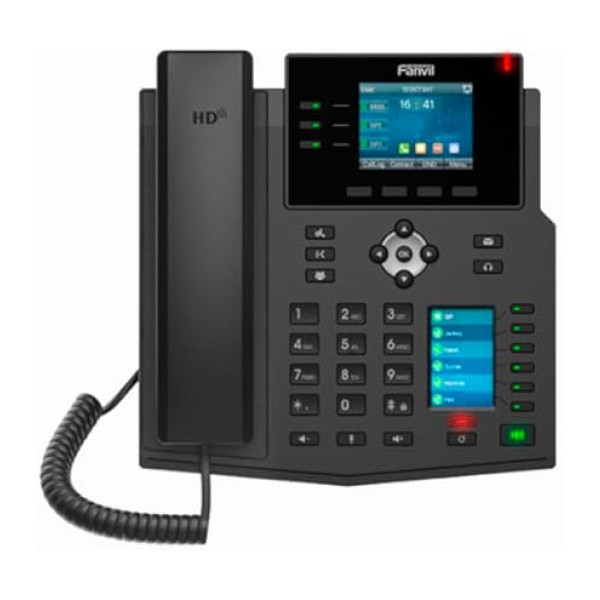
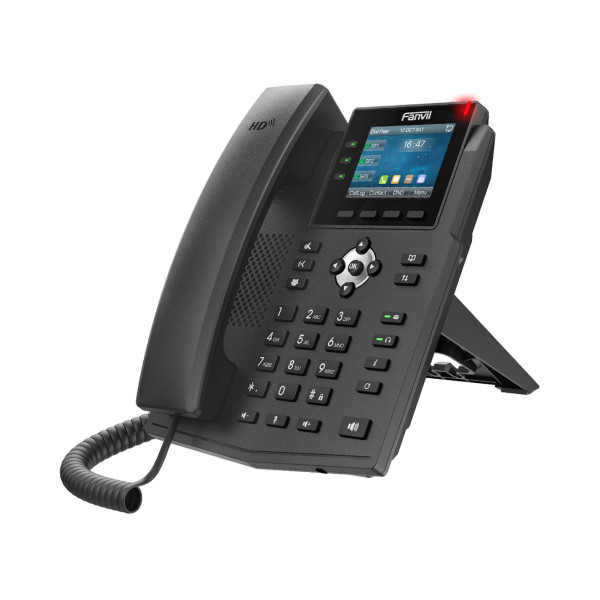
Fanvil X3U PoE IP Phone without Adapter
Exclusive of all taxes
Product Details
Key Features
Display: The 2.80 inch Display provides clear visual information for users.
Display Color: The Color Display offers vibrant colors for a better user experience.
Networking & Connectivity: This product does not support WiFi or Bluetooth connectivity.
Audio & Microphone: The product comes with a built-in speaker for audio output.
Others: The 6 Line Speed Dialer allows for efficient call management.
Others: The product features a headphone jack for audio connectivity.
Others: This product is designed as an IP Phone for VoIP connectivity.
Warranty: The product comes with a 1 year warranty for peace of mind.
Specifications
| Display | 2.80 inch Display |
| Display Color | Color Display |
| Networking & Connectivity | WiFi No Bluetooth No |
| Audio & Microphone | Speaker Yes |
| Others | 6 Line Speed Dialer Yes No Card Slot |
| Others | Headphone Jack Yes |
| Others | IP Phone |
| Warranty Information | 1 year Warranty |
About Fanvil X3U PoE without Adapter Switch
Key Features & Benefits
- Display: The 2.80 inch Display provides clear visual information for users.
- Display Color: The Color Display offers vibrant colors for a better user experience.
- Networking & Connectivity: This product does not support WiFi or Bluetooth connectivity.
- Audio & Microphone: The product comes with a built-in speaker for audio output.
- Others: The 6 Line Speed Dialer allows for efficient call management.
- Others: The product features a headphone jack for audio connectivity.
- Others: This product is designed as an IP Phone for VoIP connectivity.
- Warranty: The product comes with a 1 year warranty for peace of mind.
Ideal For
- Small business owners
- Home office workers
- Remote teams
- Entrepreneurs
- Startup employees
Summary
The Fanvil X3U PoE without Adapter Switch is a reliable IP Phone for VoIP connectivity. It features a 2.80 inch Display and a built-in speaker for audio output. The product comes with a 1 year warranty and is ideal for small businesses and home offices.
How to Order
Revolution Technology BD has made shopping easier for customers. Follow these steps:
- Click Register Button from home page
- Register with: Name + Email + Mobile + Password
- Click Create Account after entering information
- Login automatically or use Login button
- Provide mobile number and password, then Sign Up
- Choose desired product and click Buy Now
- View product details and click Add to Cart
- Click Item box (upper right corner)
- Go to Shopping Cart page
- Continue Shopping for more products or proceed
- Click "Click Here to Address" button
- Provide Full Name, Phone, Email & Delivery Address
- Click Order Submit button
- View Bill Invoice and receive email confirmation
- Print Invoice using Print button
- Wait for delivery - we'll keep you updated
- Thank you for shopping with us!



