File Server Administration
Contact us for pricing
Product Details
Key Features
Configuring and managing
shared folders and permissions.
Monitoring storage capacity
and managing quotas.
Implementing redundancy (e.g.,
RAID, DFS Replication).
Backing up and restoring files
and folders.
Managing file versioning and
shadow copies.
Description
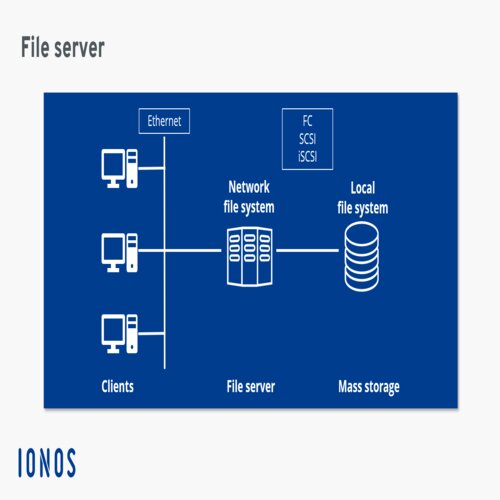
Setting up File Server Software: Install and configure the file server software. Popular examples include Windows Server, Linux-based servers (using NFS or Samba), and NAS (Network Attached Storage) devices.
Configure Network Shares:
Create and manage file shares, which are specific folders or volumes on the
file server that users can access. For example, on a Windows Server, this would
involve using Shared Folders or Distributed File System (DFS).
Disk Management: Set up
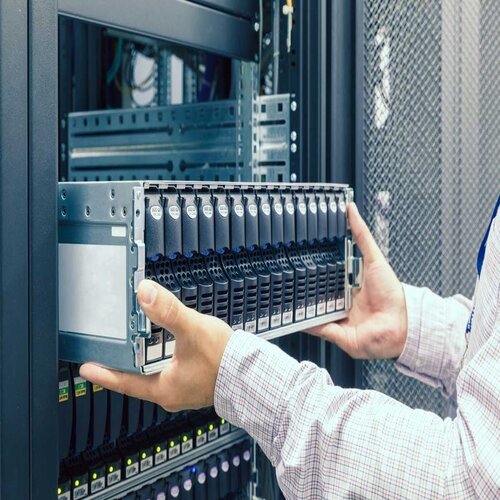
storage drives, manage disk partitions, and configure RAID (Redundant Array of
Independent Disks) for fault tolerance and performance improvement.
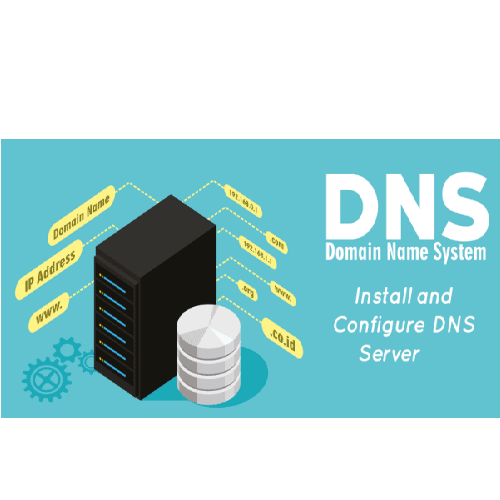
Network Configuration: Ensure the file server is properly connected to the network, assign IP addresses, configure DNS settings, and enable file-sharing protocols (such as SMB/CIFS for Windows or NFS for Linux).
How to Order
Revolution Technology BD has made shopping easier for customers. Follow these steps:
- Click Register Button from home page
- Register with: Name + Email + Mobile + Password
- Click Create Account after entering information
- Login automatically or use Login button
- Provide mobile number and password, then Sign Up
- Choose desired product and click Buy Now
- View product details and click Add to Cart
- Click Item box (upper right corner)
- Go to Shopping Cart page
- Continue Shopping for more products or proceed
- Click "Click Here to Address" button
- Provide Full Name, Phone, Email & Delivery Address
- Click Order Submit button
- View Bill Invoice and receive email confirmation
- Print Invoice using Print button
- Wait for delivery - we'll keep you updated
- Thank you for shopping with us!