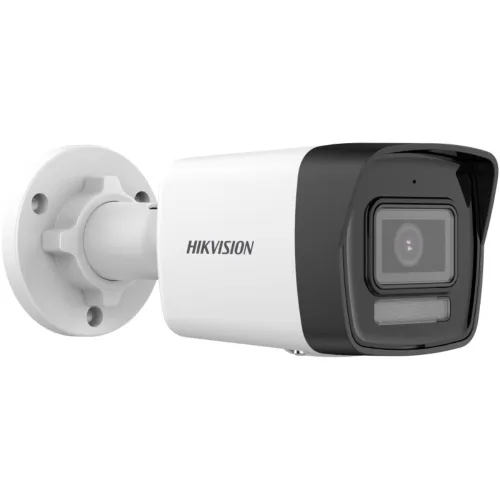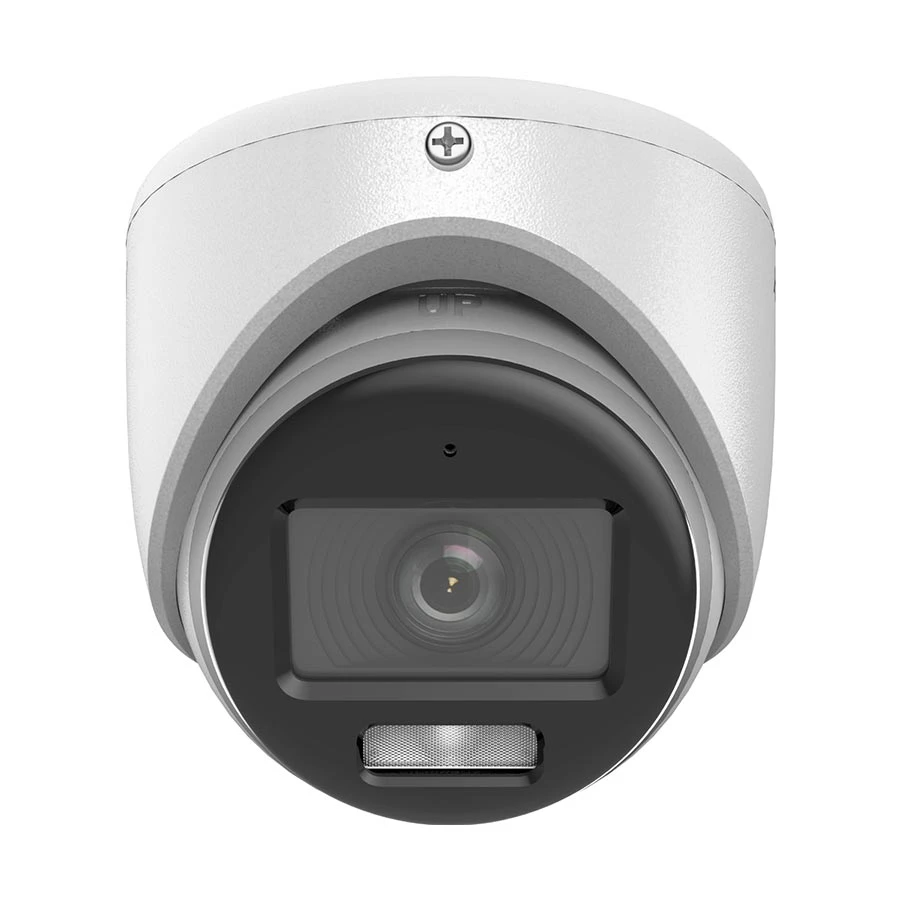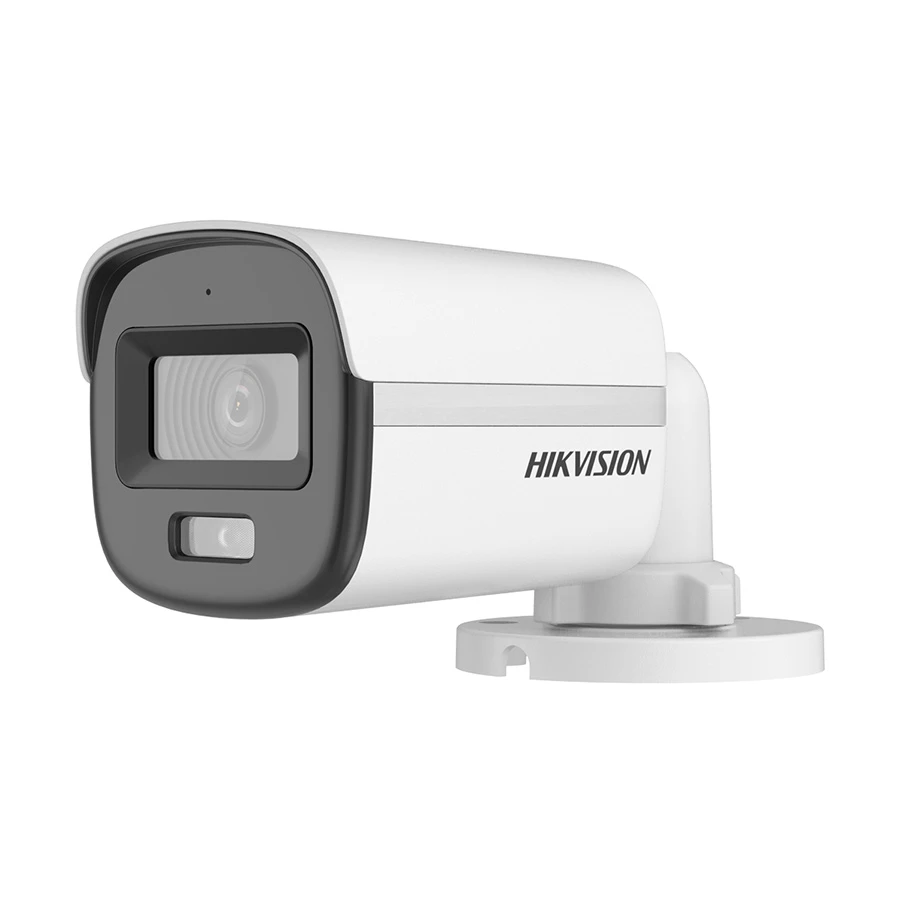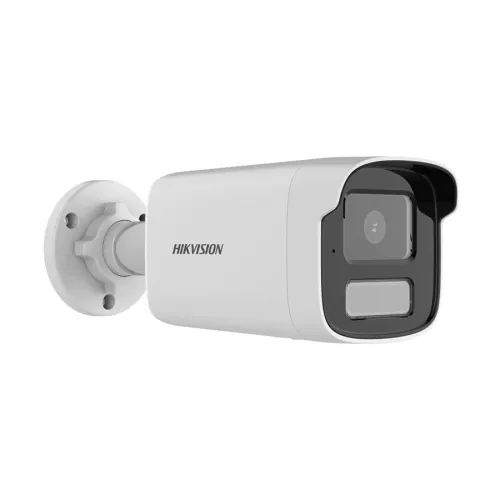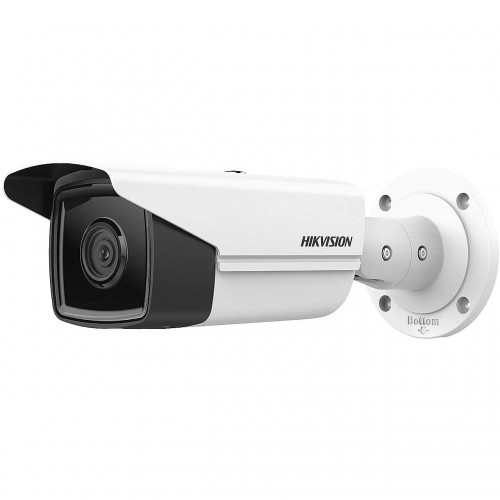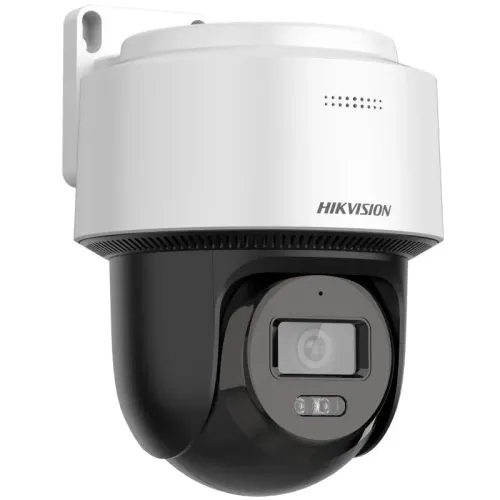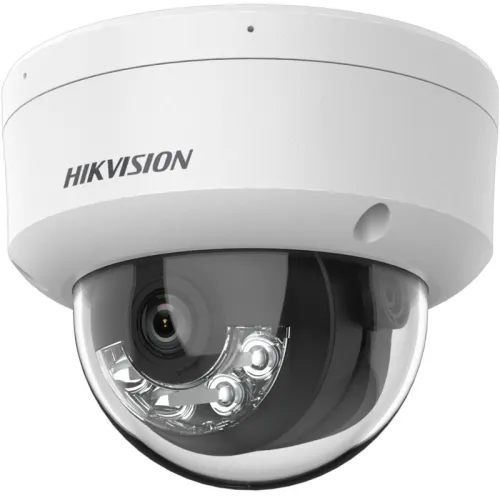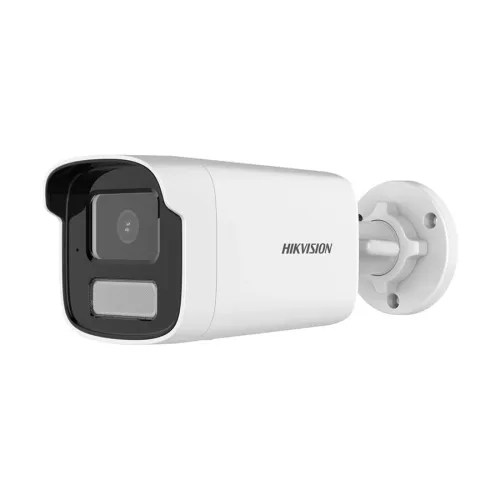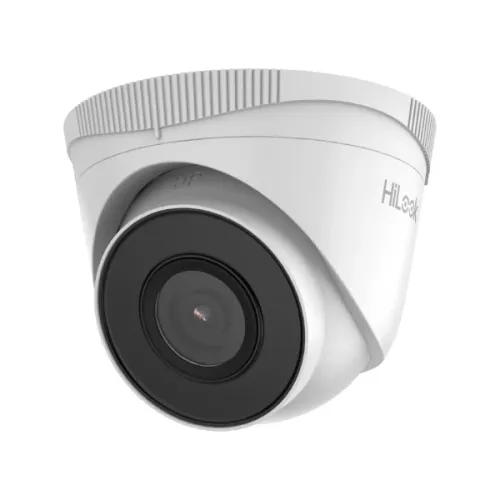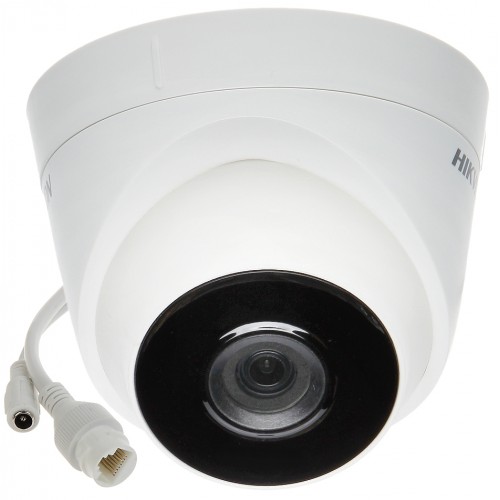
Hikvision DS-2CD1323G0E-I 2MP Basic IR Mini Dome IP-Camera
Contact us for pricing
Product Details
Key Features
Model: DS-2CD1323G0E-I
High Quality imaging with 2 MP
resolution
Efficient H.265+ compression technology
Clear imaging against strong back-light
due to DWDR technology
Water and dust resistant (IP67)
Specification
|
Camera
Feature |
|
|
Image Sensor |
1/2.7" Progressive Scan CMOS |
|
Effective Pixels |
2MP |
|
IR Distance |
Up to 30 m |
|
Lens |
|
|
Type |
2.8 mm |
|
Aperture |
F2.0 |
|
Angle of View |
horizontal FOV 112.1°, vertical FOV
60.0°, diagonal FOV 132.2° |
|
Physical
Specification |
|
|
Dimension |
Ø110 mm × 85.3 mm |
|
Weight |
320 g |
|
Power |
12 VDC ± 25% PoE: 802.3af, Class 3 |
|
Interface |
Power Interface: Ø5.5 mm coaxial power
plug |
|
Warranty |
|
|
Warranty |
1 year |
Description
Hikvision DS-2CD1323G0E-I 2MP Basic IR Mini Dome IP-Camera
The Hikvision DS-2CD1323G0E-I 2MP Basic IR Mini Dome IP Camera offers robust surveillance capabilities for various environments. Equipped with a 1/2.8" progressive scan CMOS image sensor, it delivers clear and detailed images even in challenging lighting conditions, with a minimum illumination of 0.028Lux at F2.0. This camera features a versatile set of specifications, including an IR cut filter for day and night functionality, Dynamic Wide Dynamic Range (DWDR) for enhanced image quality, and 3D Digital Noise Reduction (3D DNR) for reducing image noise. Its lens options of 2.8 mm and 4 mm provide flexibility in capturing the desired field of view. The camera's infrared illuminator offers an impressive range of up to 30 meters, ensuring effective night vision capabilities. It supports a maximum resolution of 1920 × 1080, with video compression options including H.265+, H.265, H.264+, H.264, and MJPEG. Additionally, the camera offers image enhancements like Backlight Compensation (BLC) and allows adjustments to saturation, brightness, contrast, sharpness, AGC, and white balance. Hikvision DS-2CD1323G0E-I 2MP Basic IR Mini Dome IP-Camera comes with 1 year warranty.
How to Order
Revolution Technology BD has made shopping easier for customers. Follow these steps:
- Click Register Button from home page
- Register with: Name + Email + Mobile + Password
- Click Create Account after entering information
- Login automatically or use Login button
- Provide mobile number and password, then Sign Up
- Choose desired product and click Buy Now
- View product details and click Add to Cart
- Click Item box (upper right corner)
- Go to Shopping Cart page
- Continue Shopping for more products or proceed
- Click "Click Here to Address" button
- Provide Full Name, Phone, Email & Delivery Address
- Click Order Submit button
- View Bill Invoice and receive email confirmation
- Print Invoice using Print button
- Wait for delivery - we'll keep you updated
- Thank you for shopping with us!