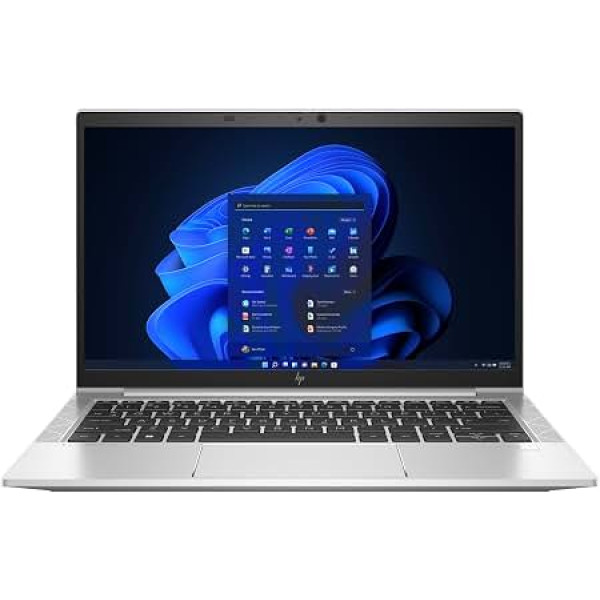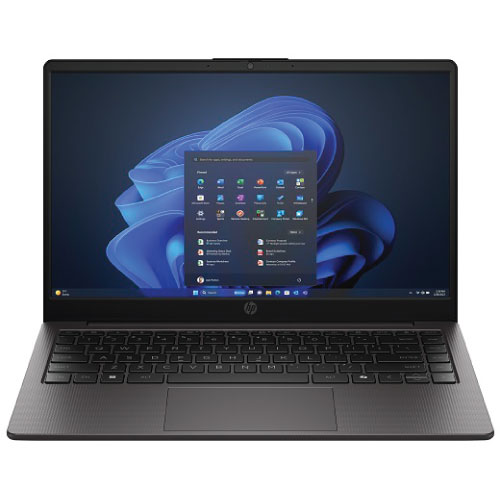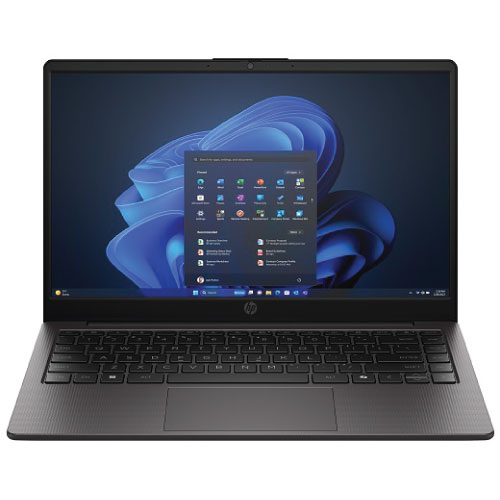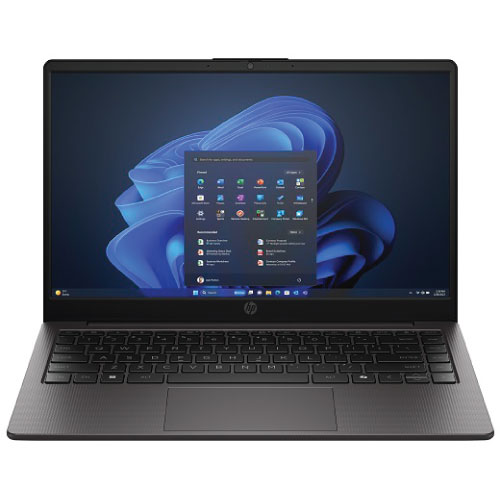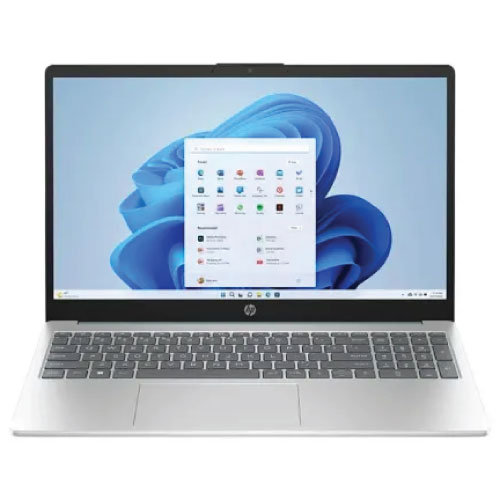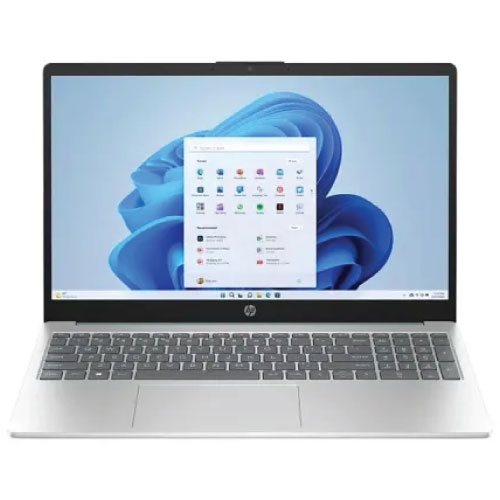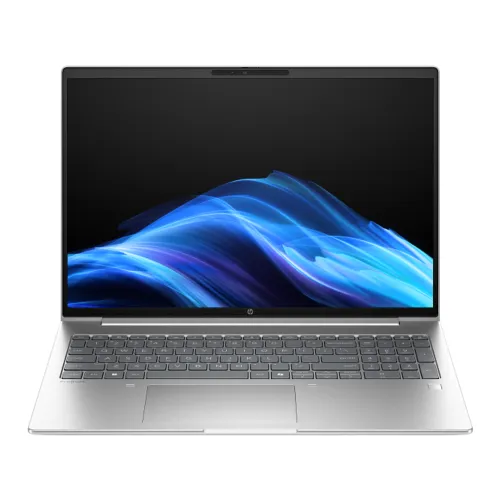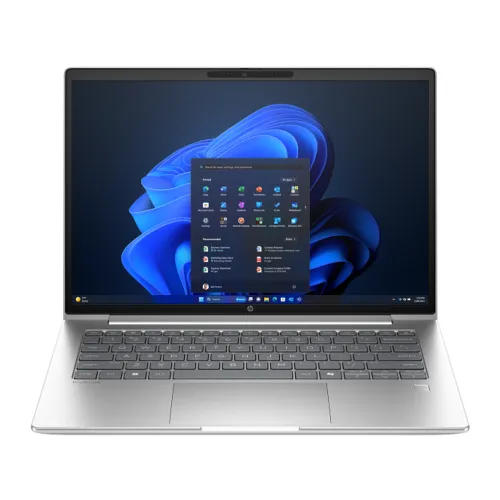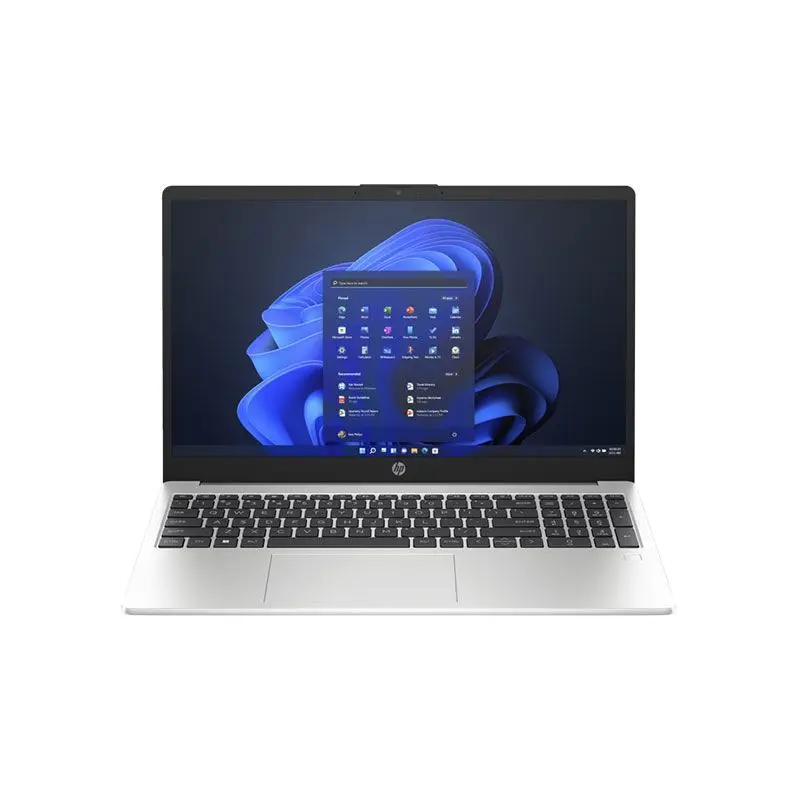
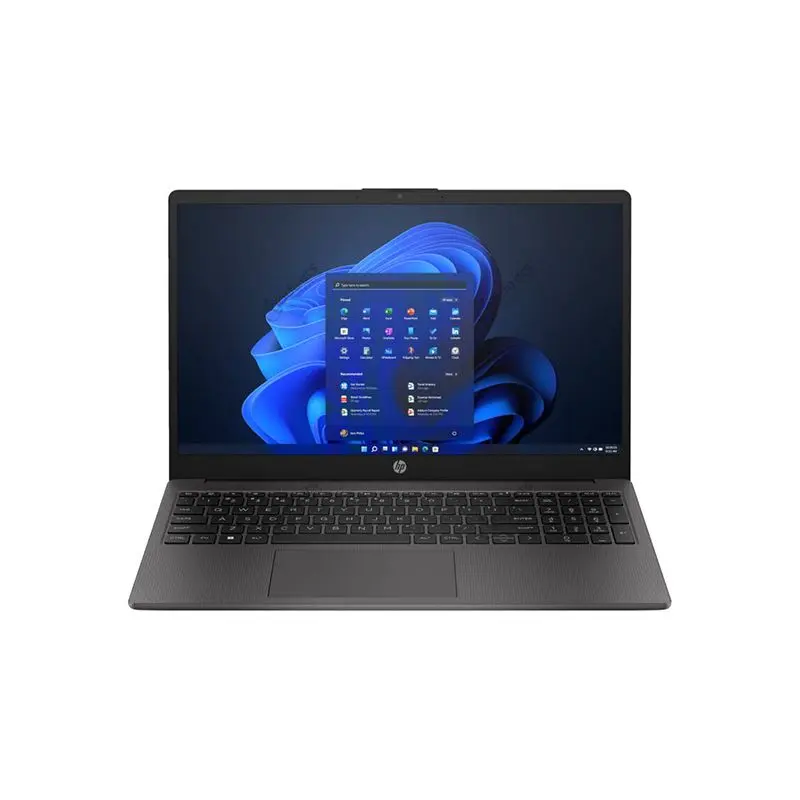
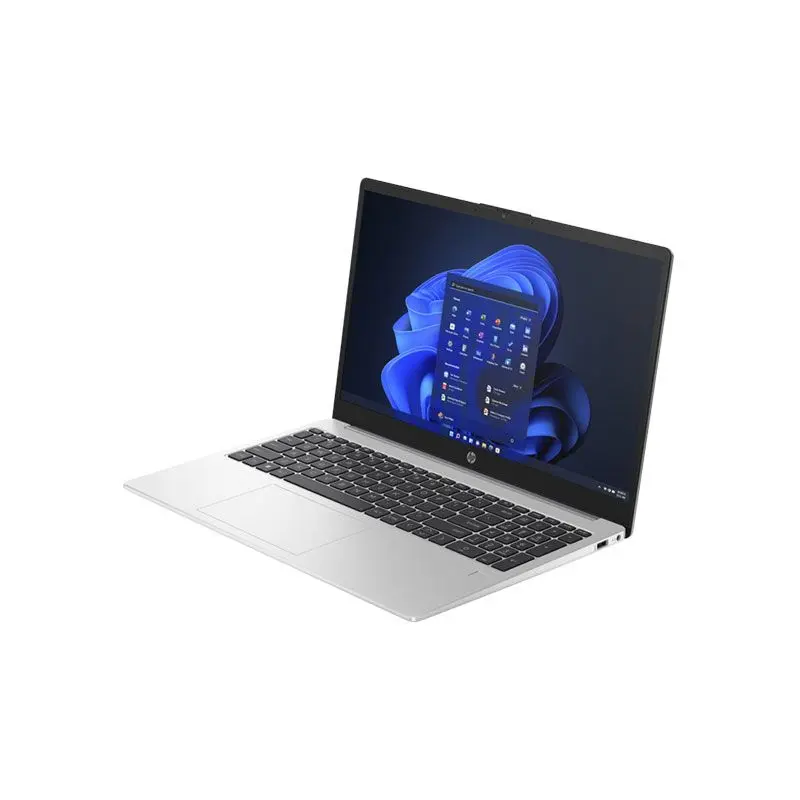
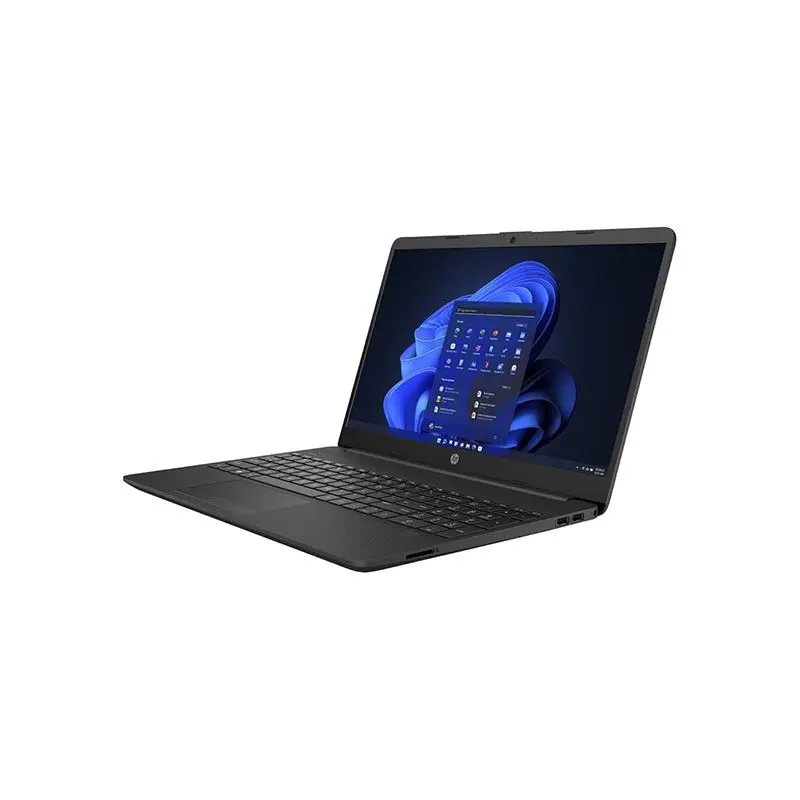
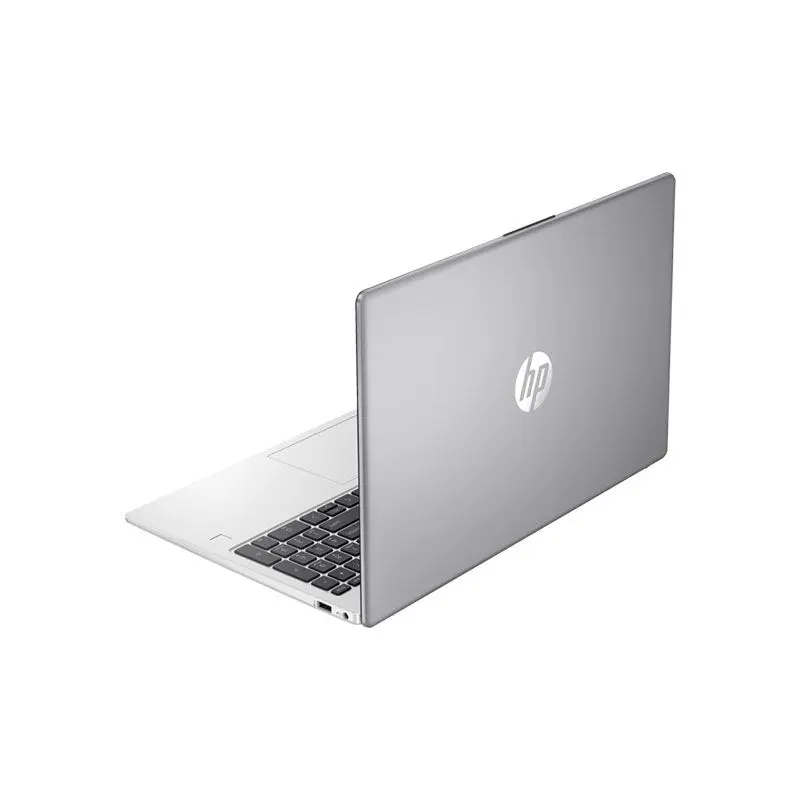
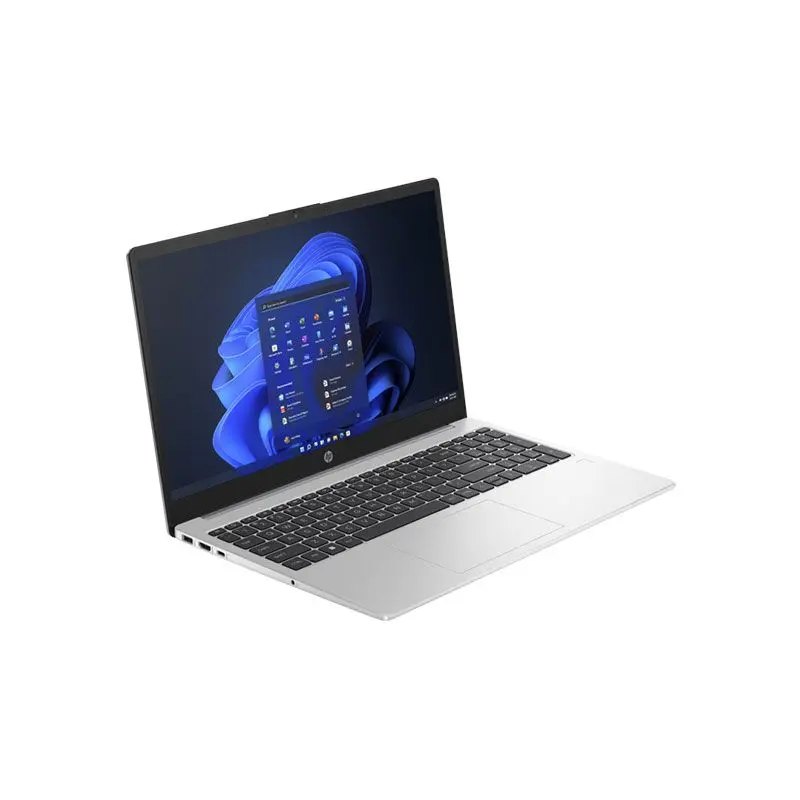
HP 250 G10 13th Gen Intel Core i5-1334U 16GB RAM 512GB SSD 15.6 Inch FHD Display Backlit Keyboard Laptop
Contact us for pricing
Product Details
Key Features
Model: 250 G10
Processor: Intel® Core™ i5-1334U (E-Core Max 3.40 GHz, P-Core Max 4.60 GHz, 10 Cores, 12 Threads, 12 MB Cache)
Graphic: Intel® Iris® Xᵉ Graphics
Display: 15.6″ FHD (1920 x 1080) Narrow Bezel Anti-Glare 250 nits
Installed RAM: 8GB DDR4-3200 MHz RAM
Primary Storage: 512GB PCIe® Gen4 NVMe™ TLC M.2 SSD
Specification
Processor Family | 13th Generation Intel® Core™ i5 processor |
Processor Model | Intel® Core™ i5-1334U (up to 4.6 GHz, 12 MB L3 cache, 10 cores, 12 threads) |
Graphics | Integrated Intel® Iris® Xᵉ Graphics |
Memory | 16GB DDR4-3200 MT/s (1 x 8 GB) |
Memory Slots | 2 SODIMM |
Internal Storage | 512 GB PCIe® NVMe™ SSD |
Display Size | 15.6" diagonal, FHD (1920 x 1080) |
Display Features | Narrow bezel, anti-glare, 250 nits, 45% NTSC |
Touchscreen | No |
Dimensions (W x D x H) | 36 x 23.6 x 1.86 cm |
Weight | Starting at 1.52 kg |
Battery Type | HP Long Life 3-cell, 41 Wh Li-ion |
Wireless | Realtek Wi-Fi 6 (2x2) and Bluetooth® 5.3 |
Product Color | Turbo silver |
Keyboard | HP Premium Keyboard – spill-resistant, backlit with numeric keypad |
Camera | 1080p FHD camera |
Audio | Stereo speakers, integrated digital microphone |
Ports | 1x USB Type-C®, 2x USB Type-A, 1x HDMI 1.4b, 1x headphone/microphone combo jack |
Power Adapter | HP Smart 45 W External AC power adapter |
Management Features | HP SSRM; Windows Push Button Reset Recovery |
Description
HP 250 G10 13th Gen Intel Core™ i5-1334U I 16GB DDR4-3200 MHz RAM I 512GB PCIe® NVMe SSD I 15.6 Inch FHD (1920 x 1080)
This is a 15.6-inch HP laptop featuring a 13th Gen Intel Core i5 processor, 16GB RAM, and a 512GB SSD. It's a lightweight, portable device with a full HD anti-glare display, long battery life, and modern connectivity options like Wi-Fi 6 and USB-C, housed in a "Turbo Silver" chassis.
How to Order
Revolution Technology BD has made shopping easier for customers. Follow these steps:
- Click Register Button from home page
- Register with: Name + Email + Mobile + Password
- Click Create Account after entering information
- Login automatically or use Login button
- Provide mobile number and password, then Sign Up
- Choose desired product and click Buy Now
- View product details and click Add to Cart
- Click Item box (upper right corner)
- Go to Shopping Cart page
- Continue Shopping for more products or proceed
- Click "Click Here to Address" button
- Provide Full Name, Phone, Email & Delivery Address
- Click Order Submit button
- View Bill Invoice and receive email confirmation
- Print Invoice using Print button
- Wait for delivery - we'll keep you updated
- Thank you for shopping with us!