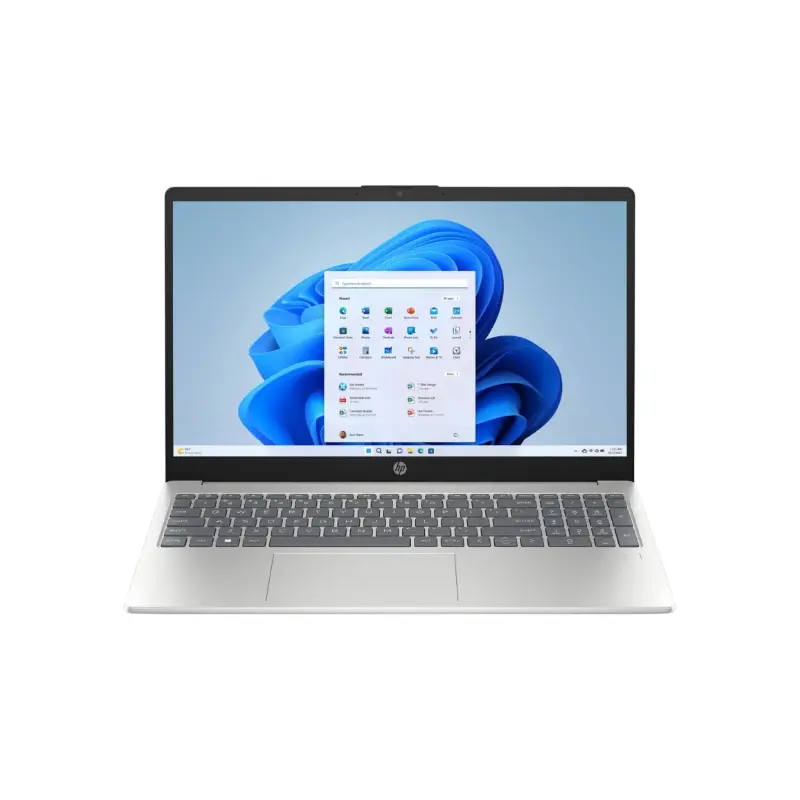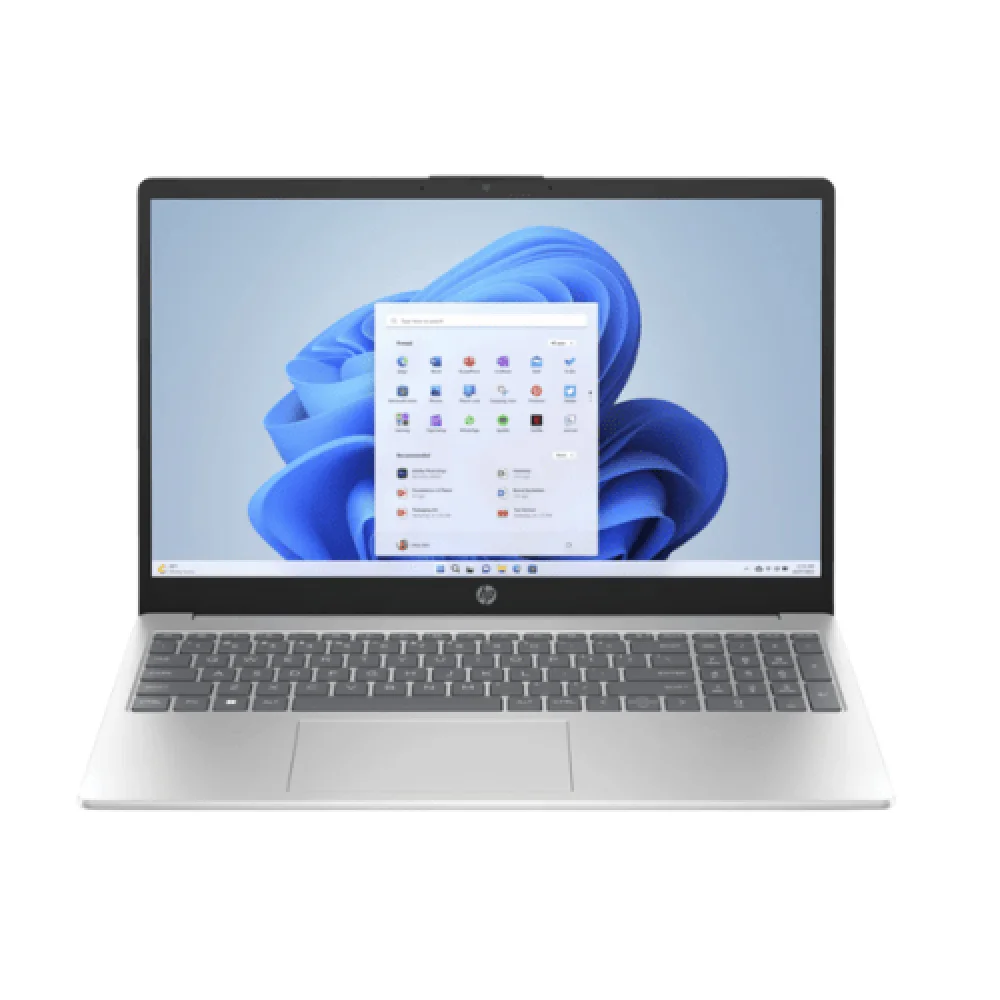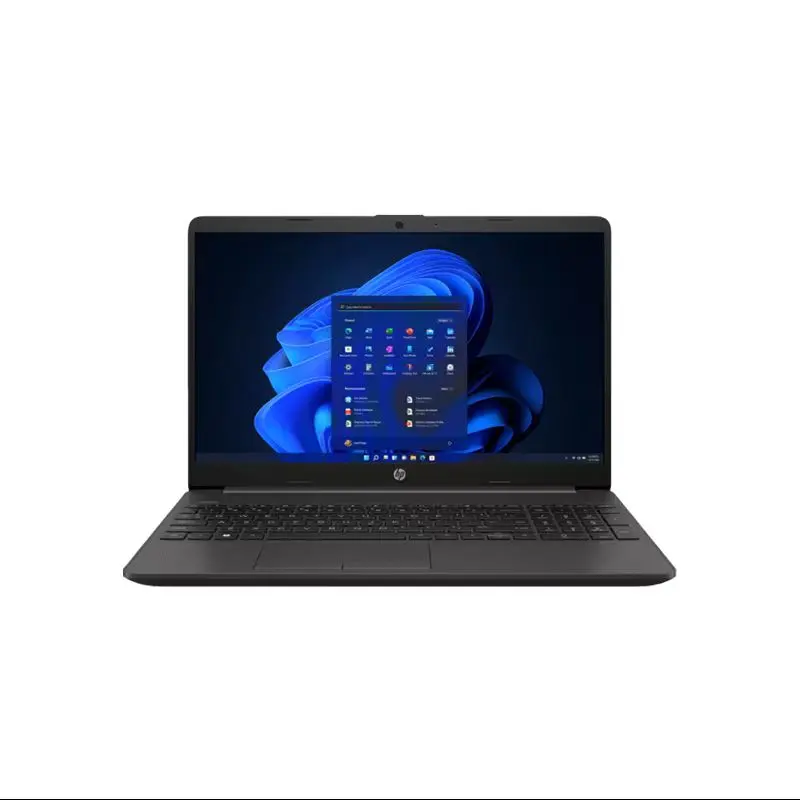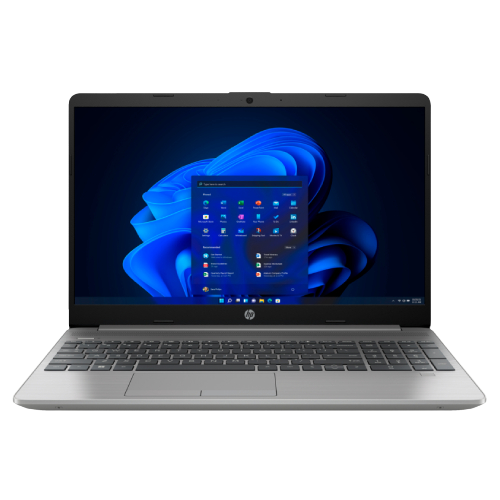
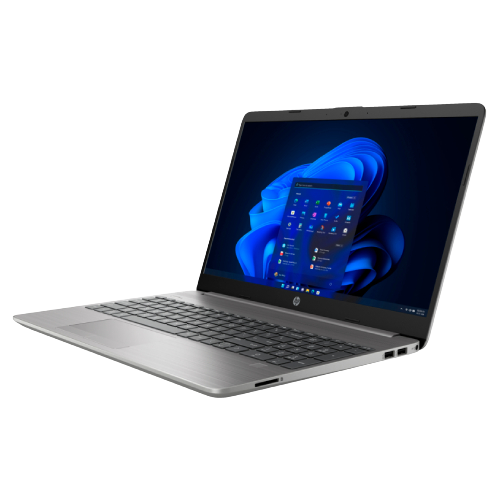
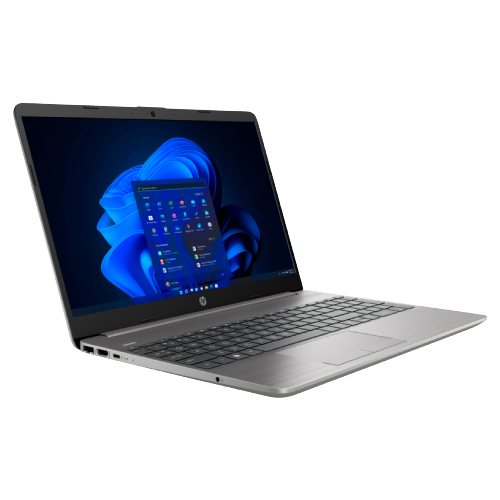
HP 250 G9 Core i7 12th Gen Laptop 15.6 Inch FHD Display
Contact us for pricing
Product Details
Key Features
HP 250 G9 Core i7 12th Gen
Intel® Core™ i7-1255U Processor
8 GB DDR4 RAM
512 GB PCIe NVMe M.2 SSD
15.6 Inch diagonal, FHD (1920 x 1080) Display
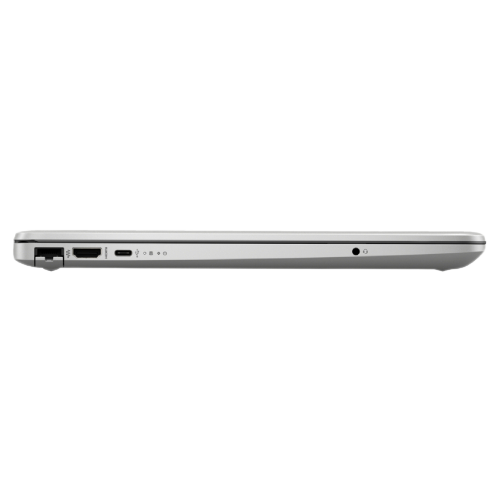
RJ45 LAN Port
Specifications
|
Model |
HP 250 G9 |
|
Processor |
Intel® Core™ i7-1255U (Up to 4.7
GHz with Intel® Turbo Boost Technology, 12 MB L3 Cache, 10 Cores, 12 Threads) |
|
Display Size |
15.6-inch |
|
Display Type |
FHD (1920 × 1080), IPS, narrow
bezel, anti-glare |
|
Display Brightness |
250 nits |
|
Color Accuracy |
45% NTSC |
|
Graphics |
Integrated Intel® Iris® Xᵉ
Graphics |
|
RAM |
8 GB DDR4-3200 MHz |
|
Storage Type |
512 GB PCIe® NVMe™ SSD |
|
Operating System |
Free DOS |
|
Audio |
Dual stereo speakers, dual array
microphones |
|
Keyboard |
Full-size backlit keyboard with
numeric keypad |
|
Webcam |
720p HD camera |
|
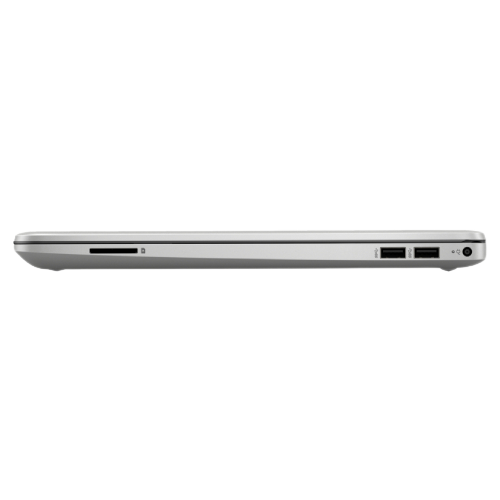
Card Reader |
N/A |
|
Wi-Fi |
Realtek Wi-Fi 6 (2x2) |
|
Bluetooth |
Bluetooth® 5.2 |
|
USB Ports |
1 × USB Type-C (5 Gbps), 2 × USB
Type-A (5 Gbps) |
|
HDMI |
1 × HDMI 1.4b |
|
Audio Jack |
1 × stereo headphone/microphone
combo jack |
|
LAN |
1 × RJ45 |
|
Dimensions |
35.8 × 24.2 × 1.99 cm |
|
Weight |
Starting at 1.74 kg |
|
Color |
Silver |
Descriptions
The HP 250 G9 is a sleek
and reliable laptop designed for professionals, students, and everyday
computing. Powered by the Intel Core i7-1255U Processor with 10 cores and 12
threads, it delivers smooth multitasking and fast performance for work, study,
and entertainment.
Featuring 8GB DDR4 RAM and
a 512GB PCIe NVMe SSD, the laptop offers quick boot times, responsive
performance, and ample storage for files and applications. Its 15.6-inch Full
HD IPS display with anti-glare technology ensures clear visuals and comfortable
viewing, while Intel Iris Xᵉ Graphics handles everyday multimedia with ease.With
Wi-Fi 6 connectivity, multiple USB ports, HDMI, and a full-size backlit
keyboard, the HP 250 G9 combines performance, portability, and convenience in a
sleek silver design, making it a dependable choice for work and daily use.
How to Order
Revolution Technology BD has made shopping easier for customers. Follow these steps:
- Click Register Button from home page
- Register with: Name + Email + Mobile + Password
- Click Create Account after entering information
- Login automatically or use Login button
- Provide mobile number and password, then Sign Up
- Choose desired product and click Buy Now
- View product details and click Add to Cart
- Click Item box (upper right corner)
- Go to Shopping Cart page
- Continue Shopping for more products or proceed
- Click "Click Here to Address" button
- Provide Full Name, Phone, Email & Delivery Address
- Click Order Submit button
- View Bill Invoice and receive email confirmation
- Print Invoice using Print button
- Wait for delivery - we'll keep you updated
- Thank you for shopping with us!