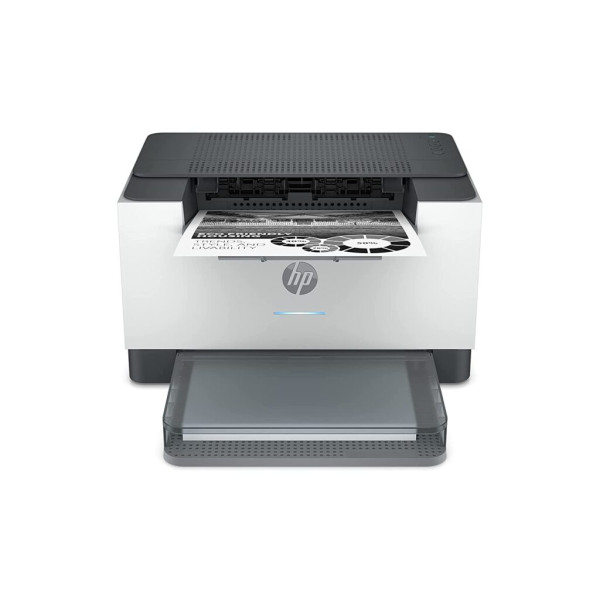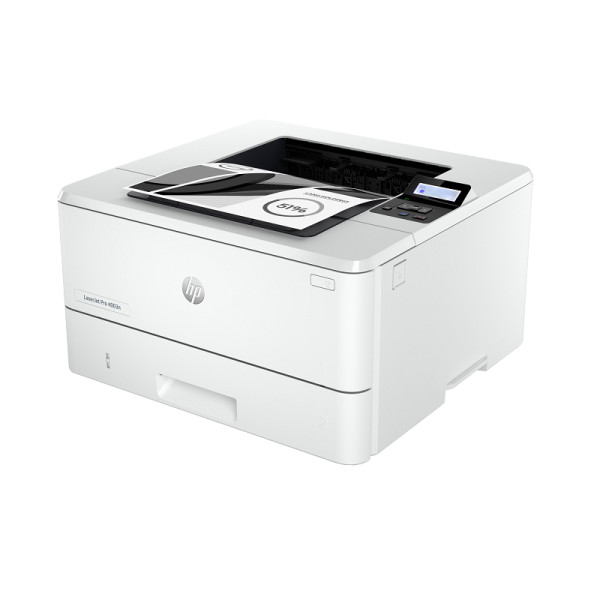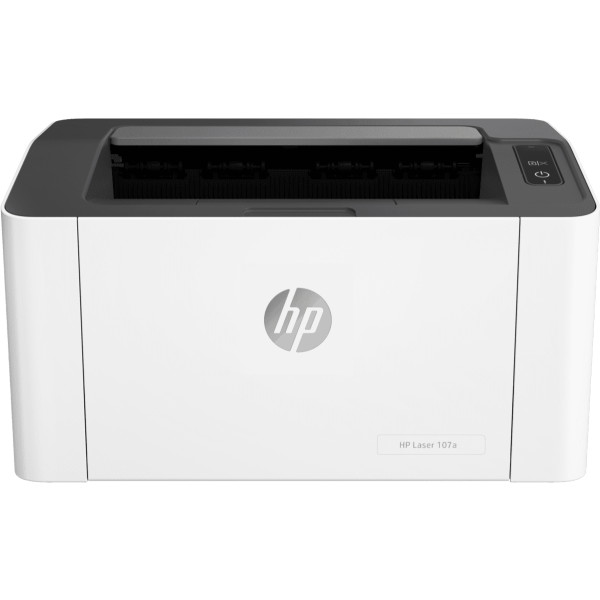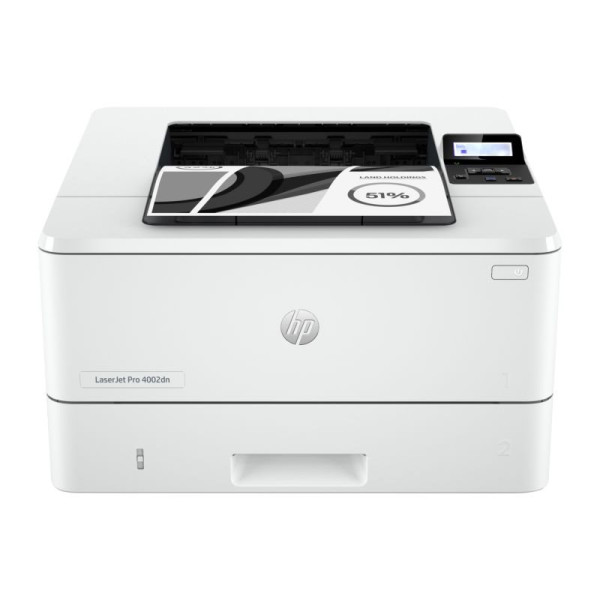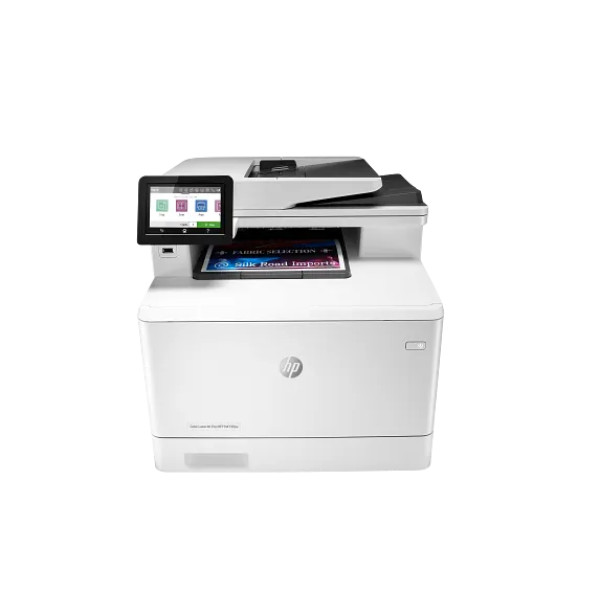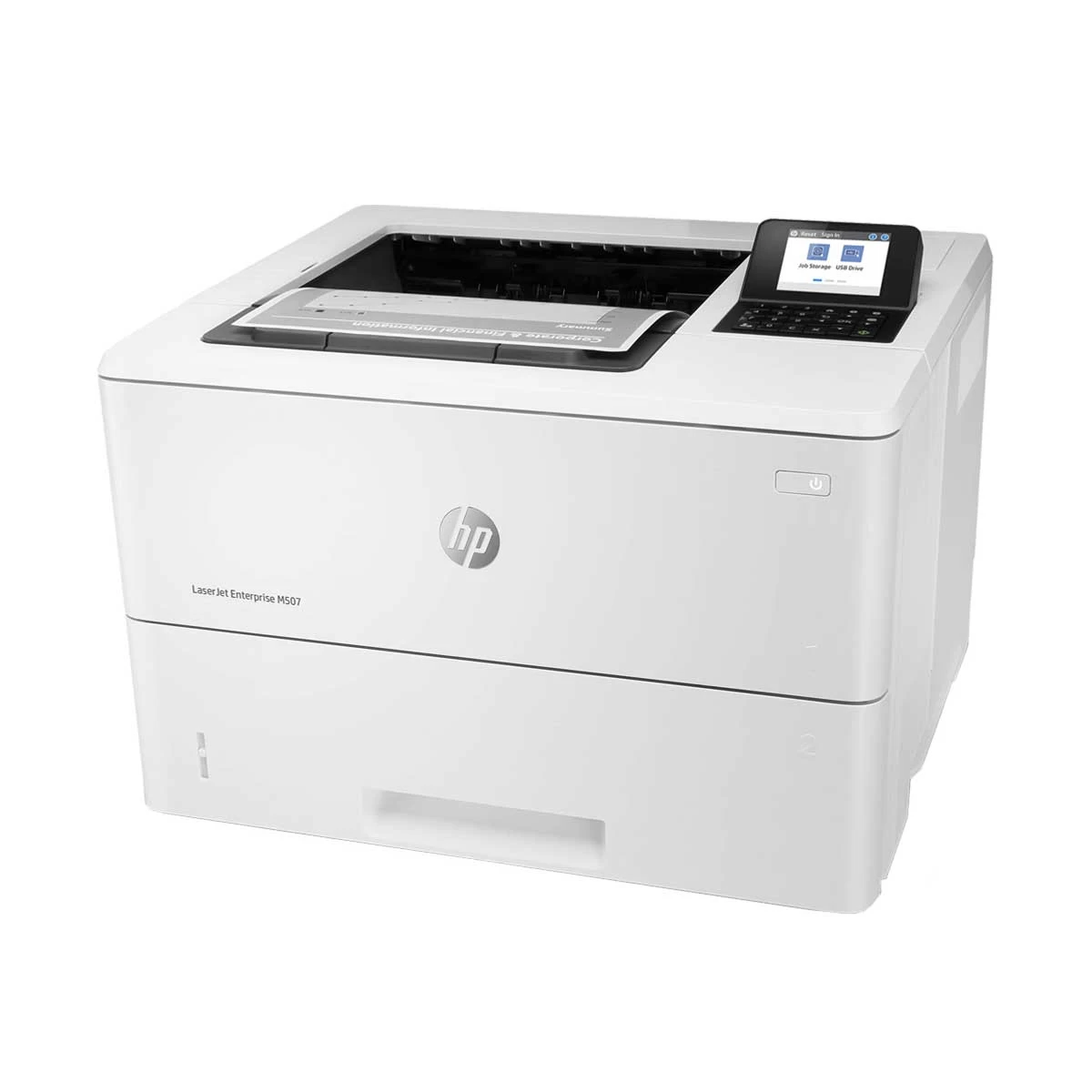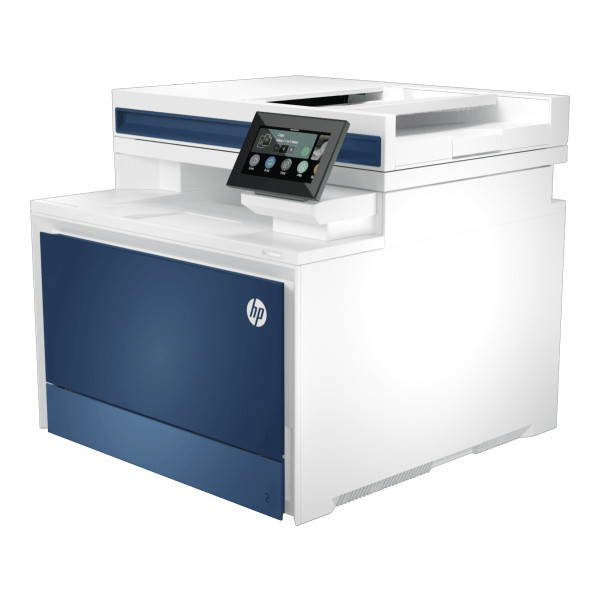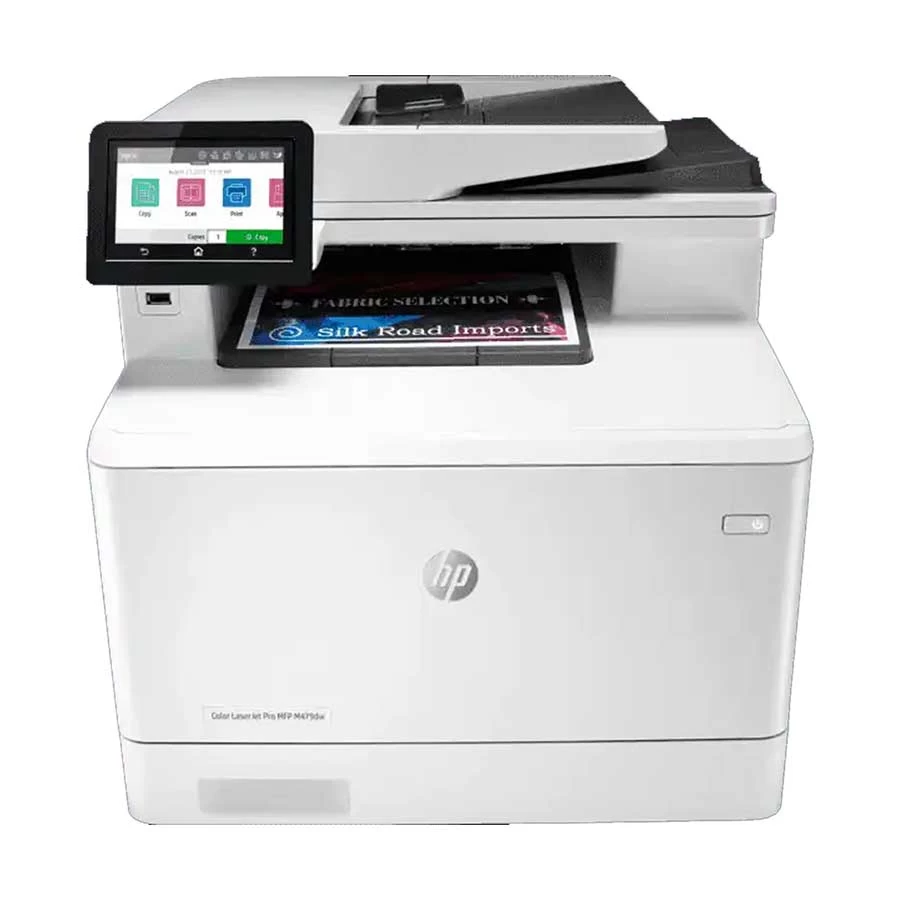
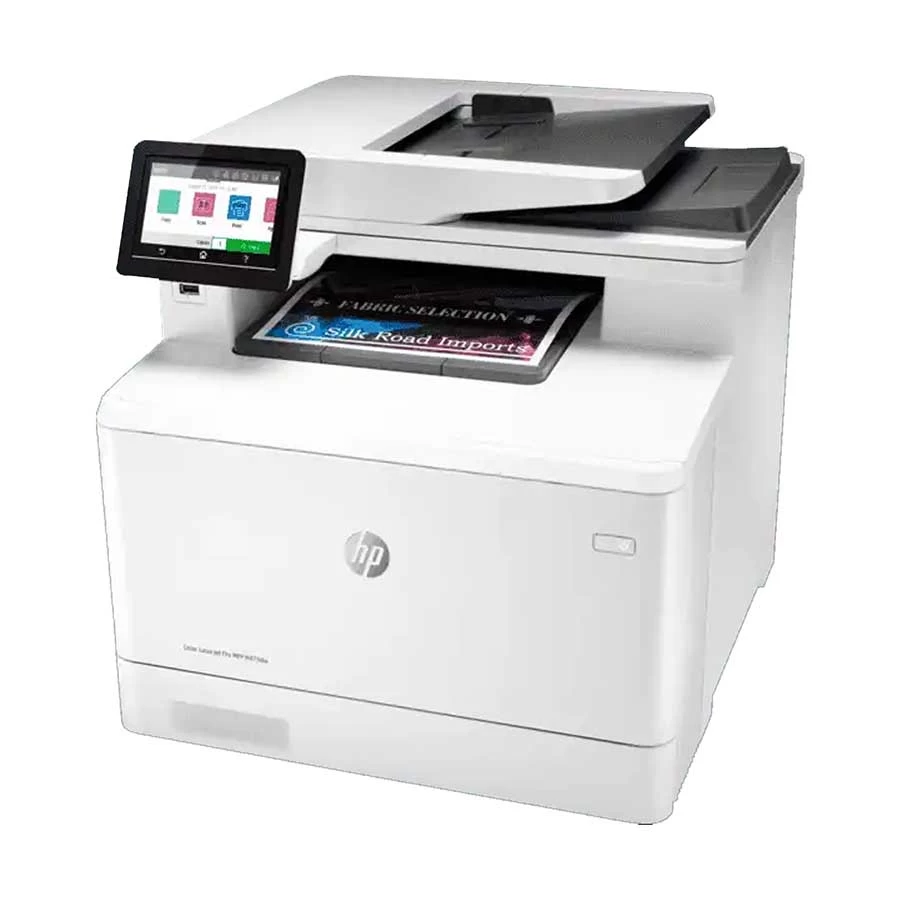
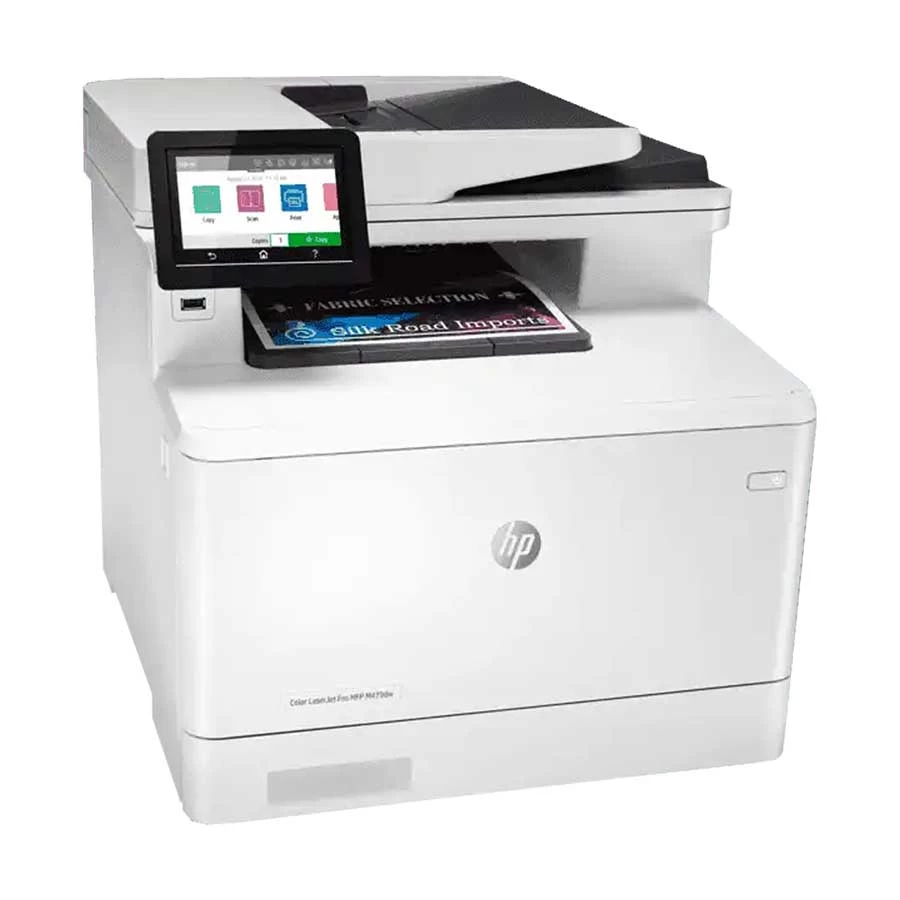
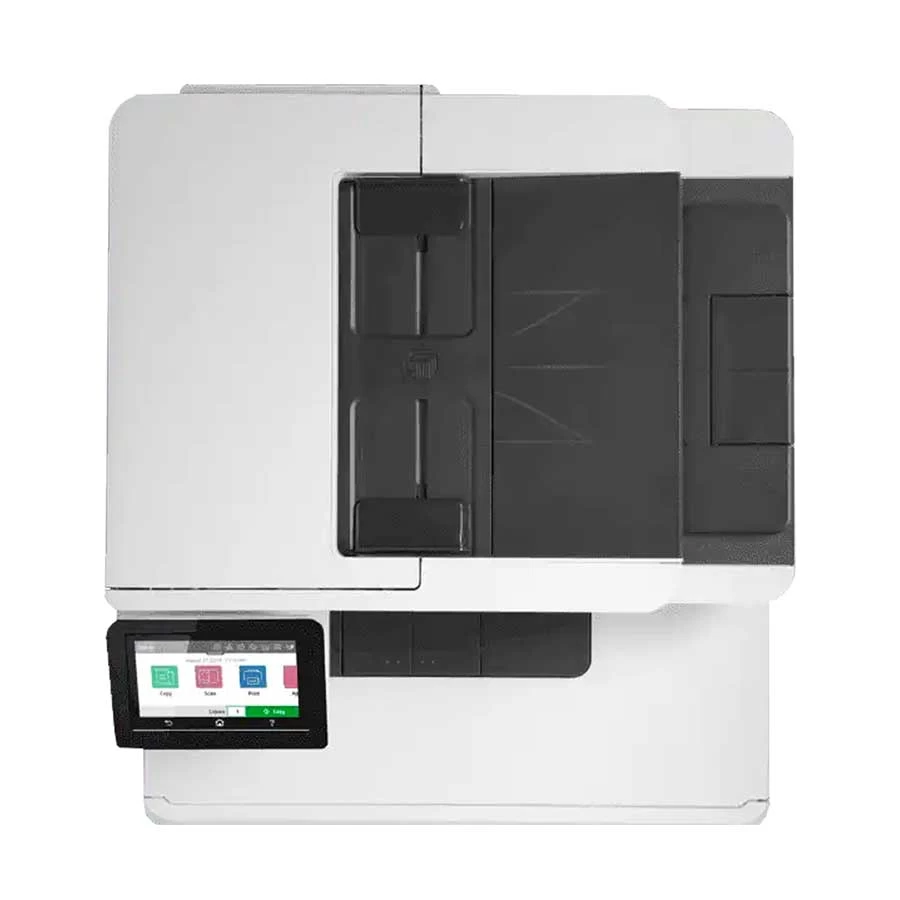
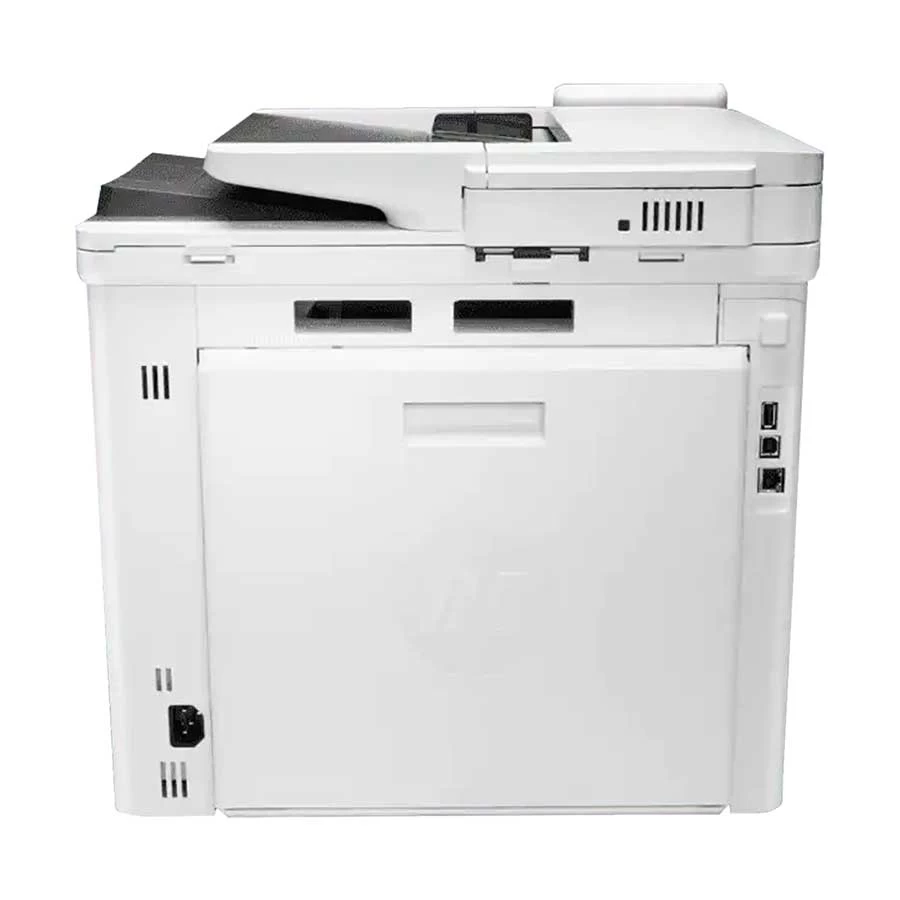
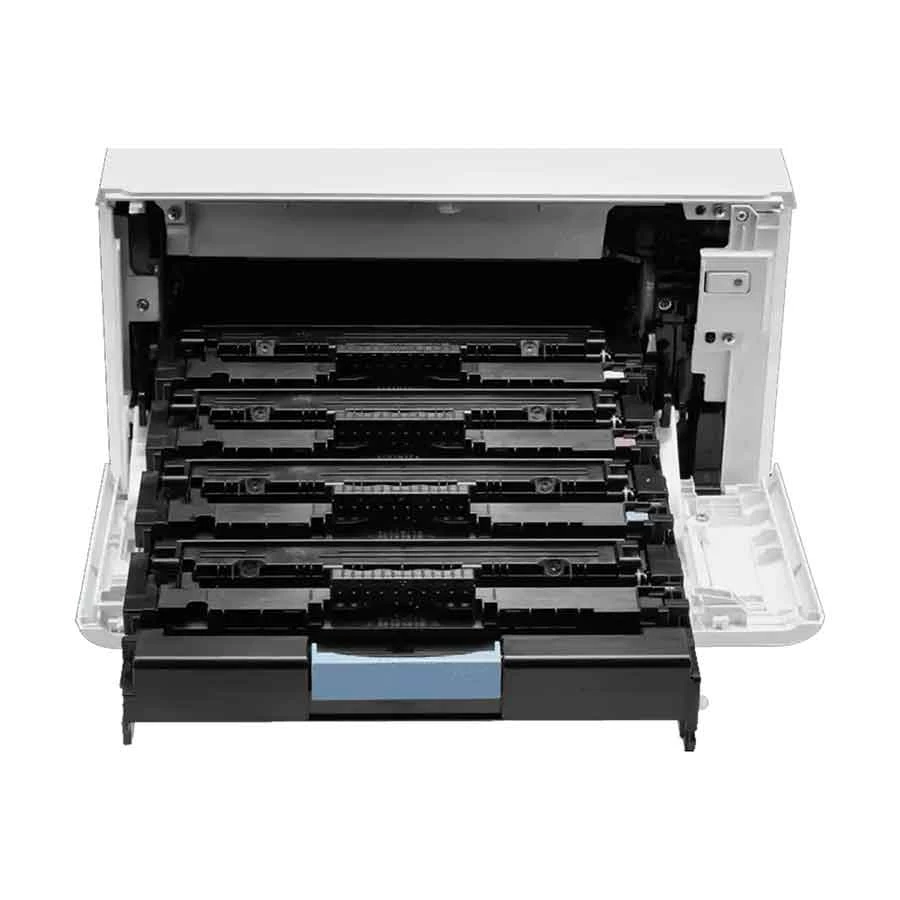
HP Color Laserjet Pro M479DW All-in-One Printer
Exclusive of all taxes
Product Details
Key
Features
MPN: W1A77A
Model: Color Laserjet Pro M479DW
Print, copy, scan, fax, email, built-in Dual-Band Wi-Fi
Print Speed: 27 ppm
Auto duplex printing
Best-in-class security
Specification
|
Functions |
Print, Scan, Copy |
|
Printer
Type |
Multi-function Color Laser Printer |
|
Output
Color |
Color |
|
Print
Technology |
Laser |
|
Print
Speed |
Black: 27 ppmColor: 27 ppm |
|
Print
Resolution |
600 x 600 dpi |
|
Warm-Up
Time |
As fast as 45 sec |
|
First
Page Out Time (Black) |
Letter (Ready): 9.3 secA4 (Ready):
9.5 secLetter (Sleep): 10.9 secA4 (Sleep): 11.0 sec |
|
First
Page Out Time (Color) |
Letter (Ready): 10.9 secA4
(Ready): 11.0 secLetter (Sleep): 12.0 secA4 (Sleep): 12.1 sec |
|
Duty
Cycle (Max Yield) |
Up to 50,000 pages |
|
Duplex
Printing |
Automatic (default) |
|
Copy
Speed |
Black: 27 cpmColor: 27 cpm |
|
Copy
Resolution |
600 x 600 dpi |
|
Scan
Type |
Contact Image Sensor (CIS)Black:
29 ppmColor: 20 ppm |
|
Scan
Resolution |
1200 x 1200 dpi |
|
Maximum
Scan Size |
A4 |
|
Paper
Sizes Supported |
A4, A5, A6, B5 (JIS), B6 (JIS),
16K, 10 x 15 cm, Oficio (216 x 340 mm), Postcards (JIS single/double),
Envelopes (DL, C5, B5) |
|
Paper
Types Supported |
Bond, brochure, colored, glossy,
letterhead, photo, plain, preprinted, prepunched, recycled, rough, postcards,
labels, envelopes |
|
Input
Capacity |
300 sheets (50-sheet multipurpose
tray + 250-sheet input tray) |
|
Output
Capacity |
150 sheets |
|
ADF |
Yes, 50 sheets |
|
Processor |
1200 MHz |
|
Memory |
512 MB NAND Flash, 512 MB DRAM |
|
Display |
4.3-inch intuitive touchscreen
Color Graphic Display (CGD) |
|
Connectivity |
USB, LAN, Wi-Fi |
|
Power
Consumption |
Active Printing: 550 WReady: 20
WSleep: 0.7 W |
|
Voltage |
110–127 VAC (60 Hz), 220–240 VAC
(50/60 Hz) |
|
Color |
White |
|
Dimensions
(W x D x H) |
416 x 400 x 472 mm |
|
Weight |
23.3 kg |
|
Toner /
Cartridge |
HP 414A/415A/416A Black (2,400
pages), Cyan/Magenta/Yellow (2,100 pages)HP 414X/415X/416X Black (7,500
pages), Cyan/Magenta/Yellow (6,000 pages) |
|
Software
Compatibility |
Windows 7, 8, 8.1, 10, Server 2008
R2, 2012, 2012 R2, 2016, Mobile OS, iOS, Android, Mac, macOS Sierra v10.12,
High Sierra v10.13, Mojave v10.14 |
|
Special
Features |
Mobile Printing: Apple AirPrint,
Google Cloud Print, HP ePrint, HP Smart App, Mopria Certified, Wi-Fi Direct,
Roam capable |
|
Warranty |
1-year Limited Warranty
(Adapter/Power Cable not included, Box mandatory while claiming) |
Description
HP
Color Laserjet Pro M479DW All-in-One Printer
Scan files directly to
Microsoft SharePoint, email, USB, and network folders. Help save time by
automating all the steps in a complicated workflow and apply saved settings.
Print wirelessly with or without the network, stay connected with dual band
Wi-Fi and Wi-Fi direct. Print effortlessly from any device, virtually anywhere,
to any HP printer securely through the cloud. A suite of embedded security
features help protect your MFP from being an entry point for attacks. Help
ensure security of confidential information with optional PIN/Pull printing to
retrieve print jobs. Optional HP JetAdvantage Security Manager lets you set
configuration Thwart potential attacks and take immediate action with instant
notification of security issues. Set up this MFP fast, and easily manage device
settings to help increase overall printing efficiency.Tackle tasks quickly and
easily with the simple 4.3 (10.9cm) color touchscreen.Print Microsoft office
formatted files in addition to PDFs right off your USB drive. Avoid
interruptions with an HP LaserJet MFP designed to be streamlined for maximum
productivity. Avoid frustrating reprints, wasted supplies, and service calls
using Original HP toner cartridges.Help save paper right out of the box. The
duplex print setting is set at default paper savings mode. Saves up to 18%
energy over prior products. Help save energy with HP Auto-on/Auto-off
technology.
How to Order
Revolution Technology BD has made shopping easier for customers. Follow these steps:
- Click Register Button from home page
- Register with: Name + Email + Mobile + Password
- Click Create Account after entering information
- Login automatically or use Login button
- Provide mobile number and password, then Sign Up
- Choose desired product and click Buy Now
- View product details and click Add to Cart
- Click Item box (upper right corner)
- Go to Shopping Cart page
- Continue Shopping for more products or proceed
- Click "Click Here to Address" button
- Provide Full Name, Phone, Email & Delivery Address
- Click Order Submit button
- View Bill Invoice and receive email confirmation
- Print Invoice using Print button
- Wait for delivery - we'll keep you updated
- Thank you for shopping with us!