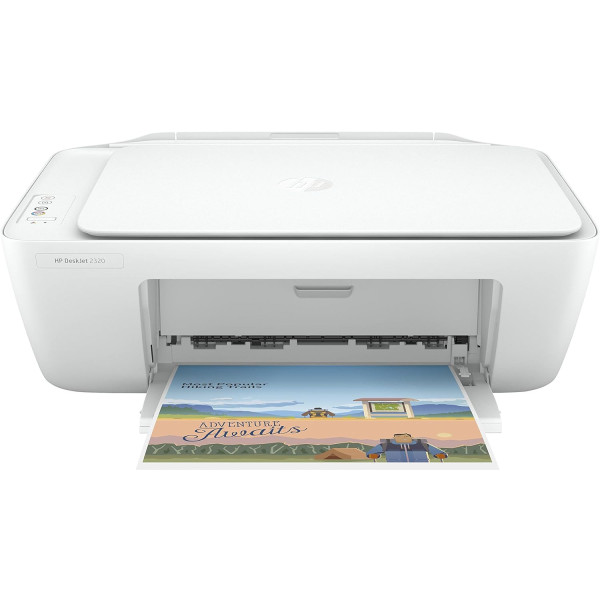
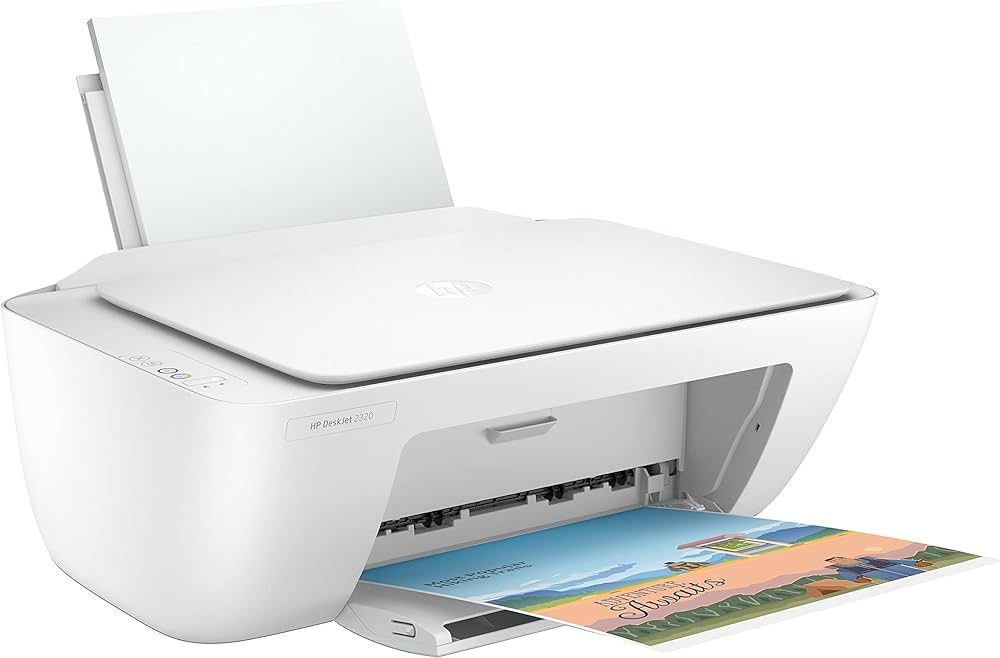
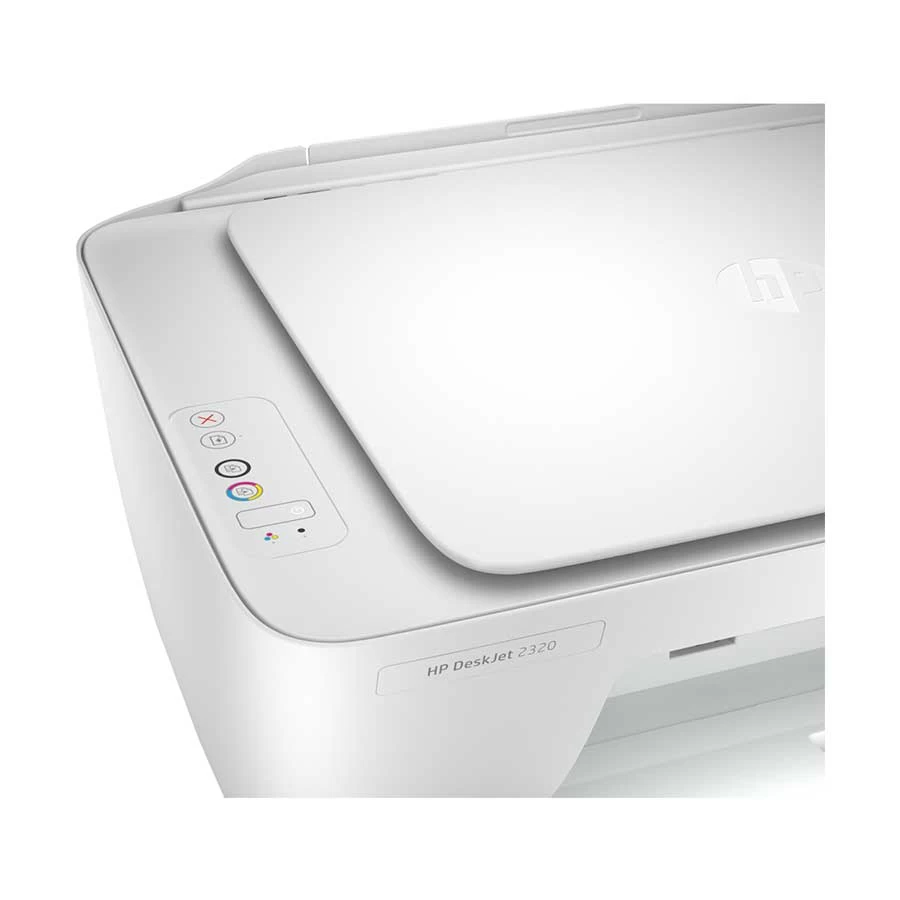
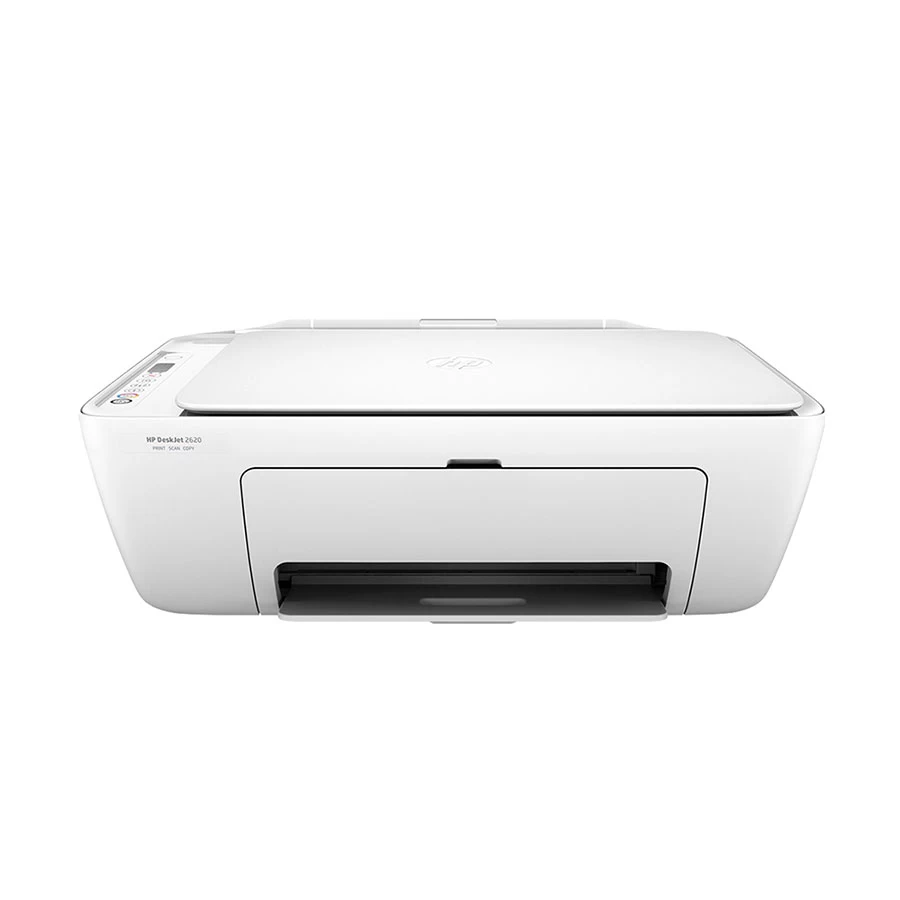
HP DeskJet 2320 All-in-one Printer
Contact us for pricing
Product Details
Key Features
Graphics Card: This model does not have a dedicated graphics card.
RAM: The printer has 128MB of RAM for efficient performance.
Storage: The printer has 32MB of storage for saving scanned documents.
Display: This model does not have a display screen.
Battery Life: This model does not have a battery.
Powerful Performance: The HP DeskJet 2320 delivers fast printing speeds for efficient work.
Fast Connectivity: The printer has a USB interface for fast connectivity.
Easy Scanning: The printer has a 1200 dpi resolution for high-quality scanning.
Space Saving: The printer has a manual duplex print feature for space-saving printing.
Reliable Printing: The printer is designed for reliable printing with a monthly volume of 100 pages.
Convenient Use: The printer has a white body color for a sleek and modern design.
Energy Efficiency: The printer has low power consumption for energy efficiency.
Easy Maintenance: The printer does not have an ink tank for easy maintenance.
Specifications
| Model | HP DeskJet 2320 |
| Series | DeskJet |
| Type | Ink Functions |
| Output Color | Color |
| Print Speed (Black) (ISO) (A4) | 7.5ppm |
| Print Speed (Black) (Draft) (A4) | 20ppm |
| Print Speed (Color) (ISO) (A4) | 5.5ppm |
| Print Speed (Color) (Draft) (A4) | 16ppm |
| Printer Resolution (Black) | 1200 x 1200 dpi |
| Printer Resolution (Color) | 4800 x 1200 dpi |
| Duplex Print | Manual |
| Scan Resolution (Pixel) | 1200 dpi |
| Scan Paper Size | Letter, A4 |
| Scan Paper Size Max. (Inch) | 8.5 x 11.69 |
| Duplex Scan | No |
| Copy Speed | Up to 6cpm (Black), Up to 3cpm (Color) |
| Copier Resolution (Black) | Up to 600 x 300 dpi |
| Copier Resolution (Color) | Up to 600 x 300 dpi |
| Fax (Transmission) Speed (kbps) | No |
| Fax Resolution (Pixel) | No |
| Print Paper Size | A4, Letter, A5, B5, A6, DL envelope |
| Print Paper Size Max. (Inch) | 8.3 x 11.7 |
| Printer Memory | 128MB |
| Storage (MB/GB/TB) | 32MB |
| Interface (Built-in) | USB |
| Mobile Printing | No |
| Web Printing | No |
| Borderless Printing | No |
| Recommended Monthly Print Volume | 100 Pages |
| Consumable | 3YM61AE HP 305 Black (120 pages), 3YM62AE HP 305XL Black (240 pages), 3YM60AE HP 305 Tri-Color (100 pages), 3YM63AE HP 305XL Tri-Color (200 pages) |
| Ink Tank | No |
| Body Color | White |
| Power Source/ Power Consumption | 220 to 240 VAC, 50/60 Hz, 0.05 watts (off), 1.83 watts (ready), 0.83 watt (sleep), 0.05 watts (auto-off) |
| Dimensions | 425 x 304 x 149 mm |
| Weight (Kg) | 3.42 kg |
| Warranty Details | 1 Year (Without Adapter) |
About HP DeskJet 2320 All-in-one Printer
Key Features & Benefits
- Graphics Card: This model does not have a dedicated graphics card.
- RAM: The printer has 128MB of RAM for efficient performance.
- Storage: The printer has 32MB of storage for saving scanned documents.
- Display: This model does not have a display screen.
- Battery Life: This model does not have a battery.
- Powerful Performance: The HP DeskJet 2320 delivers fast printing speeds for efficient work.
- Fast Connectivity: The printer has a USB interface for fast connectivity.
- Easy Scanning: The printer has a 1200 dpi resolution for high-quality scanning.
- Space Saving: The printer has a manual duplex print feature for space-saving printing.
- Reliable Printing: The printer is designed for reliable printing with a monthly volume of 100 pages.
- Convenient Use: The printer has a white body color for a sleek and modern design.
- Energy Efficiency: The printer has low power consumption for energy efficiency.
- Easy Maintenance: The printer does not have an ink tank for easy maintenance.
Ideal For
- Home users
- Small office workers
- Students
- Freelancers
- Budding entrepreneurs
- Remote workers
- Travelers
Summary
The HP DeskJet 2320 is a compact and efficient all-in-one printer designed for home and small office use. It features fast printing speeds, high-quality scanning, and manual duplex printing for space-saving printing. With its low power consumption and easy maintenance, this printer is perfect for those who want a reliable and energy-efficient printing solution.
How to Order
Revolution Technology BD has made shopping easier for customers. Follow these steps:
- Click Register Button from home page
- Register with: Name + Email + Mobile + Password
- Click Create Account after entering information
- Login automatically or use Login button
- Provide mobile number and password, then Sign Up
- Choose desired product and click Buy Now
- View product details and click Add to Cart
- Click Item box (upper right corner)
- Go to Shopping Cart page
- Continue Shopping for more products or proceed
- Click "Click Here to Address" button
- Provide Full Name, Phone, Email & Delivery Address
- Click Order Submit button
- View Bill Invoice and receive email confirmation
- Print Invoice using Print button
- Wait for delivery - we'll keep you updated
- Thank you for shopping with us!