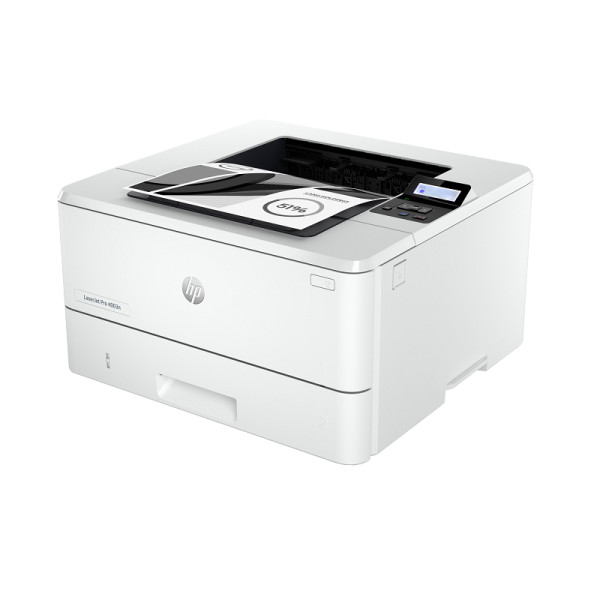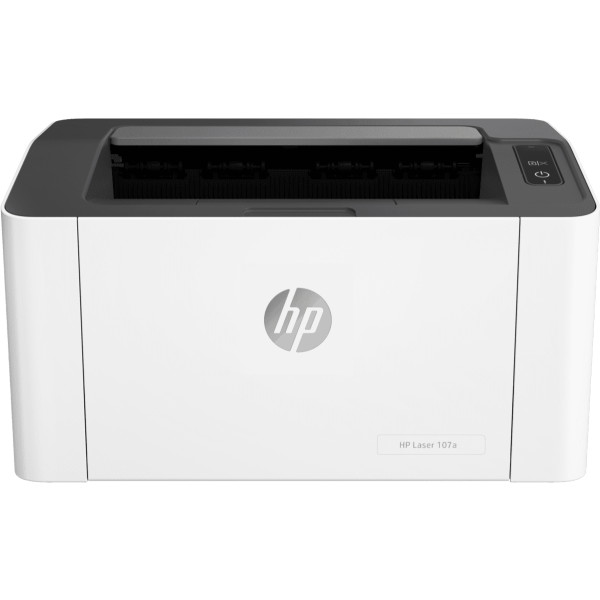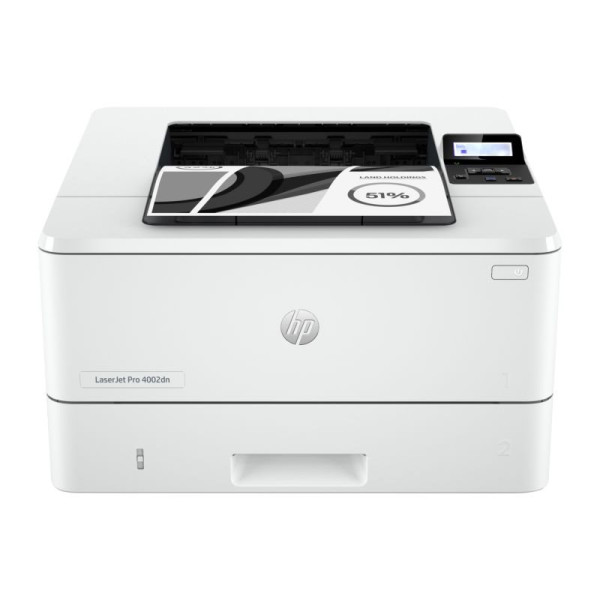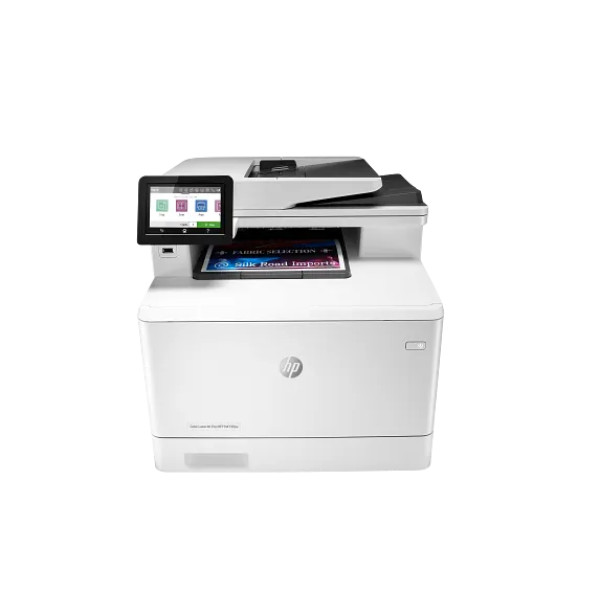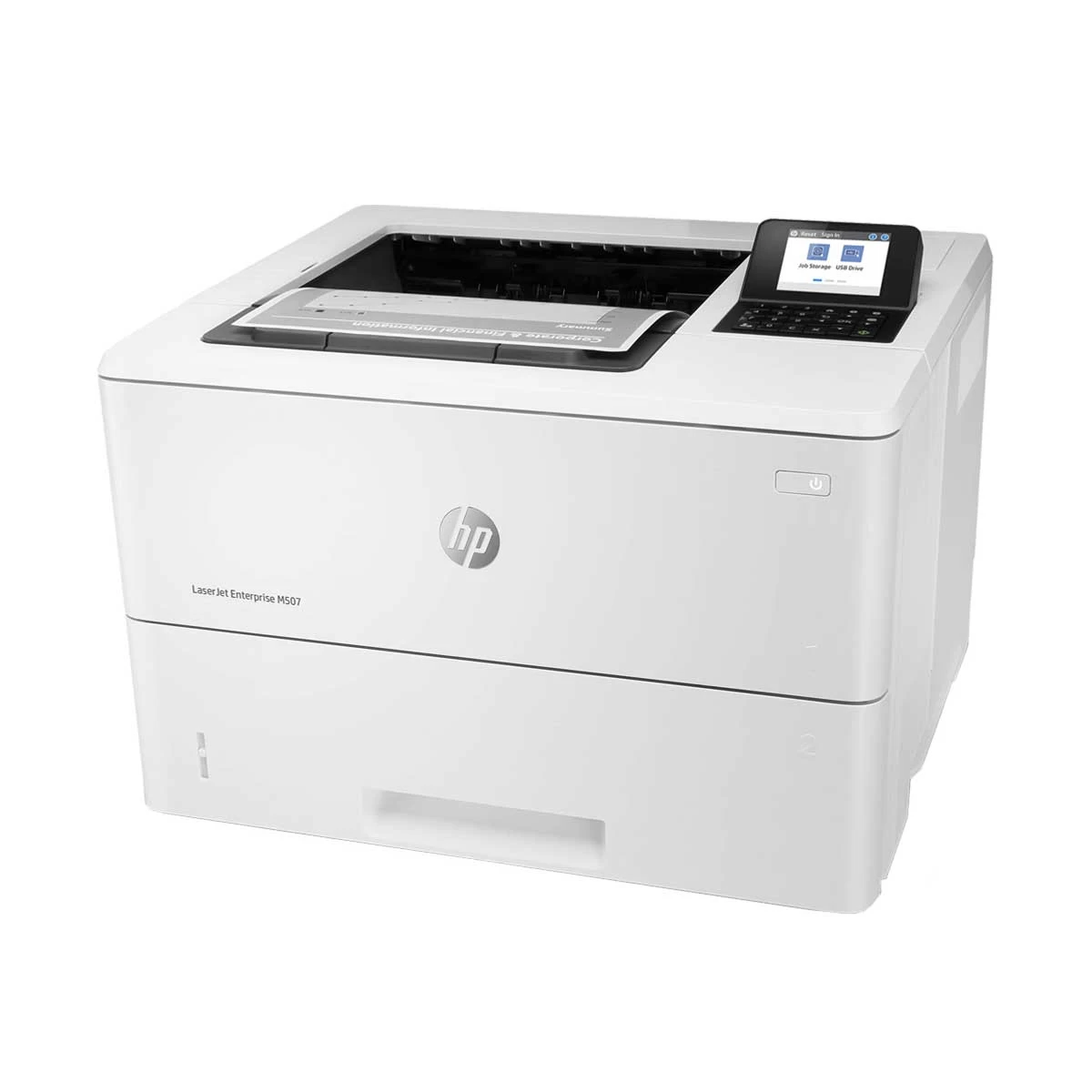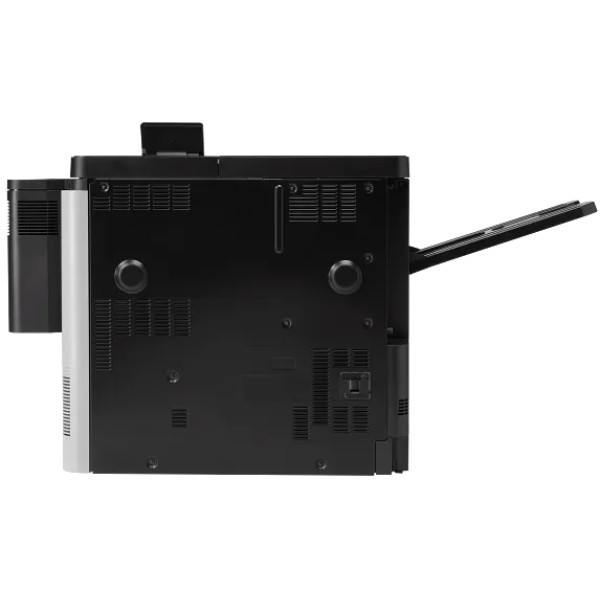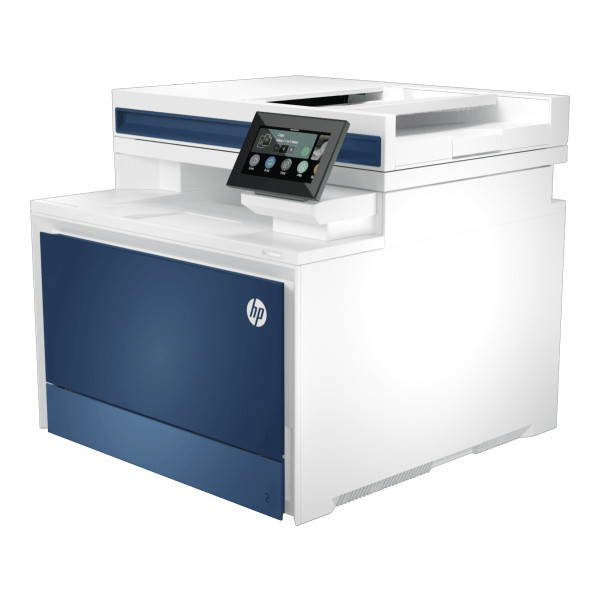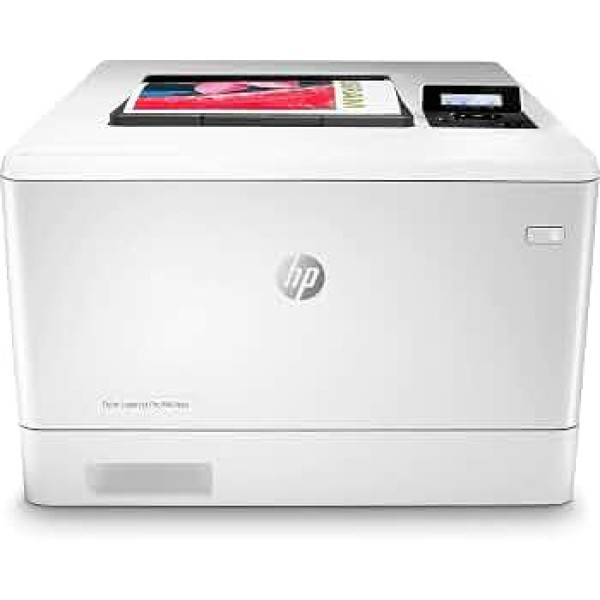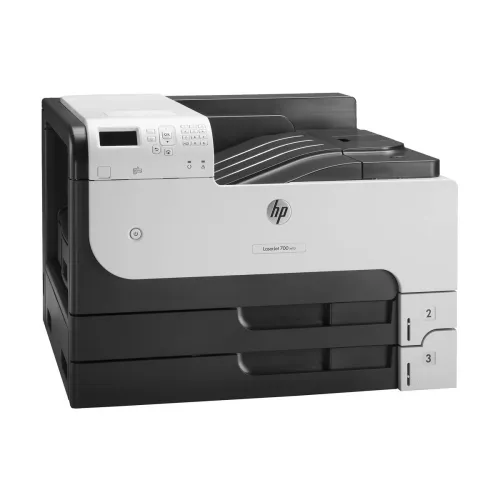
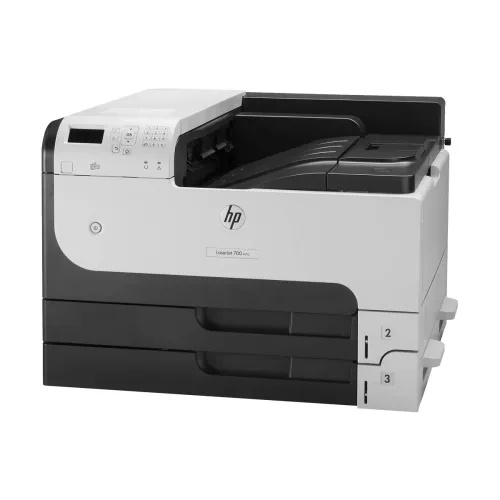
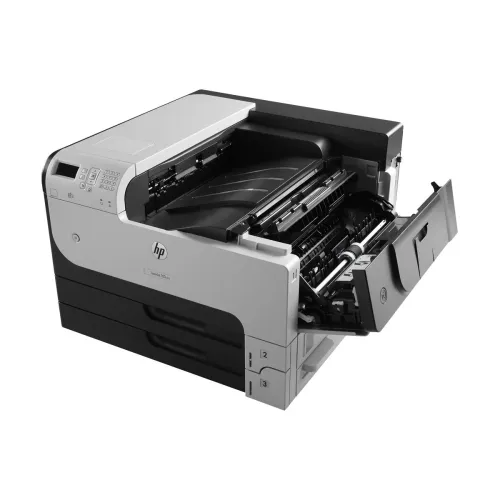
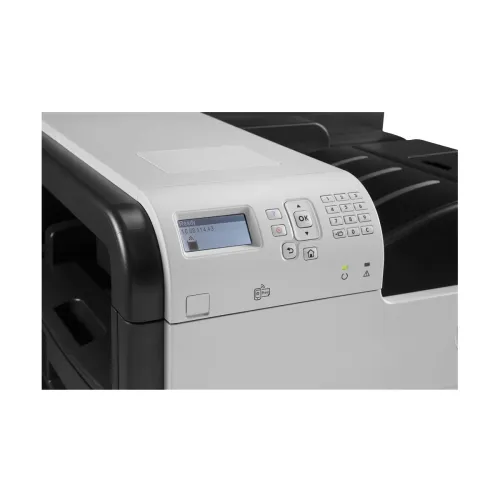
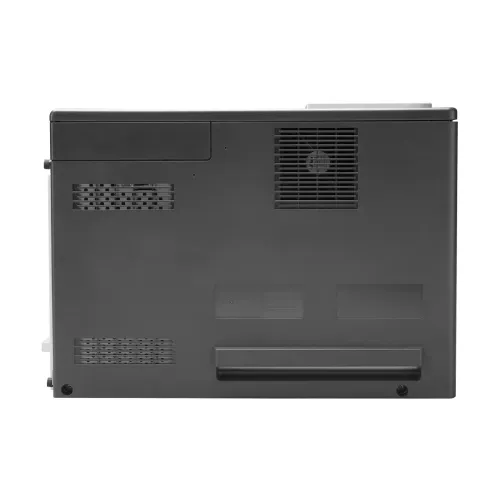
HP Laserjet Enterprise M712dn Single Function Laser Printer
Contact us for pricing
Product Details
Key Features
Model:
Laserjet Enterprise M712dn
Functions:
Print only
Print
speed: 40ppm
Duplex
Print: Automatic
Duty
Cycle: 100000 Pages
Specification
|
Functions |
Print Only |
|
Printer Type |
Single Function Mono Laser |
|
Output Color |
Black & White |
|
Technology |
Laser |
|
Print Speed |
40ppm |
|
Print Resolution |
1200 x 1200dpi |
|
Duty Cycle up to (Yield) |
100000 Pages |
|
Duplex |
Automatic |
|
Paper Size |
A3, A4, A5, B4 (JIS), B5 (JIS),
Letter, Legal (8.5 x 13 Inch), Executive |
|
Paper Type |
Paper (color, letterhead, light,
plain, preprinted, prepunched, recycled, rough, tough paper), bond,
cardstock, envelope, labels, transparency, vellum |
|
Input Capacity |
600Sheet (100-sheet multipurpose
tray, 2 x 250-sheet input trays) |
|
Output Capacity |
250Sheet |
|
Processor |
800MHz |
|
Memory |
512MB |
|
Display |
2 Inch Color Touchscreen Display |
|
Connectivity |
USB, LAN |
|
Power Consumption |
110 to 127 VAC (+/- 10%), 50/60 Hz
(+/- 2 Hz), 786 watts (Printing), 22.1 watts (Ready), 6.1 watts (Sleep), 0.21
watts (Off) |
|
Color |
White |
|
Dimension |
568.96 x 391.16 x 594.36mm |
|
Weight |
38.47Kg |
|
Toner/ Cartridge/ Refill |
HP 14A Black LaserJet Toner
Cartridge (10,000 yield) CF214A, HP 14X Black LaserJet Toner Cartridge
(17,500 yield) CF214X (Please make sure your existing & mentioned
toner/cartridge model are same before buying new one) |
|
Software |
Windows 7, 8, 10, Vista, XP,
Server 2003, 2008, 2008 R2, Mac OS X v10.6, 10.7 |
|
Others |
Recommended monthly page volume:
5000 to 20,000, Print Technology: Laser, Print languages: HP PCL 6, HP PCL 5,
HP postscript 3 emulation, native PDF printing (v 1.4), Printer management:
HP Web Jetadmin, HP Utility (Mac), Supported network protocols: IPv4/IPv6:
Apple Bonjour Compatible (Mac OS v10.2.4 or higher), SNMPv1/v2c/v3, HTTP,
HTTPS, FTP, TFTP, Port 9100, LPD, WS Discovery, IPP, Secure-IPP,
IPsec/Firewall; IPv6: DHCPv6, MLDv1, ICMPv6; IPv4: Auto-IP, SLP, Telnet,
IGMPv2, BOOTP/DHCP, WINS, IP Direct Mode, WS Print, Finished output handling:
Sheetfed, Supported media weight: 16 to 53 lb, 16 to 32 lb |
|
Warranty |
1-year Limited warranty, an
Adapter/Power Cable with no warranty, and also a Box Mandatory While
Claiming. |
Description
Hp Laserjet Enterprise M712dn
Single Function Laser Printer
The
HP Enterprise M712dn is a single-function mono laser printer that can
produce high-quality black and white documents in a variety of sizes and
formats. It offers a rapid print speed of 40 ppm and a high print resolution of
1200 x 1200 dpi. This monochrome laser printer also features an automated
duplex printing option, which helps save paper and time. It features a big
paper capacity of 600 pages, a 100-sheet multipurpose tray, and two 250-sheet
input trays. It also includes a 250-sheet output tray and a 4-in-1 card reader.
It includes an 800 MHz processor and 512 MB of memory, allowing it to perform
sophisticated print tasks. It also features a 2-inch display that shows the
printer's status and settings. It has several kinds of connectivity options, including
USB, LAN, HP ePrint, Apple AirPrint, and Mopria certification. It also consumes
less than 1.5 W of electricity when turned off. It works with the Windows, Mac
OS X, and Linux operating systems. It makes use of HP 14A or HP 14X toner
cartridges, which can print up to 10,000 or 17,500 pages. It can handle up to
100,000 pages per month. The HP Enterprise M712dn printer is suitable for
enterprises that want a reliable and cost-effective printing solution.
How to Order
Revolution Technology BD has made shopping easier for customers. Follow these steps:
- Click Register Button from home page
- Register with: Name + Email + Mobile + Password
- Click Create Account after entering information
- Login automatically or use Login button
- Provide mobile number and password, then Sign Up
- Choose desired product and click Buy Now
- View product details and click Add to Cart
- Click Item box (upper right corner)
- Go to Shopping Cart page
- Continue Shopping for more products or proceed
- Click "Click Here to Address" button
- Provide Full Name, Phone, Email & Delivery Address
- Click Order Submit button
- View Bill Invoice and receive email confirmation
- Print Invoice using Print button
- Wait for delivery - we'll keep you updated
- Thank you for shopping with us!