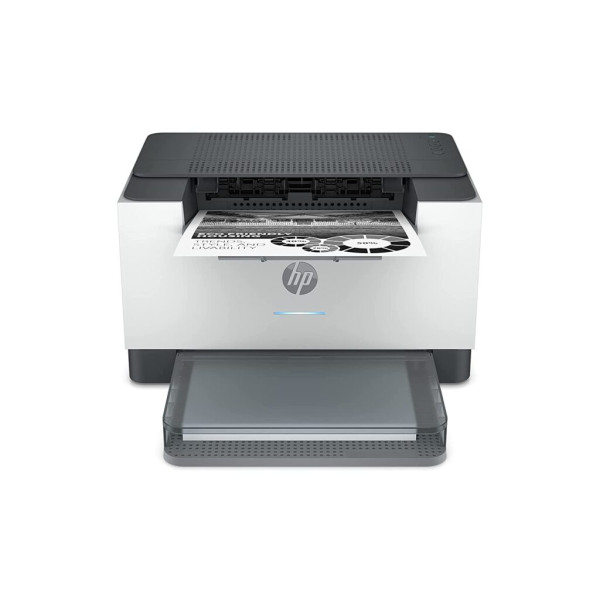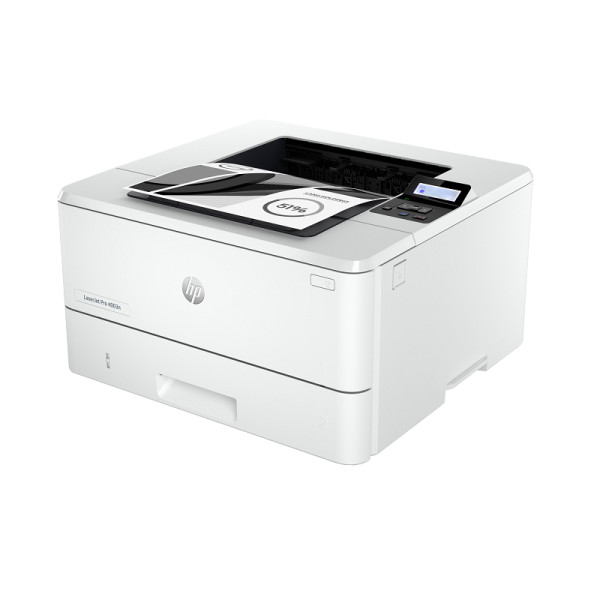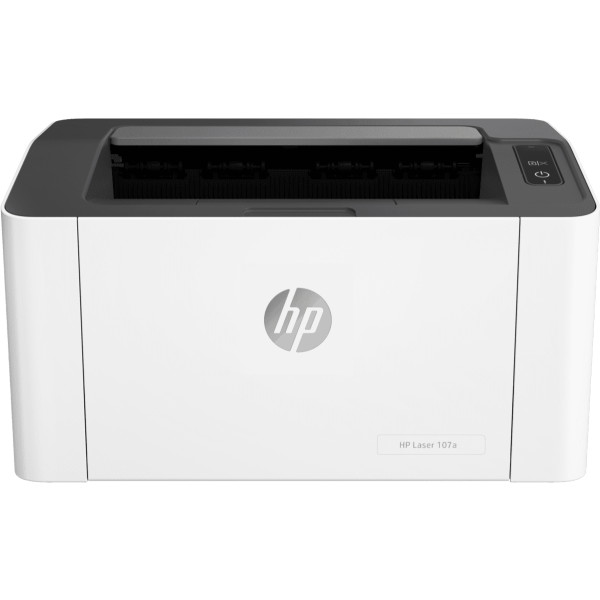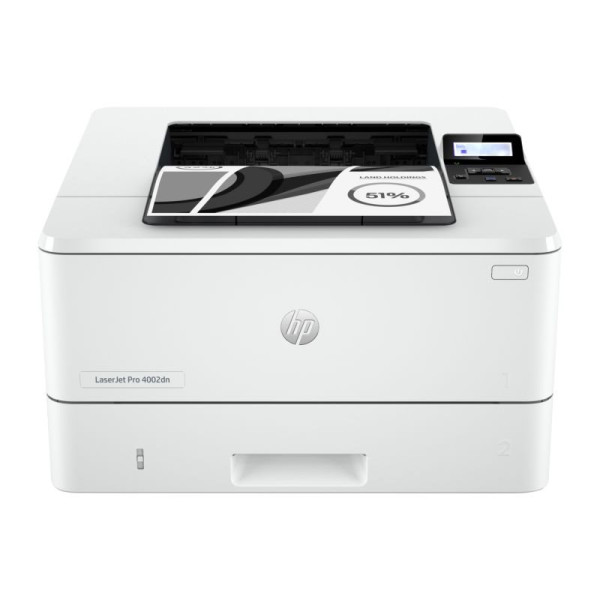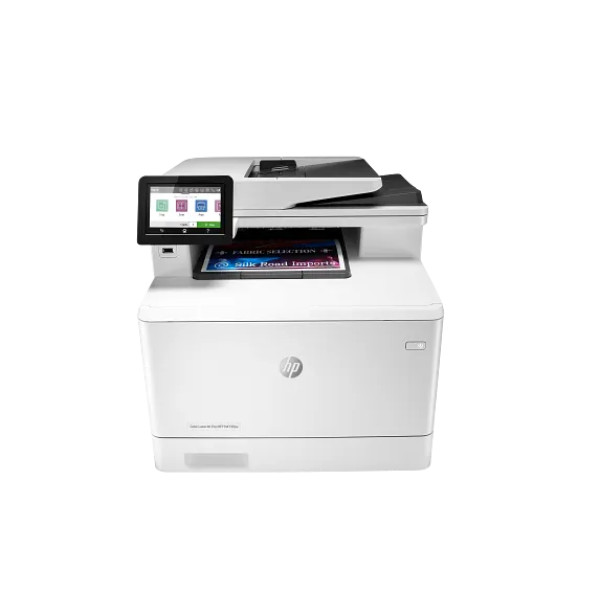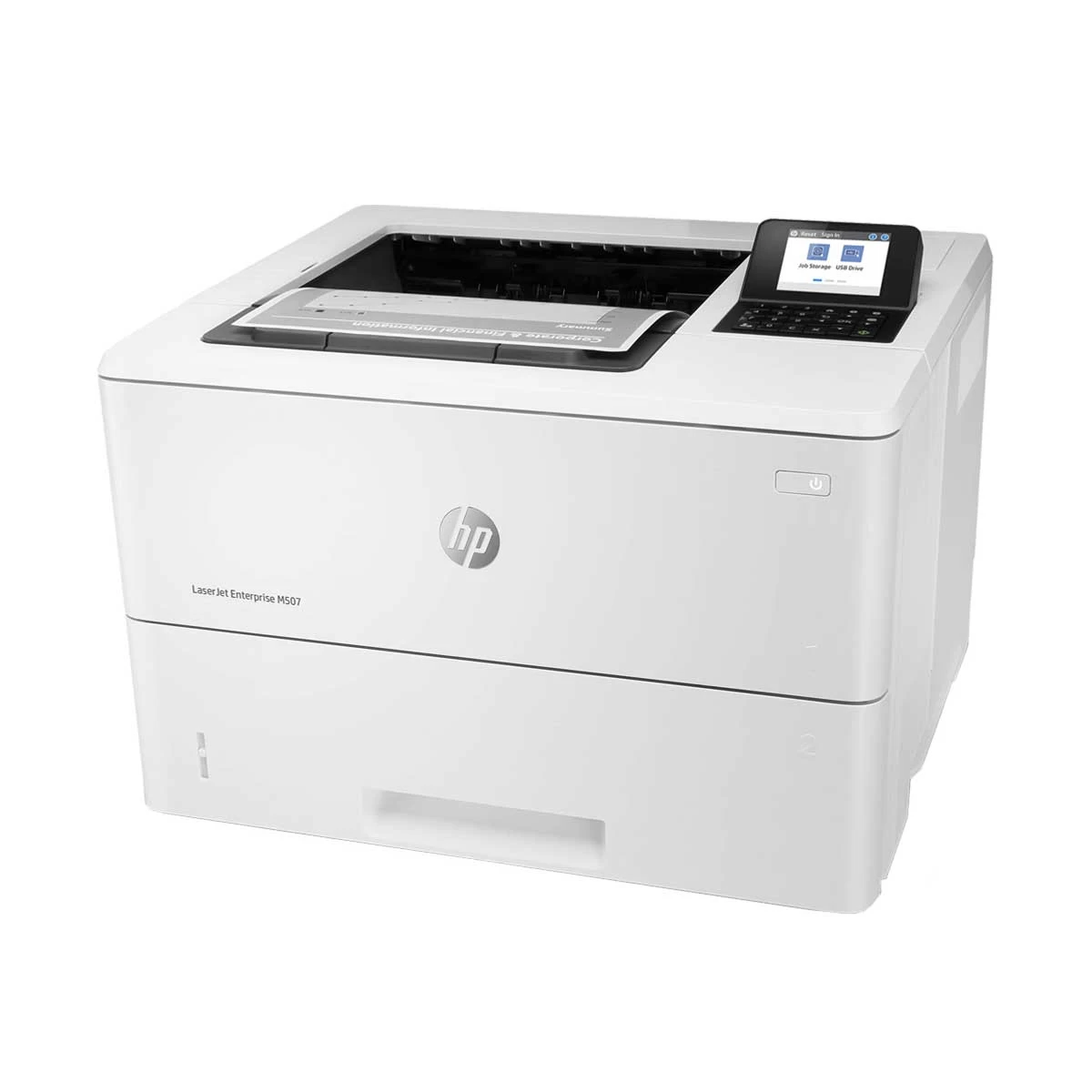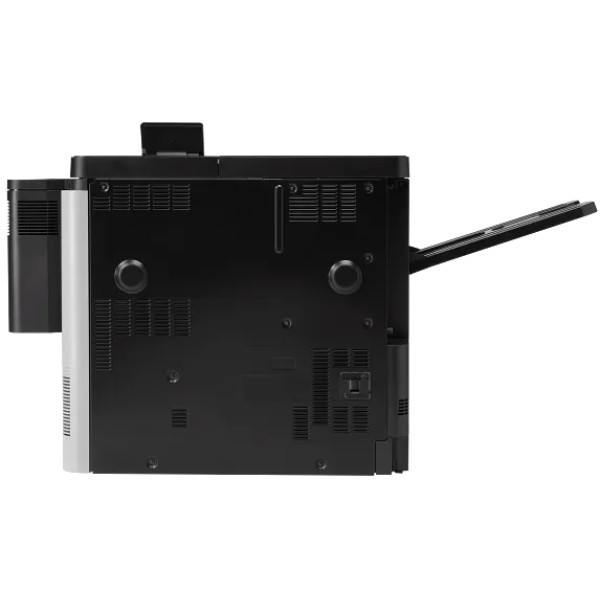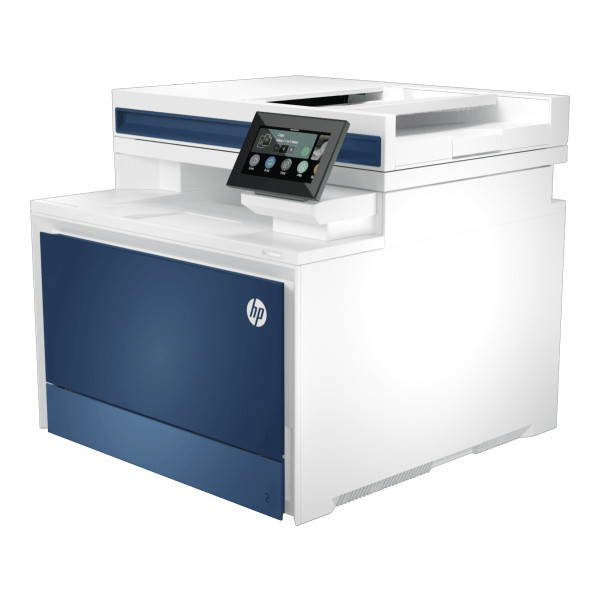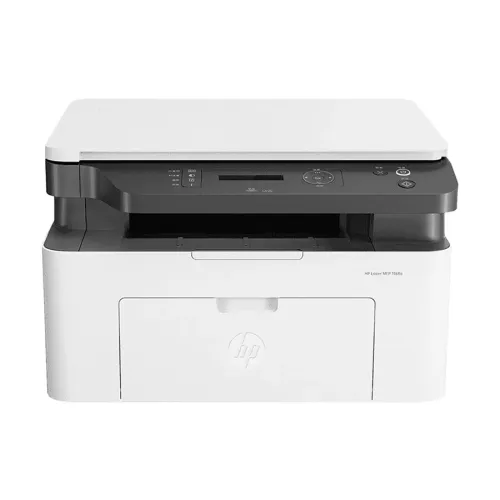
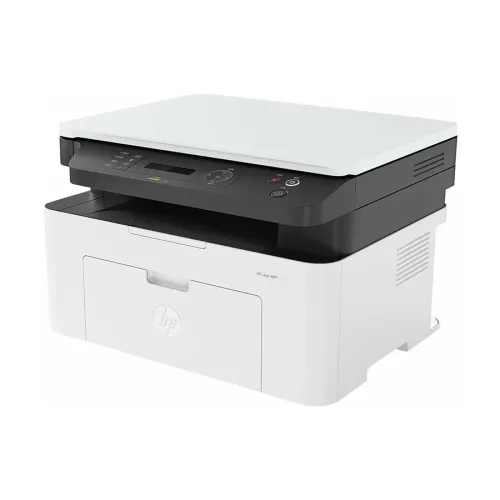
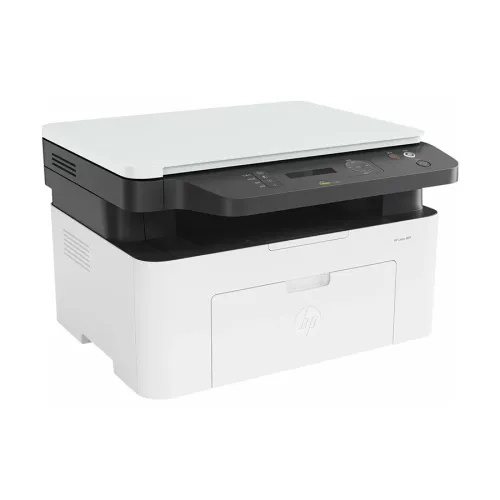
HP Laserjet MFP 1188a Multifunction Mono Laser Printer
Exclusive of all taxes
Product Details
Key Features
MPN: 715A2A
Model: Laserjet MFP 1188a
Print Speed: Up to 20 ppm (black)
Up to 10000 Pages pages
Connectivity: USB
Spill-free ink refill system
Specification
|
Functions |
Print, Scan, Copy |
|
Printer Type |
Multi Function Mono Laser Printer |
|
Output Color |
Black & White |
|
Technology |
Laser |
|
Print Speed |
Print Speed (Black): 21 - 30 |
|
Print Resolution |
Print Resolution (Pixel): 1200 x
1200dpi |
|
Warm-Up Time |
32 sec |
|
Duty Cycle up to (Yield) |
Duty Cycle up to (Yield): 10000
Pages |
|
Duplex |
Manual |
|
Copy Speed |
Up to 20cpm (A4), Up to 21cpm
(letter) |
|
Copy Resolution |
Copy Resolution (Pixel): 600 x 600
dpi |
|
Scan Type |
Flatbed |
|
Scan Resolution |
Scan Resolution (Pixel): 4800 x
4800 dpi (Hardware), 600 x 600 dpi (Optical) |
|
Maximum Scan Size |
Scan Paper Size: 216 x 297mm (Max) |
|
Paper Size |
Letter, Legal, Executive, Oficio,
Envelope, A4, A5, A5(LEF), B5 (JIS), Oficio, Envelope (DL,C5) |
|
Paper Type |
Plain, Thick, Thin, Cotton, Color,
Preprinted, Recycled, Labels, CardStock, Bond, Archive, Envelope |
|
Paper Weight |
60 - 163 g/m2 |
|
Input Capacity |
150 Sheets |
|
Output Capacity |
100 Sheets |
|
Processor |
600 MHz |
|
Memory |
128 MB |
|
Display |
LED display |
|
Connectivity |
Interface (Built-in): USB |
|
Power Consumption |
Power Source/ Power Consumption:
300W |
|
Color |
White |
|
Dimension |
406 x 359.6 x 253mm |
|
Weight |
7.46 kg |
|
Toner/ Cartridge/ Refill |
HP Black Original Laser Toner
Cartridge (W1660A) - 1500 Pages |
|
Software |
Windows 11 : 64-bit, Windows 10,
7: 32-bit or 64-bit, Intel Pentium IV 1 GHz or higher, 1 GB RAM, 16 GB HDD.
OS X v10.11 or newer, AirPrint 1.8 compatible with MacOS 10.11, 1.5 GB HD,
Internet, USB. |
|
Warranty |
1-year Limited warranty, an
Adapter/Power Cable with no warranty, and also a Box Mandatory While
Claiming. |
Description
HP Laserjet MFP 1188a Multifunction Mono Laser
Printer
The HP Laserjet MFP 1188a Black and White
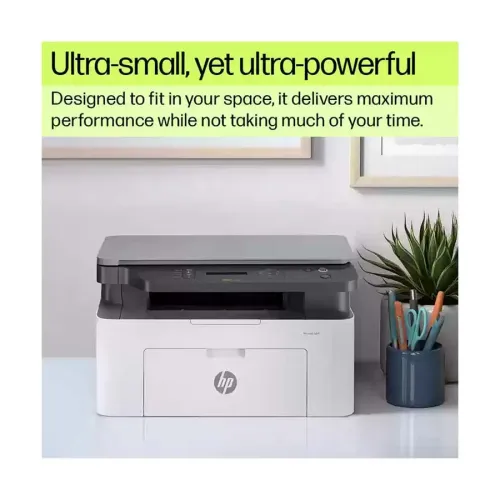
All-in-One Laserjet Printer can almost fit anywhere because of its tiny size
and compact design. To make printing simple and quick, it also has an interface
that is easy to use and a control panel. The HP Laserjet MFP 1188a printer has
a understated design which makes it easy to integrate into any environment,
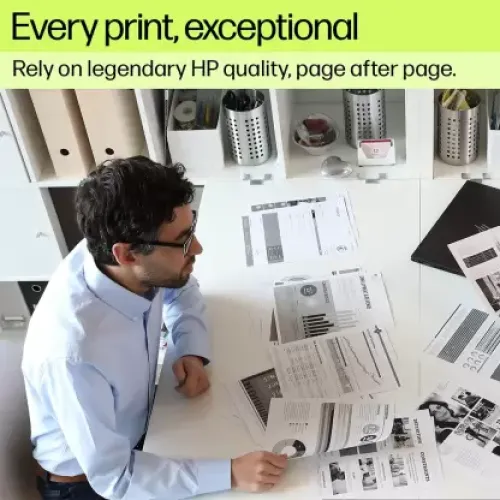
including home offices and small offices. Page after page, this surprisingly
little laser printer yields outstanding output. Customers seeking efficiency
and high-quality printouts will find this Laser printer excellent because of
its durability and ease of use.
Uncompromising laser quality
This Laserjet MFP 1188a printer retains its excellent
printing performance across several pages thanks to its integration with HP
LaserJet printing technology. You can thus count on this printer to deliver a
great printouts for both personal and professional needs.
Monochrome Printing with Laser Technology
The HP Laserjet MFP 1188a printer is a
monochrome laser printer that is perfect for printing business-related
documents and text with order to transfer an electrostatic picture from a drum
covered with toner to paper, laser printers require a laser beam. High-quality
prints are usually the outcome of this method.
Small and impressive
This Laserjet MFP 1188a Laser printer requires less space
on your workspace because of its tiny size,. It also fits neatly into small
places, making printer setup straightforward and painless.
Fast prints, clear results
Get fast print speed up to 21 ppm with this MFP
1188a Laser printer which increases your productivity by allowing you
to manage huge projects efficiently and maintaining excellent uptime, all while
printing at high speeds of up to 20 pages per minute.
Simple, intuitive control panel
A simple and straightforward control panel enhances the
user experience by speeding up the Laserjet MFP 1188a printer performance and
allows users to manage and alter their printing tasks without overcomplicating
things. This functionality is especially beneficial when many people with
varying levels of technical expertise must interface with the printer.
How to Order
Revolution Technology BD has made shopping easier for customers. Follow these steps:
- Click Register Button from home page
- Register with: Name + Email + Mobile + Password
- Click Create Account after entering information
- Login automatically or use Login button
- Provide mobile number and password, then Sign Up
- Choose desired product and click Buy Now
- View product details and click Add to Cart
- Click Item box (upper right corner)
- Go to Shopping Cart page
- Continue Shopping for more products or proceed
- Click "Click Here to Address" button
- Provide Full Name, Phone, Email & Delivery Address
- Click Order Submit button
- View Bill Invoice and receive email confirmation
- Print Invoice using Print button
- Wait for delivery - we'll keep you updated
- Thank you for shopping with us!