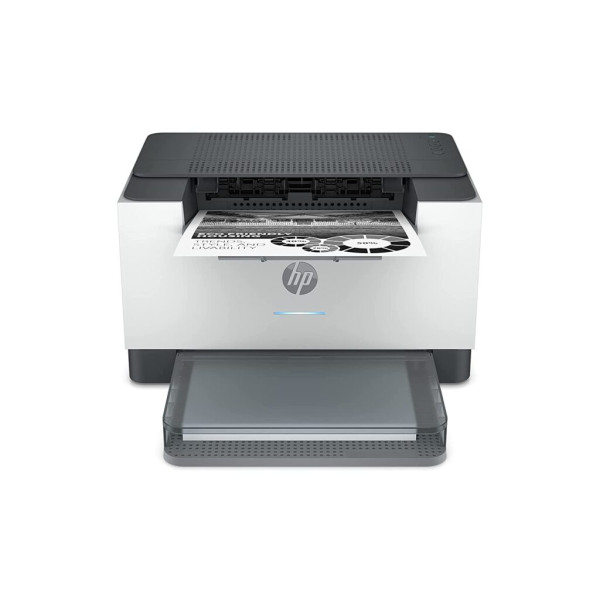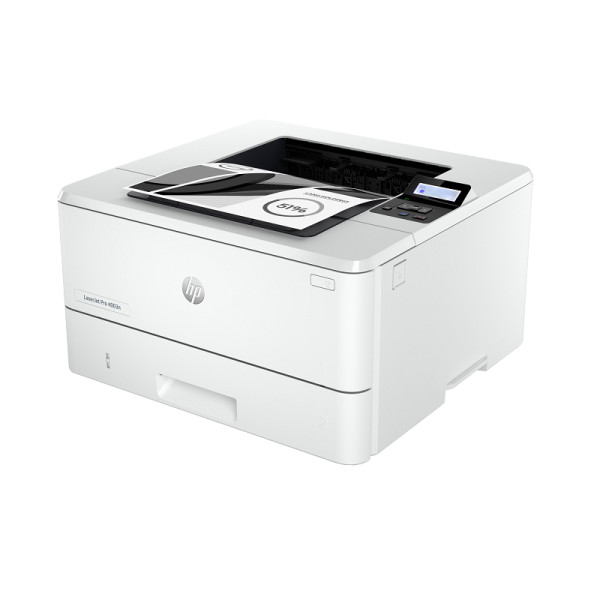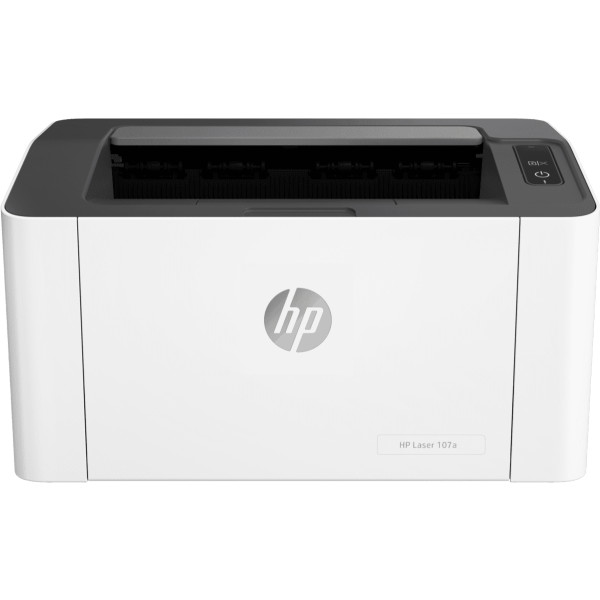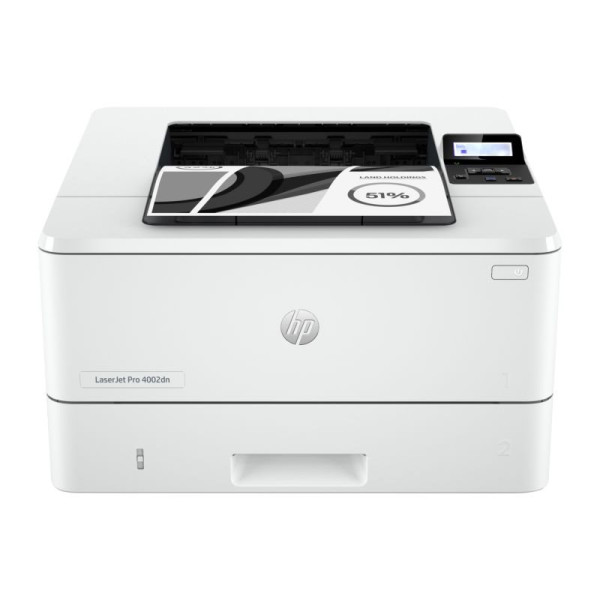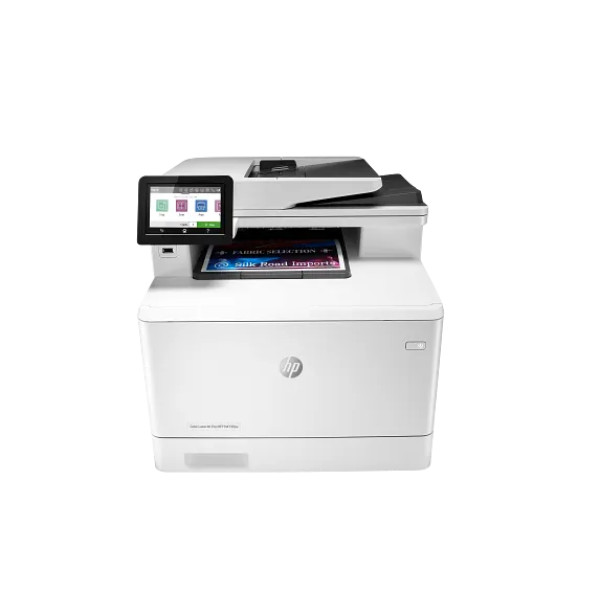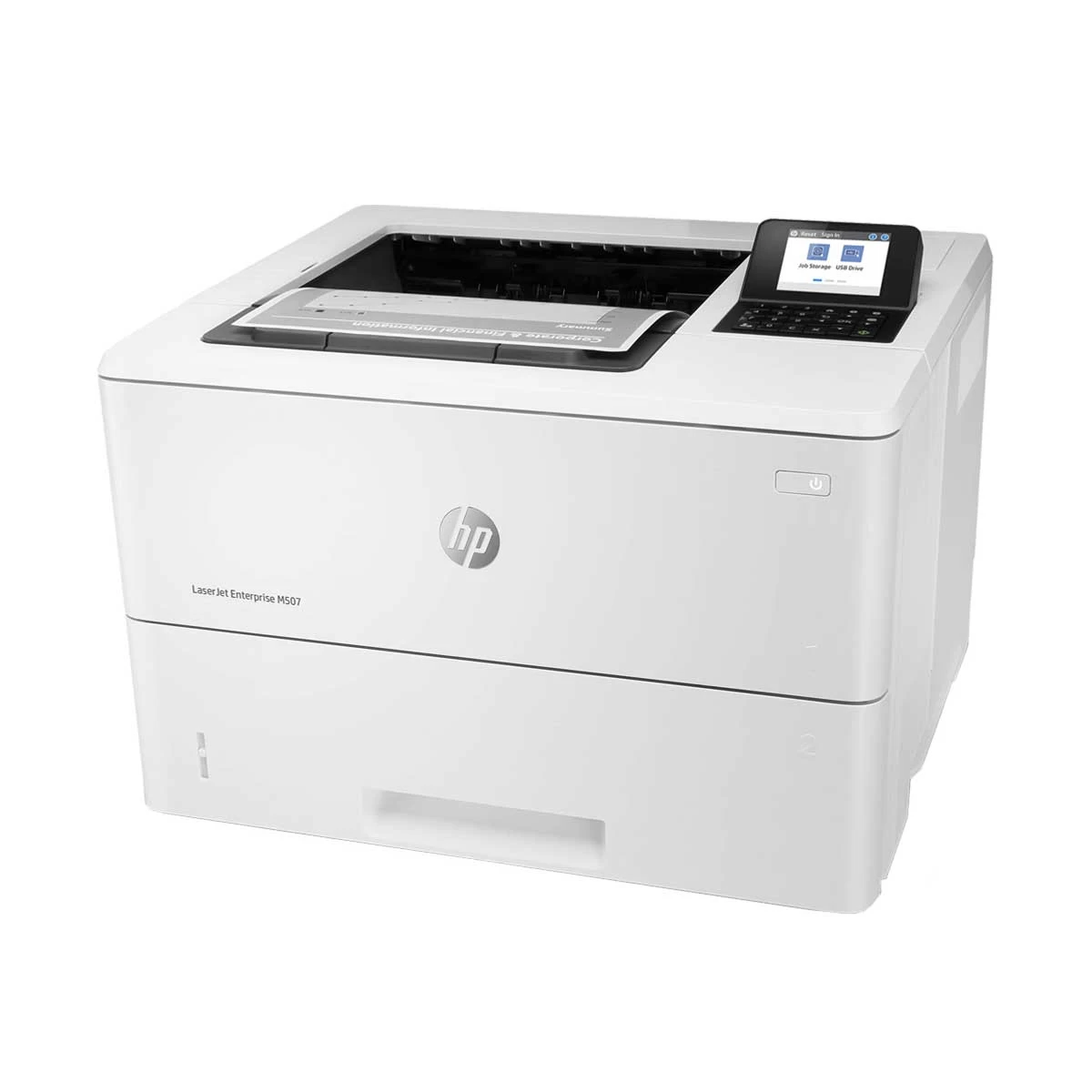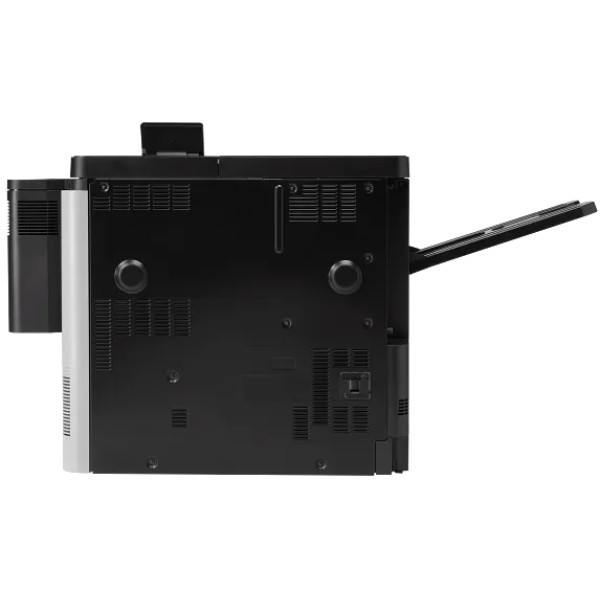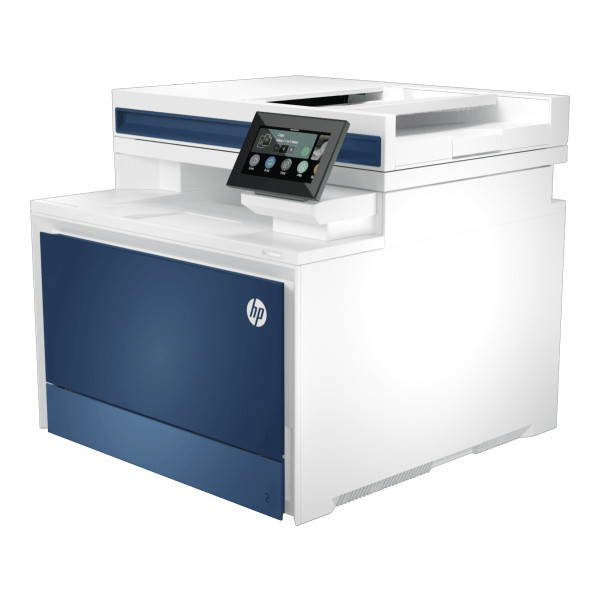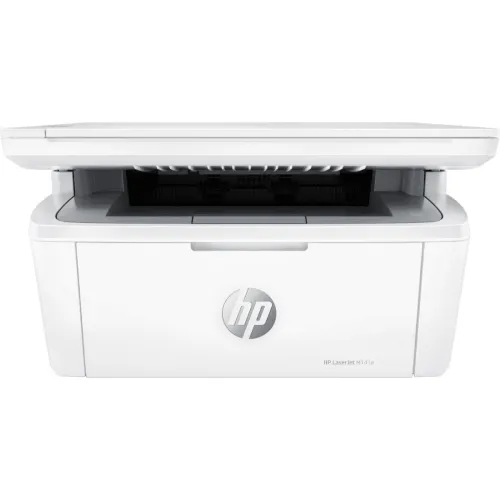
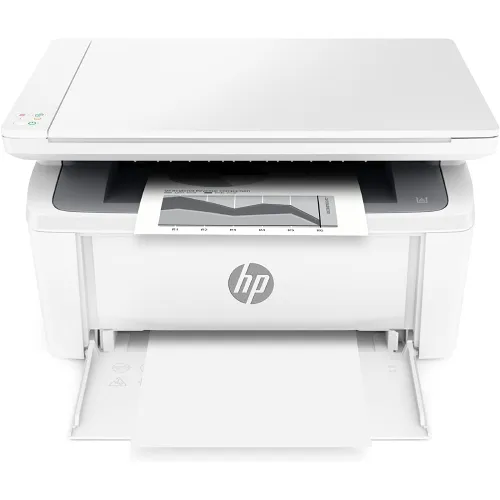
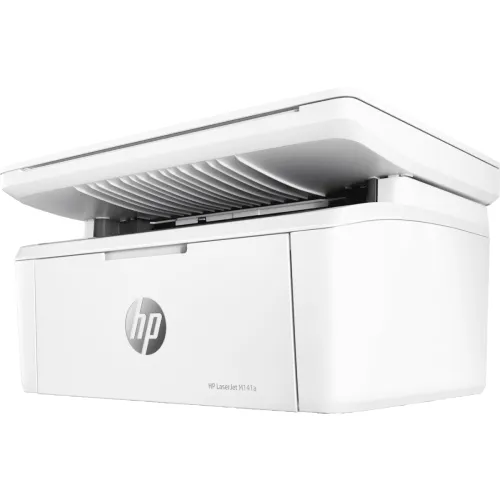
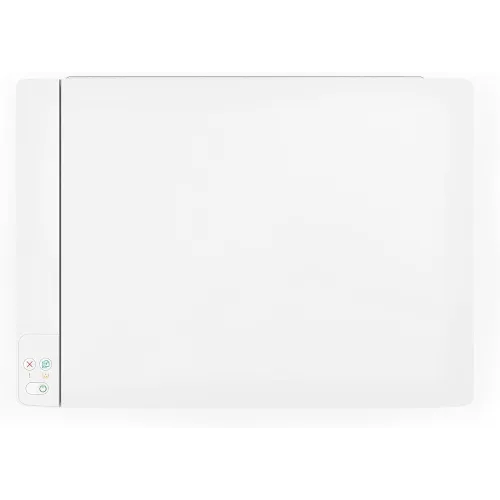
HP LaserJet MFP M141a Multifunctional Laser Printer
Exclusive of all taxes
Product Details
Key Features
Model:
LaserJet MFP M141a
Function:
Multifunctional (Print, Copy, Scan)
Print
Speed: up to 21 ppm (Black)
Print
Resolution: Up to 600 x 600 dpi
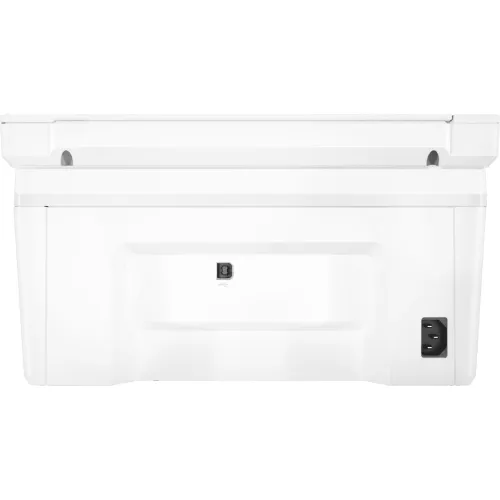
Connectivity:
1x Hi-Speed USB
Specification
|
Functions |
Print, copy, scan |
|
Printer Type |
Multifunction Laser |
|
Output Color |
Black & White |
|
Technology |
Laser |
|
Print Speed |
Up to 21 ppm (black) |
|
Print Resolution |
Up to 600 x 600 dpi |
|
Duty Cycle up to (Yield) |
Up to 8,000 pages |
|
Copy Speed |
Copy Speed (Black, Normal Quality,
A4): Up to 20 cpm |
|
Scan Type |
Flatbed |
|
Scan Resolution |
Up to 600 ppi |
|
Maximum Scan Size |
216 to 297 mm |
|
Paper Size |
A4, A5, A6, Legal |
|
Paper Type |
Plain paper, envelope, postcard,
label |
|
Paper Weight |
65 to 120 g/m² |
|
Input Capacity |
Up to 150 sheets |
|
Output Capacity |
Up to 100 sheets |
|
Processor |
500 MHz |
|
Memory |
64 MB |
|
Connectivity |
1x Hi-Speed USB (compatible with
USB 2.0 specifications) |
|
Power Consumption |
110V - 127V nominal @ +/-10% (min
99V, max 140V), 50 - 60Hz nominal +/- 3Hz (min 47Hz, max 63Hz), 220V - 240V
nominal @ +/-10% (min 198V, Max 264V), 50 - 60Hz nominal +/- 3Hz (min 47Hz,
max 63Hz). |
|
Color |
White |
|
Dimension |
360 x 264 x 197 mm |
|
Weight |
5.39 kg |
|
Toner/ Cartridge/ Refill |
HP 150A Black LaserJet Toner
Cartridge (~975), W1500A |
|
Software |
Microsoft Windows 11, 10, 7 SP1:
32-bit or 64-bit, 2 GB available hard disk space, Internet connection, USB
port, Microsoft Internet Explorer or Edge. |
|
Warranty |
1-year Limited warranty, an
Adapter/Power Cable with no warranty, and also a Box Mandatory While
Claiming. |
Description
HP LaserJet MFP M141a
Multifunctional Laser Printer
The
HP LaserJet MFP M141a Multifunctional Laser Printer is
a compact, efficient, and versatile printer designed for small
businesses, including three functions print, copy, and scan. It uses
laser print technology and has a single black toner cartridge (HP 150A) that
prints about 975 pages. It can print up to 8,000 pages a month with dependable
performance. It can print at up to 20 ppm for A4 and 21 ppm for letter sizes,
and it can finish a page out of the printer in as little as 8.3 seconds. With a
150-sheet input tray and a 100-sheet output bin, the printer can handle a
variety of media sizes, including envelopes and A4, A5, and A6. It can also
print up to 10 envelopes at once. High-quality photos and documents may be
produced with the flatbed scanner included with the HP LaserJet MFP M141a Laser
Printer. It can enable color scanning at an optical resolution of up to 600
ppi. Several scan file formats, including JPG, PNG, TIFF, PDF, and RAW (BMP),
are supported. Most systems are compatible with scanning because it is managed
by the HP LaserJet Software Scan or TWAIN/WIA-compliant software. The HP
LaserJet MFP M141a All-In-One Laser Printer offers up to 99 copies, speeds
commensurate with its print capabilities, and a variety of settings, such as
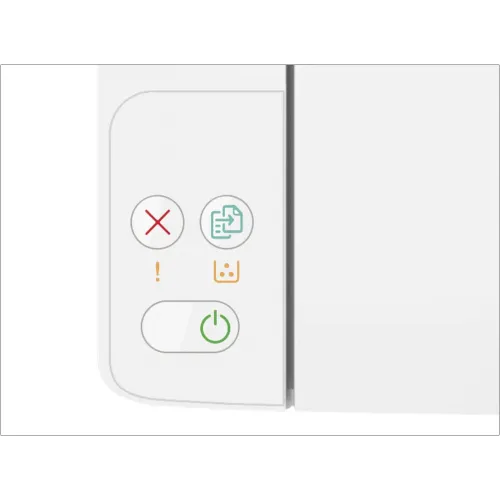
paper optimization and changes for lighter/darker ink. Easy operation is made
possible by the LED display and a straightforward control panel with three
buttons (Power, Copy, and Cancel). The HP LaserJet MFP M141a Multifunctional
Laser Printer is equipped with a high-speed USB interface for communication and
supports PCLm/PCLmS, URF, and PWG print languages. It guarantees effective
handling of print operations with a 500 MHz processor and 64 MB of RAM. The
M141a satisfies multiple safety and environmental requirements, such as Blue
Angel and EPEAT® Silver certifications, and can function at temperatures
between 15 and 32.5°C and humidity levels between 10 and 80% RH. Additionally,
the printer features the HP Smart App for improved functionality and energy
savings, as well as HP Auto-On/Auto-Off technology.
How to Order
Revolution Technology BD has made shopping easier for customers. Follow these steps:
- Click Register Button from home page
- Register with: Name + Email + Mobile + Password
- Click Create Account after entering information
- Login automatically or use Login button
- Provide mobile number and password, then Sign Up
- Choose desired product and click Buy Now
- View product details and click Add to Cart
- Click Item box (upper right corner)
- Go to Shopping Cart page
- Continue Shopping for more products or proceed
- Click "Click Here to Address" button
- Provide Full Name, Phone, Email & Delivery Address
- Click Order Submit button
- View Bill Invoice and receive email confirmation
- Print Invoice using Print button
- Wait for delivery - we'll keep you updated
- Thank you for shopping with us!