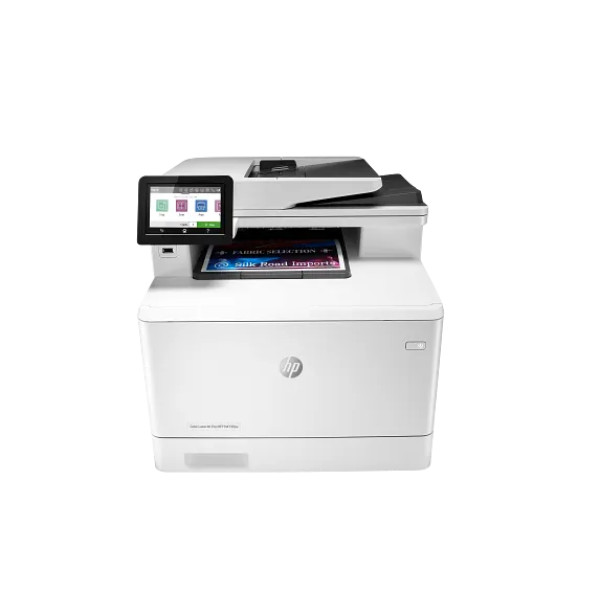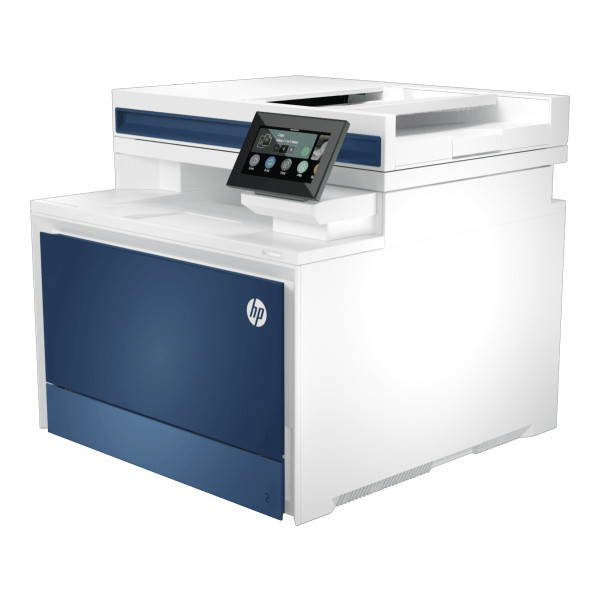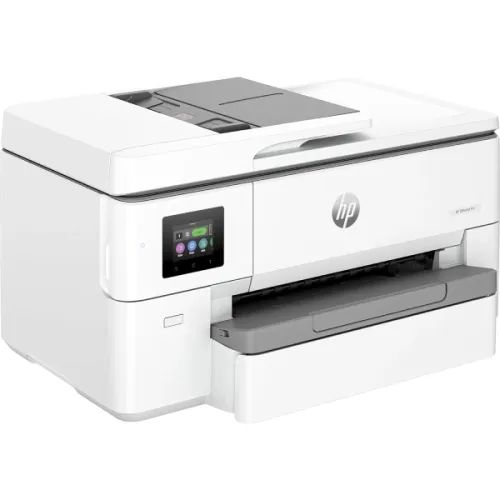
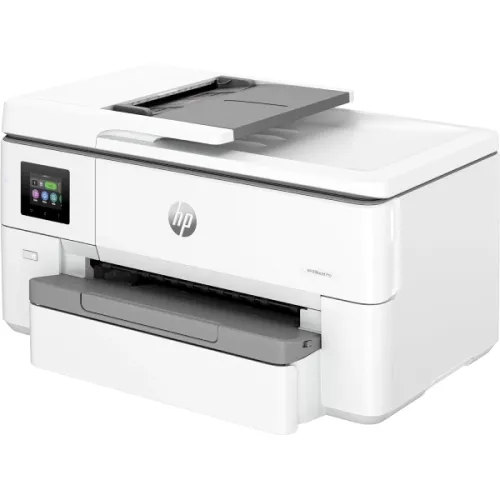
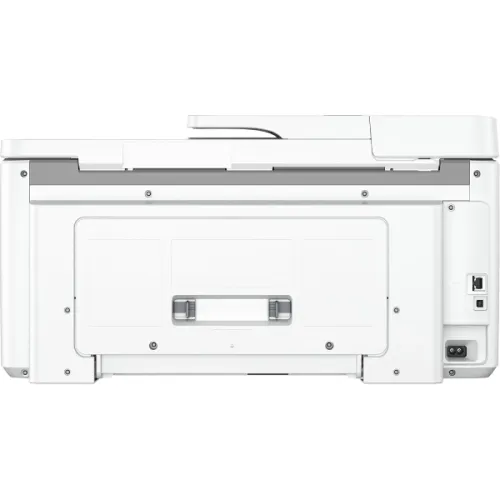
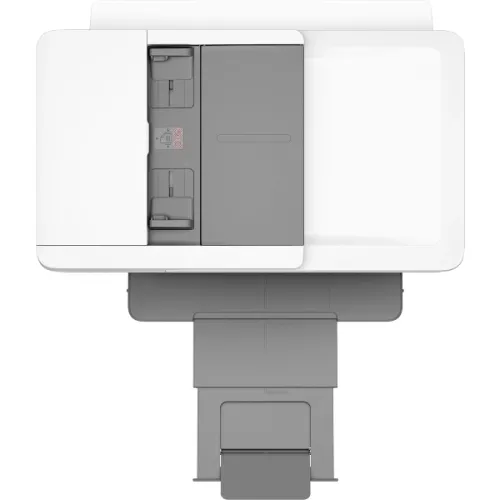
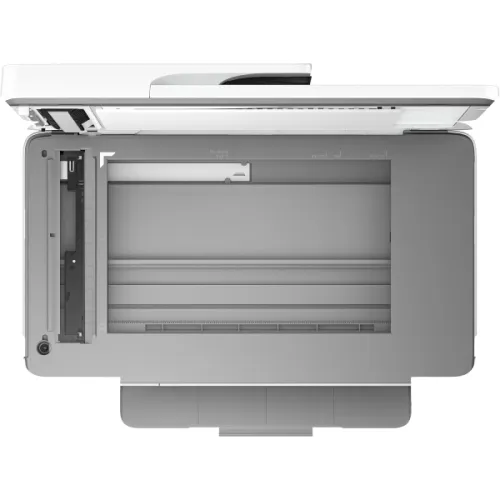
HP OfficeJet Pro 9720 Wide Format All-in-One Printer
Contact us for pricing
Product Details
Key
Features
MPN: 53N94B
Model: OfficeJet Pro 9720
Functions: Print, copy, scan
Print speed: Up to 34 ppm
Printing Paper Size: A3
Conectivity: Ethernet, USB, Wi-Fi
Specification
|
Functions |
Print, Copy, Scan |
|
Printer
Type |
HP Thermal Inkjet |
|
Output
Color |
Black & White + Color |
|
Print
Technology |
HP Thermal Inkjet |
|
Print
Speed (Black) |
Up to 22 ppm (ISO), Up to 34 ppm
(Draft) |
|
Print
Speed (Color) |
Up to 18 ppm (ISO), Up to 34 ppm
(Draft) |
|
Print
Resolution |
Black: Up to 1200 × 1200 dpi;
Color: Up to 4800 × 1200 optimized dpi |
|
First
Print Out Time |
Up to 13 seconds |
|
Duty
Cycle (Monthly) |
Up to 30,000 pages |
|
Duplex
Printing |
Automatic (A4/Letter) |
|
Copy
Speed |
Black: Up to 18 cpm; Color: Up to
13 cpm |
|
Copy
Resolution |
Up to 600 dpi |
|
Scan
Type |
Flatbed, ADF |
|
Scan
Resolution |
Up to 1200 × 1200 dpi |
|
Maximum
Scan Size |
216 × 356 mm |
|
Duplex
Scan |
Not Supported |
|
Supported
Paper Size |
A3 |
|
Paper
Types |
Plain, EcoFFICIENT, Light, Heavy,
Bond, Colored, Preprinted, Prepunched, Recycled, Rough, Envelopes, Labels |
|
Paper
Weight |
Tray 1: 60–175 g/m²; Tray 2 /
Optional Tray 3: 60–120 g/m² |
|
Input
Capacity |
250-sheet input tray |
|
Output
Capacity |
75-sheet output tray |
|
Processor |
1.2 GHz |
|
Memory |
512 MB |
|
Display |
2.7-inch Capacitive Touchscreen
CGD |
|
Connectivity |
USB, LAN, Wi-Fi |
|
Power
Consumption |
0.11 W (Manual Off), 4.67 W
(Standby), 1.17 W (Sleep) |
|
Color |
White |
|
Dimensions
(W × D × H) |
581 × 445 × 306 mm |
|
Weight |
14.60 kg |
|
Supported
Ink Cartridges |
HP 938 Black (~1,250 pages), HP
938 Cyan/Magenta/Yellow (~800 pages each); HP 938e EvoMore Black (~2,500
pages), HP 938e EvoMore Cyan/Magenta/Yellow (~1,650 pages each) |
|
Operating
System Support |
Windows 11, Windows 10, macOS
11–14, Linux, Chrome OS |
|
Mobile
Printing |
HP Smart App, Apple AirPrint,
Mopria Certified, Wi-Fi Direct Printing |
|
Warranty |
1-year Limited Warranty
(Adapter/Power Cable not covered; Box required for claim) |
Description
HP
OfficeJet Pro 9720 Wide Format All-in-One Printer
The HP OfficeJet Pro 9720 is a
Wide Format All-in-One Printer that can print, copy, and scan in one. This HP
wireless printer has quick print capabilities of up to 22 ppm for black and 18
ppm for color (ISO), with draft settings reaching 34 ppm. Its first-page-out
times are as quick as 12 seconds in black and 13 seconds in color. The HP
OfficeJet Pro 9720 All-in-One Printer features automatic duplex printing for A4
and letter-sized paper, has a high monthly duty cycle of up to 30,000 pages,
and a recommended volume of 250 to 1500 pages. On particular media, this Color
Printer prints at precise resolutions of up to 1200 x 1200 dpi for black and
4800 x 1200 optimum dpi for color. Ethernet, USB 2.0, dual-band Wi-Fi, and
mobile printing choices include Apple AirPrint, HP Smart App, Mopria, and Wi-Fi
Direct. The HP OfficeJet Pro 9720 Wide Format All-in-One Printer supports a
variety of media types, including plain, picture, brochure, and presentation
sheets, and can print borderlessly up to A3 size. The HP wireless color printer
includes scanning capabilities, including a flatbed and a 35-sheet automatic
document feeder that supports resolutions up to 1200 dpi and formats such as
JPEG, PDF, and TIFF. Copying is equally efficient, with speeds of up to 18 cpm
for black and 13 cpm for color, offering features like resize, two-sided
copying, and ID copy. The 2.7-inch touchscreen ensures intuitive control, while
the HP OfficeJet Pro 9720 Printer is compatible with major operating systems,
including Windows 11, macOS 14, Linux, and Chrome OS. With power-saving
options, a compact design, and advanced HP Thermal Inkjet technology, the HP
OfficeJet Pro 9720 All-in-One Color Printer is an excellent choice for small
businesses or home offices seeking reliable, high-quality, and flexible
printing solutions.
How to Order
Revolution Technology BD has made shopping easier for customers. Follow these steps:
- Click Register Button from home page
- Register with: Name + Email + Mobile + Password
- Click Create Account after entering information
- Login automatically or use Login button
- Provide mobile number and password, then Sign Up
- Choose desired product and click Buy Now
- View product details and click Add to Cart
- Click Item box (upper right corner)
- Go to Shopping Cart page
- Continue Shopping for more products or proceed
- Click "Click Here to Address" button
- Provide Full Name, Phone, Email & Delivery Address
- Click Order Submit button
- View Bill Invoice and receive email confirmation
- Print Invoice using Print button
- Wait for delivery - we'll keep you updated
- Thank you for shopping with us!