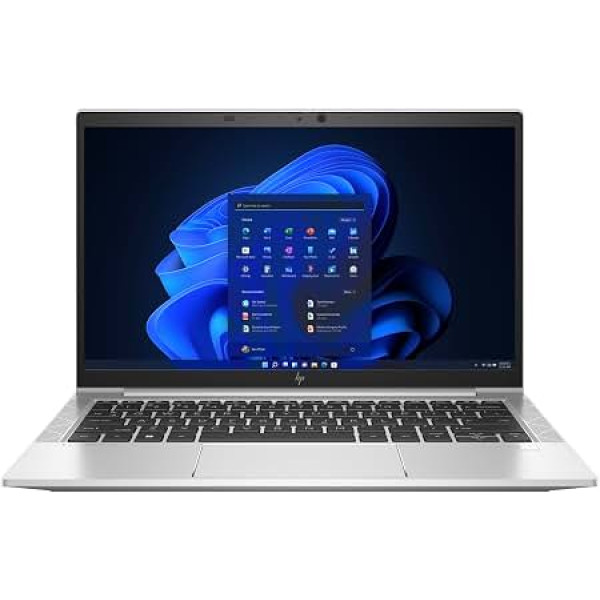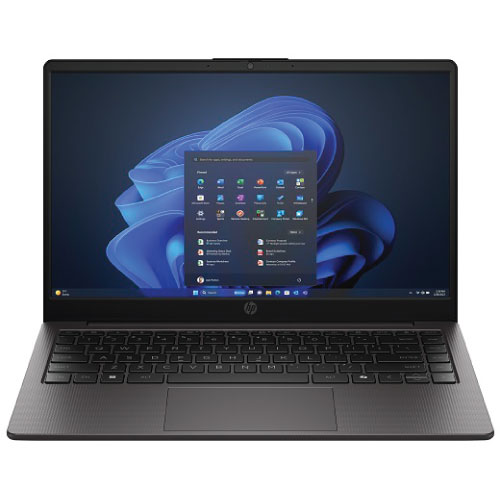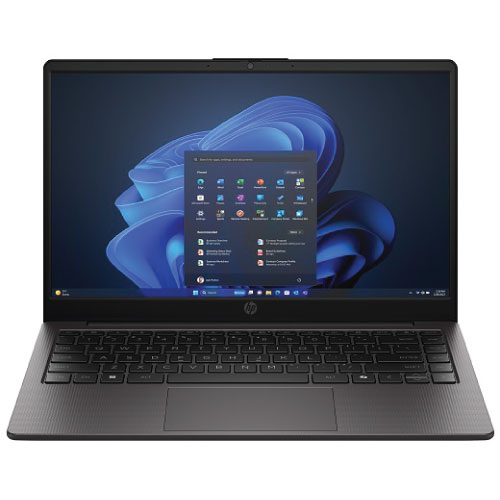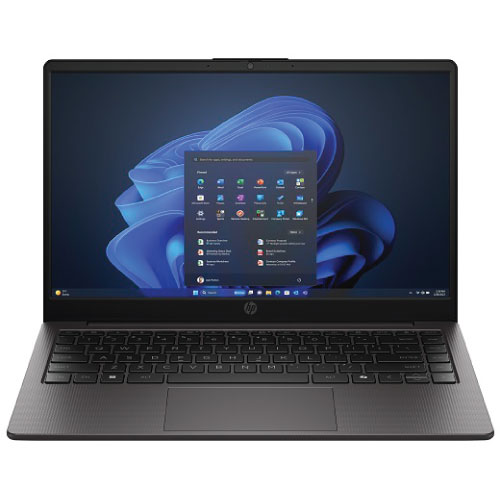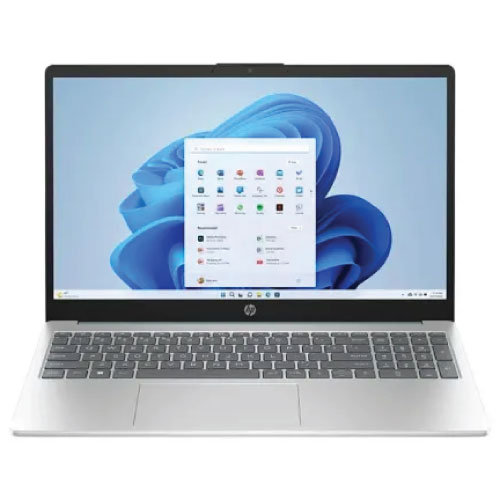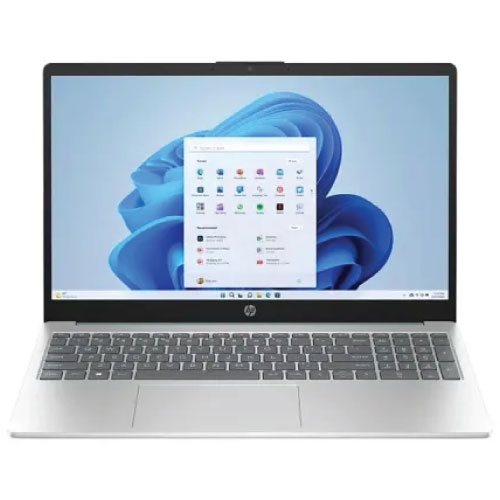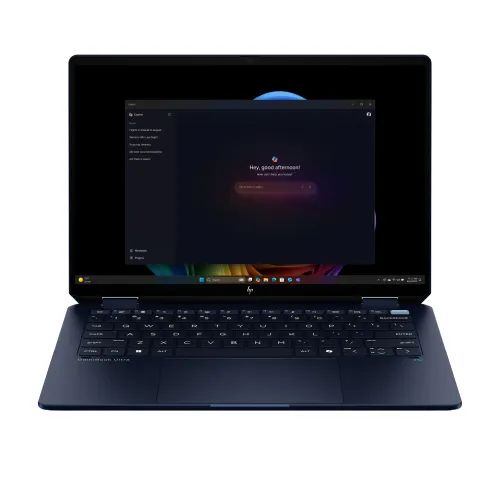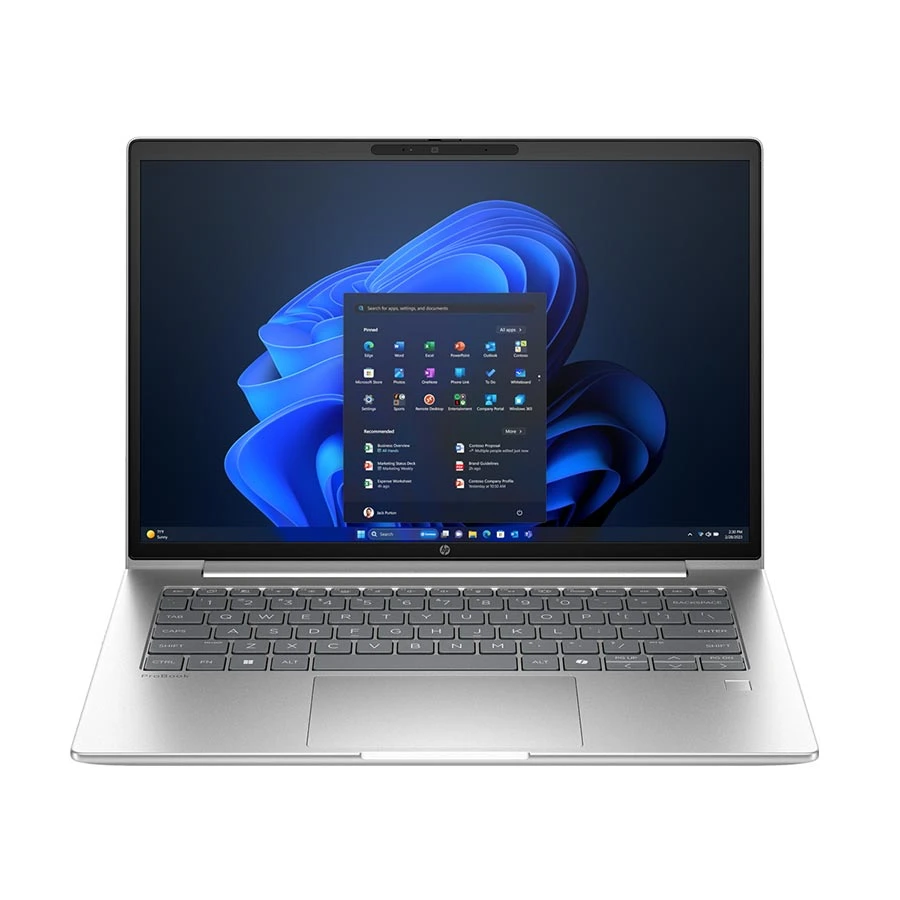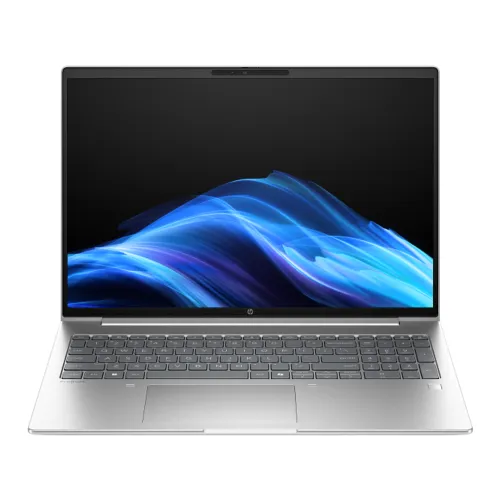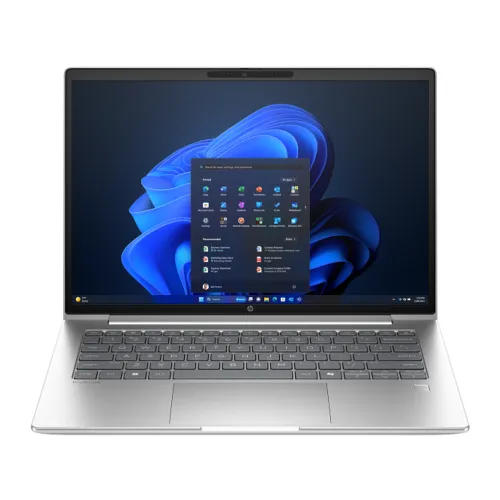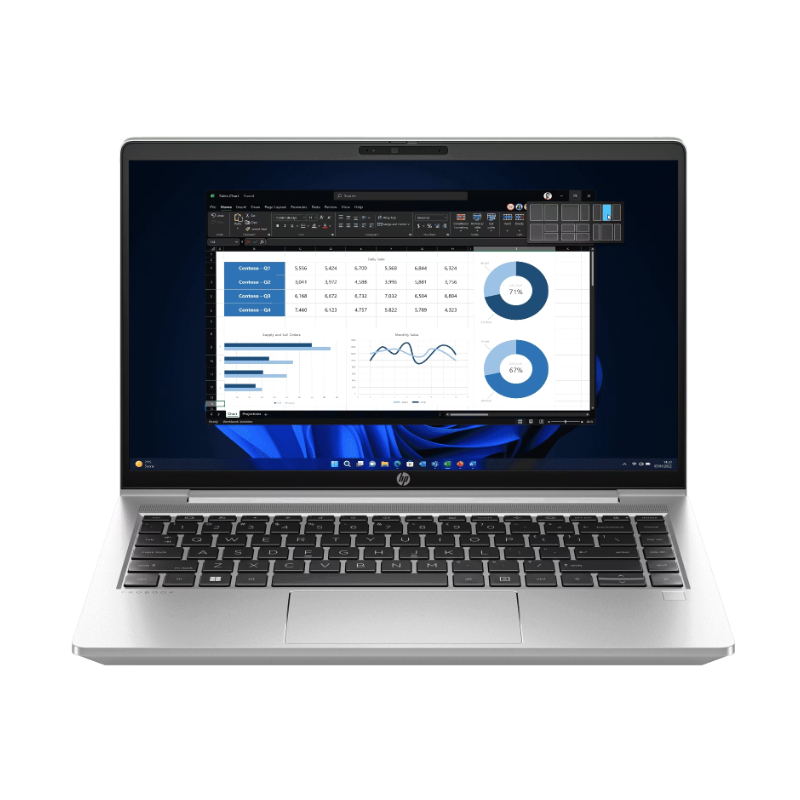
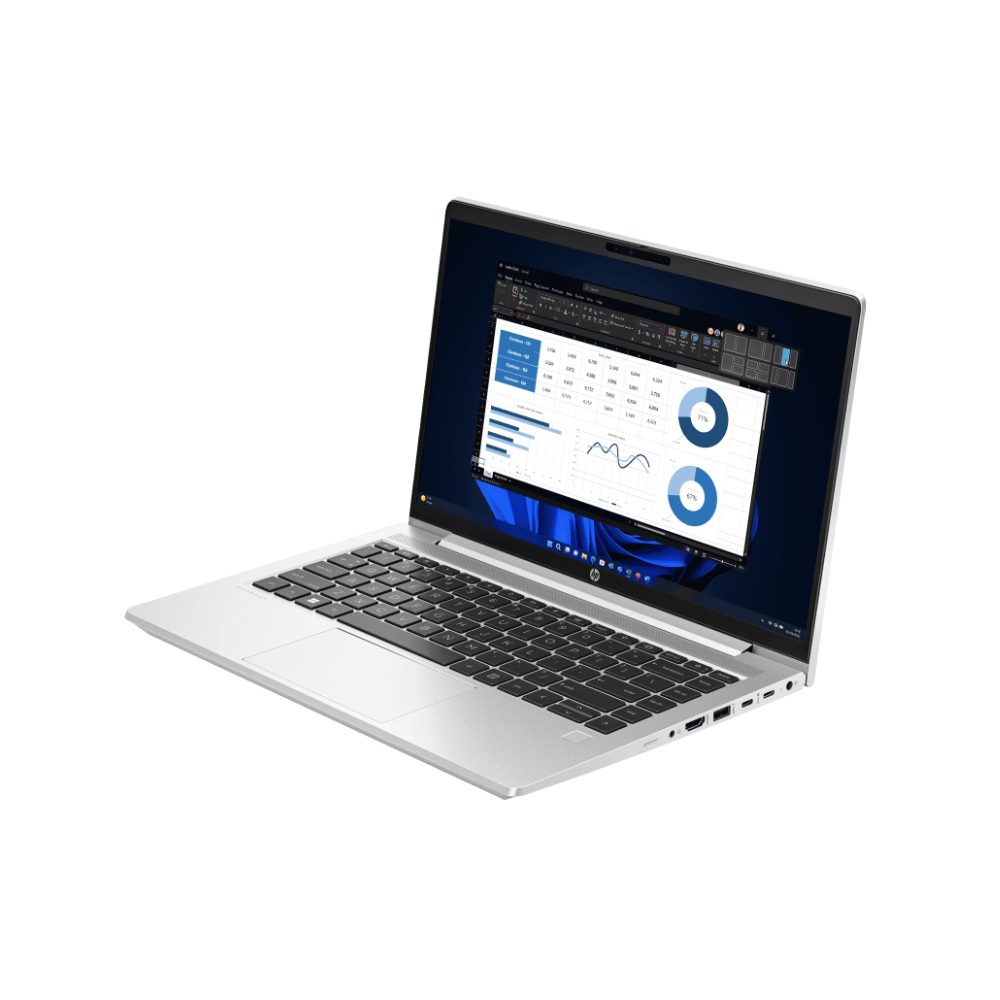
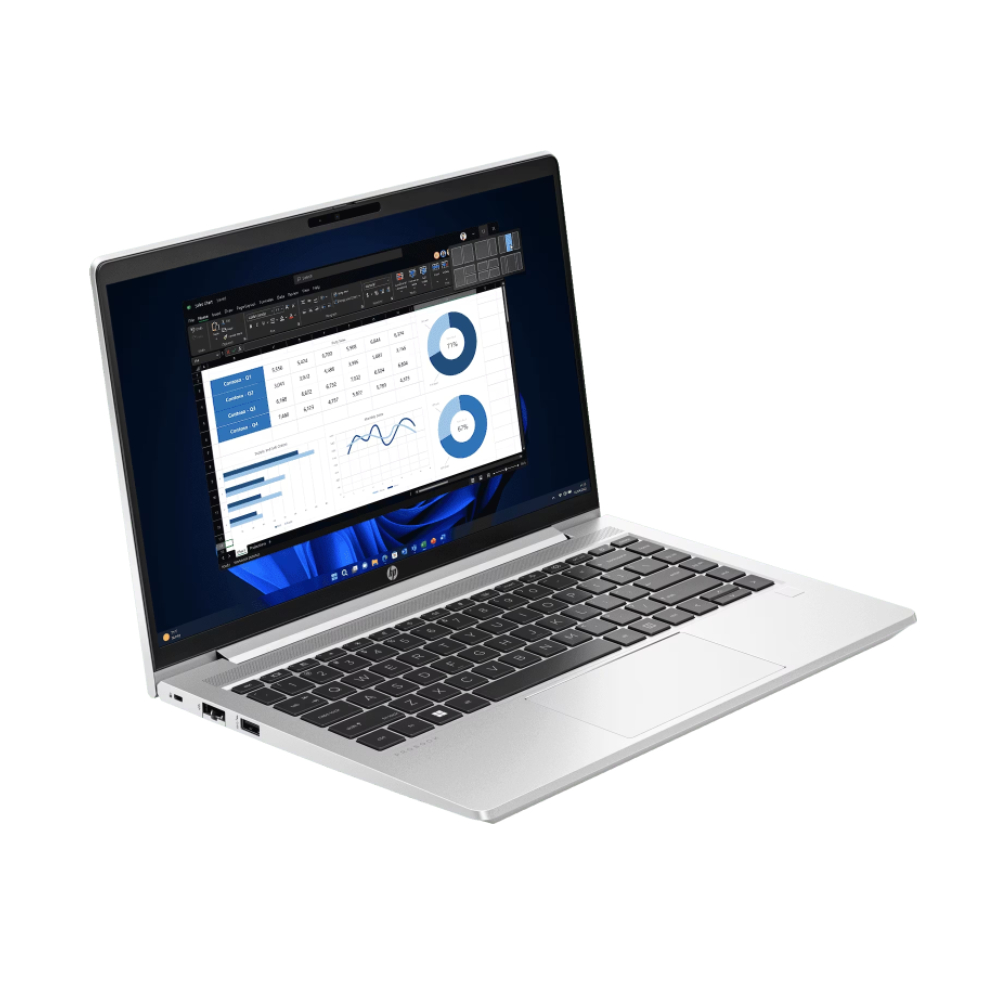
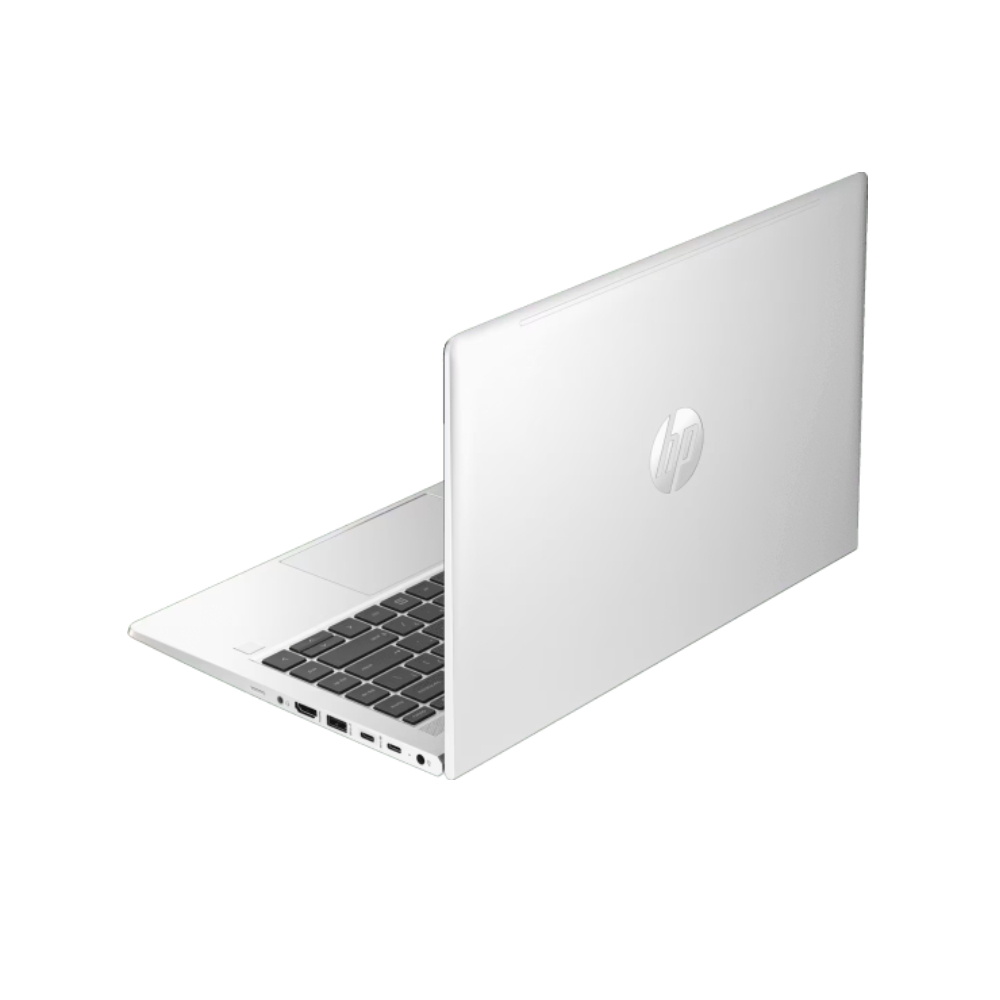
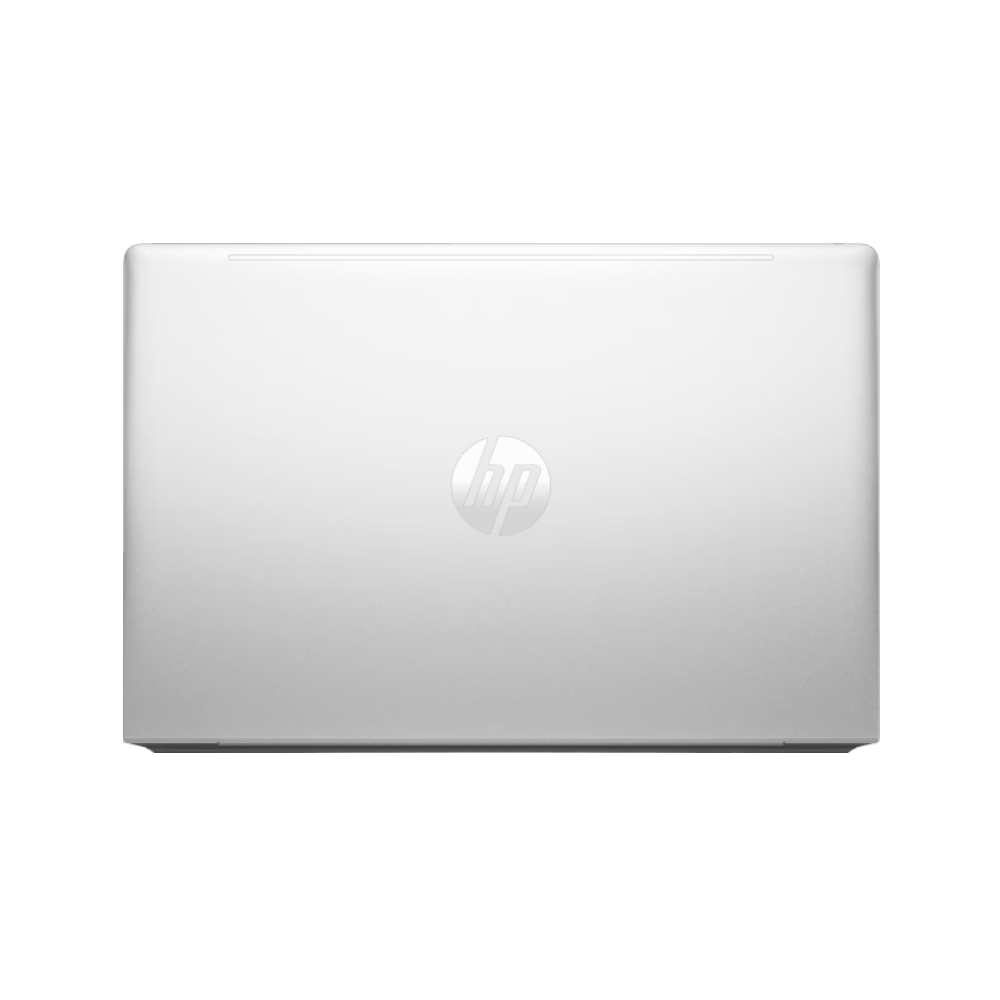
HP ProBook 440 G10 Core i3 13th Gen 14" FHD Laptop
Exclusive of all taxes
Product Details
Key Features
Model: ProBook 440 G10
Processor: Intel Core i3-1315U (up to 4.5 GHz, 10 MB L3
cache)
RAM: 8 GB DDR4 3200MHz, Storage: 512GB PCIe SSD
Display: 14" FHD (1920 x 1080)
Features: Type-C, Fingerprint, Backlit Keyboard, Wi-Fi 6E
Specification
|
Processor |
Intel Core
i3-1315U (13th Gen) |
|
Cores/Threads |
6 Cores /
8 Threads |
|
Max
Frequency |
Up to 4.5
GHz |
|
Cache |
10 MB |
|
RAM |
8GB DDR4
(3200 MHz) |
|
Storage |
256GB M.2
NVMe PCIe SSD |
|
Display |
14"
FHD (1920x1080) Anti-Glare |
|
Graphics |
Intel UHD
Graphics (Integrated) |
|
Ports |
1x USB-C,
2x USB-A, HDMI 2.1, RJ-45, 3.5mm Audio |
|
Connectivity |
Wi-Fi 5,
Bluetooth 5.3 |
|
Camera |
720p HD |
|
Security |
Fingerprint
Sensor, TPM |
|
Battery |
3-cell,
51Wh |
|
Weight |
1.37 kg |
|
Color |
Silver |
|
OS |
Free DOS |
|
Warranty |
2 Years
(Battery & Adapter: 1 Year) |
Description
HP Probook 440 G10 i3 1315U Business Laptop
The HP ProBook 440 G10 (717Q2AV) is a dependable business
laptop designed for productivity, security, and everyday performance. Powered
by the 13th Gen Intel Core i3-1315U processor, it offers reliable efficiency
for office tasks, web applications, and multitasking.
Equipped with 8GB of RAM and a 256GB SSD, this ProBook
ensures quick system responsiveness, fast boot-up times, and secure storage for
essential files and applications. Its 14-inch Full HD display delivers clear
and vibrant visuals, making it suitable for work, study, or entertainment.
Business-focused features like a backlit keyboard for
comfortable typing in any lighting, a fingerprint reader for secure access, and
a LAN port for stable wired connectivity make this laptop a practical and
professional choice. The sleek Silver finish adds a modern and elegant touch.
How to Order
Revolution Technology BD has made shopping easier for customers. Follow these steps:
- Click Register Button from home page
- Register with: Name + Email + Mobile + Password
- Click Create Account after entering information
- Login automatically or use Login button
- Provide mobile number and password, then Sign Up
- Choose desired product and click Buy Now
- View product details and click Add to Cart
- Click Item box (upper right corner)
- Go to Shopping Cart page
- Continue Shopping for more products or proceed
- Click "Click Here to Address" button
- Provide Full Name, Phone, Email & Delivery Address
- Click Order Submit button
- View Bill Invoice and receive email confirmation
- Print Invoice using Print button
- Wait for delivery - we'll keep you updated
- Thank you for shopping with us!