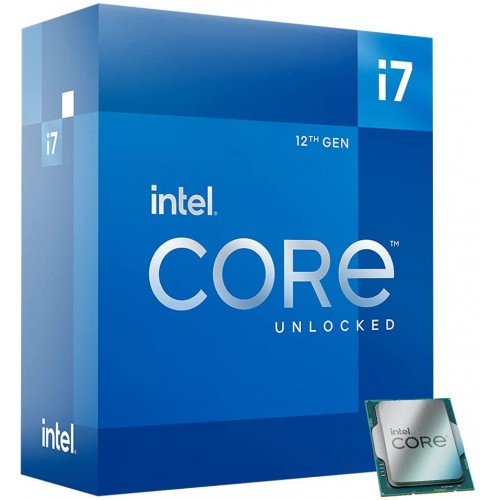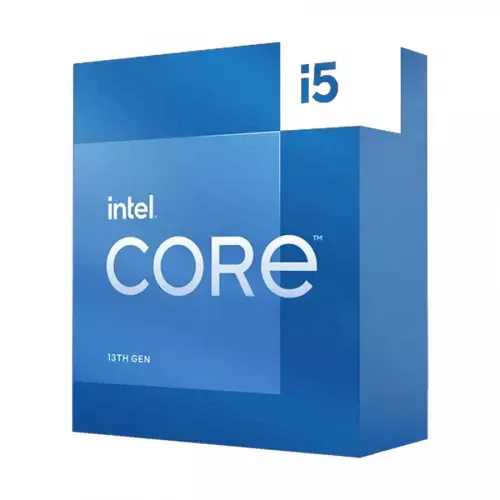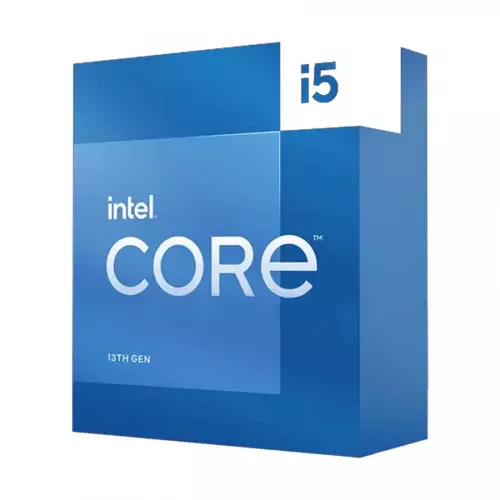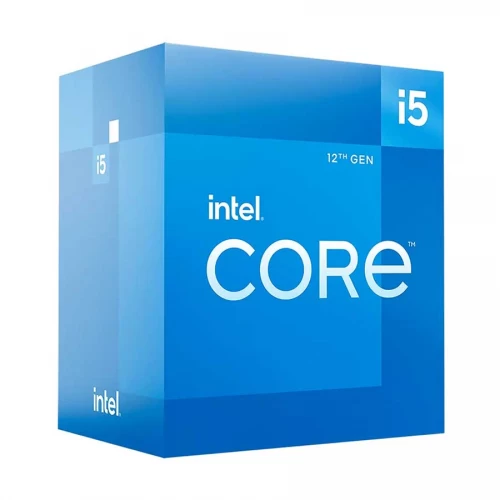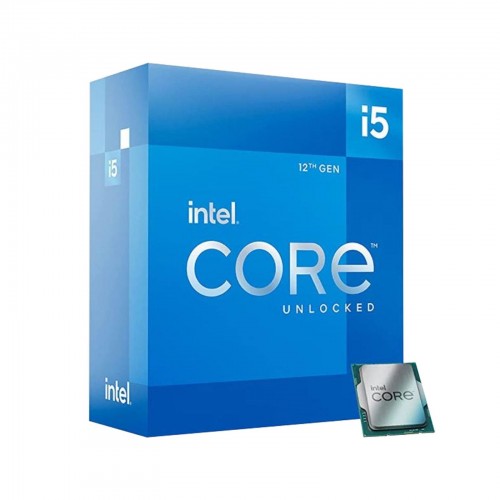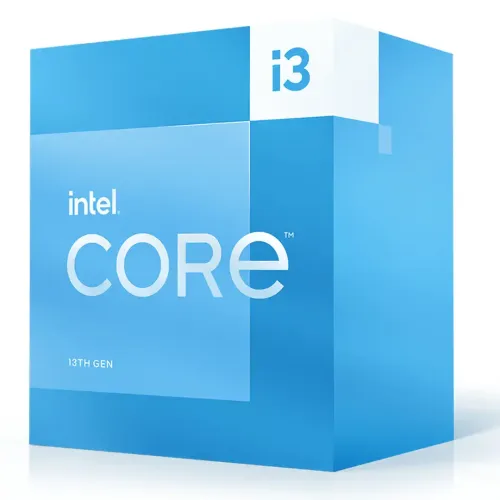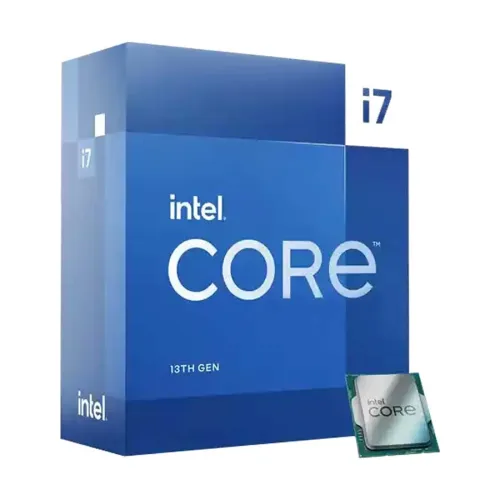
Intel 13th Gen Core i7 13700K Raptor Lake Processor
Contact us for pricing
Product Details
-
Key Features
Model: Core i7 13700K
Clock Speed: 3.40 GHz up to 5.40 GHz
Cache: 30 MB, Socket: LGA1700
CPU Cores: 16, CPU Threads: 24
Graphics: Intel UHD Graphics 770
Specification
|
Processor
Model |
Intel Core
i7 (13th Gen) |
|
Base
Frequency |
3.40 GHz |
|
Max Turbo
Frequency |
5.40 GHz |
|
Cores /
Threads |
16 Cores,
24 Threads |
|
Cache |
30 MB |
|
Default
TDP |
125 W |
|
Memory
Support |
Up to DDR5
5600 / DDR4 3200, 128 GB Max |
|
Integrated
Graphics |
Intel UHD
Graphics 770 |
|
Video
Output |
7680x4320
@ 60Hz (DP), 4096x2160 @ 60Hz (HDMI) |
|
Warranty |
3 Years
(Excludes Fan/Cooler) |
Description
Intel 13th Gen Core i7 13700K Raptor Lake Processor
The Intel Core i7-13700K 3.4 GHz 16-Core LGA 1700 Processor will boost your productivity, gaming, and content production. This 13th-generation desktop CPU expands on the Hybrid Core design and Intel 7 process by packing 16 cores onto a single chip, four more than the prior generation, while still fitting the LGA 1700 socket. The Core i7-13700K is designed for great performance, with eight low-voltage Efficient-cores that handle background activities for multitasking, and eight 3.4 GHz Performance-cores that deliver speed for demanding programs and games. The built-in Intel Thread Director guarantees that the two function in unison by dynamically and intelligently distributing tasks to the appropriate core at the appropriate moment. With 30MB of cache and a Turbo Boost Max 3.0 clock of 5.4 GHz, this CPU is designed to tackle demanding applications. The Core i7-13700K features integrated Intel UHD 770 Graphics. This CPU may also be overclocked for increased performance. PCI Express 5.0 and dual-channel DDR5 ECC memory at 5600 MHz are also supported by the Core i7-13700K. This Processor comes with a 03-year warranty.
How to Order
Revolution Technology BD has made shopping easier for customers. Follow these steps:
- Click Register Button from home page
- Register with: Name + Email + Mobile + Password
- Click Create Account after entering information
- Login automatically or use Login button
- Provide mobile number and password, then Sign Up
- Choose desired product and click Buy Now
- View product details and click Add to Cart
- Click Item box (upper right corner)
- Go to Shopping Cart page
- Continue Shopping for more products or proceed
- Click "Click Here to Address" button
- Provide Full Name, Phone, Email & Delivery Address
- Click Order Submit button
- View Bill Invoice and receive email confirmation
- Print Invoice using Print button
- Wait for delivery - we'll keep you updated
- Thank you for shopping with us!