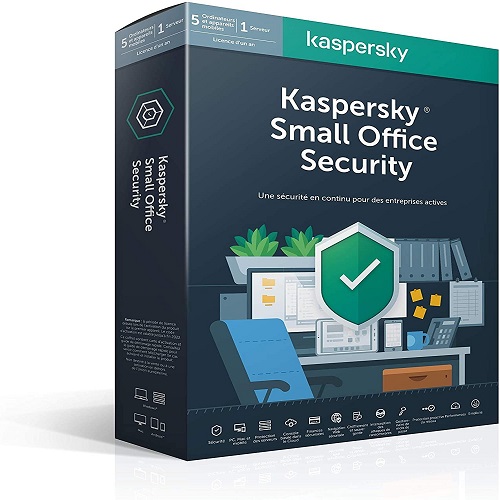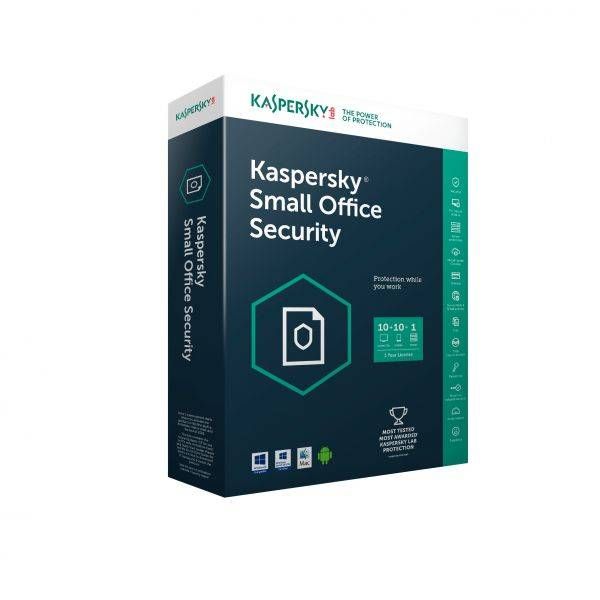
Kaspersky Small Office Security 1 Server 10 User
Contact us for pricing
Product Details
- Licence Qty - 1 Server + 10 User
- Software Type - Antivirus
- Protection Type - Office Security
- Licence Validity. - 1 Year
Kaspersky Small Office System requirements
- Hardware and software requirements
- General requirements:
- 1500 MB free disk space on the hard drive
- Processor that supports the SSE2 instruction set
- Internet access (for the application installation and activation, for the use of Kaspersky Security Network, and for updating databases and application modules)
- Microsoft Windows Installer 4.5 or later
- Microsoft .NET Framework 4 or later
- Webcam access protection is provided only for compatible webcam models
To access Kaspersky Small Office Security Management Console, we recommend using Microsoft Internet Explorer 9.0 or later.
- When deploying on a personal computer
Microsoft Windows 11 Home, Windows 11 Enterprise, Windows 11 Pro
***32-bit operating systems are not supported.
***Windows Subsystem for Linux 2 (WSL2) is not supported.
Microsoft Windows 10 Home, Windows 10 Enterprise and Windows 10 Pro
***32-bit operating systems are not supported in version 21H2.
Microsoft Windows 8.1 , Windows 8.1 Pro, Windows 8.1 Enterprise
***(Service Pack 0 or later, Windows 8.1 Update)
Microsoft Windows 8, Windows 8 Pro, Windows 8 Enterprise
***(Service Pack 0 or later)
Microsoft Windows 7 Starter, Windows 7 Home Basic, Windows 7 Home Premium, Windows 7 Professional, Windows 7 Ultimate
***(Service Pack 1 or later)
- When deploying on a file server
Kaspersky Small Office Security cannot be installed on a file server running in Server Core mode.
Microsoft Windows Server 2019 Essentials / Standard RTM
Microsoft Windows Server 2016 Essentials / Standard RTM
Microsoft Windows Server 2012 R2 Foundation / Essentials / Standard
Microsoft Windows Server 2012 Foundation / Essentials / Standard
Microsoft Windows Small Business Server 2011 Essentials / Standard Service Pack 1 or later
Microsoft Windows Server 2008 R2 Foundation / Standard / Enterprise Service Pack 1 or later
How to Order
Revolution Technology BD has made shopping easier for customers. Follow these steps:
- Click Register Button from home page
- Register with: Name + Email + Mobile + Password
- Click Create Account after entering information
- Login automatically or use Login button
- Provide mobile number and password, then Sign Up
- Choose desired product and click Buy Now
- View product details and click Add to Cart
- Click Item box (upper right corner)
- Go to Shopping Cart page
- Continue Shopping for more products or proceed
- Click "Click Here to Address" button
- Provide Full Name, Phone, Email & Delivery Address
- Click Order Submit button
- View Bill Invoice and receive email confirmation
- Print Invoice using Print button
- Wait for delivery - we'll keep you updated
- Thank you for shopping with us!