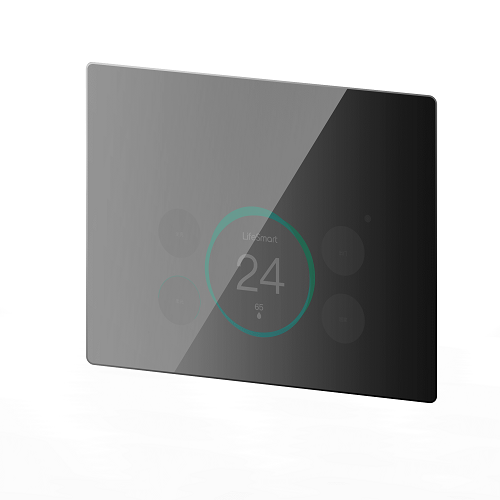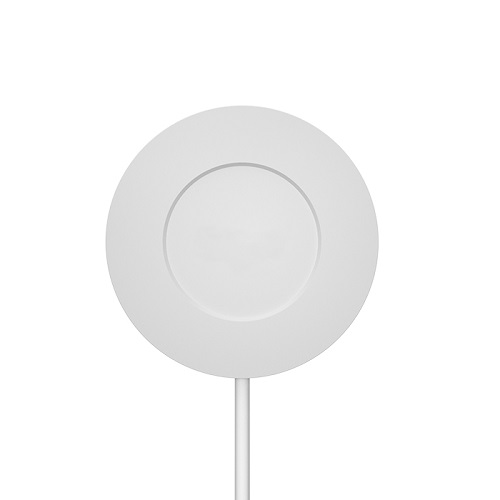
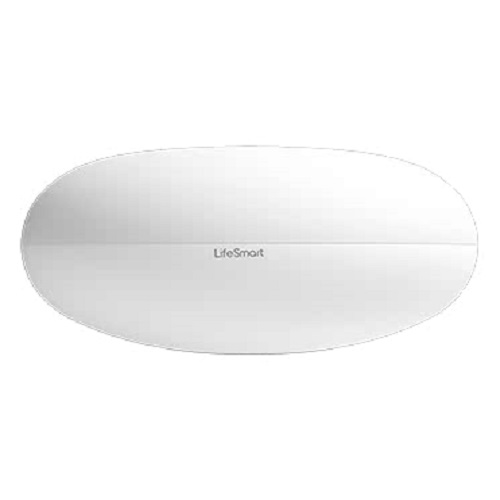
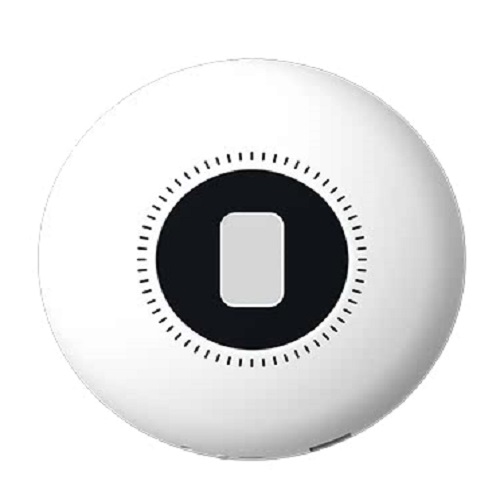
LifeSmart SPOT Universal IR Remote Controller
Contact us for pricing
Product Details
Universal IR remote control;
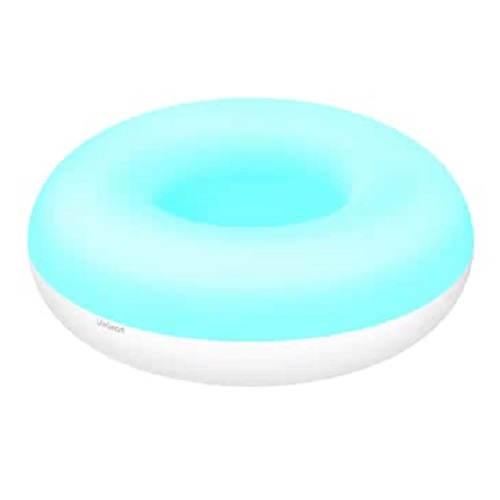
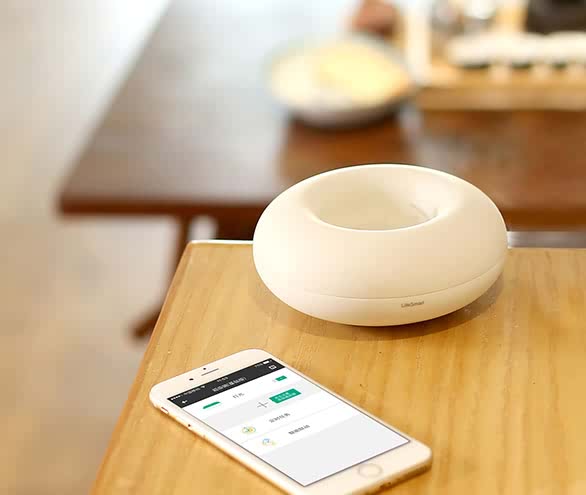
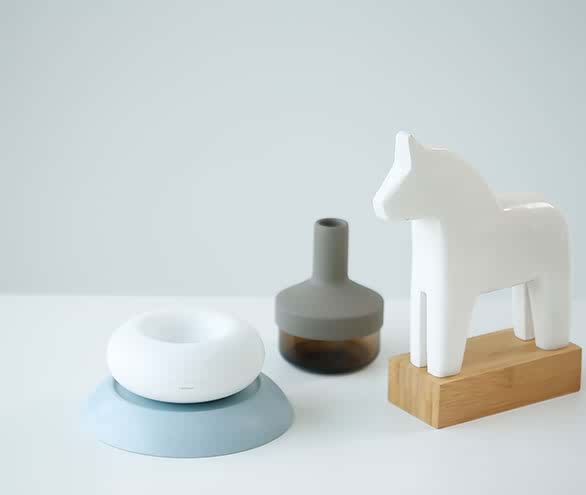
Unique exterior design-ornamental and also practical as a desktop storage unit;
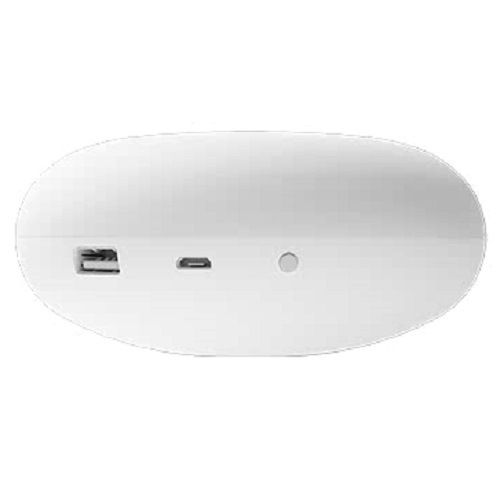
Convenient USB charge interface;
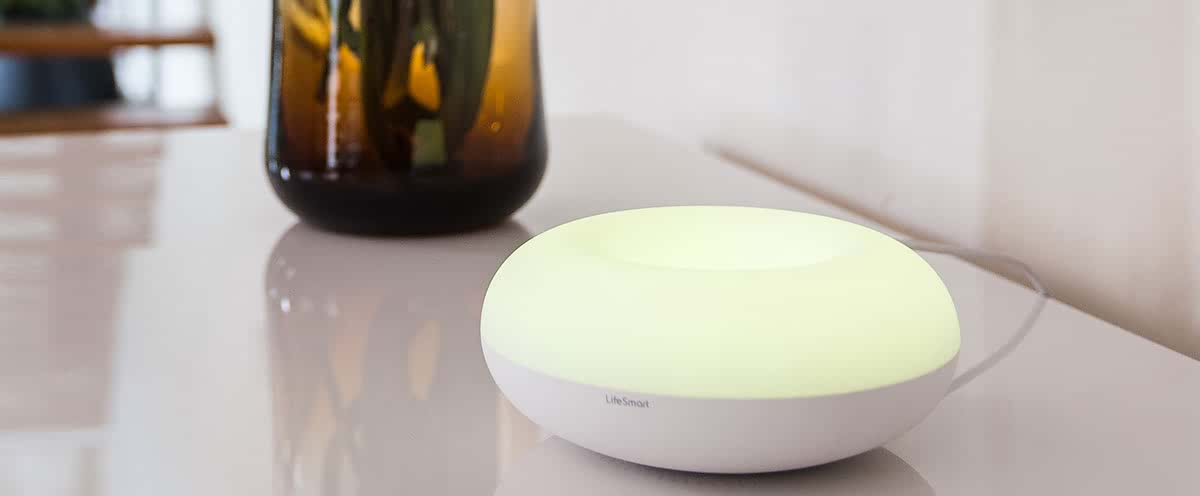
16 million colors to create various lighting effects
Product Description
A fantastic IR remote controller to simplify your life by interacting with all LifeSmart product series
SPOT, a Universal Remote Controller, a fantastic product to simplify your life. It does not only simply replace the traditional remote controls, but also interacts with other LifeSmarts products via Smart Station. Televisions, air conditioners, fans, any IR device can be controlled by this SPOT. It functions as a night light as well, with 16 million light colors at your choice. By an easy setup, the SPOT can trigger the lighting, the sound, and other home appliances intelligently. With the help of LifeSmart Cloud services and other amazing technologies, every single home will become a smart home,every single office will become a smart office.
Specification
|
Operating
Temperature |
-5~45℃ |
|
Operating
Humidity |
5~90% |
|
Power
Supply |
DC
5V |
|
Interface |
Micro
USB power supply; USB output |
|
Button |
Configuration button |
|
Indicator |
16
million color |
|
Remote
Range |
360°,
5-10m |
|
Remote
Frequency |
38KHz |
|
App
Control |
Yes |
|
Voice
Control |
Yes |
|
Code
Library Match |
Yes |
|
Code
Library Update |
Yes |
|
Remote
Control Learning |
Yes |
|
Color |
Ivory
white |
|
Dimensions |
128*128*53mm |
|
Weight |
260g |
|
Casing |
ABS |
|
SPOT (WiFi Series) |
|
|
Model Number |
LS136(CoSS) |
|
Power
Consumption |
≤1.3W |
|
Radio
Protocol |
Wi-Fi 2.4GHz |
|
Signal Range
(Open Field) |
50m |
|
SPOT (CoSS Series) |
|
|
Model Number |
LS136 /
LS152(Japan) |
|
Power
Consumption |
≤1W |
|
Radio
Protocol |
CoSS |
|
Signal Range
(Open Field) |
100m |
How to Order
Revolution Technology BD has made shopping easier for customers. Follow these steps:
- Click Register Button from home page
- Register with: Name + Email + Mobile + Password
- Click Create Account after entering information
- Login automatically or use Login button
- Provide mobile number and password, then Sign Up
- Choose desired product and click Buy Now
- View product details and click Add to Cart
- Click Item box (upper right corner)
- Go to Shopping Cart page
- Continue Shopping for more products or proceed
- Click "Click Here to Address" button
- Provide Full Name, Phone, Email & Delivery Address
- Click Order Submit button
- View Bill Invoice and receive email confirmation
- Print Invoice using Print button
- Wait for delivery - we'll keep you updated
- Thank you for shopping with us!