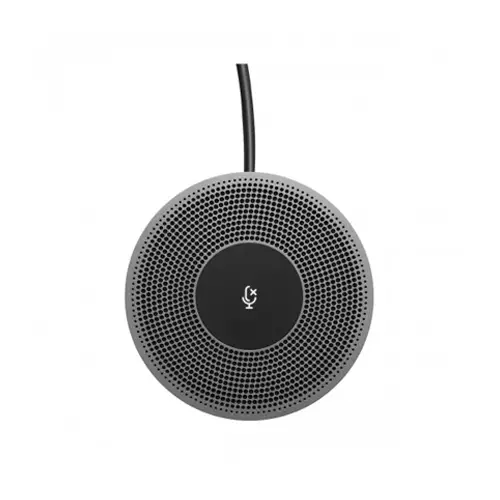
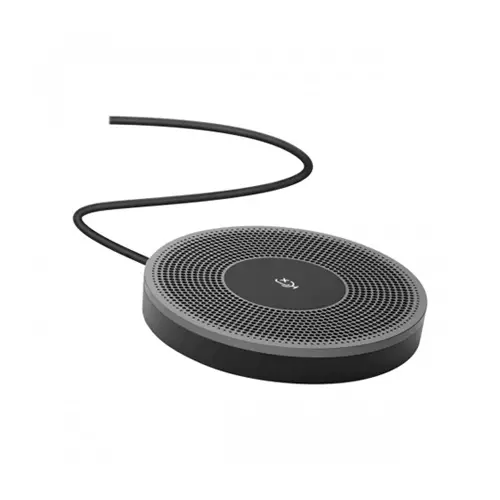
Logitech Expantion Mic for Meetup Cam
Exclusive of all taxes
Product Details
Key Features
Model: 989-000405
Hear Clearly up to 14 Feet
LED indicator confirms video streaming
Microphone Type: Mono, wideband, Noise-Canceling
Cable length: 6 meters
Specification
|
Main Features |
Connection Type: Plug-and-play Indicator Lights (LED): LED indicator confirms video streaming, microphone mute, on-hold, and Bluetooth pairing, etc. Microphone Type: Mono, wideband, noise canceling Buttons / Switch: Microphone mute Cable Length: 20 ft (6 m) Logitech MeetUp |
|
SYSTEM REQUIREMENTS |
Logitech MeetUp |
|
Physical Specification |
Height x Width x Depth: 0.52 in (13.4 mm) x 3.4 in (83 mm) x 3.4 in (83 mm) Weight: 10.6 oz (302 g) |
|
Others |
Microphone: Mono, wideband, noise canceling. Use for Logitech MeetUp, Connection Type: Plug-and-play, Indicator Lights (LED): LED indicator confirms video streaming, microphone mute, on-hold, and Bluetooth pairing, etc., Buttons / Switch: Microphone mute, Cable Length: 6 m, DIMENSIONS: 83 x 13.4 x 83mm, Weight: 302gm, PACKAGE CONTENTS: One expansion microphone, Logitech MeetUp |
|
Specialty |
EXPANSION MIC FOR MEETUP, Add-on microphone for huddle room flexibility, SUPERIOR SOUND IN LARGER HUDDLE ROOMS, HEAR CLARITY UP TO 5 METERS, EASILY MUTE CALLS |
|
Dimensions |
83 x 83 x 13.4mm |
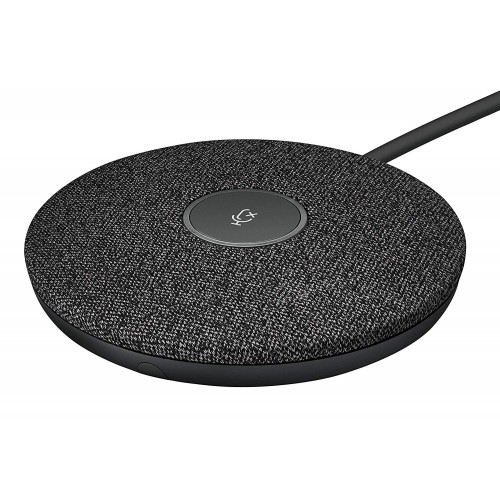
LOGITECH EXPANTION MIC FOR MEETUP CAM
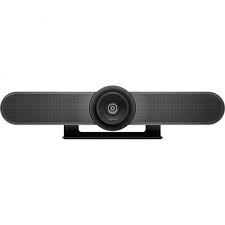
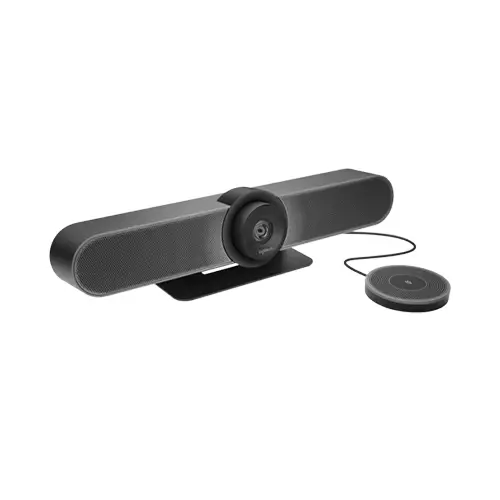
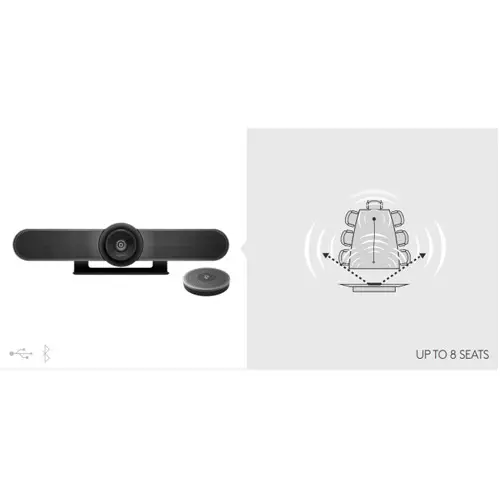
Logitech Expansion Mic for MeetUp provides greater flexibility in huddle room configurations. Meetup’s built-in beamforming mics are optimized for up to 4 meters(13.1 feet). To extend that range up to 5 meters (16.4 feet), add an Expansion Mic. So whether people are seated at a table, sitting against the wall, or standing, Expansion Mic for MeetUp means everyone will be heard.
HEAR CLARITY UP TO 5 METERS
Because huddle rooms vary in size, we created Expansion Mic to provide additional flexibility in different room configurations. Expansion Mic extends Meetup’s microphone pickup range to 5 meters (16.4 feet).
EASILY MUTE CALLS
A microphone mute button lets those at the far end of the table mute the entire speakerphone system. The indicator light shows when the microphone is muted, when a call is active, and when Bluetooth® wireless pairing has begun.
How to Order
Revolution Technology BD has made shopping easier for customers. Follow these steps:
- Click Register Button from home page
- Register with: Name + Email + Mobile + Password
- Click Create Account after entering information
- Login automatically or use Login button
- Provide mobile number and password, then Sign Up
- Choose desired product and click Buy Now
- View product details and click Add to Cart
- Click Item box (upper right corner)
- Go to Shopping Cart page
- Continue Shopping for more products or proceed
- Click "Click Here to Address" button
- Provide Full Name, Phone, Email & Delivery Address
- Click Order Submit button
- View Bill Invoice and receive email confirmation
- Print Invoice using Print button
- Wait for delivery - we'll keep you updated
- Thank you for shopping with us!