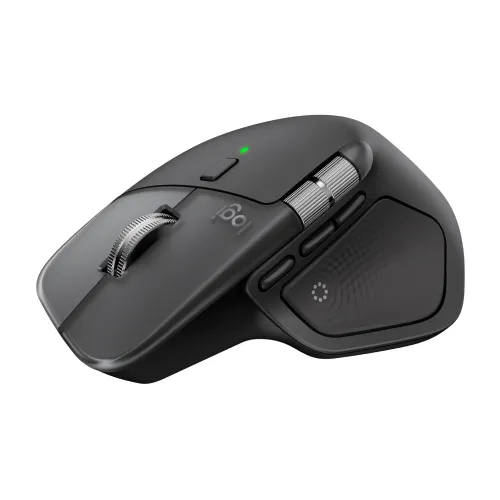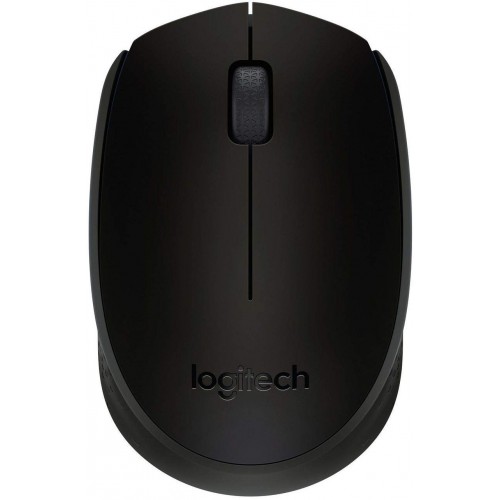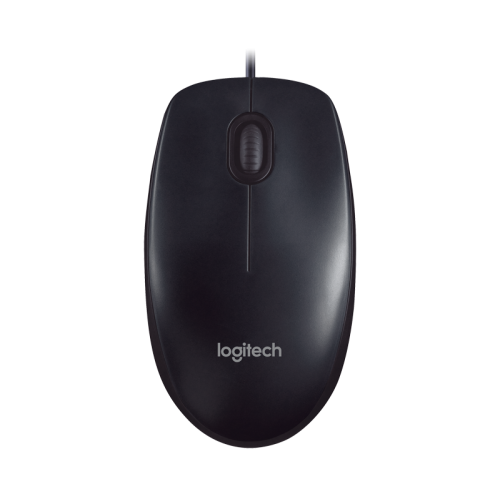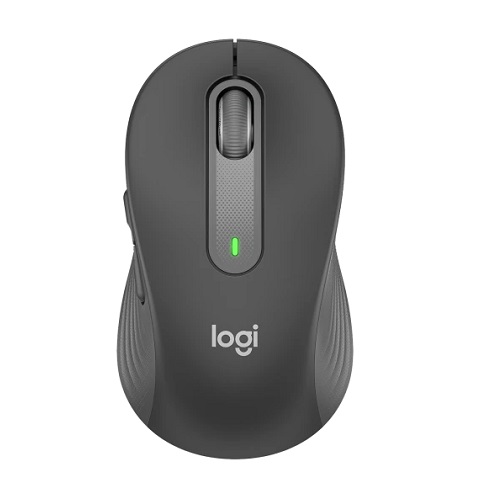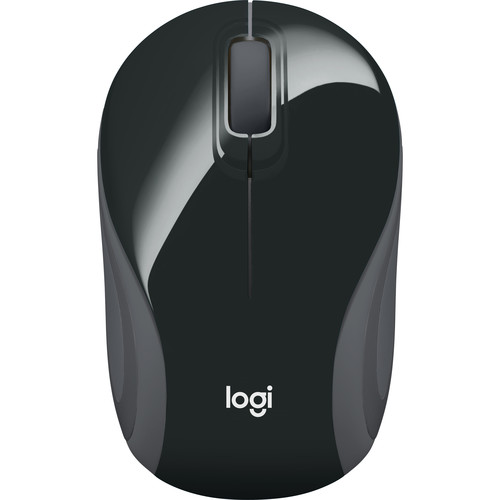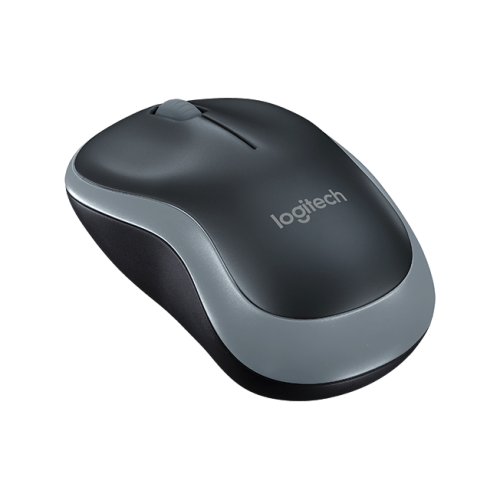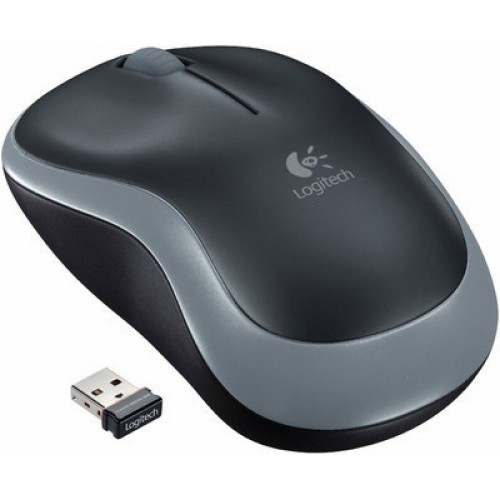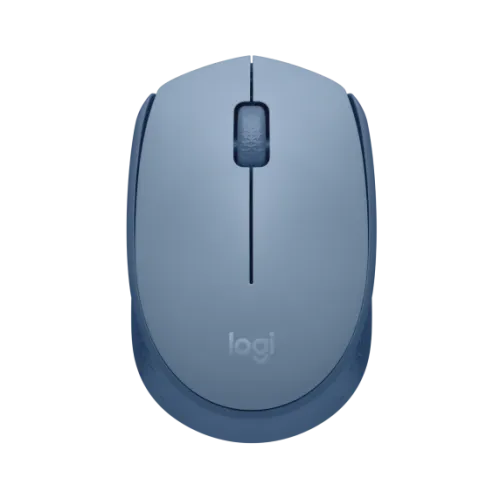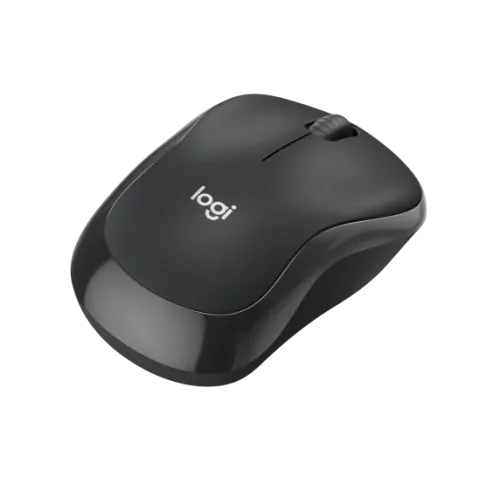
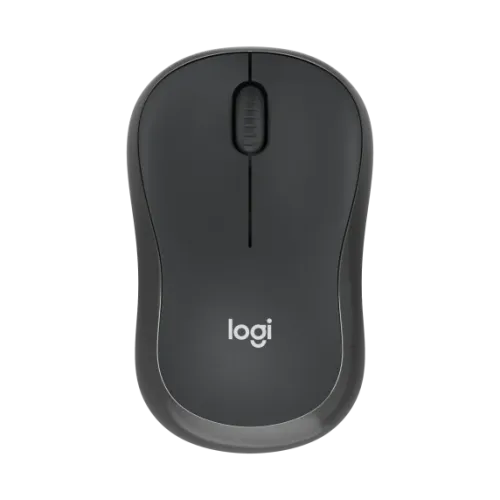
Logitech M240 Silent Bluetooth Mouse
Exclusive of all taxes
Product Details
Key Features
Model: M240
DPI range: 400-4000
Number of Buttons: 3 (Left/Right-click, Middle-click)
SilentTouch Technology
Battery life: 18 months
Specification
|
Main Features |
|
|
Connection Type |
Bluetooth Low Energy Technology |
|
Gaming Features |
|
|
Button |
3 (Left/Right-click, Middle click) |
|
Tracking Method |
Smooth optical tracking |
|
Physical
Specifications |
|
|
Color |
Black |
|
Dimension |
Height: 3.90 in (99 mm) Width: 2.36 in (60 mm) Depth: 1.54 in (39 mm) |
|
Weight |
2.60 oz (73.8 g) |
|
Battery Life |
Battery life: Up to 18 months Battery life may vary based on user and computing
conditions. Battery Details: 1 x AA (included) |
|
Warranty
Information |
|
|
Warranty |
1 Year Warranty |
Description
Logitech M240 Silent Bluetooth mouse
The Logitech M240 Silent
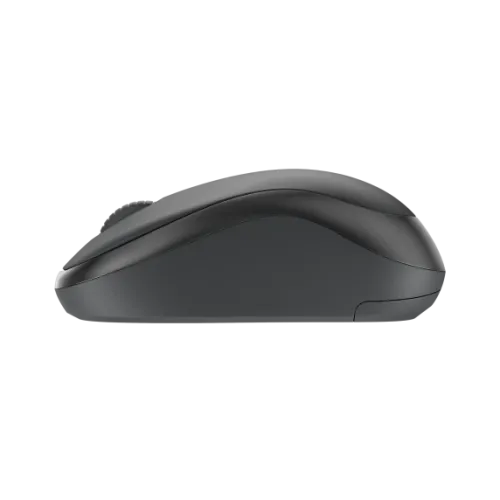
Bluetooth mouse is a low noise mouse and measures 3.90 in (99 mm) in height,
2.36 in (60 mm) in width, and 1.54 in (39 mm) in depth. 2.60 oz (73.8 g) is the
weight when batteries are included. Through the use of SilentTouch Technology,
noise generated by middle and left clicks is reduced by 90%. With a DPI range
of 400–4000 and increments of 100 DPI, Logitech M240 Silent Bluetooth mouse
boasts an optical tracking sensor technology that is smooth. It includes three
buttons (left/right click, centre click), a 2D optical scroll wheel, and
line-by-line scrolling. With one AA battery (included), the battery life may
last up to 18 months, and Bluetooth Low Energy Technology of Logitech M240 Silent
Bluetooth mouse allows for a wireless range of up to 10 meters (33 feet).
How to Order
Revolution Technology BD has made shopping easier for customers. Follow these steps:
- Click Register Button from home page
- Register with: Name + Email + Mobile + Password
- Click Create Account after entering information
- Login automatically or use Login button
- Provide mobile number and password, then Sign Up
- Choose desired product and click Buy Now
- View product details and click Add to Cart
- Click Item box (upper right corner)
- Go to Shopping Cart page
- Continue Shopping for more products or proceed
- Click "Click Here to Address" button
- Provide Full Name, Phone, Email & Delivery Address
- Click Order Submit button
- View Bill Invoice and receive email confirmation
- Print Invoice using Print button
- Wait for delivery - we'll keep you updated
- Thank you for shopping with us!