

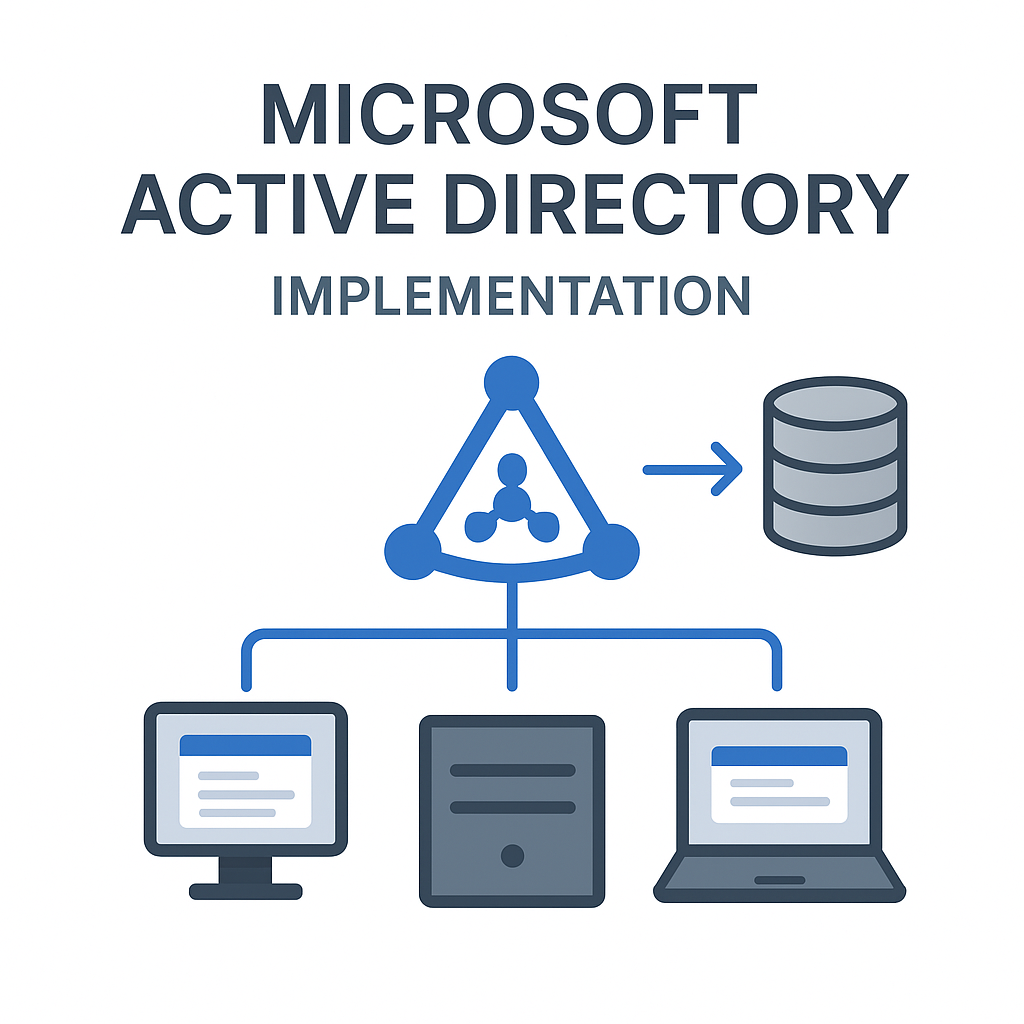
Microsoft Active Directory Implementation
Contact us for pricing
Product Details
Key Features
Authentication
& Authorization
Uses Kerberos protocol for secure logins and access control.
Group
Policy Management
Deploy security and configuration policies across all computers.
LDAP
Protocol Support
Compatible with systems and applications that support LDAP queries.
Domain
Services (AD DS)
Core service that stores directory data and manages communication.
Trust
Relationships
Create secure access between domains or forests.
Multi-Site
& Multi-Domain Support
Scalable across global locations and business units.
Replication
& Redundancy
Ensures availability through multiple domain controllers.
Specification
|
Structure |
Hierarchical: Forest → Domain → OU
→ Objects |
|
Object Types |
Users, Computers, Groups,
Printers, Shared Folders |
|
Protocols Used |
LDAP, Kerberos, DNS, NTLM |
|
Authentication |
Kerberos (primary), NTLM (legacy) |
|
Supported OS |
Primarily Windows Server (AD DS),
but supports Linux/macOS clients |
|
Replication |
Multi-master replication between
domain controllers |
|
Directory Access |
Through LDAP or PowerShell |
|
Security |
Enforced via Group Policies, Access
Control Lists, Account Lockout Policies |
Description
Microsoft Active Directory
Implementation
Active Directory (AD) is a
centralized identity and access management system developed by Microsoft. It’s
used by organizations to manage users, computers, permissions, and security
policies across a network. By storing data as objects in a structured hierarchy,
Active Directory enables efficient administration of IT resources, user
authentication, and network security — all from a single location
Business
Benefits of Active Directory
Centralized Control
Admins manage users, policies, and devices from one console — increasing
efficiency.
Improved Security
Enforce strong password policies, MFA, and access controls to reduce security
risks.
Scalable and Flexible
Supports small businesses and large enterprises across multiple sites or
regions.
Reduced Administrative Overhead
Automates user provisioning, logins, and software deployments.
Single Sign-On (SSO)
Users log in once to access all authorized resources, improving user
experience.
Better Compliance
Centralized logs and controls help with audits and regulatory requirements
(e.g. GDPR, HIPAA).
How to Order
Revolution Technology BD has made shopping easier for customers. Follow these steps:
- Click Register Button from home page
- Register with: Name + Email + Mobile + Password
- Click Create Account after entering information
- Login automatically or use Login button
- Provide mobile number and password, then Sign Up
- Choose desired product and click Buy Now
- View product details and click Add to Cart
- Click Item box (upper right corner)
- Go to Shopping Cart page
- Continue Shopping for more products or proceed
- Click "Click Here to Address" button
- Provide Full Name, Phone, Email & Delivery Address
- Click Order Submit button
- View Bill Invoice and receive email confirmation
- Print Invoice using Print button
- Wait for delivery - we'll keep you updated
- Thank you for shopping with us!



