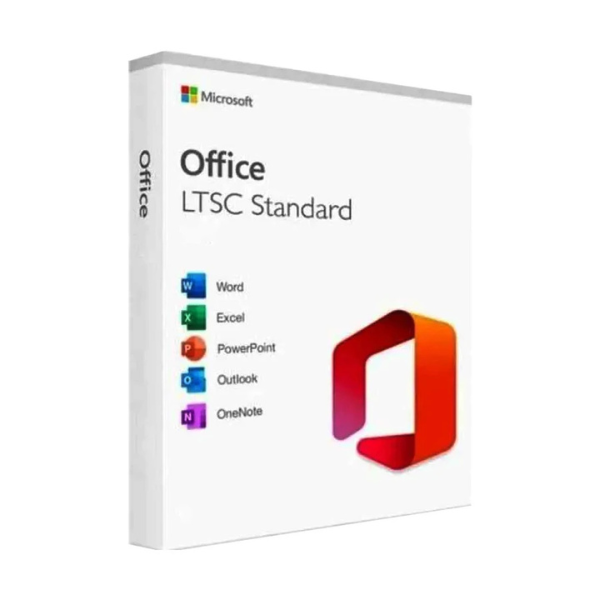
Microsoft Office LTSC Standard 2021 For Mac CSP License
Contact us for pricing
Product Details
Key
Features
Model: Office LTSC Standard 2021 for Mac
Active User: 1
Language: Single Language
Division Name: Office Standard
System
Requirement
|
Processor |
Intel
processor or Apple Silicon (M1, M2, etc.).
Apple
Silicon processors require macOS 11.0 or later. |
|
RAM |
4 GB of
RAM minimum (8 GB or more is recommended for better performance). |
|
Storage |
At
least 10 GB of available disk space for installation. More
space is required for additional updates, files, and documents. |
|
Display |
A
minimum screen resolution of 1280 x 768 |
|
Graphics |
DirectX
9 graphics card with WDDM 2.0 or higher |
|
Operating System |
macOS
10.14 (Mojave) or later. |
|
License Type |
CSP |
|
Number of User |
USERS
SUPPORTED: 1 Admin User DEVICES
SUPPORTED: 1 Server |
Description
Office
LTSC Standard 2021 for Mac
The essentials for businesses that need desktop Office
applications for PC. Office applications included: Outlook, Word, Excel,
PowerPoint. Office Standard 2021 provides a comprehensive toolset for
individual productivity, including the tools you need to create great-looking
documents, spreadsheets, and presentations quickly and easily; and manage
email. Create presentations, data models, and reports with tools and
capabilities like PowerPoint Morph, new chart types in Excel, and improved
inking across apps. Manage your time, email, and contacts more easily with
features like Focused Inbox, travel and delivery summary cards in Outlook, and
Focus Mode in Word. Microsoft Teams brings all your groups and resources
together in one place. Stay connected to what important like your files and
projects anywhere, on any device. Need help? Get access to 24/7 tech support
from Office 365 experts.
As the CSP license model is cloud-based, your Office
installation needs to be activated using a valid Microsoft Account associated
with the CSP license.
The CSP license is typically managed by your administrator
(or reseller), and users may need to sign in to access the full functionality
of Office apps.
How to Order
Revolution Technology BD has made shopping easier for customers. Follow these steps:
- Click Register Button from home page
- Register with: Name + Email + Mobile + Password
- Click Create Account after entering information
- Login automatically or use Login button
- Provide mobile number and password, then Sign Up
- Choose desired product and click Buy Now
- View product details and click Add to Cart
- Click Item box (upper right corner)
- Go to Shopping Cart page
- Continue Shopping for more products or proceed
- Click "Click Here to Address" button
- Provide Full Name, Phone, Email & Delivery Address
- Click Order Submit button
- View Bill Invoice and receive email confirmation
- Print Invoice using Print button
- Wait for delivery - we'll keep you updated
- Thank you for shopping with us!