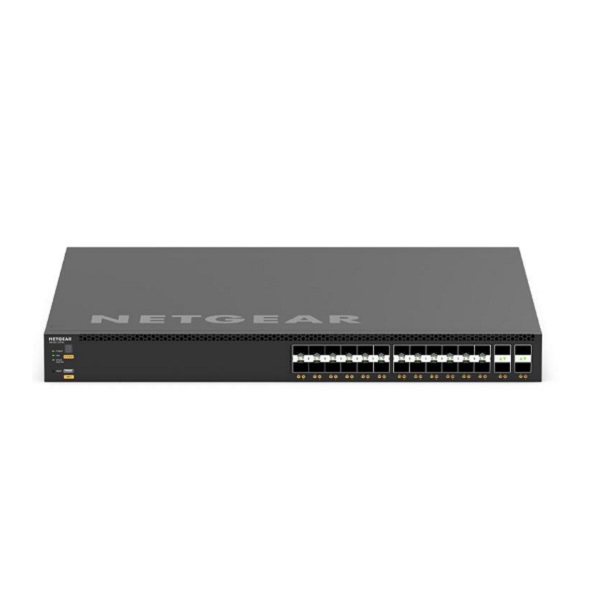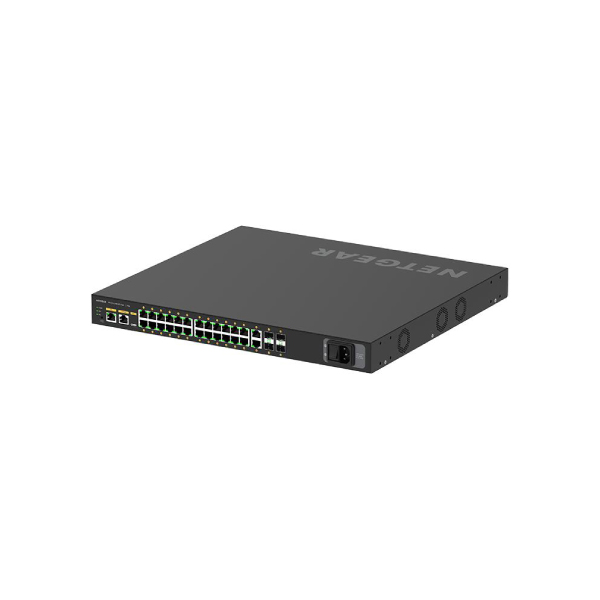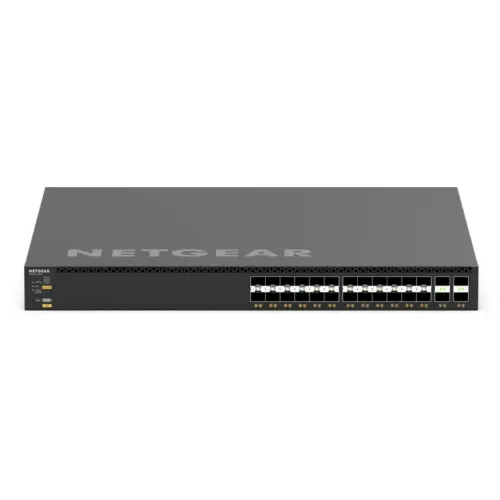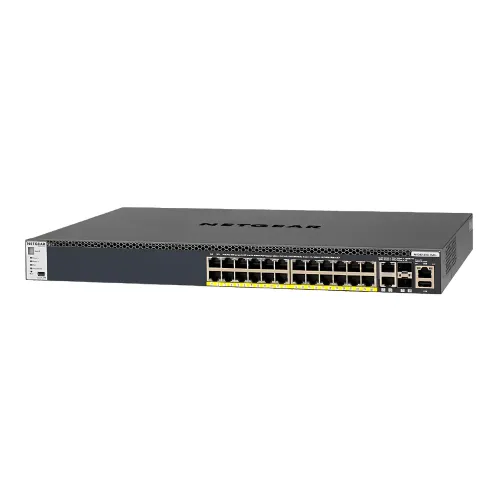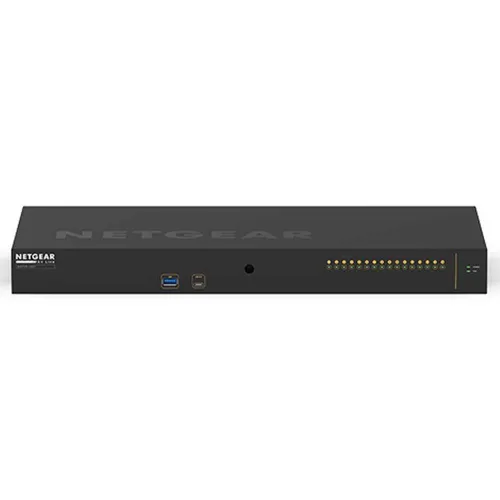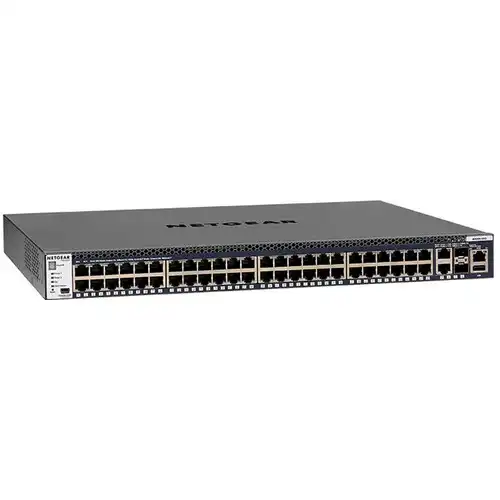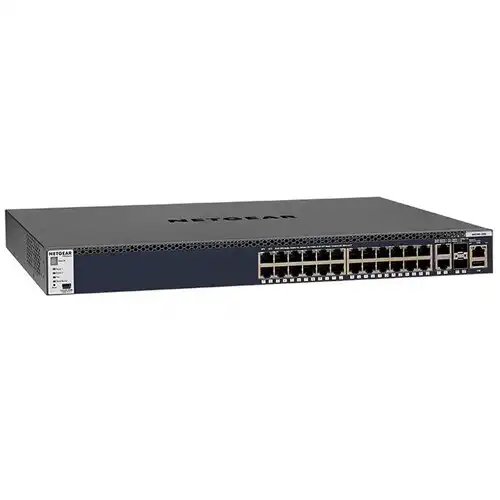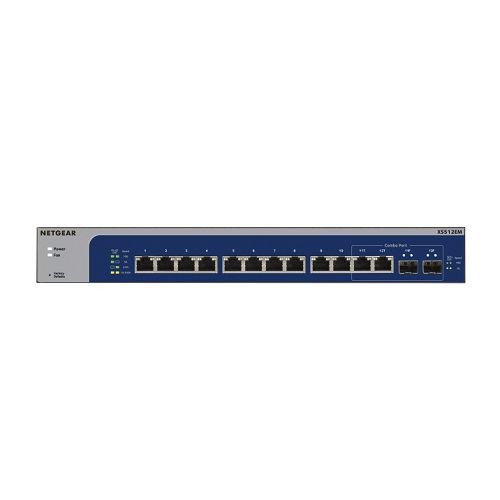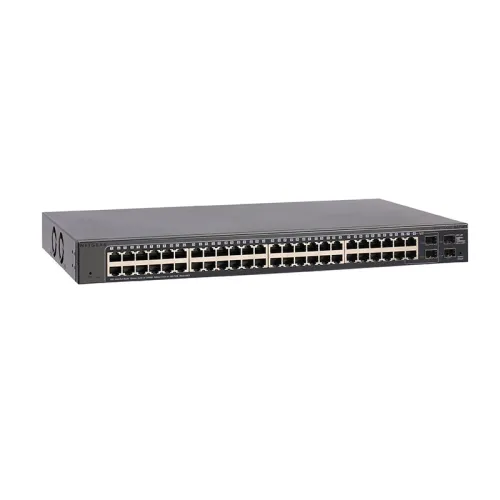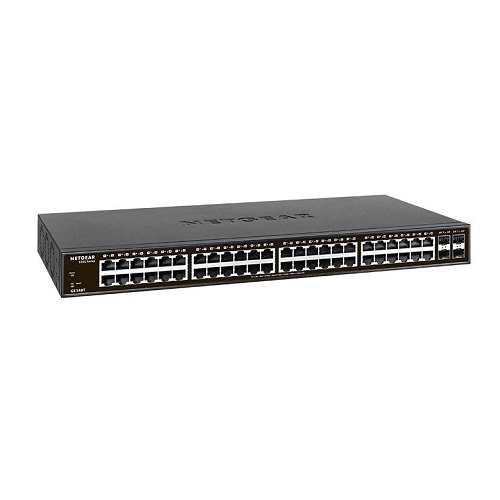
Netgear GS348 48-Port Gigabit Unmanaged Rackmount Switch
Exclusive of all taxes
Product Details
Key Features
Model: GS348
Gigabit ports: 48- ports
Bandwidth: 96Gbps
Plug-and-play; no setup
required
MAC address database: 8K
Specification
|
Type |
Meta |
|
|
Port |
48-ports |
|
|
Network Standard |
• IEEE 802.3ab 1000BASE-T Gigabit Ethernet |
|
|
MAC Address Table |
8K |
|
|
Environment |
Operating temperature 0° to 40°C (32° to 104°F) |
|
|
LED |
Speed, Link/Activity |
|
|
Power Supply |
DC Input/Power In |
|
|
Dimensions (L x W x H) |
440 x 202 x 43 mm |
|
|
Weight |
3.15 kg |
|
|
Warranty |
1 Year |
|
Description
Netgear GS348 48 Port Gigabit Unmanaged Rackmount Switch
The Netgear GS348 48 Port
Gigabit Unmanaged Rackmount Switch includes cost-effective networking
capabilities. It includes 48 gigabit Ethernet ports that can be used for any
10-100-1000Mbps link. The Netgear switch has 48-ports gigabit and provides up
to 1000Mbps of dedicated, non-blocking bandwidth at each port. This Netgear
GS348 switch provides fast plug-and-play connectivity as well as
auto-negotiation with auto MDI/MDI-X. This product integrates a new 10-1000Mbps
device with your network. The Netgear JGS524 has various features such as Jumbo
Frame Support, full duplex network speed, auto-switching with an auto-sensing
ethernet connector, Plug and play, and power that is simple to use and fast.
The switch features 48 ports RJ-45 Ethernet connections and a switching bandwidth
of 96Gbps. This switch contains 1.5MB of RAM and an 8K MAC address. The Netgear
GS348 switch provides energy efficiency as well as the dependability that
businesses want. Unmanaged switch speed 802.1p traffic prioritization and frame
support is included with the Netgear switch for simple integration with more
advanced networks. The Netgear GS348 48 Port Rackmount Switch comes with 01
year of warranty.
How to Order
Revolution Technology BD has made shopping easier for customers. Follow these steps:
- Click Register Button from home page
- Register with: Name + Email + Mobile + Password
- Click Create Account after entering information
- Login automatically or use Login button
- Provide mobile number and password, then Sign Up
- Choose desired product and click Buy Now
- View product details and click Add to Cart
- Click Item box (upper right corner)
- Go to Shopping Cart page
- Continue Shopping for more products or proceed
- Click "Click Here to Address" button
- Provide Full Name, Phone, Email & Delivery Address
- Click Order Submit button
- View Bill Invoice and receive email confirmation
- Print Invoice using Print button
- Wait for delivery - we'll keep you updated
- Thank you for shopping with us!