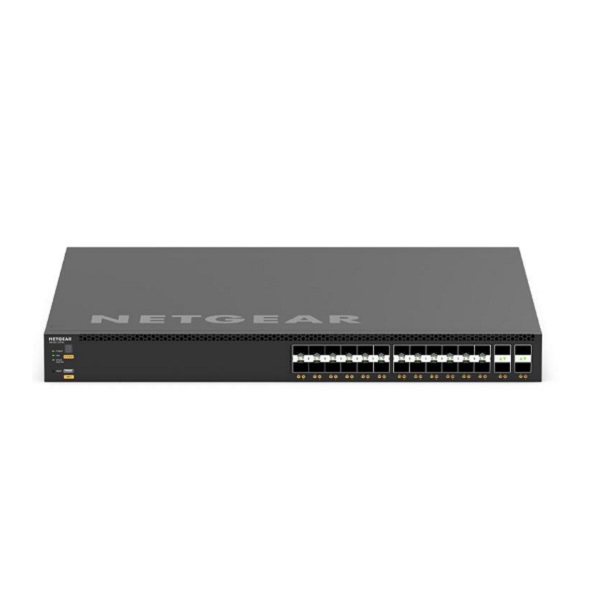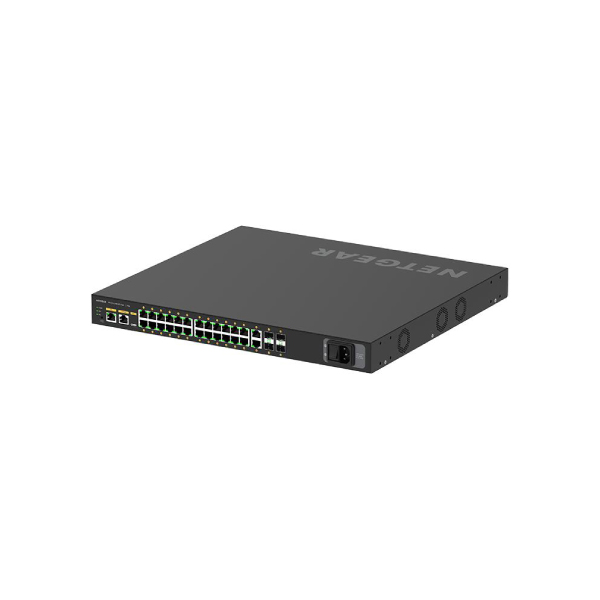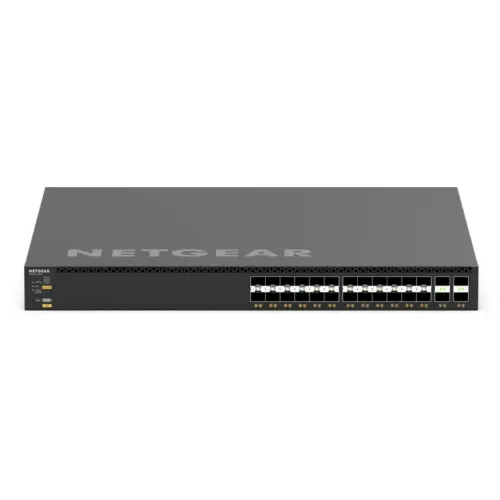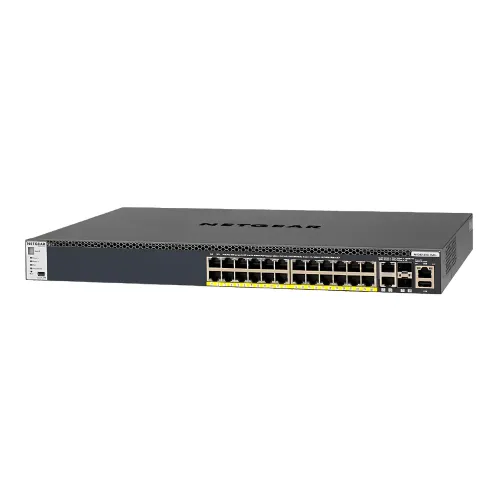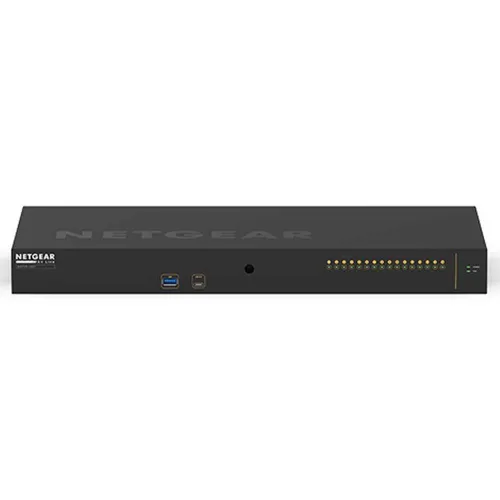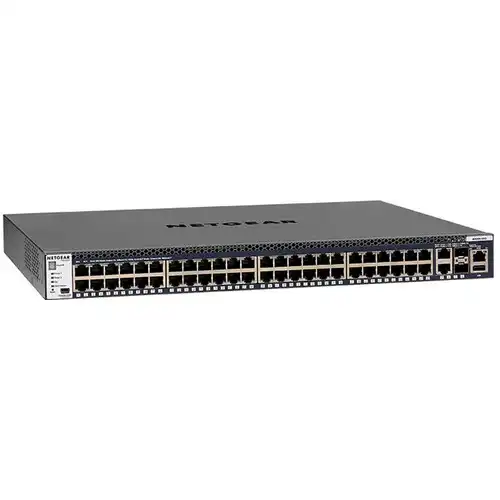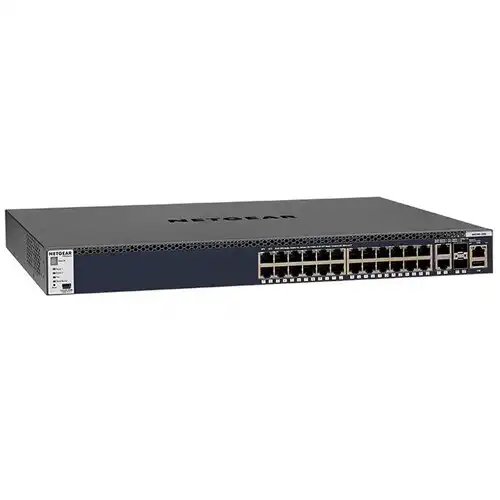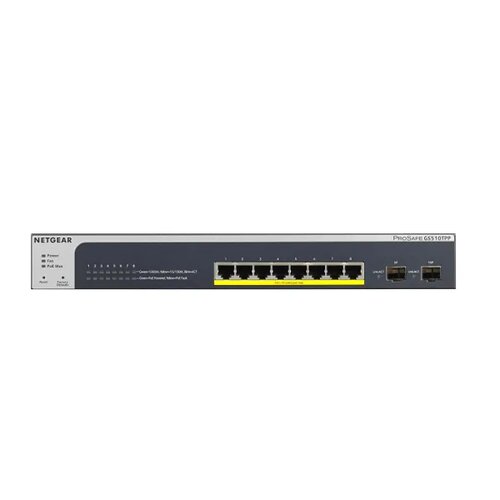
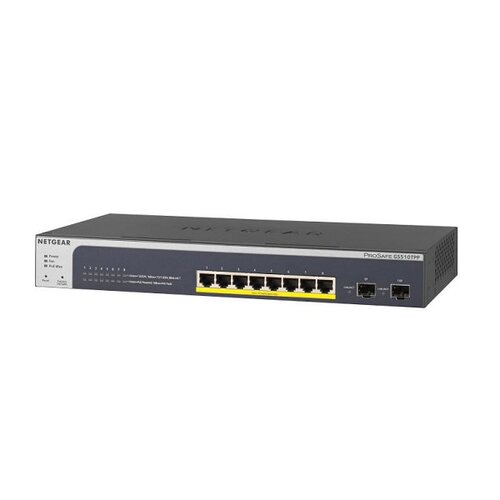
Netgear GS510TPP 8-Port 1G PoE+ + 2-Port 1G SFP Manage Rackmount Switch (PoE Budget 190W)
Contact us for pricing
Product Details
Key
Features
Model: ProSAFE 8-Port
10/100/1000 PoE+ Smart Switch with 2 Gigabit SFP Ports
10/100Mbps ports: N/A
Gigabit ports: 8
Specification
|
Model |
ProSAFE® 8-Port 10/100/1000 PoE+ Smart Switch with 2
Gigabit SFP Ports |
|
10/100/1000 Mbps
ports |
N/a |
|
Gigabit ports |
8 |
|
SFP ports |
02 |
|
PoE+ (802.3at) |
08 |
|
Total PoE Power
budget (Watts) |
190W |
|
Max MAC entries |
16k |
|
Buffer size |
1.5MB |
|
VLAN (Number
Supported) |
256 |
|
VLAN routing |
Yes |
|
Dynamic VLAN
assignment |
|
|
MLD Snooping |
|
|
EEE |
|
|
DoS Prevention |
|
|
Internal/External |
100-240VAC 50-60Hz |
|
Max consumption
(Watts) |
225W |
|
FAN |
1 |
|
Acoustic Noise
Level @25C (dBA) |
32 |
|
Operating
Temperature |
0 to 50 Degree C |
|
MTBF |
1,509,979 hrs |
|
Warranty |
Limited Lifetime |
Description
Great choice of PoE options
As a leading provider of network equipment for SMBs,
NETGEAR understands the importance of providing PoE options that can adapt to
the business’s needs, whether in the hospitality, catering, education or retail
domains
IEEE 802.3at PoE+
PoE devices encompass VoIP phones, IP Security Cameras,
Wireless access points, proximity sensors, door locks and other IoT devices.
Wave 2 802.11ac access points and PTZ cameras increasingly require 30W (PoE+).
SOFTWARE
FEATURES
Dynamic VLAN Assignment
IP phones and PCs can authenticate on the same port but
under different VLAN assignment policies. Users are free to move around and
enjoy the same level of network access regardless of their physical location in
the network.
Static
Routing
A simple way to provide segmentation of the network with
internal routing through the switch – reserving the router for external traffic
routing only, making the entire network more efficient.
How to Order
Revolution Technology BD has made shopping easier for customers. Follow these steps:
- Click Register Button from home page
- Register with: Name + Email + Mobile + Password
- Click Create Account after entering information
- Login automatically or use Login button
- Provide mobile number and password, then Sign Up
- Choose desired product and click Buy Now
- View product details and click Add to Cart
- Click Item box (upper right corner)
- Go to Shopping Cart page
- Continue Shopping for more products or proceed
- Click "Click Here to Address" button
- Provide Full Name, Phone, Email & Delivery Address
- Click Order Submit button
- View Bill Invoice and receive email confirmation
- Print Invoice using Print button
- Wait for delivery - we'll keep you updated
- Thank you for shopping with us!