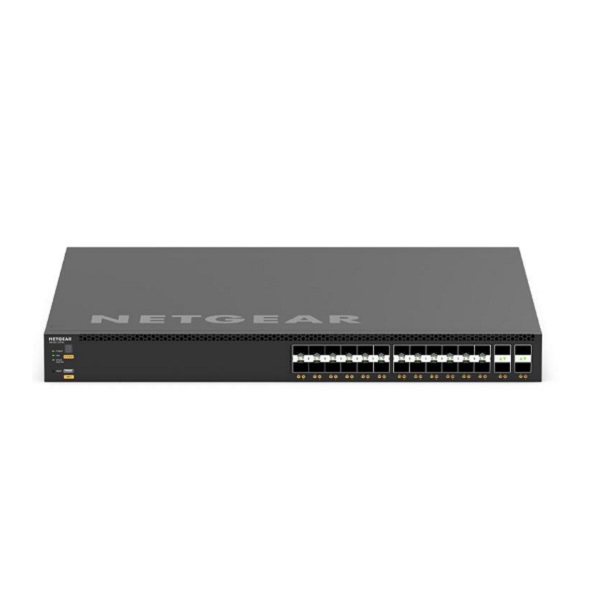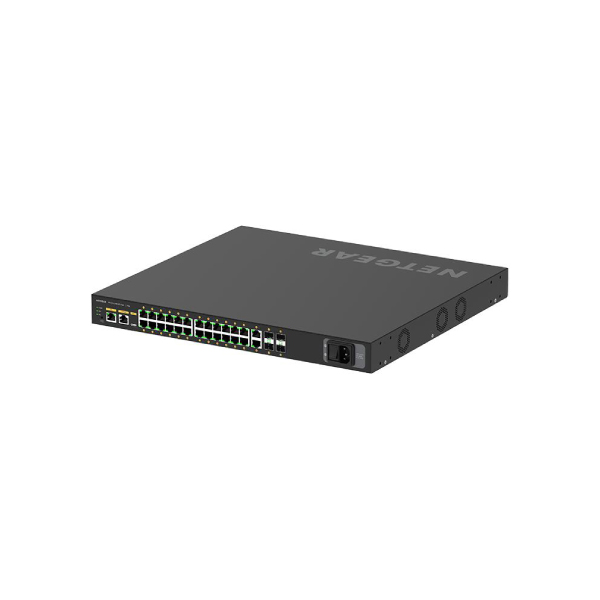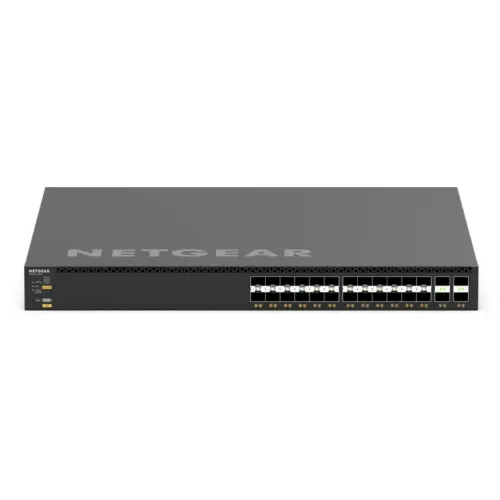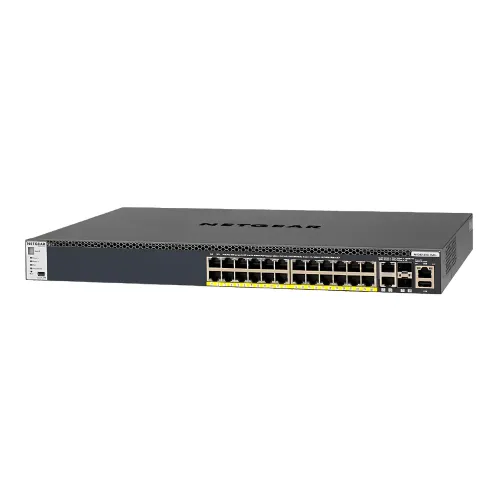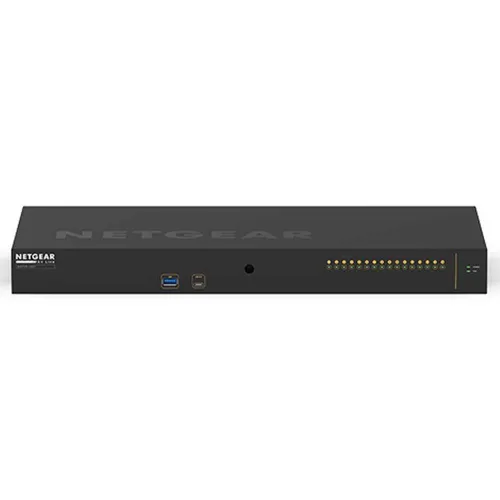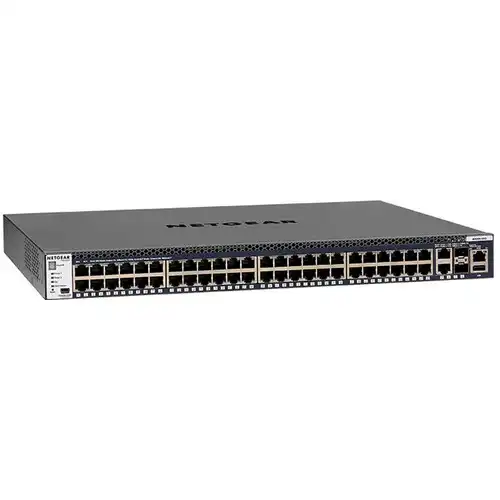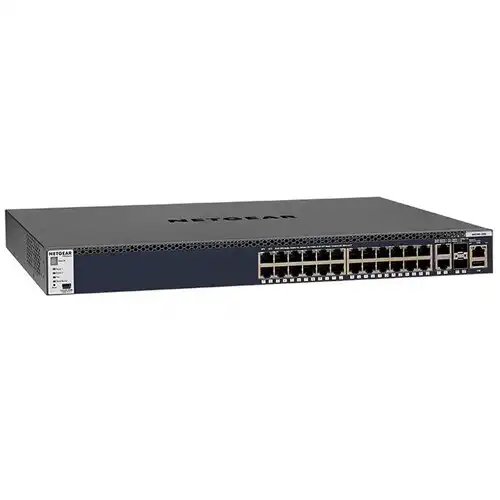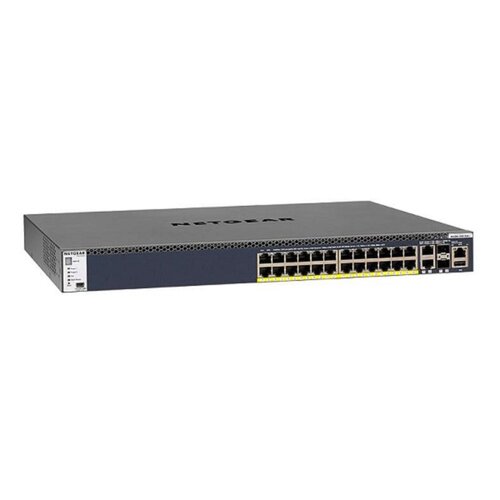
Netgear GSM4328PA M4300-28G PoE+ 24-Ports 1G PoE+ + 2-Port 10G + 2-Port SFP+ AV Line L2 Managed Rackmount Switch (Default PoE Budget 480W)
Contact us for pricing
Product Details
Key Features
24 Ports PoE+ Copper 10M /
100M / 1G
2 Ports Copper 100M / 1G / 10G
2 Ports SFP+ 1G / 10G
Specification
|
Model Number |
GSM4328PA |
|
PoE
Budget (110V) |
480W w/1 PSU,
480W w/2 PSUs in RPS mode, 720W w/2 PSUs in EPS mode |
|
Copper
Ports |
24 Ports PoE+
Copper 10M/100M/1G |
|
SFP+
Ports |
2 Ports SFP+
1G/10G |
|
Power
Supply |
2 Modular Bays
with One (1) 550W Modular PSU included (APS550W) |
|
Switching
Fabric |
128 Gbps |
|
Fan
Noise |
Fixed Fan
Front-to-Back 39.8dB |
|
Management
Ports |
Ethernet:
Out-of-band 1G port (Front) |
|
Management
Platform |
Single-pane-of-glass
NMS300 management platform with mass-configuration support |
|
Firmware
Features |
Dual firmware
image and configuration file for updates with minimum service interruption |
Description
Business Continuity Management
Full-width switches offer dual
redundant, modular power supplies (select m4300 models)
High Availability (HA)
Non-stop forwarding (NSF)
virtual chassis architectures with hitless failover across the stack
Multi-Resiliency
Stacking and distributed link
aggregation allow for zero downtime and load balancing capabilities
PVST+ Interoperability
Per VLAN Spanning Tree and Per
VLAN Rapid Spanning Tree (PVSTP/PVRSTP)
Link Dependency
Enables or disables ports
based on link state of different ports
Advanced IPv4/IPv6 security
Malicious code detection, DHCP
Snooping, IP Source Guard protection and DoS attacks mitigation
How to Order
Revolution Technology BD has made shopping easier for customers. Follow these steps:
- Click Register Button from home page
- Register with: Name + Email + Mobile + Password
- Click Create Account after entering information
- Login automatically or use Login button
- Provide mobile number and password, then Sign Up
- Choose desired product and click Buy Now
- View product details and click Add to Cart
- Click Item box (upper right corner)
- Go to Shopping Cart page
- Continue Shopping for more products or proceed
- Click "Click Here to Address" button
- Provide Full Name, Phone, Email & Delivery Address
- Click Order Submit button
- View Bill Invoice and receive email confirmation
- Print Invoice using Print button
- Wait for delivery - we'll keep you updated
- Thank you for shopping with us!