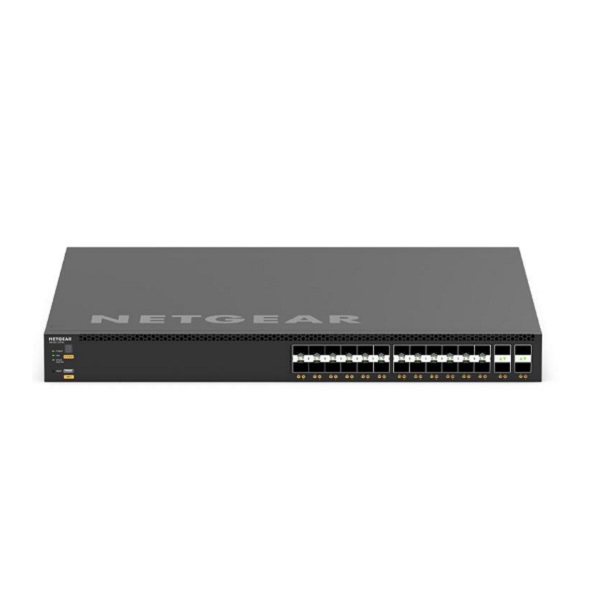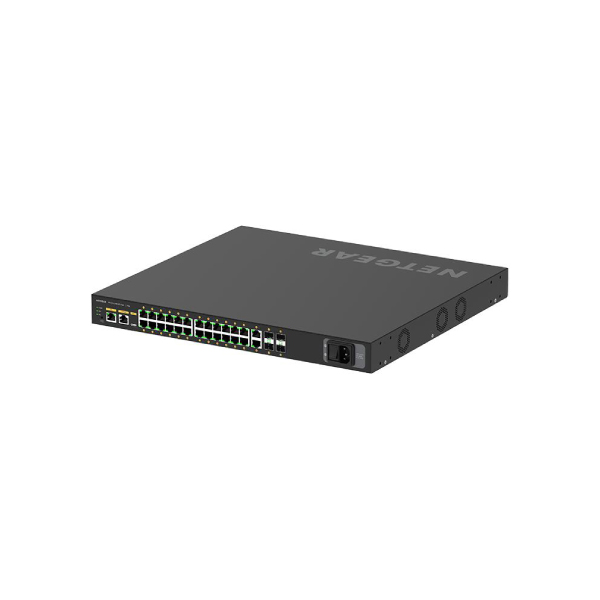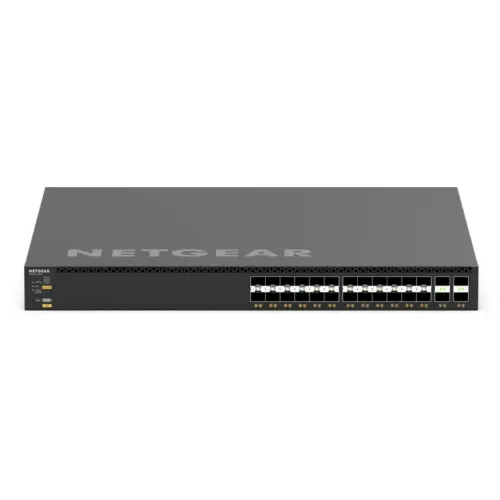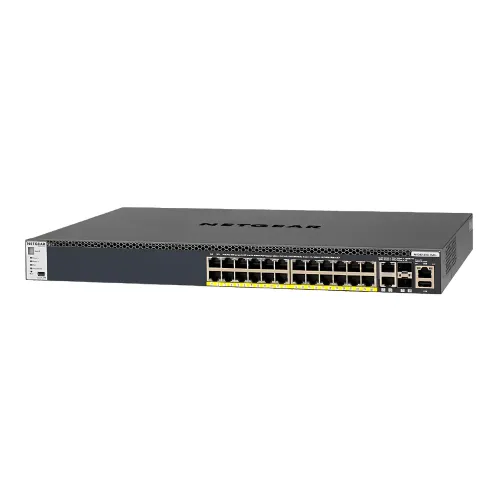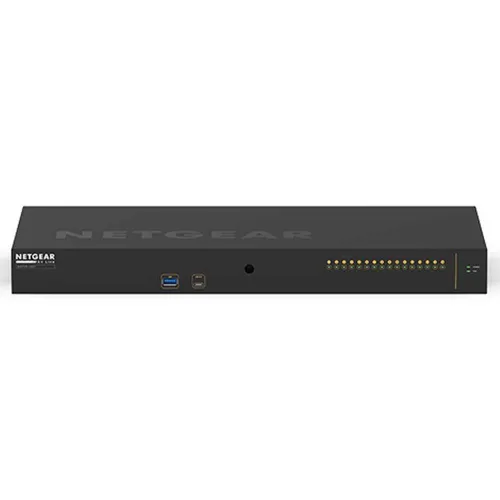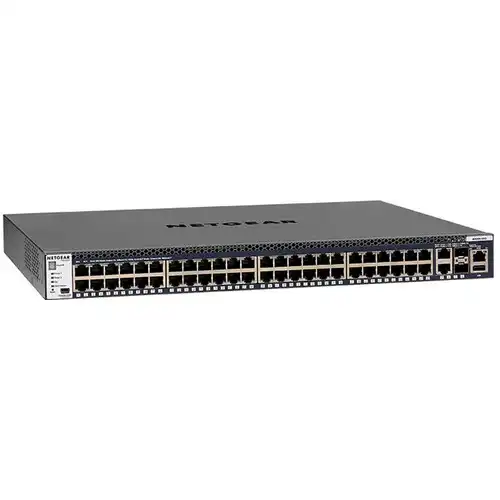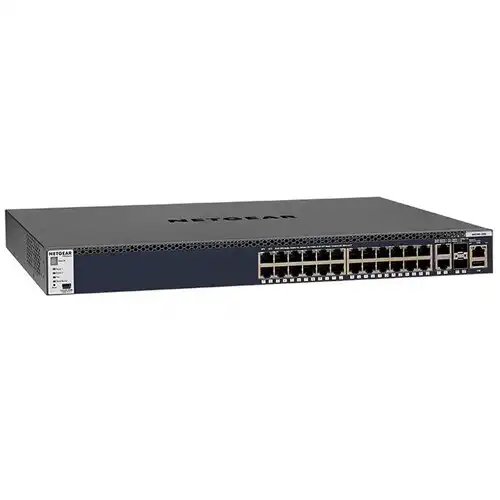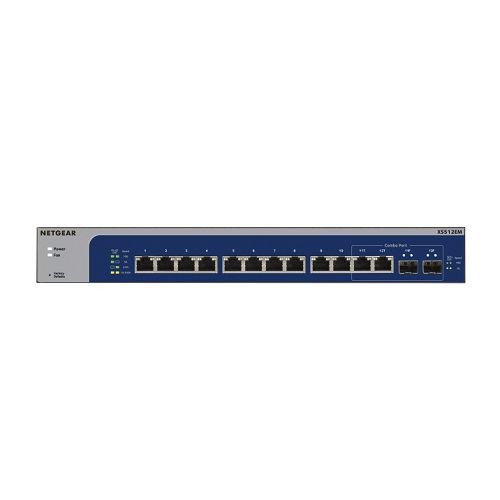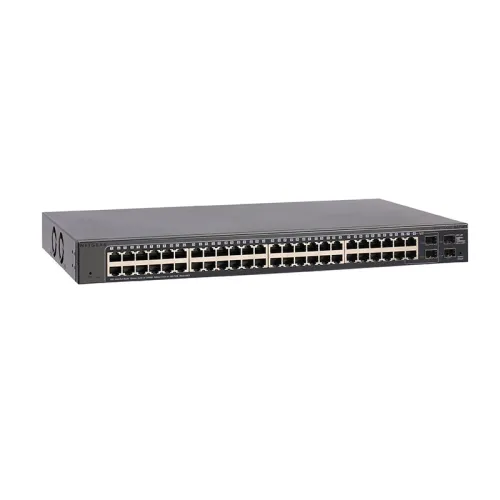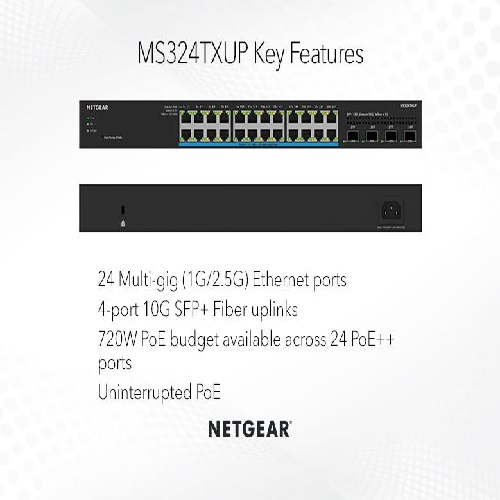
Netgear MS324TXUP 24-Port Multi-Gigabit (2.5G) Ethernet Ultra60 PoE++ Smart Switch with 4 SFP+ Ports
Contact us for pricing
Product Details
Key Features
24 Multi-Gigabit 1G/2.5G ports
with 4 10G SFP+ ports
24 Ultra60 PoE++ ports with
uninterrupted PoE
High-powered 720W PoE budget
Energy Efficient Ethernet for
maximum power savings
Quiet desktop or rackmount
operation
Configurable L2/L2+ network
features
NETGEAR Insight Remote Cloud
Management
Lifetime Limited Warranty
Specification
|
Width |
440mm |
|
Depth |
310mm |
|
Height |
43.2mm |
|
Weight |
9.78lb (4.435kg) |
|
Multi-gigabit
copper ports |
24 (1G/2.5G) |
|
SFP+ ports |
4 |
|
Number of PoE++
(802.3bt) ports |
24 |
|
Total PoE Power
budget |
720 Watts |
|
Uninterrupted PoE |
Yes |
|
Max MAC entries |
32K |
|
Buffer size |
2 MB |
|
VLAN (Number
Supported) |
256 |
|
VLAN Routing |
Yes |
|
Dynamic VLAN
assignment |
|
|
MLD Snooping |
|
|
Static route |
Yes (32) |
|
Host ARP table |
512 ARP |
|
EEE |
Yes |
|
DoS Prevention |
|
|
Internal/External
PSU |
Internal |
|
Max power (worst
case, all ports used, line-rate traffic) |
765W |
|
Fans |
02 |
|
Acoustic Noise
Level @25C |
38.0 dBA |
|
Operating Temperature |
0° to 50° C (32° to 122°F) |
|
MTBF |
1,017,939 hrs (116.12 yrs) |
Netgear MS324TXUP 24-Port Multi-Gigabit (2.5G) Ethernet
Ultra60 PoE++ Smart Switch with 4 SFP+ Ports
The MS324TXUP provides 24
ports of 2.5G Ethernet connectivity, which supports higher throughput than
standard 1G Ethernet, ideal for modern networks that require faster speeds for
devices such as access points, IP cameras, and NAS storage.
This makes it a great option
for businesses that need to support multiple high-bandwidth devices without
upgrading to more expensive 10G switches.
4 SFP+ Ports
The switch includes four SFP+
(10-Gigabit) ports, designed for high-speed fiber connectivity. These ports
allow users to connect the switch to other network devices, such as storage
systems or additional switches, over long distances using fiber optic cables.
Ultra60 PoE++ Support (Power over Ethernet)
The switch supports Ultra60
PoE++ (also known as IEEE 802.3bt), which provides up to 60W of power per port.
With this, it can power
demanding devices like high-performance wireless access points (Wi-Fi 6/6E),
PTZ (pan-tilt-zoom) security cameras, and other PoE-enabled devices directly
through the Ethernet cable, eliminating the need for separate power sources.
Smart Management
This switch includes advanced
management features such as VLANs, QoS (Quality of Service), link aggregation,
and monitoring. These features help optimize network performance and security,
making the MS324TXUP ideal for both small businesses and larger enterprise
environments.
It also has an intuitive
web-based interface for configuration and management.
Robust Security and Monitoring
It provides features like port
security, ACLs (Access Control Lists), and monitoring to ensure your network is
secure and properly managed.
The switch can also be
monitored remotely, with SNMP (Simple Network Management Protocol) support.
Form Factor and Design
The switch is designed in a
rackmountable form factor, which is suitable for data centers, server rooms, or
other professional setups. It has a fanless design, meaning it operates
quietly, which is ideal for environments where noise is a concern.
Energy Efficiency
The MS324TXUP complies with
energy efficiency standards, minimizing its power consumption while still
delivering high performance. It's built with a focus on cost-effective,
sustainable operations.
Ideal Use Cases
High-performance office
environments that need efficient power distribution through PoE++.
Security camera systems, where
each camera requires significant power and bandwidth.
Wi-Fi 6 access points, which
demand multi-gigabit speeds and high-power delivery.
Data centers or smaller enterprise networks, where flexibility with high-speed fiber uplinks (via SFP+) is required.
How to Order
Revolution Technology BD has made shopping easier for customers. Follow these steps:
- Click Register Button from home page
- Register with: Name + Email + Mobile + Password
- Click Create Account after entering information
- Login automatically or use Login button
- Provide mobile number and password, then Sign Up
- Choose desired product and click Buy Now
- View product details and click Add to Cart
- Click Item box (upper right corner)
- Go to Shopping Cart page
- Continue Shopping for more products or proceed
- Click "Click Here to Address" button
- Provide Full Name, Phone, Email & Delivery Address
- Click Order Submit button
- View Bill Invoice and receive email confirmation
- Print Invoice using Print button
- Wait for delivery - we'll keep you updated
- Thank you for shopping with us!