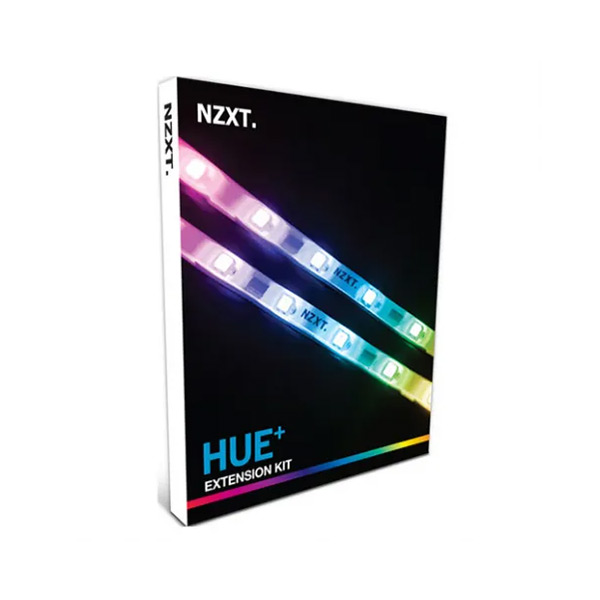
NZXT HUE+ (AC-HPL03-10) Extension Kit
Contact us for pricing
Product Details
Key feature
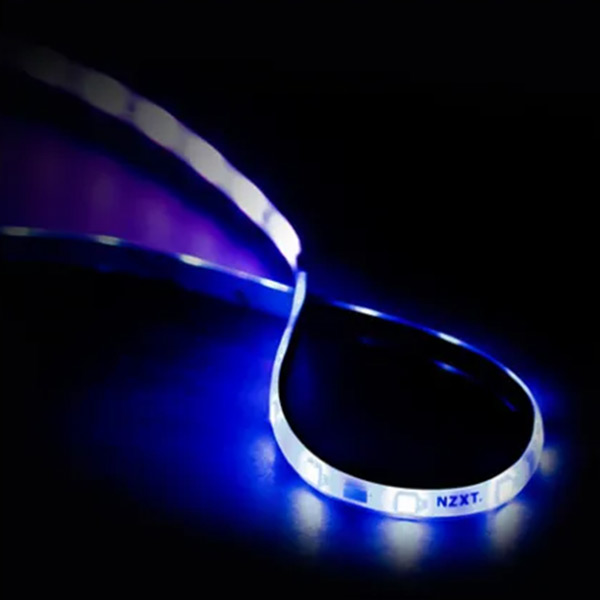
LED
strips to the HUE+ supporting up to 40 LEDs per channel
Numerous
lighting modes and countless customization options
Double-Sided
Tape & Magnet Mounting
Digital
Controlled With CAM Software
2-Years
Brand Warranty
Specification
|
Model |
AC-HPL03-10 |
|
Type |
Lighting
& Decor |
|
LED Color |
Color
Changing RGB |
|
LED Strips |
2 |
|
LED Strip
Dimensions |
Length:
300 mm, 10-LEDWidth: 10 mm |
|
Mounting |
3M
Double-Sided Tape & Magnets |
|
Cable
Finish |
Black
Rubber |
|
System
Requirements |
Requires
HUE+ Advanced PC Lighting Device (sold separately) |
|
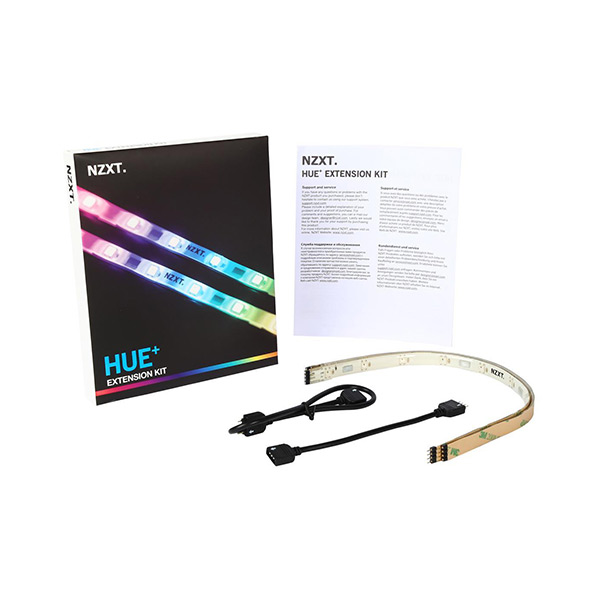
Included
Accessories |
1 × 300 mm
Extension Cable, 1 × 100 mm Extension Cable |
|
Warranty |
2 Years
Brand Warranty |
Description
NZXT
(AC-IUSBH-M3) Internal USB 2.0 Expansion Hub - Black
NZXT
(AC-IUSBH-M3) Internal USB 2.0 Expansion Hub - Black extends more connectivity
to your computer for supporting up to four additional internal USB 2.0 devices.
This ideal solution for systems with limited USB headers has a total of four
internal USB 2.0 ports and one main port connecting to the motherboard.
Installation is easy, thanks to its magnetic body and 3M dual lock tapes that
help position the hub in place within your PC case. Due to its compact design,
it easily tucks away, keeping your setup neat. For power stability, it connects
through a SATA power connection to ensure fluent running of all the devices
connected to it without affecting performance. The NZXT Internal USB Hub is
compatible with any PC and grants the easiest solution for adding more USB
ports in your rig, keeping them organized. It controls extra devices such as
liquid coolers, RGB controllers, and more inside your build.
How to Order
Revolution Technology BD has made shopping easier for customers. Follow these steps:
- Click Register Button from home page
- Register with: Name + Email + Mobile + Password
- Click Create Account after entering information
- Login automatically or use Login button
- Provide mobile number and password, then Sign Up
- Choose desired product and click Buy Now
- View product details and click Add to Cart
- Click Item box (upper right corner)
- Go to Shopping Cart page
- Continue Shopping for more products or proceed
- Click "Click Here to Address" button
- Provide Full Name, Phone, Email & Delivery Address
- Click Order Submit button
- View Bill Invoice and receive email confirmation
- Print Invoice using Print button
- Wait for delivery - we'll keep you updated
- Thank you for shopping with us!