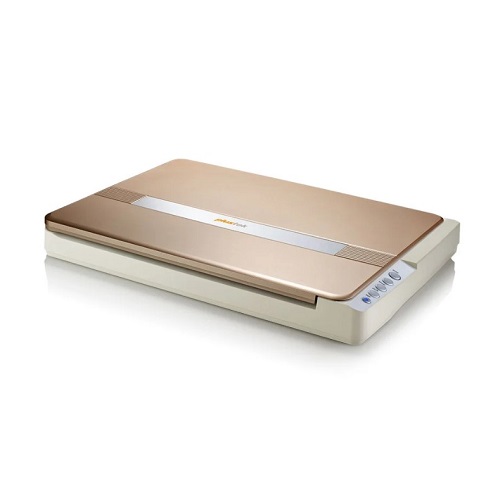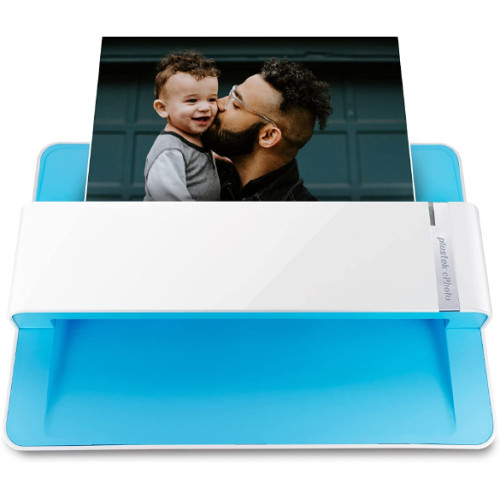
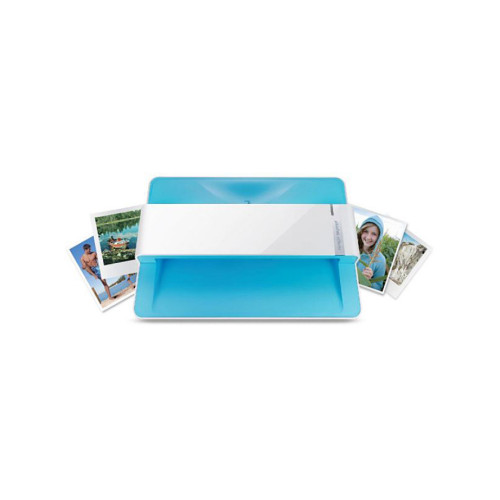
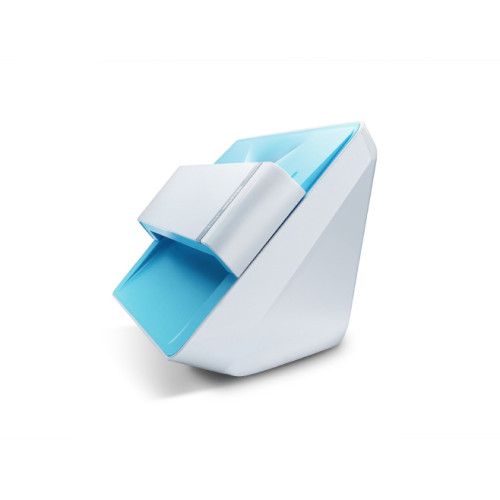
Plustek ePhoto Z300 Photo and Document Scanner
Exclusive of all taxes
Product Details
Key Features
Model: ePhoto Z300
Image Sensor: Color CCD
Optical Resolution: 300 DPI/
600 DPI
Scanning Speed: Approx. 2 sec
(Photo) & 5 sec. (Doc)
Light Source: LED
Specification
|
Type |
Color CCD |
|
Resolution |
300 DPI/ 600 DPI |
|
Interface |
USB 2.0 |
|
Speed |
4”x6” Photo: Approx. 2 sec. |
|
Others |
Scan Size: Letter, A4, A5, A6 Scanning Capability: Color, Grayscale, Monochrome Media Type: Business Card, Photos, Envelope, Index Card,
Receipts, Artwork Paper Weight: Non-embossed: 0.76 mm or less Light Source Type: LED Image Sensor: Color CCD Processor Speed: 2.0 GHz |
|
Weight |
1.48 Kg (3.26 Lbs) |
|
Dimensions |
289.9 mm x 160.6 mm x 158 mm (11.4” x 6.3” x 6.2”) |
|
Warranty |
1 Year |
Description
Plustek ePhoto Z300 Photo and Document Scanner
The PLUSTEK ePHOTO Z300 Photo
scanner is fast. At a speed of 2 seconds per 4x6”photo, you can convert about
1000 photos to digital files in one afternoon. The automatic scan feature of
ePhoto automatically scans photos as soon as they inserted in the scanner.
After the photo is scanned, it is ejected and ePhoto is ready to scan another
photo. This makes ePhoto much more efficient than a flatbed. Have you ever been
reminded of an event in your life by looking at old photos? You can’t let these
memories fade away. These are the moments that matter, with the help of this
scanner you can bring your paper photos back to life! ePhoto is extremely
simple to use, but it contains state of the art imaging technologies to ensure
your scanned images look better than the original. ePhoto is also a document
scanner so you can scan receipts, recipes or any documents you want to save or
share with your family and friends. This PLUSTEK ePHOTO Z300 Photo And
Documents Quick Scanner has 01 Year Warranty.
How to Order
Revolution Technology BD has made shopping easier for customers. Follow these steps:
- Click Register Button from home page
- Register with: Name + Email + Mobile + Password
- Click Create Account after entering information
- Login automatically or use Login button
- Provide mobile number and password, then Sign Up
- Choose desired product and click Buy Now
- View product details and click Add to Cart
- Click Item box (upper right corner)
- Go to Shopping Cart page
- Continue Shopping for more products or proceed
- Click "Click Here to Address" button
- Provide Full Name, Phone, Email & Delivery Address
- Click Order Submit button
- View Bill Invoice and receive email confirmation
- Print Invoice using Print button
- Wait for delivery - we'll keep you updated
- Thank you for shopping with us!