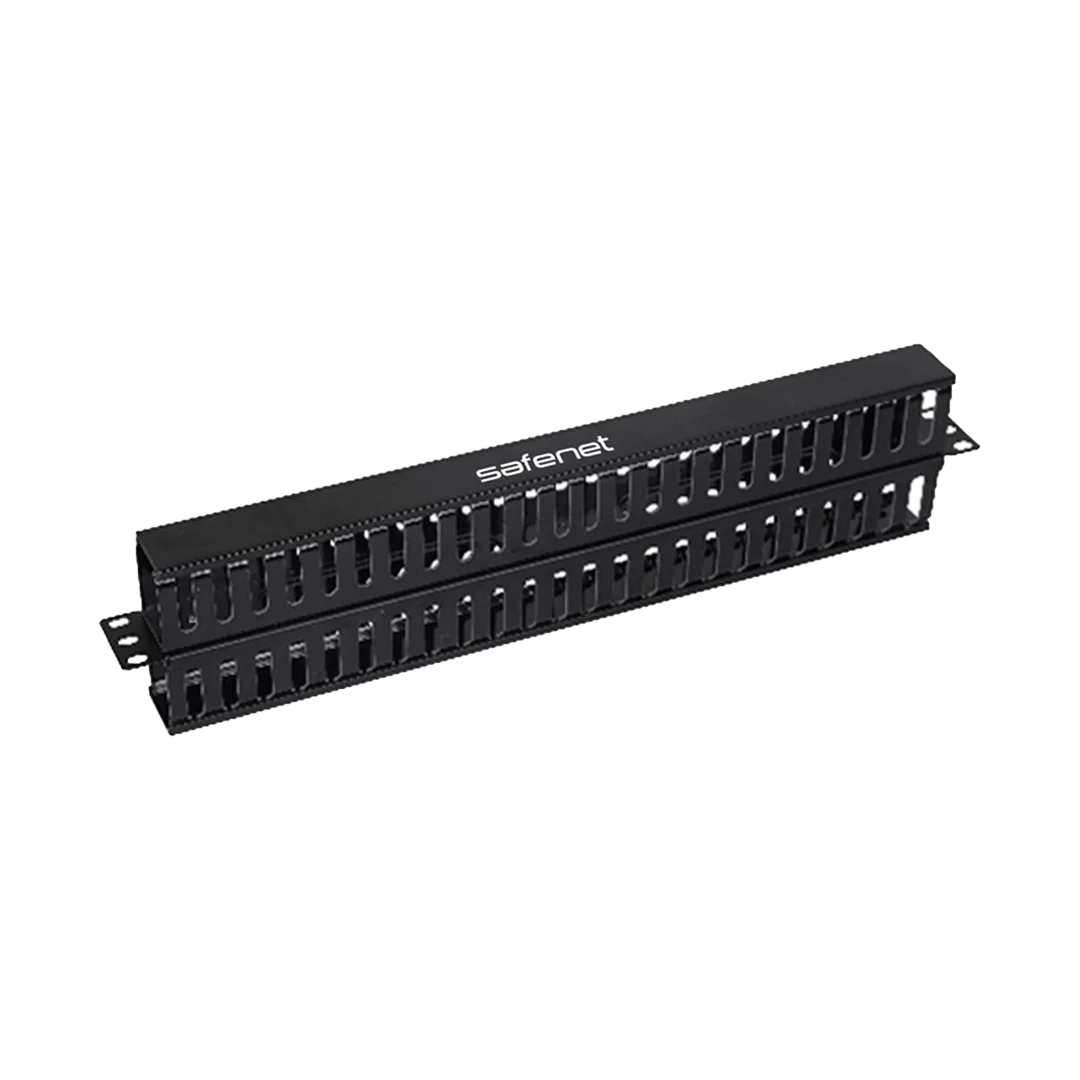
Safenet Horizontal Cable Manager with Front and Rear Duct
Contact us for pricing
Product Details
Key Features
Front & rear duct
design for efficient cable routing on both sides
1U, 19-inch rack
compatibility for standard server cabinets
Durable construction
(SPCC steel/plastic) for long-term use
Improves airflow and
passive cooling by keeping cables organized
Reduces cable clutter
and stress on connections
Easy installation on
standard rack systems
Professional, clean
appearance for structured cabling setups
Description
The Safenet Horizontal Cable Manager with Front and Rear Duct is a rack-mounted cable management accessory designed to organize and route network and power cables neatly within standard 19-inch enclosures. It helps reduce cable clutter, improves airflow, and ensures easy access for maintenance in server racks and data centers.
Benefit
Improved cable organization: Keeps cables neatly arranged and separated,
preventing tangling and clutter inside the rack
Better airflow & cooling: Proper cable routing prevents blockage of ventilation
paths, helping maintain efficient cooling and reducing overheating risk
Easy maintenance & troubleshooting: Organized cables are easier to trace, identify, and
manage during upgrades or fault-finding
Reduced strain on cables & connectors: Supports cables properly, preventing sagging and
minimizing stress on ports, which improves reliability
Faster installation and upgrades: Makes it simpler to add or remove cables without
disturbing existing connections
Enhanced rack appearance: Creates a clean, professional look in server rooms and
data centers
Improved system reliability: Organized and protected cabling reduces the chance of
failures and downtime over time
How to Order
Revolution Technology BD has made shopping easier for customers. Follow these steps:
- Click Register Button from home page
- Register with: Name + Email + Mobile + Password
- Click Create Account after entering information
- Login automatically or use Login button
- Provide mobile number and password, then Sign Up
- Choose desired product and click Buy Now
- View product details and click Add to Cart
- Click Item box (upper right corner)
- Go to Shopping Cart page
- Continue Shopping for more products or proceed
- Click "Click Here to Address" button
- Provide Full Name, Phone, Email & Delivery Address
- Click Order Submit button
- View Bill Invoice and receive email confirmation
- Print Invoice using Print button
- Wait for delivery - we'll keep you updated
- Thank you for shopping with us!