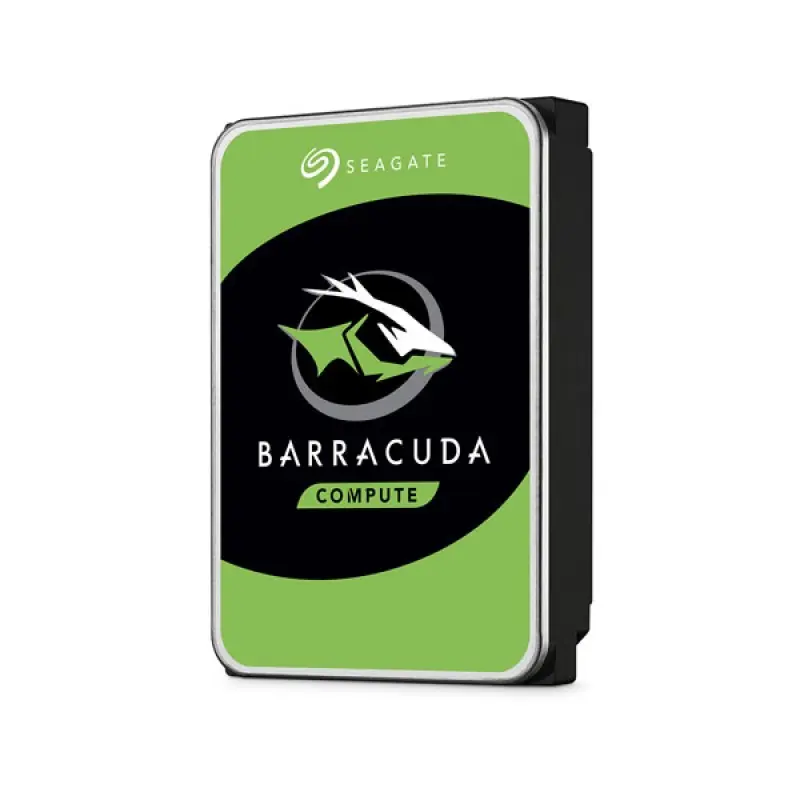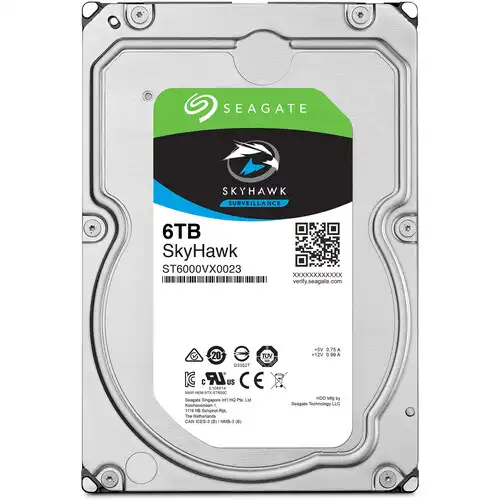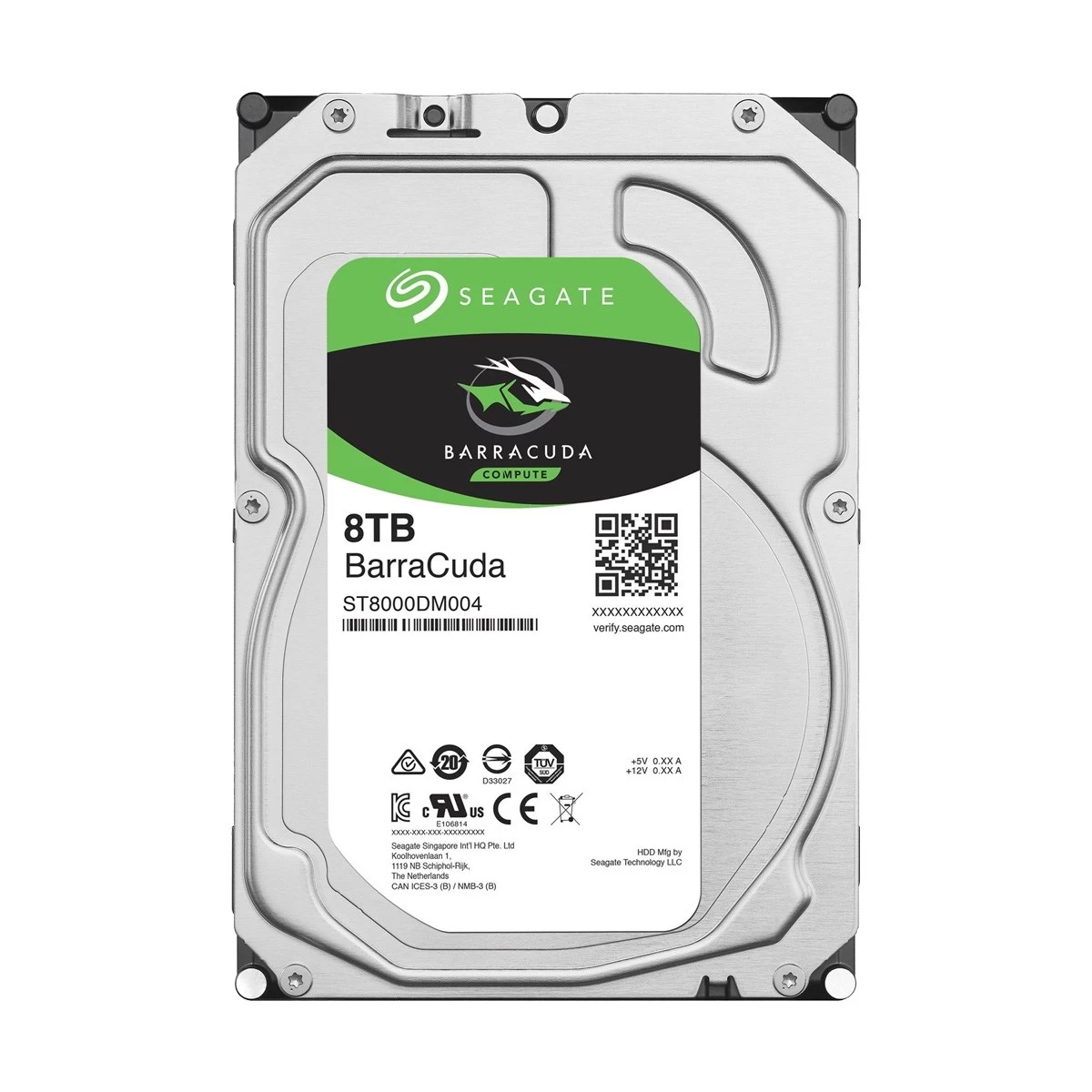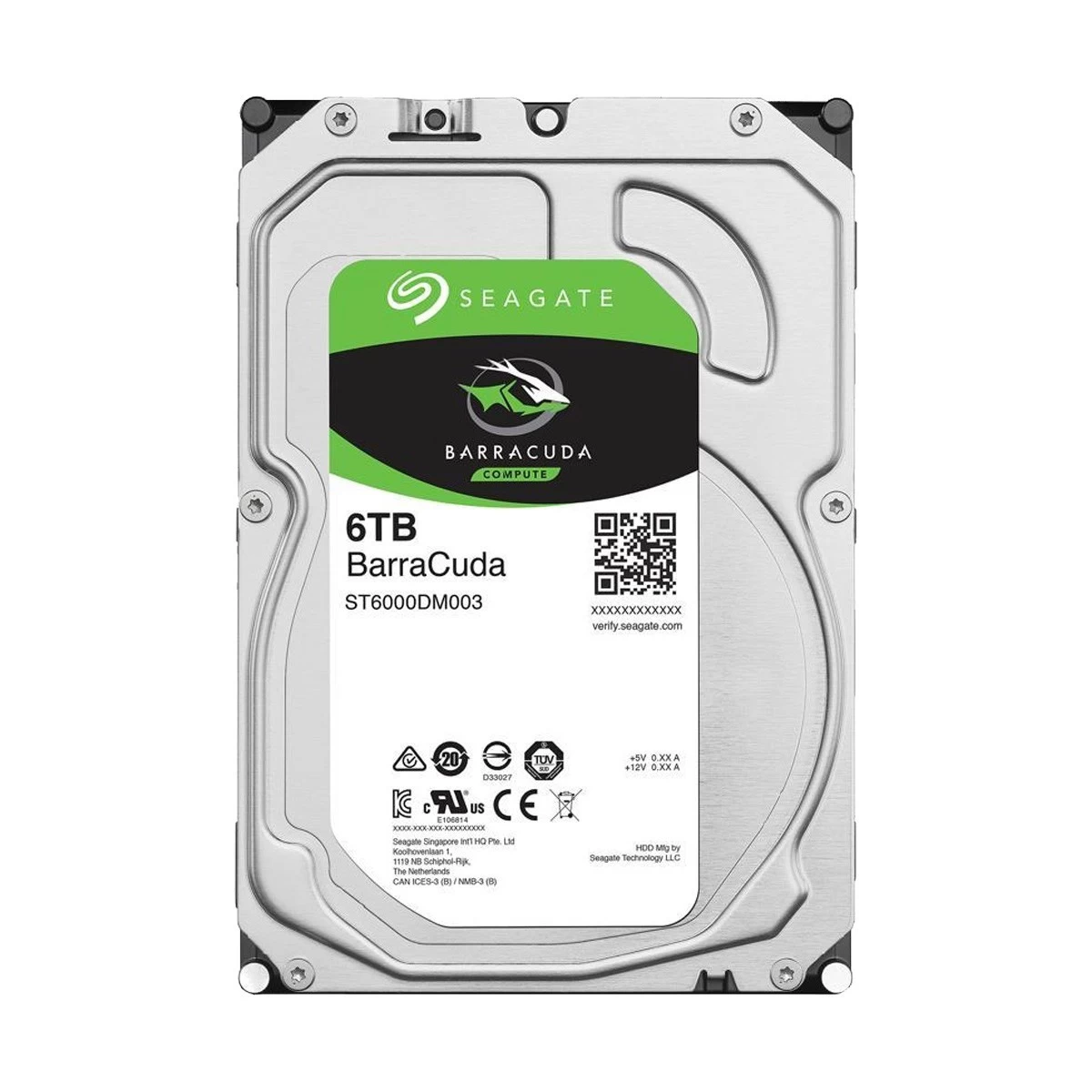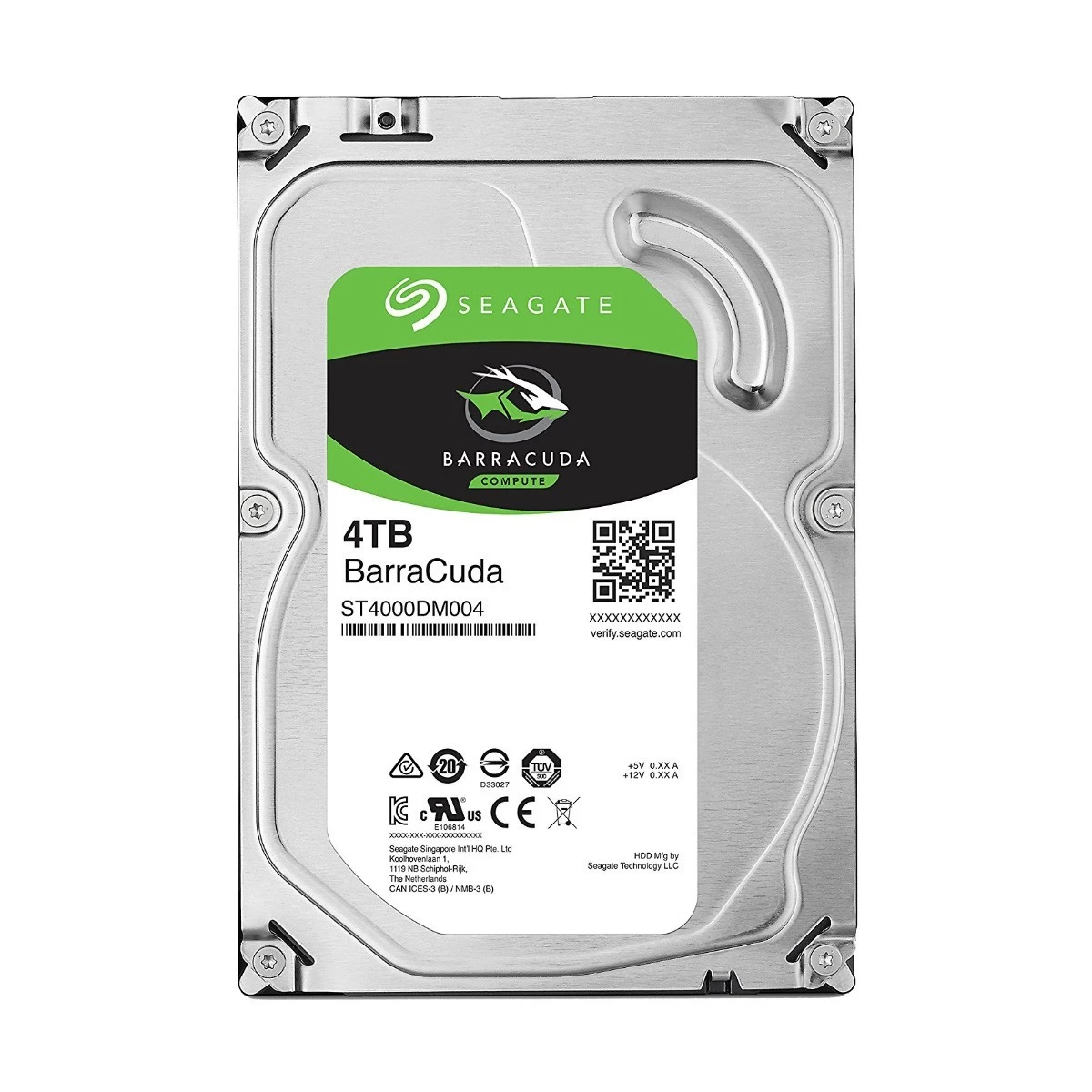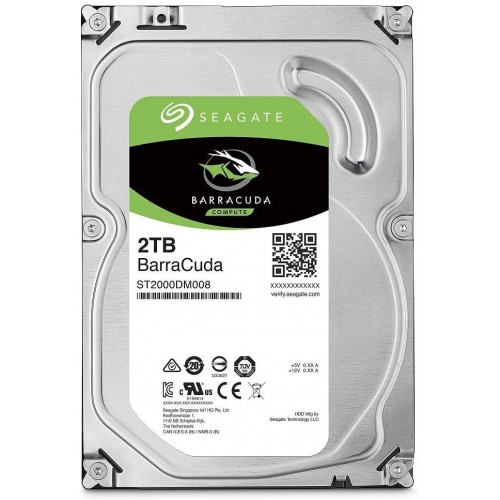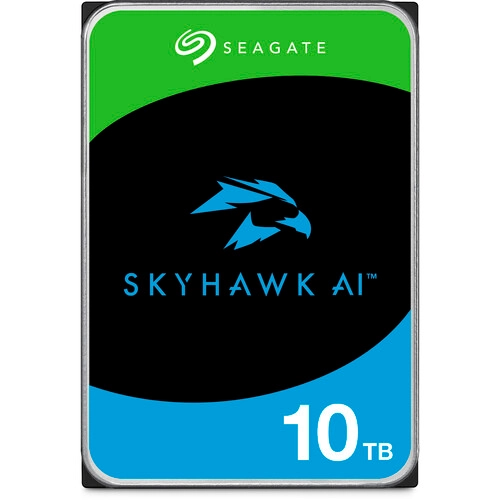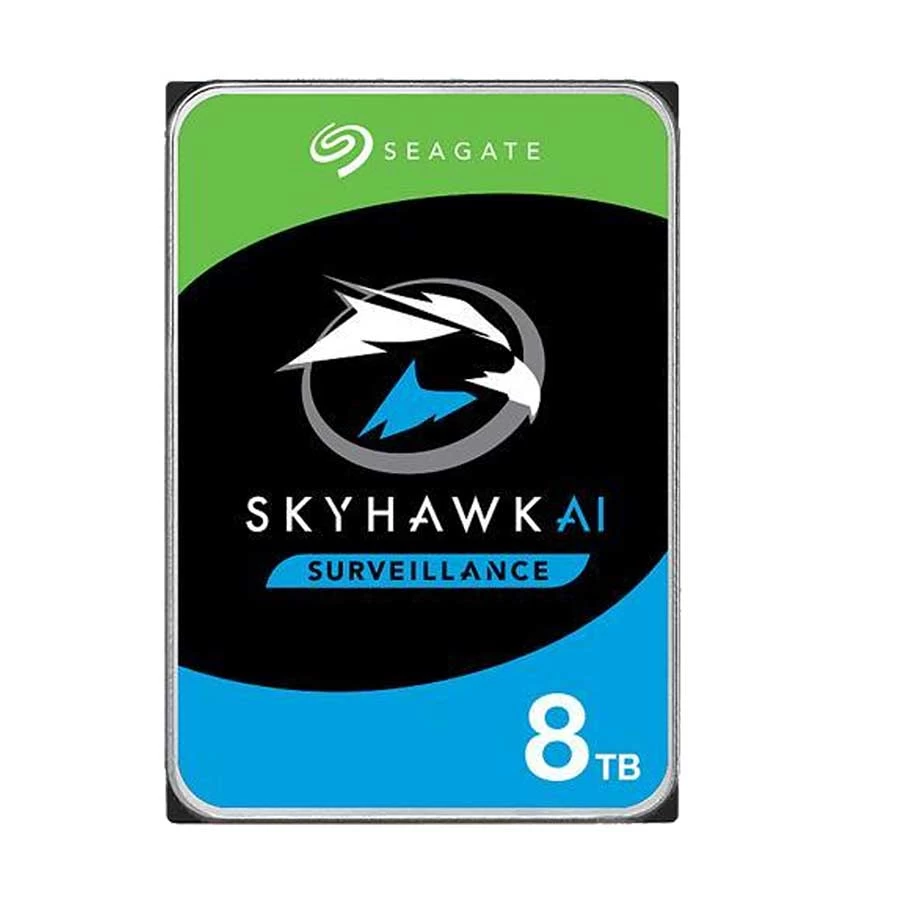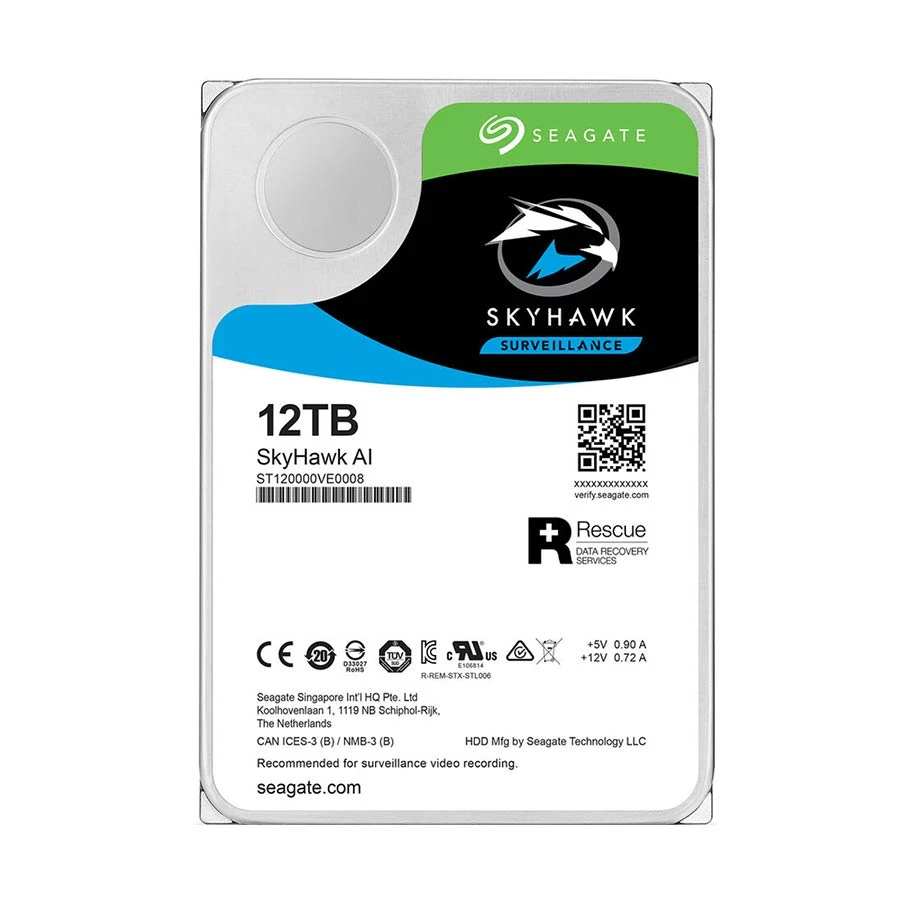



Seagate SkyHawk AI 12TB 3.5" Surveillance HDD
Contact us for pricing
Product Details
Key Features
MPN: ST12000VE001
Model: SkyHawk AI
Capacity: 12TB Storage
SATA III 6 Gb/s Interface, 256MB Cache
600,000 Load/Unload Cycles, Internal Data Rate: 255 MB/s
Designed for 24/7 Surveillance, 2.5 Million Hours MTBF
| Specification | |
|---|---|
| Type | Internal |
| Capacity | 12TB |
| Interface | SATA 6.0Gb/s |
| Form Factor | 3.5 Inch |
| Dimensions | 146.81 x 101.85 x 25.91 mm |
| RPM | 7200 |
| Read/Write Speed | 255 MB/s |
| Load/Unload Cycles | 600,000 |
| MTBF | 2.5 Million Hours |
| Supported Voltage | 5 VDC, 12 VDC |
| Operating Shock | 50 G / 2.0 ms |
| Storage Shock | 200 G / 2.0 ms |
| Operating Vibration | 2.27 G / 2 to 500 Hz |
| Warranty | 5 years |
Description
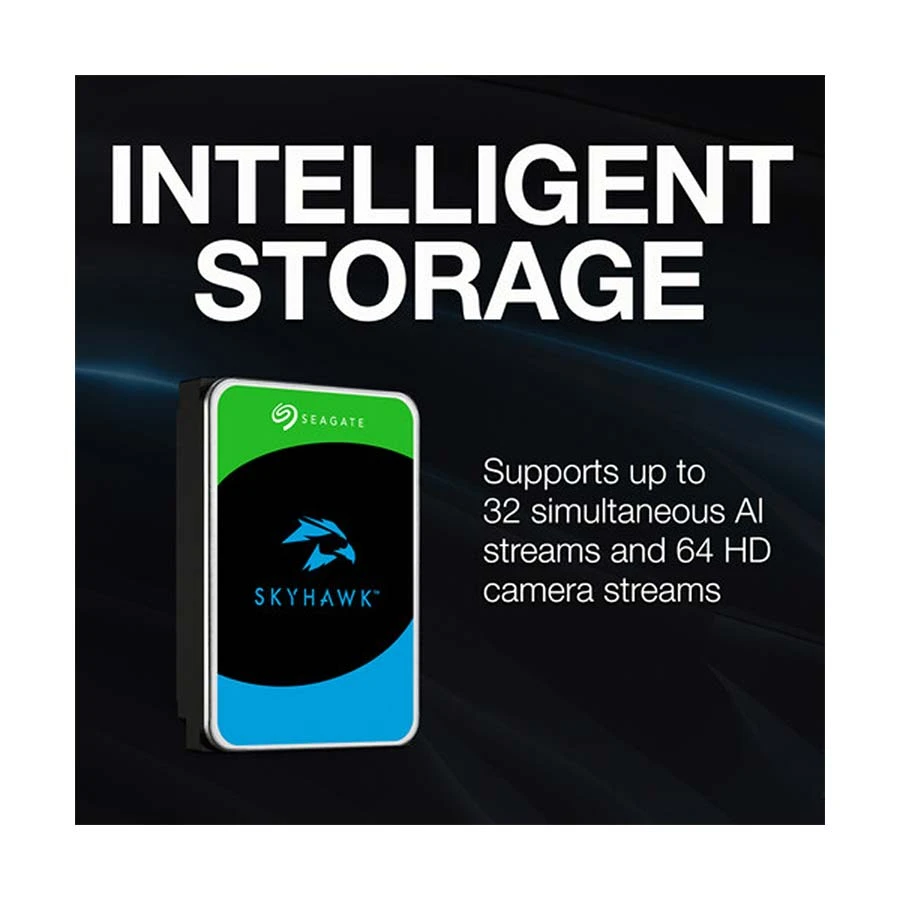
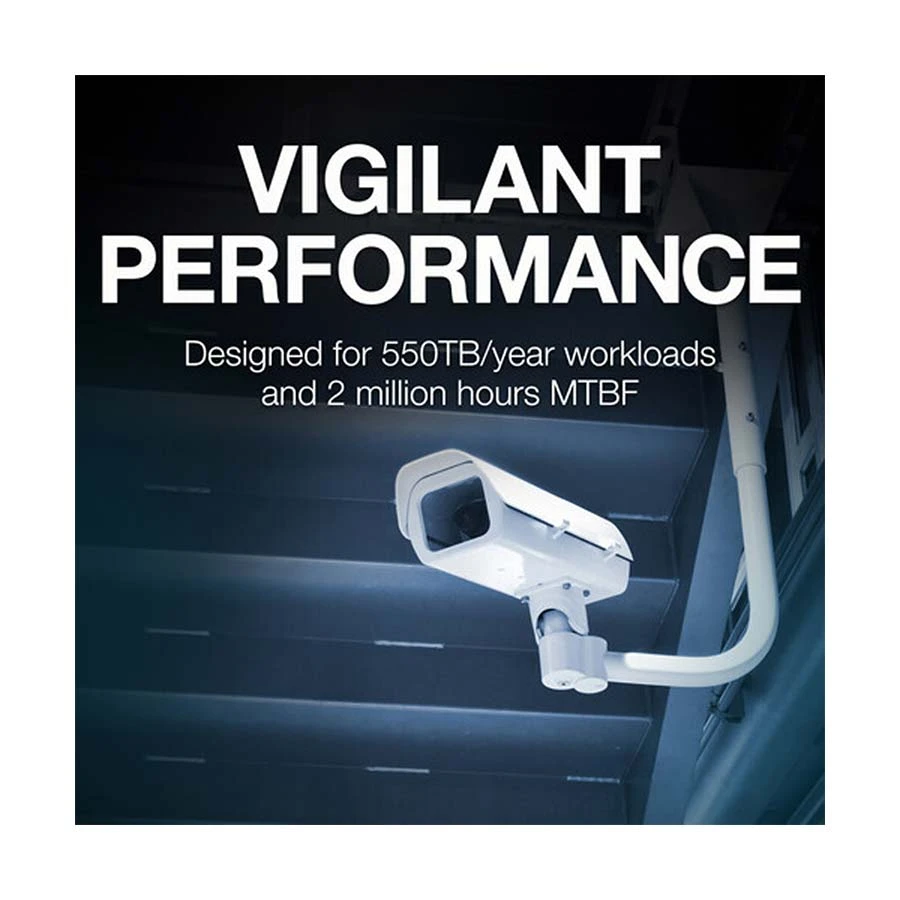
Seagate SkyHawk AI 12TB 3.5" Surveillance HDDThe Seagate SkyHawk AI 12TB 3.5" Surveillance HDD is ideal for systems with 16 or more drive bays and is designed for NVR (network video recorders) and AI-enabled NVR systems. This SkyHawk AI drive supports up to 64 HD cameras and 32 additional AI streams, or 16 AI channels. It is designed for 24/7 workloads or 8760 operational hours annually. With a 550TB annual workload rate, strong dependability is supported by Seagate's ImagePerfect AI technology, which helps to offer 0% missed frames. Furthermore, SkyHawk Health Management emphasizes preventive, response, and rehabilitation strategies to safeguard your surveillance storage. If you want to utilize this disk in a RAID, inbuilt RAID RapidRebuild technology facilitates quicker volume rebuilds. The Seagate SkyHawk AI 12TB 3.5" Surveillance HDD With a 12TB storage capacity, 3.5" form size, SATA III 6 GB/s interface, 256MB cache, and 7200 rpm rotational speed, Seagate's SkyHawk AI drive ensures continuous data transfers at a sustained rate of up to 255 MB/s. 600,000 load/unload cycles, a 2.5 million hour MTBF, 1 per 1015 non-recoverable read errors per bit read, and an annualized failure rate (AFR) of 0.44% all contribute to increased data dependability.
How to Order
Revolution Technology BD has made shopping easier for customers. Follow these steps:
- Click Register Button from home page
- Register with: Name + Email + Mobile + Password
- Click Create Account after entering information
- Login automatically or use Login button
- Provide mobile number and password, then Sign Up
- Choose desired product and click Buy Now
- View product details and click Add to Cart
- Click Item box (upper right corner)
- Go to Shopping Cart page
- Continue Shopping for more products or proceed
- Click "Click Here to Address" button
- Provide Full Name, Phone, Email & Delivery Address
- Click Order Submit button
- View Bill Invoice and receive email confirmation
- Print Invoice using Print button
- Wait for delivery - we'll keep you updated
- Thank you for shopping with us!