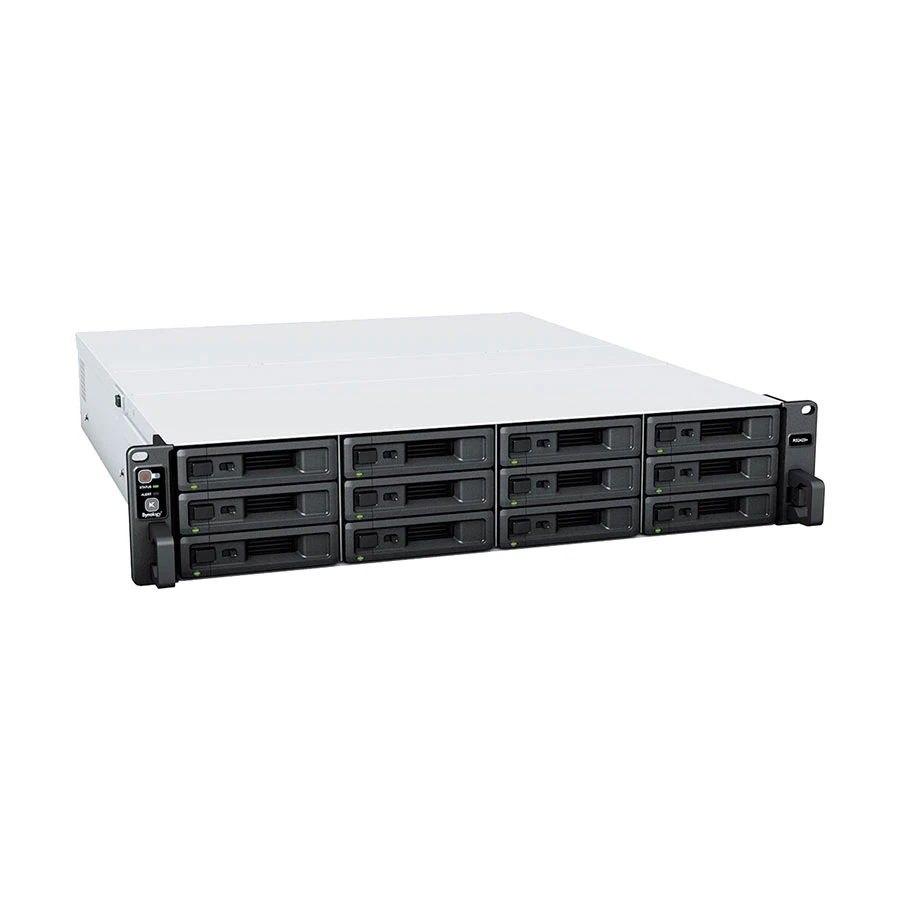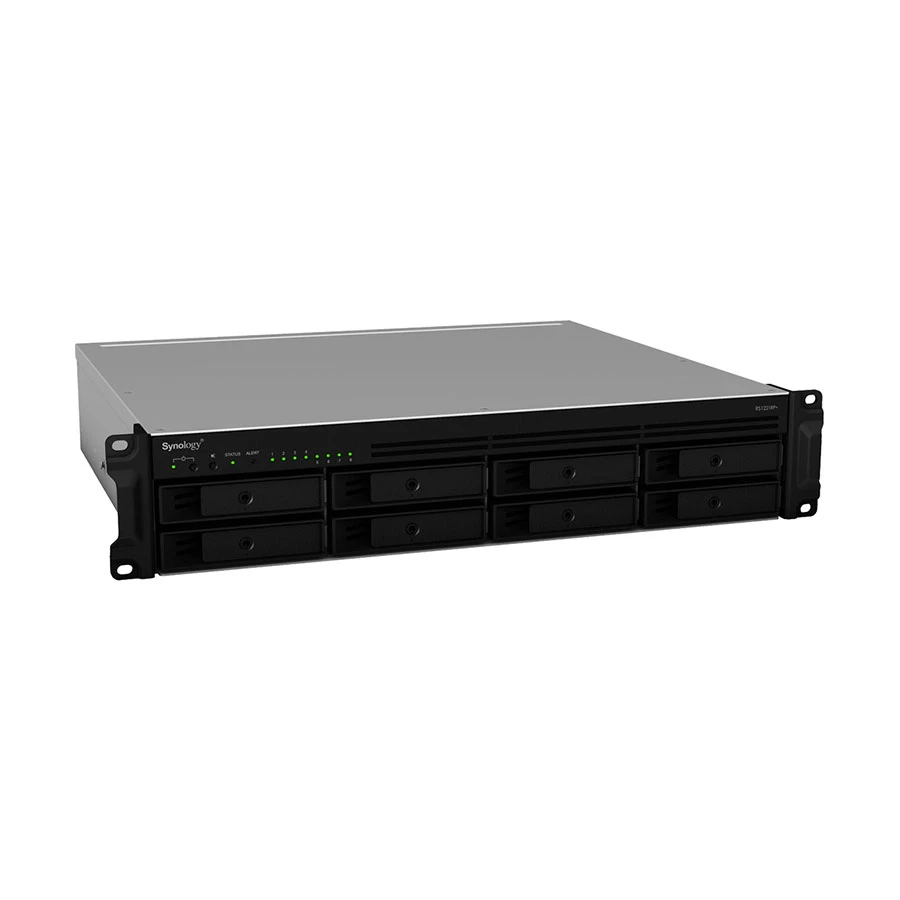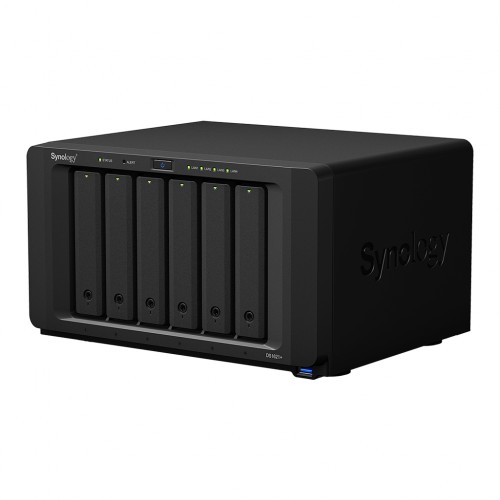
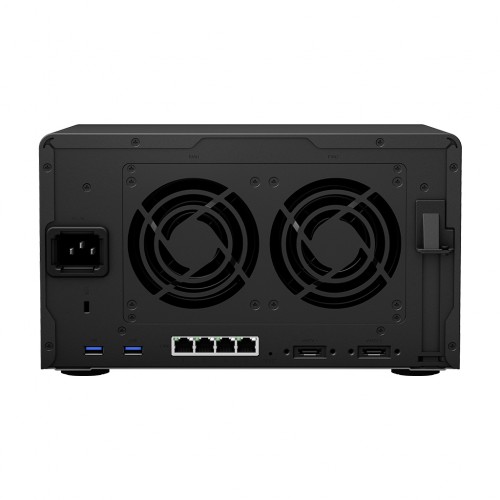
Synology DiskStation DS1621+ 6-Bays NAS Enclosure
Contact us for pricing
Product Details
Key Features
Model:
DiskStation DS1621+
Processor:
2.2 GHz AMD Ryzen V1500B Quad-Core
RAM:
4GB of DDR4 ECC RAM
HDD
Interface: 6 x 3.5"/2.5" SATA Drive Bays
LAN:
4 x Gigabit Ethernet Ports
Specification
|
Processor |
2.2 GHz AMD
Ryzen V1500B Quad-Core |
|
Memory |
4 GB DDR4
non-ECC RAM |
|
RAID Controller |
RAID 0, 1, 5,
6, 10, Hybrid, and JBOD |
|
Operating
System |
Synology
DiskStation Manager OS |
|
Network |
4 x Gigabit
Ethernet Ports |
|
Power Supply
and Cable |
Power Supply
Unit / Adapter: 250 W |
|
Drive Bays |
6 x 3.5″/2.5″
SATA HDD/SSD Drive Bays |
|
Warranty |
2-year warranty |
Description
Synology DiskStation DS1621+ 6-Bays NAS
Enclosure
The Synology DiskStation DS1621+
6-Bays NAS Enclosure is powered by a 2.2 GHz AMD Ryzen V1500B Quad-Core
processor, an AES-NI hardware encryption engine, and Btrfs file system support.
It comes with 4GB of DDR4 ECC RAM. It is designed for small offices and IT
enthusiasts. Two built-in M.2 SSD slots and Synology SSD Cache technology allow
you to boost system I/O and application performance. This NAS is equipped with
six drive bays that are capable of natively supporting 3.5 inch SATA hard drives,
as well as 2.5 inch SATA hard drives and SSDs for data storage. It supports RAID
0, 1, 5, 6, 10, Hybrid, and JBOD. The DiskStation DS1621+ easily scales up to
15 drives. Not only does it offer two 92 x 92 x 25mm fans to help keep the
system running cool always, but its noise-dampening design also makes for quiet
operations. The server supports numerous scheduled power on/off cycles and hard
drive hibernation to further minimize power consumption and operation expenses.
The Synology DiskStation DS1621+ comes with 02-year warranty.
How to Order
Revolution Technology BD has made shopping easier for customers. Follow these steps:
- Click Register Button from home page
- Register with: Name + Email + Mobile + Password
- Click Create Account after entering information
- Login automatically or use Login button
- Provide mobile number and password, then Sign Up
- Choose desired product and click Buy Now
- View product details and click Add to Cart
- Click Item box (upper right corner)
- Go to Shopping Cart page
- Continue Shopping for more products or proceed
- Click "Click Here to Address" button
- Provide Full Name, Phone, Email & Delivery Address
- Click Order Submit button
- View Bill Invoice and receive email confirmation
- Print Invoice using Print button
- Wait for delivery - we'll keep you updated
- Thank you for shopping with us!