Teams Migration
Contact us for pricing
Product Details
Key Features:
To transition to Microsoft
Teams for chat, collaboration, and meetings.
Migrating from Skype for
Business.
Consolidating third-party
collaboration platforms.
Description:
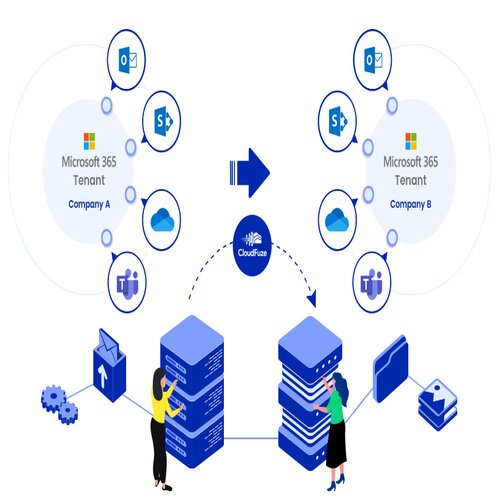
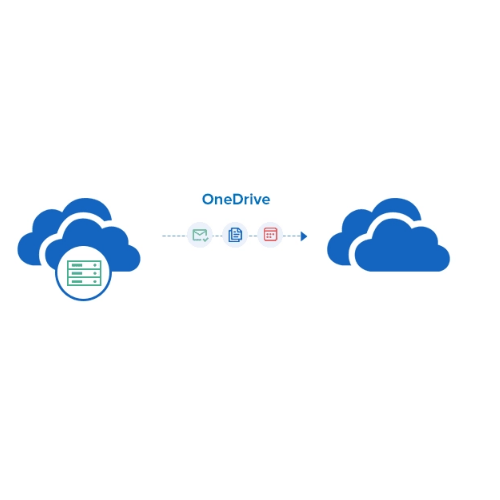
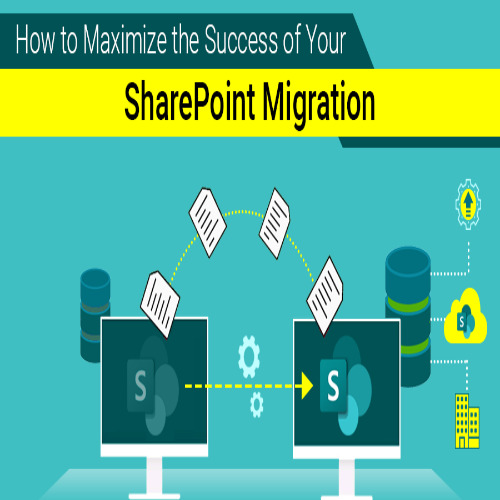
Microsoft Teams Migration refers to the process of moving data, settings, and configurations from one environment to another within Microsoft Teams, or from other platforms to Microsoft Teams. Teams is a collaboration platform within the Microsoft 365 suite, designed to facilitate team communication, file sharing, meetings, and real-time collaboration. The migration process typically involves the transfer of various components, such as teams, channels, messages, files, and settings.
Migrating to Microsoft Teams
might be necessary when an organization is:
Switching to Microsoft 365
from another platform.
Consolidating teams or
restructuring their Teams environment.
Merging different
organizations or divisions that are already using Teams in different tenants.
Migrating from legacy systems,
such as Skype for Business, Slack, or other collaboration tools, to Teams.
To transition to Microsoft
Teams for chat, collaboration, and meetings.
Migrating from Skype for
Business.
Consolidating third-party
collaboration platforms.
Migrating from Slack to
Microsoft Teams.
Moving from Cisco WebEx Teams
to Microsoft Teams.
How to Order
Revolution Technology BD has made shopping easier for customers. Follow these steps:
- Click Register Button from home page
- Register with: Name + Email + Mobile + Password
- Click Create Account after entering information
- Login automatically or use Login button
- Provide mobile number and password, then Sign Up
- Choose desired product and click Buy Now
- View product details and click Add to Cart
- Click Item box (upper right corner)
- Go to Shopping Cart page
- Continue Shopping for more products or proceed
- Click "Click Here to Address" button
- Provide Full Name, Phone, Email & Delivery Address
- Click Order Submit button
- View Bill Invoice and receive email confirmation
- Print Invoice using Print button
- Wait for delivery - we'll keep you updated
- Thank you for shopping with us!